
React Suspense Data Fetching Patterns: From Waterfalls to Progressive Rendering
A practical guide to React Suspense data fetching—patterns, boundaries, caching, streaming SSR, and real-world code examples.
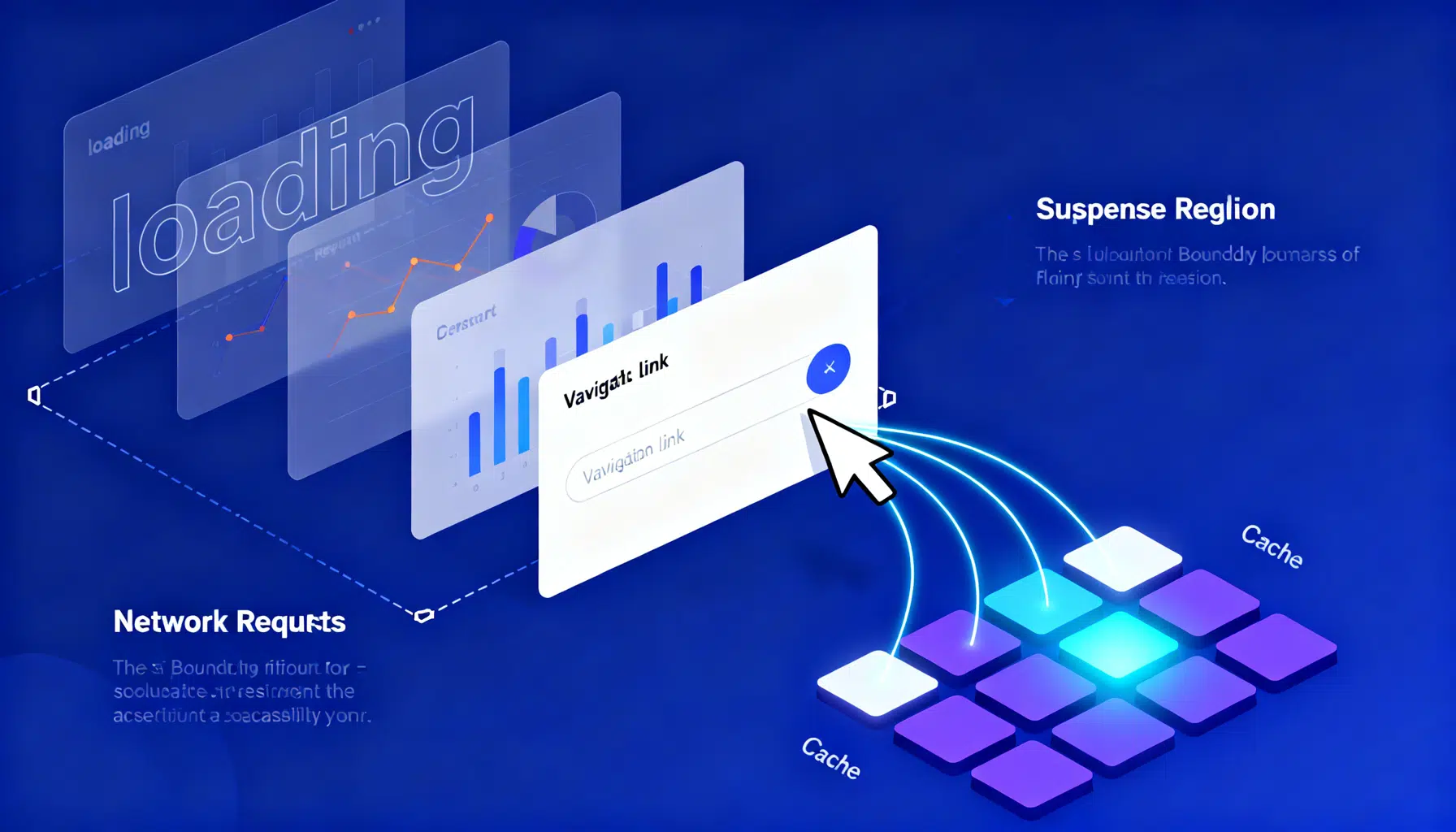
Image used for representation purposes only.
Why Suspense for data fetching
React Suspense lets components declare that they’re “not ready yet.” Instead of wiring loading state through props and effects, a component can pause rendering by throwing a promise. A nearby Suspense boundary catches that pause and shows a fallback (skeleton or spinner) until the data arrives. The result is simpler code and smoother, granular loading states.
This article covers the core patterns you’ll use to fetch data with Suspense, how to place boundaries, and how to integrate caches, SSR streaming, and popular libraries.
The mental model (in one minute)
- A component that needs data tries to read it.
- If the data isn’t available, the read throws a promise.
- The closest
boundary shows its fallback while React waits for the promise. - When the promise resolves, React retries the component and renders the real UI.
- Errors bubble to the nearest error boundary.
Suspense doesn’t fetch by itself; you supply a cache that knows how to read, preload, and reuse in‑flight requests.
The three loading strategies
Historically you’ve probably written one of these:
-
Fetch‑on‑render (waterfall)
Data request happens inside an effect after mount. It’s easy but creates sequential waterfalls. -
Fetch‑then‑render
You fetch before mounting the component (e.g., in a router loader) and render after you have data. Reduces waterfalls but the page stays blank longer. -
Render‑as‑you‑fetch (Suspense‑friendly)
Start fetching at the moment you know you’ll need the data (e.g., on navigation intent), render immediately, and let Suspense reveal sections as data arrives. This maximizes parallelism and improves Time to First Byte/paint.
Suspense enables the third strategy cleanly by letting components “wait” without bespoke loading state plumbing.
A tiny Suspense resource helper
To use Suspense you need a resource abstraction that:
- Caches resolved values
- Dedupes in‑flight requests
- Throws a promise while loading
- Throws an error on failure
Here’s a minimal helper you can adapt:
// resource.ts
export function createResource<K, V>(fetcher: (key: K, signal: AbortSignal) => Promise<V>) {
  const cache = new Map<K, { status: 'pending' | 'resolved' | 'rejected';
                             promise?: Promise<void>;
                             value?: V; error?: unknown; controller?: AbortController }>();

  function load(key: K) {
    let entry = cache.get(key);
    if (entry && (entry.status === 'pending' || entry.status === 'resolved')) return entry;

    const controller = new AbortController();
    const record = { status: 'pending' as const, controller };
    cache.set(key, record as any);

    const p = fetcher(key, controller.signal)
      .then((v) => {
        cache.set(key, { status: 'resolved', value: v, controller });
      })
      .catch((e) => {
        // Ignore abort errors if you want silent cancellation semantics
        cache.set(key, { status: 'rejected', error: e, controller });
      });

    (record as any).promise = p;
    return record as typeof record & { promise: Promise<void> };
  }

  return {
    preload(key: K) {
      load(key);
    },
    read(key: K): V {
      const entry = load(key);
      if (entry.status === 'pending') throw entry.promise!;
      if (entry.status === 'rejected') throw entry.error;
      return entry.value!;
    },
    clear(key?: K) {
      if (typeof key === 'undefined') cache.clear();
      else cache.delete(key);
    },
    abort(key: K) {
      const e = cache.get(key);
      e?.controller?.abort();
    }
  };
}
Use it by defining resources per endpoint:
// api.ts
import { createResource } from './resource';

async function fetchJSON(url: string, signal: AbortSignal) {
  const res = await fetch(url, { signal });
  if (!res.ok) throw new Error(`${res.status} ${res.statusText}`);
  return res.json();
}

export const userResource = createResource<string, { id: string; name: string }>((id, s) =>
  fetchJSON(`/api/users/${id}`, s)
);
Pattern 1: Fetch‑on‑render (with Suspense)
You can still mount and let the component suspend on first read. It’s simple but can waterfall when a parent also suspends.
function UserDetails({ id }: { id: string }) {
  const user = userResource.read(id); // may throw promise/error
  return <div>{user.name}</div>;
}

export function Page({ id }: { id: string }) {
  return (
    <Suspense fallback={<UserSkeleton />}>
      <UserDetails id={id} />
    </Suspense>
  );
}
When is it okay? Small pages, a single request, or cases where you’ve already preloaded elsewhere.
Pattern 2: Fetch‑then‑render (router loaders + Suspense)
Routers or server loaders can fetch before the component tree mounts. Then, inside the tree, use Suspense to split slow subtrees while the shell renders quickly.
- Start fetching at the route level
- Pass a “resource handle” or use a central cache keyed by params
- Let deep children read from the cache and suspend locally if needed
This pattern keeps your route transitions predictable while avoiding spinners for the whole page.
Pattern 3: Render‑as‑you‑fetch (recommended)
Kick off the request as soon as you know it’s needed—often on navigation intent—then render immediately and let boundaries reveal content.
function usePrefetchUser() {
  return (id: string) => userResource.preload(id);
}

export function UserLink({ id, children }: { id: string; children: React.ReactNode }) {
  const prefetch = usePrefetchUser();
  return (
    <a
      href={`/users/${id}`}
      onMouseEnter={() => prefetch(id)}
      onFocus={() => prefetch(id)}
    >
      {children}
    </a>
  );
}

export function UsersPage({ id }: { id: string }) {
  // Optional: wrap navigation in a transition so React deprioritizes the update while pending
  const [isPending, startTransition] = React.useTransition();

  const navigateTo = (nextId: string) => {
    userResource.preload(nextId);
    startTransition(() => {
      // update router state or local state
      // setSelectedId(nextId)
    });
  };

  return (
    <>
      <nav>{/* <UserLink id="..." /> */}</nav>
      <Suspense fallback={<UserSkeleton />}>
        <UserDetails id={id} />
      </Suspense>
      {isPending && <TinyProgressBar />}
    </>
  );
}
This approach maximizes parallelism: the network request runs while React prepares, streams, and hydrates UI.
Where to place Suspense boundaries
Good boundary placement is as important as fetching strategy:
-
Route shell boundary
Wrap the content area so navigation shows a stable frame (header/sidebar) with only the content swapping. -
List/detail split
Wrap slow card details inside Suspense while the list skeleton shows immediately. -
Above expensive components
Wrap charts, maps, and code‑split bundles to avoid blocking the rest of the page. -
Many small boundaries beat one giant one
Smaller fallbacks feel faster and enable progressive reveal.
Tip: Pair Suspense with an ErrorBoundary to catch API failures locally.
Caching, invalidation, and deduping
A Suspense resource needs sane caching rules:
-
Keys
Choose stable keys (URL + search params) to dedupe requests. -
Staleness
Decide when cached data becomes stale (time‑based TTL, ETag/If‑None‑Match, or manual “tags”). -
Invalidation
After a mutation, clear or update affected keys. If you centralize resource creation, expose invalidateByTag helpers. -
Cancellation
Abort outdated requests on param changes to save bandwidth. -
Preload budgets
Prefetch only what a user is likely to need next. Use heuristics like hover/focus or router “in viewport” prefetch.
Transitions, deferred values, and perceived performance
-
useTransition
Wrap state updates that trigger data dependencies, so React can keep the current screen responsive while new data loads. Show lightweight progress indicators, not blocking spinners. -
useDeferredValue
Defer rendering of expensive, filter‑dependent subtrees. Combine with Suspense so the shell updates quickly and details follow.
These hooks don’t fetch data, but they make the concurrent story feel smooth.
Server‑side rendering and streaming
Suspense boundaries shine with streaming SSR:
- The server sends the shell HTML immediately.
- Each boundary streams in as its data resolves.
- The client hydrates progressively, keeping the UI interactive sooner.
Pseudo‑server example:
import { renderToPipeableStream } from 'react-dom/server';
import { App } from './App';

function handleRequest(req, res) {
  const { pipe, abort } = renderToPipeableStream(<App url={req.url} />, {
    bootstrapScripts: ['/client.js'],
    onShellReady() {
      res.statusCode = 200;
      res.setHeader('Content-Type', 'text/html');
      pipe(res);
    },
    onError(err) { console.error(err); },
  });
  setTimeout(abort, 10000); // safety abort
}
Frameworks that support streaming and React Server Components will compose Suspense boundaries automatically. Your job is still to place good boundaries and start data work early.
Working with popular libraries
You don’t have to hand‑roll caches. Mature libraries offer Suspense modes and robust caching/invalidation.
-
TanStack Query (React Query)
Enable Suspense per query or globally.const queryClient = new QueryClient({ defaultOptions: { queries: { suspense: true, staleTime: 5_000 } } }); function User({ id }: { id: string }) { const { data } = useQuery({ queryKey: ['user', id], queryFn: () => fetchJSON(`/api/users/${id}`, new AbortController().signal) }); return <div>{data.name}</div>; } function Page({ id }: { id: string }) { return ( <Suspense fallback={<UserSkeleton />}> <User id={id} /> </Suspense> ); } -
SWR
Turn on Suspense mode and keep stale‑while‑revalidate behavior.function User({ id }: { id: string }) { const { data } = useSWR(`/api/users/${id}`, (url) => fetch(url).then(r => r.json()), { suspense: true }); return <div>{data.name}</div>; } -
Relay
Designed around Suspense from day one; fragments and queries naturally suspend and stream.
Pick one approach per screen to avoid double caches and conflicting invalidation semantics.
Error handling and retries
- Wrap Suspense regions with an ErrorBoundary to localize failures.
- Provide a retry button that clears/invalidates the relevant resource key.
- Differentiate “not found” from network failures. Use status codes to render appropriate UI.
- Log errors with context (route, user action, request id) so you can debug production issues.
Example boundary:
function RetryButton({ onClick }: { onClick: () => void }) {
  return <button onClick={onClick}>Retry</button>;
}

class ErrorBoundary extends React.Component<{ onRetry?: () => void }, { error: any }> {
  state = { error: null };
  static getDerivedStateFromError(error: any) { return { error }; }
  render() {
    if (this.state.error) {
      return (
        <div role="alert">
          <p>Something went wrong.</p>
          {this.props.onRetry && <RetryButton onClick={this.props.onRetry} />}
        </div>
      );
    }
    return this.props.children as any;
  }
}
Testing Suspenseful components
- Use findBy* queries in React Testing Library to await the post‑suspense UI:
render(
  <Suspense fallback={<div>loading…</div>}>
    <UserDetails id="42" />
  </Suspense>
);

expect(screen.getByText(/loading/)).toBeInTheDocument();
expect(await screen.findByText('Ada Lovelace')).toBeInTheDocument();
- For error paths, mock the fetcher to reject and assert the ErrorBoundary output.
- For transitions, assert isPending flags or progress indicators instead of timeouts.
Accessibility and UX tips
- Prefer skeletons over spinners for primary content; they better set expectations.
- Keep fallbacks lightweight and deterministic—avoid layout shifts.
- Use aria‑busy/aria‑live sparingly so screen readers aren’t spammed during progressive reveals.
- Maintain focus: on navigation, move focus to the main region even if content is still loading under Suspense.
Common pitfalls (and fixes)
-
Waterfalls across boundaries
Preload related resources together when navigating; co‑locate prefetch in the router. -
Double fetching
Ensure your cache dedupes by key and ignores re‑renders. Avoid creating new resource instances per render. -
Stale flashes
Pair Suspense with a cache policy (staleTime) so fast revisits render instantly while a background revalidation runs. -
Global mutable caches in long‑lived tabs
Provide a way to garbage‑collect or namespace per user/session.
Putting it all together: a page recipe
- Add route‑level
around the content area. - On navigation intent (hover/focus or programmatic route change), preload the next screen’s critical queries.
- Inside the page, place small boundaries around slow, independent widgets.
- Wrap updates that start data loads in startTransition for responsiveness.
- Handle errors locally and provide targeted retries that invalidate the right cache keys.
- Stream on the server so the shell reaches the user fast while details reveal progressively.
Final thoughts
Suspense doesn’t magically fetch data; it gives React a universal “wait here” mechanism. Combine it with render‑as‑you‑fetch, thoughtful boundary placement, and a capable cache (homegrown or library‑based), and you’ll get faster first paints, fewer waterfalls, and simpler component code. Start by adding boundaries around your slowest widgets, then move preloading earlier and earlier until your screens feel instant.
Related Posts

React Hooks Best Practices: Patterns for Clean, Correct, and Performant Components
A practical guide to React Hooks best practices: state, effects, memoization, refs, custom hooks, concurrency, testing, and pitfalls—with examples.

React Server Components Tutorial: Build Faster Apps with Less Client JavaScript
Learn React Server Components with Next.js and React Router: server-first data, client boundaries, caching, mutations, and security in 2026.

React Hook Form Validation Tutorial: From Basics to Zod Schemas
Learn React Hook Form validation step by step—from register and Controller to type‑safe Zod schemas, async checks, and real‑world tips.