
From Zero to Published: Building and Releasing a Flutter Package on pub.dev
Step-by-step guide to build, test, document, and publish Flutter packages and plugins to pub.dev with CI, versioning, and scoring tips.
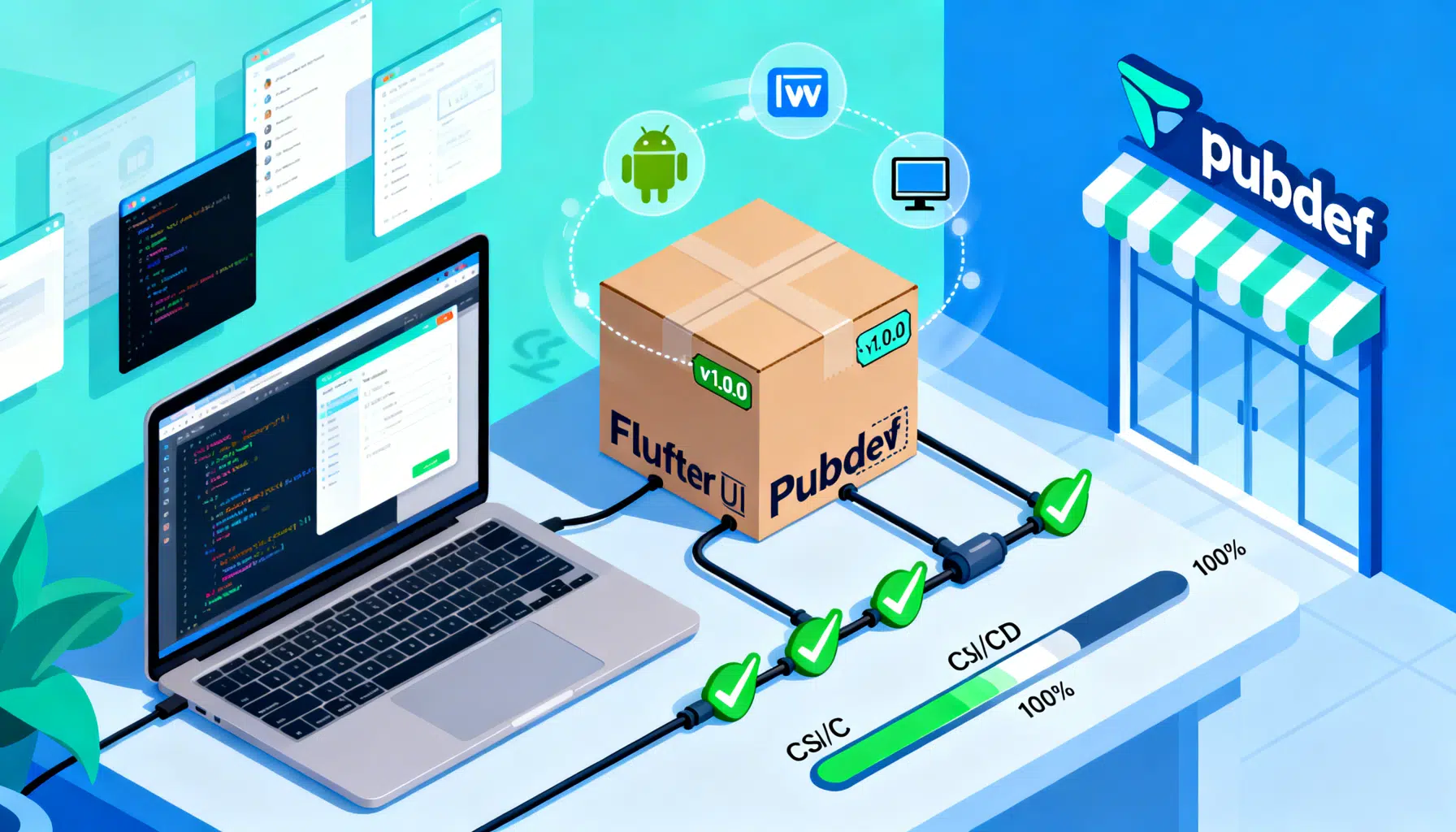
Image used for representation purposes only.
Overview
Publishing a Flutter package to pub.dev turns your solution into a reusable building block for the entire Dart and Flutter ecosystem. This guide walks you end-to-end: planning your API, scaffolding a package or plugin, writing docs and tests, maximizing your pub.dev score, setting up CI, and confidently shipping stable releases.
What you will build
By the end, you will have:
- A well-structured Flutter package or plugin
- Solid tests, linting, and docs
- A CI pipeline that enforces quality
- A versioned release published on pub.dev
Prerequisites
- Flutter SDK installed and on PATH
- Dart SDK (bundled with Flutter)
- Git and a GitHub/GitLab/Bitbucket repository (recommended)
- A Google account to authenticate when publishing
Verify your toolchain:
flutter --version
flutter doctor
Choose your package type
- Pure Dart package: Cross‑platform logic with no platform‑specific code. Ideal for utilities, models, state management, HTTP clients.
- Flutter package: Depends on Flutter framework (widgets, rendering, etc.) but no native code.
- Flutter plugin: Adds platform integrations (Android, iOS, macOS, Windows, Linux, web) via channels or FFI.
- Federated plugin: A plugin split into a platform‑agnostic interface package plus one package per platform implementation. Eases maintenance and lets platforms evolve independently.
Scaffold the project
Pure Dart or Flutter package:
# Pure Dart
dart create -t package my_cool_package

# Flutter-specific (uses Flutter libraries)
flutter create -t package my_cool_flutter_package
Plugin (single or multi‑platform):
flutter create \
  --org com.example \
  --template=plugin \
  --platforms=android,ios,web,macos,linux,windows \
  my_cool_plugin
Federated plugin (outline):
- my_cool_plugin (platform interface)
- my_cool_plugin_android
- my_cool_plugin_ios
- my_cool_plugin_web Each implementation depends on the interface.
Project layout essentials
- lib/: Public Dart API (export from lib/my_cool_package.dart)
- example/: A minimal runnable app showing real usage (crucial for pub score and discoverability)
- test/: Unit, widget, and golden tests
- README.md: Overview, quick start, code snippets, limitations
- CHANGELOG.md: Versioned changes; call out breaking changes
- LICENSE: OSI‑approved license (e.g., MIT, BSD‑3‑Clause, Apache‑2.0)
- analysis_options.yaml: Lints
- pubspec.yaml: Name, description, version, environment, dependencies, Flutter plugin metadata (if any)
Pubspec.yaml: the contract of your package
Minimum viable fields for a Flutter package:
name: my_cool_flutter_package
description: Declarative widgets to build XYZ faster in Flutter.
version: 1.0.0
repository: https://github.com/yourname/my_cool_flutter_package
issue_tracker: https://github.com/yourname/my_cool_flutter_package/issues
homepage: https://github.com/yourname/my_cool_flutter_package
license: MIT
environment:
  sdk: ">=3.0.0 <4.0.0"
  flutter: ">=3.10.0"
dependencies:
  flutter:
    sdk: flutter
  # other runtime deps

dev_dependencies:
  flutter_test:
    sdk: flutter
  lints: ^4.0.0 # or flutter_lints

flutter:
  # For plugins, flutter.plugin.* goes here
  # For showcasing images on pub.dev
  assets: []

# Optional but useful: pub.dev renders these on your package page
screenshots:
  - description: Primary widget in light theme
    path: screenshots/light.png
  - description: Primary widget in dark theme
    path: screenshots/dark.png
Plugin metadata example (snippet):
flutter:
  plugin:
    platforms:
      android:
        package: com.example.my_cool_plugin
        pluginClass: MyCoolPlugin
      ios:
        pluginClass: MyCoolPlugin
      web:
        pluginClass: MyCoolPluginWeb
        fileName: my_cool_plugin_web.dart
API design tips that pay off later
- Keep the public surface small and focused. Prefer value types and immutable models.
- Avoid leaking implementation details or platform types into your API.
- Provide sensible defaults; don’t make users pass 8 parameters for a common case.
- Add deprecation paths instead of removing APIs abruptly.
- Document every public symbol with dartdoc comments.
Example dartdoc:
/// A throttled runner that coalesces rapid calls.
class Throttle {
  /// Creates a [Throttle] that limits invocations to one per [interval].
  Throttle({required this.interval});
  final Duration interval;
}
Tests: confidence to ship
- Unit tests for logic
- Widget tests for rendering and interactions
- Golden tests to catch visual regressions
- Integration tests for plugins (per platform where feasible)
Example unit test:
import 'package:test/test.dart';
import 'package:my_cool_package/my_cool_package.dart';

void main() {
  test('throttle enforces interval', () async {
    final t = Throttle(interval: Duration(milliseconds: 100));
    var count = 0;
    t.call(() => count++);
    t.call(() => count++);
    await Future.delayed(Duration(milliseconds: 150));
    expect(count, 1);
  });
}
Linting, formatting, and analysis
Adopt strong, consistent lints to catch issues early.
analysis_options.yaml:
include: package:flutter_lints/flutter.yaml
linter:
  rules:
    public_member_api_docs: true
    prefer_final_locals: true
    always_declare_return_types: true
Run locally:
dart format --output=none --set-exit-if-changed .
dart analyze
flutter test  # or: dart test for pure Dart
Documentation that users actually read
- README: 5‑minute quick start, rationale, API highlights, troubleshooting
- Example app: runnable, minimal, and mirrors README snippets
- API docs: generated from dartdoc comments
- Screenshots/GIFs: placed under screenshots/ and referenced from README and pubspec
- Badges: pub version, build status, code coverage
README structure starter:
# my_cool_flutter_package

Declarative widgets to build XYZ faster in Flutter.

## Quick start
```dart
final w = MyCoolWidget(config: const MyConfig.fast());
Why this package?
- Fewer lines of code
- Predictable performance
Example
See /example for a runnable app.
## Semantic versioning and change management
Follow semver (MAJOR.MINOR.PATCH):
- PATCH: bug fixes, no API changes
- MINOR: new features, backward compatible
- MAJOR: breaking changes

Best practices:
- Deprecate before removing; annotate deprecated APIs with messages and planned removal version.
- Keep CHANGELOG.md crisp and machine‑parsable; group by Added, Changed, Fixed, Deprecated, Removed.
- Use pre‑releases for testing (e.g., 2.0.0-beta.1).

CHANGELOG snippet:
```md
## 1.1.0
### Added
- New MyCoolConfig.ultra preset.

### Fixed
- Dispose controller in MyCoolWidget.

## 2.0.0
### Breaking
- Renamed CoolController.start() to run(). Use start() -> run().
CI that enforces quality (GitHub Actions)
A simple matrix that formats, analyzes, and tests your package on push and PRs:
name: CI
on:
  push:
    branches: [ main ]
  pull_request:
    branches: [ main ]

jobs:
  build:
    runs-on: ubuntu-latest
    steps:
      - uses: actions/checkout@v4
      - uses: subosito/flutter-action@v2
        with:
          flutter-version: 3.22.0
      - name: Install dependencies
        run: flutter pub get
      - name: Format
        run: dart format --output=none --set-exit-if-changed .
      - name: Analyze
        run: dart analyze
      - name: Test
        run: |
          if [ -f "pubspec.yaml" ] && grep -q "sdk: flutter" pubspec.yaml; then
            flutter test --coverage
          else
            dart test --coverage=coverage
          fi
      - name: Upload coverage artifact
        uses: actions/upload-artifact@v4
        with:
          name: coverage
          path: coverage/
The publishing workflow
- Make sure your package is ready
- All tests pass locally and on CI
- README, CHANGELOG, and LICENSE are present and up to date
- pubspec.yaml has accurate version, environment constraints, repository links, and screenshots (if any)
- example/ runs without errors
- Dry run first
dart pub publish --dry-run
Fix any reported issues (missing files, invalid metadata, analysis warnings).
- Publish
dart pub publish
The CLI opens a browser to authenticate with your Google account. Review the package details and confirm.
- Tag the release
git tag v1.0.0
git push origin v1.0.0
Tags help users correlate code to published versions and power changelog automations.
- Verify on pub.dev
- Check that README renders correctly
- Ensure screenshots and example links work
- Review Pub Points and address suggestions
Maximizing your pub.dev score
Pub.dev highlights three signals:
- Pub Points: Automated quality checks (docs, analysis, example, platform support, null safety, etc.)
- Popularity: Usage across the ecosystem relative to other packages
- Likes: Community endorsement
Quick wins for Pub Points:
- Include a runnable example/
- Document all public APIs and provide package‑level docs
- Pass static analysis with no warnings
- Add a LICENSE file and consistent repository links
- Provide platform implementations where applicable (plugins)
- Ensure null safety throughout
Long‑term signals:
- Stability (few breaking changes, clear migrations)
- Responsive issue handling
- Active maintenance and regular releases
Plugins: platform code in brief
For channels, define a MethodChannel and mirror it per platform. Example Dart side:
import 'package:flutter/services.dart';

class MyCoolPlugin {
  static const _channel = MethodChannel('my_cool_plugin');
  Future<String> platformVersion() async {
    final version = await _channel.invokeMethod<String>('getPlatformVersion');
    return version ?? 'unknown';
  }
}
Implement handlers on Android (Kotlin), iOS (Swift), and web (Dart) per your scaffold. Keep platform logic thin; move cross‑platform logic to Dart where possible.
Security and supply chain hygiene
- Use minimal, well‑maintained dependencies
- Pin upper bounds for dependencies where appropriate to avoid unexpected major upgrades
- Review transitive dependencies periodically
- Enable 2‑factor authentication on your Google account
- Sign Git tags and releases
Maintenance playbook
- Triage issues weekly; label bugs vs. enhancements
- Automate dependency updates (e.g., Renovate) with human review
- Document deprecations and migration steps early
- Batch minor changes; reserve majors for true redesigns
- Communicate roadmap in README or Discussions
Common pitfalls and fixes
- Missing example/: Add a minimal app and reference it in README
- Vague description: Be precise; include use cases and constraints
- Over‑broad SDK constraints: Specify realistic environment.s
- Ignoring analysis warnings: Fix or justify with lints; warnings hurt Pub Points
- README images not showing: Ensure relative paths exist and are added to the published package
Pre-release channels and canary builds
For large changes, publish pre‑releases:
# package version in pubspec.yaml
version: 2.0.0-beta.1
Communicate stability and gather feedback before 2.0.0 final.
Release checklist
- Tests green locally and on CI
- README, CHANGELOG, and API docs updated
- Pubspec version bumped and constraints correct
- Example app runs
- dart pub publish –dry-run clean
- dart pub publish confirmed
- Git tag pushed and release notes published
Conclusion
Great packages feel polished: clean APIs, strong tests, actionable docs, and reliable releases. With a thoughtful structure, CI guardrails, and disciplined versioning, your Flutter package will earn trust—and adoption—on pub.dev.
Related Posts

Flutter Desktop Tutorial: Build and Ship Apps for Windows and macOS
Step-by-step Flutter desktop tutorial for Windows and macOS: setup, coding patterns, plugins, packaging, signing, and CI tips to ship production apps.
Flutter Flavors Done Right: Production and Staging Configuration
A practical, end-to-end guide to configuring Flutter flavors for production and staging across Android, iOS, CI/CD, Firebase, and more.

Mastering Flutter AnimationController: Advanced Techniques, Patterns, and Performance
Advanced Flutter AnimationController techniques: staging, physics, scroll/gesture-driven motion, lifecycle, performance, and testing with code.