
React Error Boundaries: A Complete Implementation Guide
Implement robust React error boundaries with TypeScript examples, reset strategies, logging, Suspense interplay, testing, and accessibility.
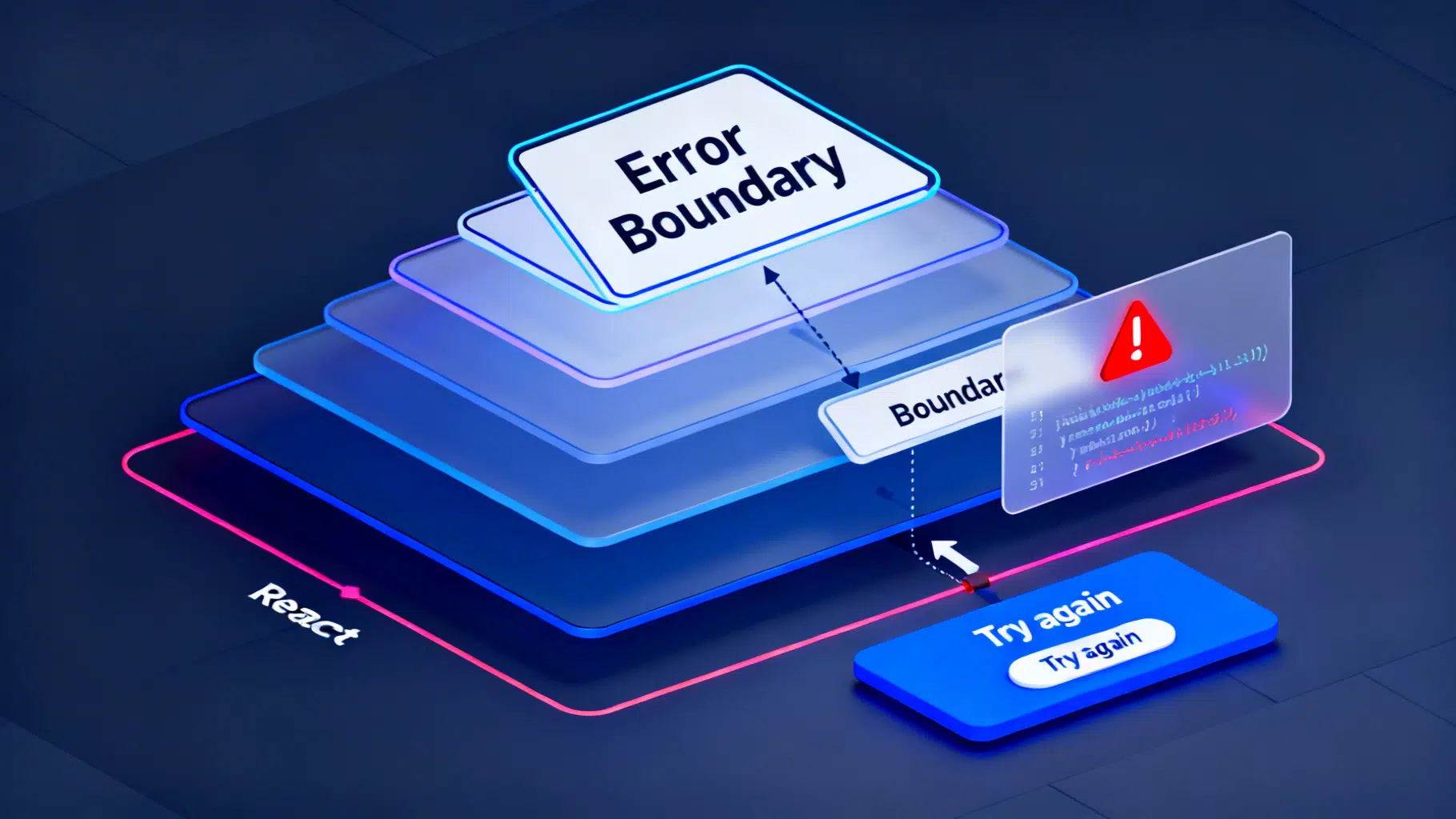
Image used for representation purposes only.
Overview
Error boundaries are React components that catch JavaScript errors anywhere in their child tree during rendering, in lifecycle methods, and in constructors of the children. They prevent a crash from unmounting the entire app, show a graceful fallback UI, and give you a place to log diagnostics.
Key points to remember:
- Error boundaries are class components in core React.
- They catch render/lifecycle/constructor errors in descendants.
- They do not catch errors in event handlers, asynchronous callbacks (e.g., setTimeout), or errors thrown on the server during SSR.
- Combine them with logging and reset strategies for great UX.
What error boundaries catch (and don’t)
Catches:
- Errors thrown while rendering a child component
- Errors in child lifecycle methods (e.g., componentDidMount) and constructors
Doesn’t catch:
- Errors in event handlers (use try/catch inside the handler)
- Asynchronous errors (e.g., setTimeout, requestAnimationFrame, unhandled promise rejections) unless you rethrow during render
- Server-side rendering errors
- Errors thrown within the error boundary component itself
Minimal implementation (JavaScript)
import React from 'react';

class ErrorBoundary extends React.Component {
  constructor(props) {
    super(props);
    this.state = { hasError: false };
  }

  static getDerivedStateFromError(error) {
    // Update state so the next render shows the fallback UI
    return { hasError: true };
  }

  componentDidCatch(error, errorInfo) {
    // Log to an error reporting service
    // logErrorToService({ error, errorInfo });
    console.error('ErrorBoundary caught an error', error, errorInfo);
  }

  render() {
    if (this.state.hasError) {
      return <h2 role="alert">Something went wrong.</h2>;
    }
    return this.props.children;
  }
}

export default ErrorBoundary;
Usage:
<ErrorBoundary>
  <ProblematicWidget />
</ErrorBoundary>
Production-ready boundary (TypeScript) with reset and flexible fallback
import React from 'react';

type FallbackRender = (args: { error: Error; reset: () => void }) => React.ReactNode;

type Props = {
  children: React.ReactNode;
  fallback?: React.ReactNode; // static element
  fallbackRender?: FallbackRender; // render prop receives error and reset
  onError?: (error: Error, info: React.ErrorInfo) => void;
};

type State = { hasError: boolean; error: Error | null };

export class ErrorBoundary extends React.Component<Props, State> {
  state: State = { hasError: false, error: null };

  static getDerivedStateFromError(error: Error): State {
    return { hasError: true, error };
  }

  componentDidCatch(error: Error, info: React.ErrorInfo) {
    this.props.onError?.(error, info);
    // sendToErrorService({ error, info });
  }

  private reset = () => this.setState({ hasError: false, error: null });

  render() {
    if (this.state.hasError) {
      if (this.props.fallbackRender && this.state.error) {
        return this.props.fallbackRender({ error: this.state.error, reset: this.reset });
      }
      if (this.props.fallback) return this.props.fallback;
      return (
        <div role="alert" style={{ padding: 16 }}>
          <h2>Something went wrong.</h2>
          <pre style={{ whiteSpace: 'pre-wrap' }}>{this.state.error?.message}</pre>
          <button onClick={this.reset}>Try again</button>
        </div>
      );
    }
    return this.props.children;
  }
}
Usage with a custom fallback:
<ErrorBoundary
  fallbackRender={({ error, reset }) => (
    <section role="alert" aria-live="assertive">
      <h3>We hit a snag</h3>
      <p>{error.message}</p>
      <button onClick={reset}>Retry</button>
    </section>
  )}
>
  <ProductGallery />
</ErrorBoundary>
Where to place boundaries (and why)
Think in layers, from coarse to fine:
- App shell: Catch anything that would otherwise blank the entire screen. Keep the fallback generic but branded.
- Page/route level: Isolate failures to a single page. Helpful in multi-route apps.
- Feature/widget level: Wrap risky components (charts, third‑party widgets, complex forms) so the rest of the page keeps working.
Tips:
- Favor multiple small boundaries over one giant boundary.
- Place boundaries just above components that are likely to fail (dynamic data, experimental features).
- Keep fallbacks context-aware. A broken “Reviews” panel can show a message and a “Reload reviews” button without hiding the rest of the product page.
Reset and retry strategies
How users recover matters more than how you fail.
Common patterns:
- Reset method: Expose a reset function (as shown above) so a “Try again” button clears error state.
- Keyed remount: Change a key on the boundary or its child to force a fresh mount.
Example: remount when productId changes
<ErrorBoundary key={productId}>
  <ProductDetails id={productId} />
</ErrorBoundary>
- Data refetch + reset: Pair the reset with a refetch call so the next render has fresh data.
Handling event and async errors with boundaries
Boundaries don’t catch errors in event handlers or async callbacks—but you can route them through a boundary by rethrowing during render.
Pattern for function components:
function SaveButton() {
  const [error, setError] = React.useState<Error | null>(null);
  if (error) throw error; // thrown during render → caught by nearest ErrorBoundary

  const onClick = async () => {
    try {
      await saveDocument();
    } catch (e) {
      setError(e as Error);
    }
  };

  return <button onClick={onClick}>Save</button>;
}
For synchronous event errors, use try/catch inside the handler or adopt the same “store then throw” pattern.
Working with Suspense
Suspense and error boundaries complement each other:
- A thrown Promise is handled by the nearest Suspense boundary and shows its loading fallback.
- A thrown Error is handled by the nearest error boundary and shows its error fallback.
Composition pattern:
<Suspense fallback={<Spinner label="Loading products…" />}>
  <ErrorBoundary fallback={<ErrorPanel />}>
    <ProductList />
  </ErrorBoundary>
</Suspense>
Order matters: put Suspense and ErrorBoundary where their fallbacks make UX sense for loading vs. failure.
Logging and observability
Use componentDidCatch to capture diagnostics:
- Error message and stack
- Component stack (from React.ErrorInfo)
- User/session context, feature flags, route
- Breadcrumbs leading up to the crash (optional)
Skeleton logger:
function sendToErrorService(payload: {
  message: string;
  stack?: string;
  componentStack?: string;
  context?: Record<string, unknown>;
}) {
  // POST to your logging endpoint
}
Then call it from componentDidCatch:
componentDidCatch(error: Error, info: React.ErrorInfo) {
  sendToErrorService({
    message: error.message,
    stack: error.stack,
    componentStack: info.componentStack,
    context: { route: window.location.pathname },
  });
}
Best practices:
- Ship source maps for readable stack traces in production builds.
- Sanitize PII before sending logs.
- Deduplicate repeated crashes server-side and track error rates per release.
Accessibility of fallback UIs
- Use role=“alert” and aria-live=“assertive” for critical failures.
- Ensure keyboard focus moves into the fallback when it appears.
- Provide a visible retry action and, when possible, a non-blocking path (e.g., “Back to dashboard”).
Testing error boundaries
With React Testing Library, simulate a child that throws during render and assert the fallback appears.
import { render, screen } from '@testing-library/react';
import React from 'react';
import { ErrorBoundary } from './ErrorBoundary';

function Boom() {
  throw new Error('Kaboom');
}

test('renders fallback on error', () => {
  render(
    <ErrorBoundary fallback={<div role="alert">Oops!</div>}>
      <Boom />
    </ErrorBoundary>
  );
  expect(screen.getByRole('alert')).toHaveTextContent('Oops!');
});
To test reset, render with a fallbackRender that calls reset and assert children reappear after clicking the retry button.
Common pitfalls
- Expecting boundaries to catch event handler errors: handle those locally or rethrow on render as shown.
- Wrapping the entire app with a single boundary: you’ll lose granularity and context.
- Swallowing errors without logging: always record diagnostics.
- Fallbacks that trap focus or provide no escape: design for accessibility.
- Forgetting to reset on input changes: use keyed remounts when the underlying resource identity changes (e.g., route params, IDs).
When to consider a library
If you prefer hooks-friendly ergonomics, a small utility library can reduce boilerplate by providing:
- A ready-made ErrorBoundary component with resetKeys support
- A useErrorHandler hook to surface async errors to a boundary
- Sensible FallbackComponent patterns
These libraries don’t replace the core concept—they package common patterns so you write less code.
Performance considerations
- The boundary itself is cheap; it only does extra work when handling an error.
- On error, React unmounts the failed subtree and renders the fallback. Keep fallbacks lightweight to avoid cascading failures.
- Avoid putting boundaries around extremely granular leaf nodes; aim for meaningful UI sections.
Deployment checklist
- Boundaries in place at app, route, and feature levels
- Fallback UIs accessible and branded
- Reset/retry wired (button and keyed remounts)
- Error logging with source maps enabled
- Tests covering failure and recovery paths
- Suspense and error boundaries composed intentionally
Conclusion
Error boundaries are your last line of defense against runtime crashes in React UIs. Implement a robust boundary, place it strategically, log aggressively, and give users a clear path to recover. With a few disciplined patterns—reset, keyed remounts, and accessible fallbacks—you’ll turn hard failures into manageable, user-friendly states.
Related Posts

React Hooks Best Practices: Patterns for Clean, Correct, and Performant Components
A practical guide to React Hooks best practices: state, effects, memoization, refs, custom hooks, concurrency, testing, and pitfalls—with examples.

React Accessibility: Practical ARIA Best Practices
A practical React guide to ARIA—when to use it, when not to, plus patterns for focus, labels, widgets, and testing.

React Optimistic UI Updates: A Practical, Fail‑Safe Tutorial
Build fast, resilient optimistic UI updates in React. Learn patterns, rollback, and examples using plain hooks and TanStack Query.