
iOS 26.3.1 is out: What’s new, who should update, and what to expect
Apple releases iOS 26.3.1 with bug fixes and Studio Display support—no new CVEs. Here’s what’s in the update, who should install it, and how to get it.
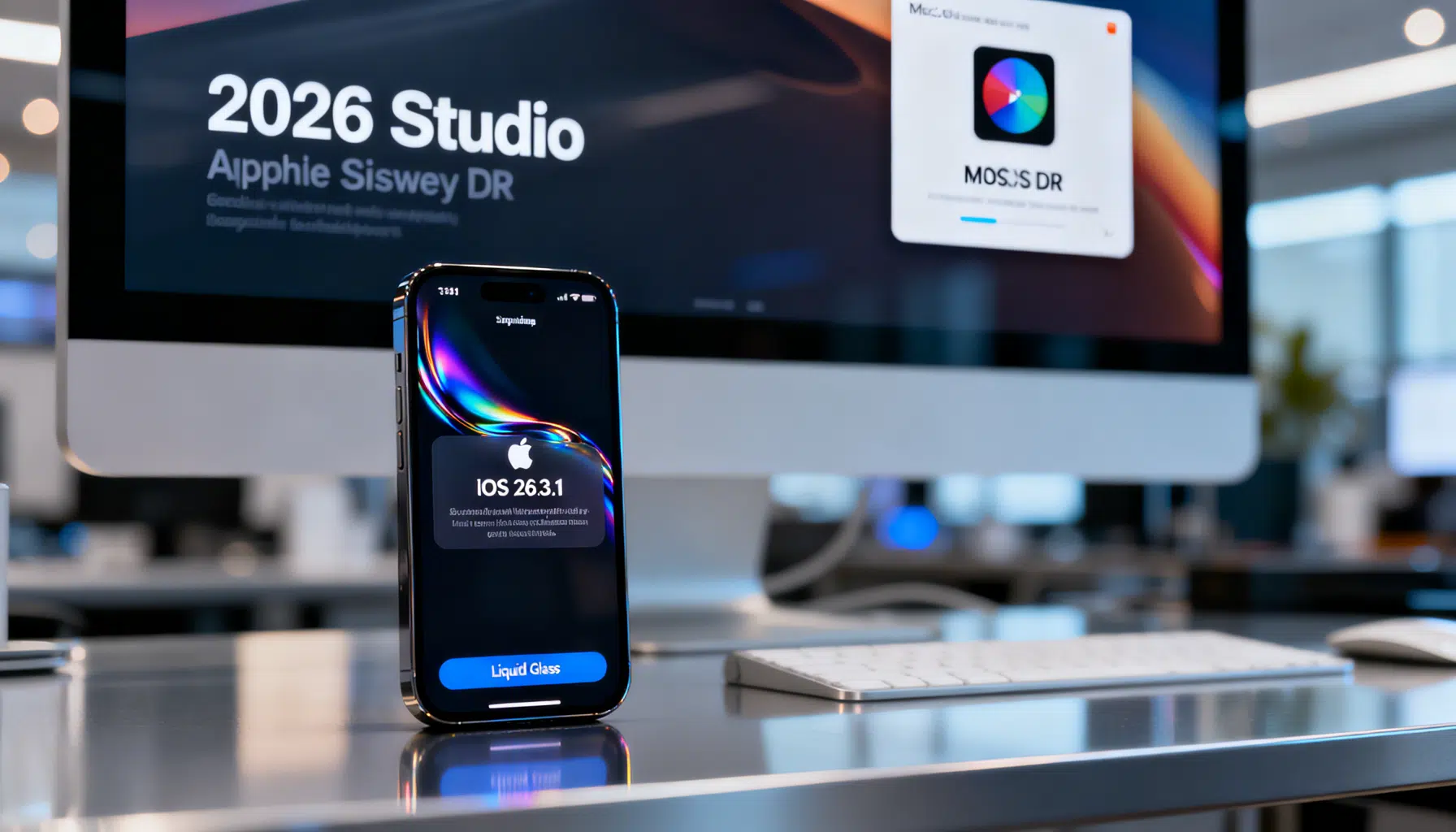
Apple quietly ships iOS 26.3.1: a small-but-important polish pass for iPhone
Apple has begun rolling out iOS 26.3.1, a quick follow‑up to February’s iOS 26.3 that focuses on stability and hardware compatibility rather than headline features. The release started appearing for users between March 4 and March 6, 2026, depending on region and server rollout. Apple’s notes emphasize bug fixes and new hardware support, with no published security CVEs for this update. (macrumors.com )
What’s new in iOS 26.3.1
- Studio Display support across the ecosystem: Apple’s release notes cite added compatibility for the new 2026 Studio Display lineup (including a higher‑end Studio Display XDR variant). While iPhones don’t directly drive these monitors, Apple says the support is part of a broader platform update that also touches iPadOS and macOS, suggesting firmware and integration tweaks across devices. (macrumors.com )
- Bug fixes and under‑the‑hood improvements: Apple hasn’t itemized individual fixes, but positions 26.3.1 as a maintenance release to improve reliability after the bigger 26.3 drop. Notably, Apple specifies that this update lists “no published CVE entries,” distinguishing it from recent security-heavy patches. (forbes.com )
No CVEs this time—context matters
If you’re wondering why this release seems quieter on the security front, it’s because iOS 26.3 (late February) carried dozens of security patches and mitigations—Apple often follows such updates with a stabilizing .1 release. Earlier this year, Apple also fixed an actively exploited zero‑day affecting multiple platforms, but that mitigation landed in other point releases (including iOS 18.7.5 for devices that remain on iOS 18) rather than 26.3.1. In short: 26.3.1 is about polish, not plugging new holes. (macworld.com )
Eligible devices and a parallel update for older iPhones
- iOS 26 remains available for iPhone 11 and newer models, with Apple’s support documents and coverage reiterating that device class. If your iPhone runs iOS 26.3 today, you should see 26.3.1 appear over the coming days. (support.apple.com )
- For owners of older handsets that don’t support iOS 26, Apple released iOS 18.7.6 alongside 26.3.1—continuing its practice of issuing “evergreen” security and stability updates for devices that can’t move to the latest annual OS. Specifically called out are iPhone XS, XS Max, and XR. (forbes.com )
Early user reports: mostly smooth, with a few heat and battery complaints
As with any iOS point release, early anecdotal reports are mixed. While many users say 26.3.1 feels uneventful—in a good way—some posts mention increased device warmth and heavier battery drain, particularly on recent Pro models. These are not universal and may settle after post‑update reindexing or app updates, but they’re worth noting if you’re especially sensitive to runtime changes. (reddit.com )
Why “iOS 26,” not “iOS 19”?
If you’ve been away from the Apple news cycle, the jump from iOS 18 to iOS 26 was intentional. Apple aligned software versioning across platforms to reflect the year‑based cycle—so the iPhone software covering most of calendar 2026 is labeled iOS 26. Industry reporting laid out the rationale last year, and subsequent coverage explained the branding shift during the 2025 software announcements. (arstechnica.com )
Should you update today?
- Yes, for most users: With no new CVEs listed and a focus on stability and compatibility, 26.3.1 is a low‑risk way to smooth out any rough edges you may have noticed on 26.3—especially if you use Apple’s latest Studio Displays somewhere in your setup. (macrumors.com )
- Cautious users can wait 48–72 hours: If your iPhone is mission‑critical for work or you’ve been unaffected by issues since 26.3, waiting a couple of days to see if new bugs surface is reasonable. Adoption patterns in recent months show some users deliberately lagging a bit between point releases, particularly when Apple continues to service older OS tracks separately. (techradar.com )
How to install iOS 26.3.1
- On your iPhone, go to Settings > General > Software Update. If you don’t see the update immediately, try again later; Apple staggers rollouts and even with Automatic Updates on, it can take a while before you’re prompted. (macworld.com )
- Ensure you have sufficient free space and a solid Wi‑Fi connection. Update sizes vary dramatically based on your device and the version you’re upgrading from; if storage is tight or the download stalls, free up space and retry. For large point releases, Apple recommends at least several gigabytes of headroom. (techradar.com )
Enterprise and IT notes
- No new CVEs were published for iOS 26.3.1 at release time, which implies a lighter risk‑management lift for change tickets compared to 26.3. If your fleet integrates with Apple’s newest displays or you experienced post‑26.3 regressions, 26.3.1 should be green‑lit after quick pilot testing. (forbes.com )
What’s next: iOS 26.4 on deck
Apple’s own documentation and developer telemetry point to iOS 26.4 arriving next, likely with feature tweaks that didn’t make the 26.3 train. For now, 26.3.1 is the current public build for compatible iPhones, with iPadOS and macOS minor updates rolling in parallel. (9to5mac.com )
The bottom line
iOS 26.3.1 is a steadying release: no security fireworks, just practical fixes and compatibility updates—particularly for Apple’s latest Studio Displays. If you’re already on iOS 26, you can safely update at your convenience; if you’re holding on to an older device, Apple’s parallel iOS 18.7.6 track keeps you covered. Either way, back up first, allow some post‑update settling time, and keep an eye on your most‑used third‑party apps for optimizations in the days ahead. (macrumors.com )
Related Posts

The Pink MacBook Returns: Apple’s Blush MacBook Neo Lands at $599
Apple’s pink MacBook returns as the Blush MacBook Neo: $599, pre‑orders live, deliveries start March 11, 2026. Here’s what’s new, and what’s missing.

Apple’s $599 MacBook Neo: specs, trade‑offs, and who should buy it
Apple debuts the $599 MacBook Neo: A18 Pro chip, colorful design, Apple Intelligence, and March 11 availability—here’s what’s included and what’s missing.
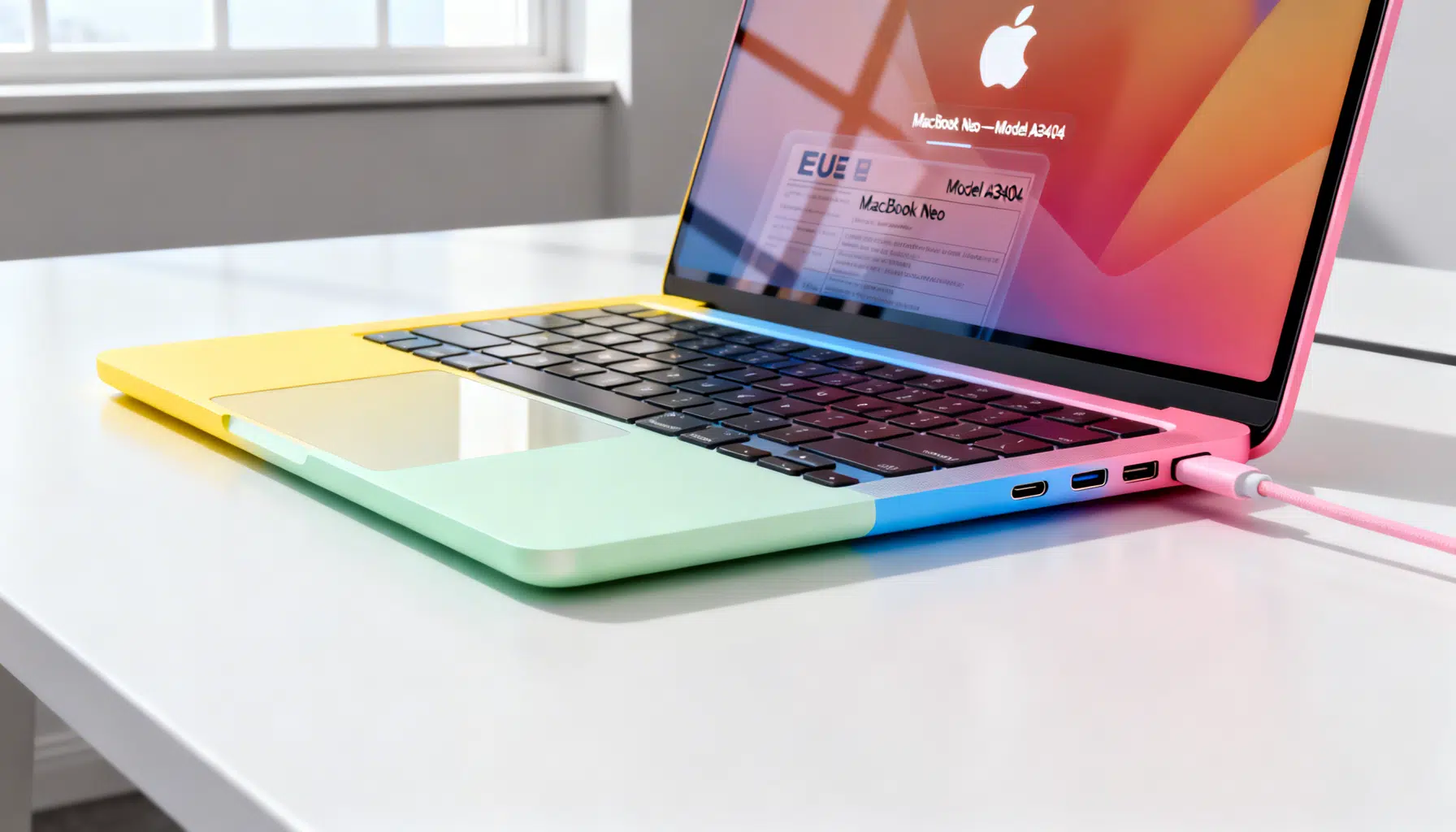
Apple’s ‘MacBook Neo’ leak points to a budget MacBook with iPhone‑class chip, possibly debuting today
Apple’s site briefly named a “MacBook Neo,” hinting at a budget MacBook with an iPhone-class chip. Here’s what leaked and what to watch for today.