
iOS 26.4: New Ways to Customize Your iPhone and What’s Coming This Month
iOS 26.4 is nearing release. Here’s how to personalize your iPhone with Liquid Glass, icon sizing, label controls, and more—plus what to expect this month.
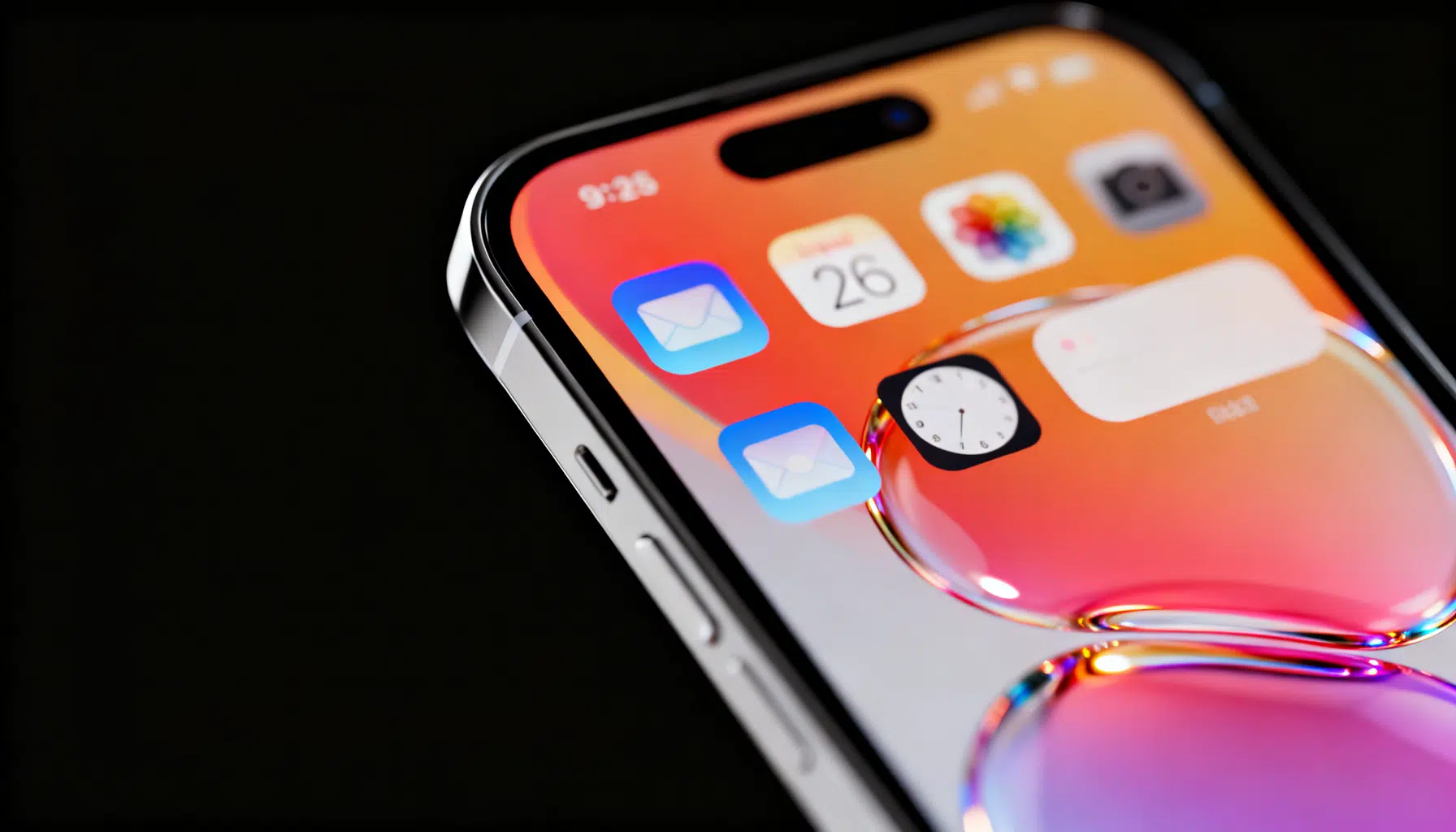
Image used for representation purposes only.
iOS 26.4 is almost here: what’s new for iPhone customization — and what you can do today
As of March 15, 2026, the current public build is iOS 26.3, with iOS 26.4 expected to roll out later this month following a release-candidate window around mid‑March. Apple’s year‑based versioning means “26” maps to the 2025–2026 cycle, and 26.4 is shaping up as the spring feature and polish release. (macrumors.com )
iOS 26 ushered in Apple’s new Liquid Glass design language across the system, renewing how icons, widgets, and interface chrome behave and look. That redesign is the bedrock for a wave of personalization features that continue to evolve in 26.3 and the incoming 26.4. (apple.com )
The big shift: Liquid Glass and a more personal Home/Lock Screen
Apple’s Liquid Glass aesthetic brings depth, translucency, and dynamic motion to surfaces, extending to the Home and Lock Screens and enabling more expressive icon and widget treatments — including a “clear” look — to better harmonize with your wallpaper. This is the first top‑to‑bottom visual refresh since iOS 7 and sets the stage for years to come. (apple.com )
Beyond the look, Apple’s year‑based iOS numbering aligns with broader platform updates across macOS, watchOS, tvOS, and more, reflecting a coordinated redesign wave rather than a single‑platform tweak. (arstechnica.com )
What’s new specifically for customization in iOS 26
- Icon size and labels: In iOS 26, you gain granular visual control — including the ability to resize app icons and toggle off labels for an ultra‑clean grid. These options build on the icon appearance controls Apple began expanding in recent releases. (engadget.com )
- Icon and widget “clear”/tinted styles: Liquid Glass enables “clear” and tinted variants that adapt to background colors and light, helping you create cohesive themes across pages and the App Library. (apple.com )
- Legacy groundwork from iOS 18 that still matters: If you’re coming from an older iPhone, remember iOS 18 introduced two pillars that remain central today — freeform icon placement and system‑wide icon tinting for cohesive color schemes. Together they unlocked the modern theming era on iPhone. (wired.com )
Hands‑on: how to customize your iPhone now (iOS 26.3)
Use the steps below to get a fresh look today. Menu names can vary slightly by device, but the flow is consistent.
- Change icon appearance (clear, tinted, dark)
- Long‑press the Home Screen, tap Customize (or the appearance button), then choose an icon style. “Clear” and tinted options leverage Liquid Glass to draw color and light from your wallpaper. (apple.com )
- Resize icons and hide labels
- In the same Customize view, use the size control to grow or shrink icons. Toggle “Show Labels” off for a minimal look that spotlights your wallpaper and widgets. (engadget.com )
- Apply a unified color tint
- For a cohesive theme, pick a single tint to apply system‑wide across app icons and the App Library. This is faster than swapping individual icon packs. (macrumors.com )
- Arrange apps and widgets more freely
- Press and hold the Home Screen, then drag apps and widgets to create breathable negative space or symmetrical clusters. That grid‑breaking freedom, introduced in the iOS 18 cycle, remains available in iOS 26. (wired.com )
- Refresh the Lock Screen
- From Settings > Wallpaper & Lock Screen (or long‑press the Lock Screen), pair a complementary wallpaper with your Home Screen theme. Music playback and other UI elements now better align with the Liquid Glass look. (techcrunch.com )
- Fine‑tune Control Center
- Add, remove, and reorder controls to match your theme and usage. The updated visuals from iOS 26 carry into these panels, so consider grouping similar colors or functions for visual clarity. (techcrunch.com )
What to expect in iOS 26.4
Timing
- Apple’s spring iOS point update typically arrives late March. This year, watchers expect an RC around March 16 and a public release roughly a week later. As always, target dates can slip. (geeky-gadgets.com )
Features and focus
- Apple has been testing 26.x builds with a continued emphasis on stability and polish after the design transition. Separately, multiple reports tie a major Siri/Apple Intelligence upgrade to the 26.4 timeframe, though Apple hasn’t officially detailed the feature list for this release. Treat this as likely but unconfirmed until the notes land. (macrumors.com )
What that means for customization
- Expect incremental refinement — e.g., additional icon styling tweaks, animation polish, or consistency updates across first‑party apps — rather than a wholesale theming overhaul. The largest leaps already arrived with iOS 26’s Liquid Glass rollout and earlier iOS 18 groundwork. (macrumors.com )
Compatibility: who gets the new options
iOS 26 supports a wide range of recent iPhones; if you purchased within the last several years, you’re likely covered. Check the full compatibility list before updating, especially if you’re coming from an older model. (techradar.com )
Quick‑start theming recipes
-
Minimal monochrome
- Set a neutral wallpaper, choose “clear” icons, hide labels, and deploy a small number of monochrome widgets for time, calendar, and tasks. (apple.com )
-
Color‑picked cohesion
- Use a photo wallpaper, sample a dominant color as your global tint, and mix medium widgets that echo that hue (weather, notes, music). (macrumors.com )
-
Functional focus boards
- Arrange a single Home page per focus (Work, Fitness, Travel). Use freeform placement to create action clusters with large widgets at thumb‑reach, plus hidden labels for a clean look. (wired.com )
Troubleshooting and accessibility: when Liquid Glass is “too much”
Some users report eye strain or vertigo with the new design’s transparency and motion. If the look is distracting, you can dial it back in Accessibility settings (Reduce Transparency, Reduce Motion) and still keep your theme intact. (techradar.com )
Bottom line
iOS 26 made the iPhone more personal than it has been in years, and iOS 26.4 is poised to refine that experience before the summer cycle begins. Today, you can craft expressive themes with clear and tinted icons, resize and de‑label your grid, arrange pages more freely, and sync the look across Lock Screen and Control Center — then dial back the visual intensity if needed. Watch for Apple’s official 26.4 notes later this month for any last‑minute additions, and back up before you update. (apple.com )
Related Posts
MacBook Air M5: Faster Silicon, Wi‑Fi 7, and 512GB Base Storage Mark Apple’s 2026 Refresh
Apple’s 2026 MacBook Air adds M5 speed, Wi‑Fi 7/Bluetooth 6, and 512GB base storage. Prices start at $1,099 on March 11 availability.
Apple’s $599 MacBook Neo: specs, trade‑offs, and who should buy it
Apple debuts the $599 MacBook Neo: A18 Pro chip, colorful design, Apple Intelligence, and March 11 availability—here’s what’s included and what’s missing.
Smartphones 2026: Agentic AI arrives with Galaxy S26, Pixel 10’s Gemini, and Apple’s new iPhone 17e
Galaxy S26, Pixel 10’s new Gemini powers, and Apple’s iPhone 17e make agentic AI the defining smartphone story of March 2026.