
Microsoft issues emergency Windows 11 update to fix broken sign-ins as two OOB hotpatches land
Microsoft ships an emergency Windows 11 update (KB5085516) to fix broken Microsoft account sign-ins; two hotpatch OOB updates also landed this week.
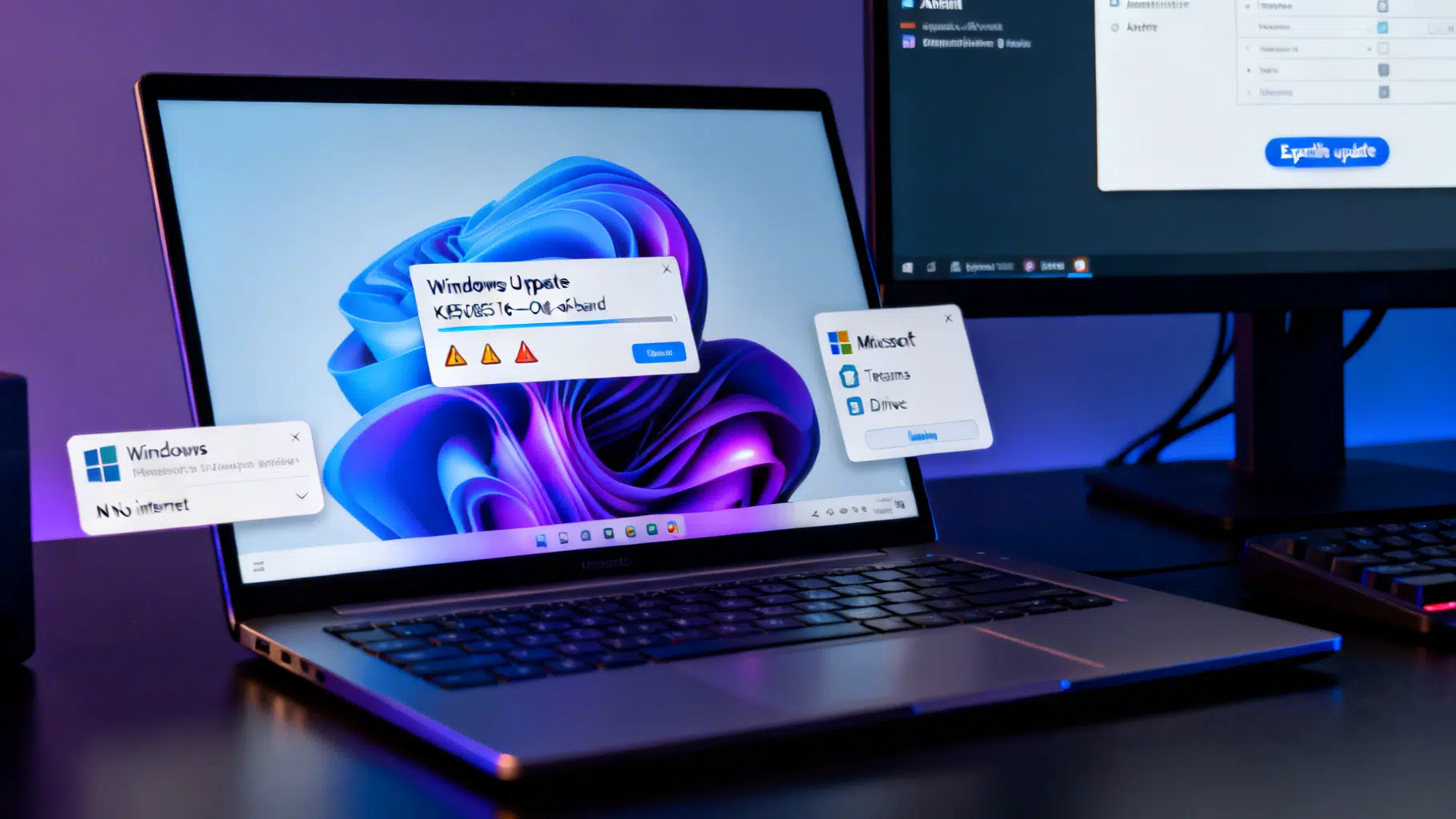
Image used for representation purposes only.
Microsoft rushes emergency Windows 11 update after Patch Tuesday breaks sign-ins
Microsoft has shipped an out‑of‑band Windows 11 update to fix widespread Microsoft account sign‑in failures that appeared after the March Patch Tuesday release. The emergency cumulative update, KB5085516, went live on March 21, 2026 for Windows 11 versions 25H2 and 24H2 and restores access to apps like Teams (Free) and OneDrive that were suddenly reporting “no internet” even on connected devices. (learn.microsoft.com )
What happened
After installing the March 10 cumulative update (KB5079473), some Windows 11 users found they could no longer sign in with personal Microsoft accounts across multiple apps, including Teams (Free), OneDrive, Edge, Excel, Word, and features in Microsoft 365 Copilot. The error falsely warned that the PC was offline, blocking authentication. Microsoft acknowledged the bug in its release health notes and KB documentation, and BleepingComputer highlighted the disruption on March 20. (support.microsoft.com )
The emergency fix: KB5085516
Microsoft’s out‑of‑band cumulative update KB5085516 addresses the sign‑in problem and bundles all protections from March Patch Tuesday. It is available via Windows Update and the Microsoft Update Catalog for Windows 11 25H2 and 24H2; devices with “Get the latest updates as soon as they’re available” turned on will receive it automatically. (support.microsoft.com )
- Who should install it: Any Windows 11 24H2 or 25H2 device affected by Microsoft account sign‑in failures post‑KB5079473. (support.microsoft.com )
- How to get it: Settings > Windows Update > Check for updates, then Download & install; admins can also expedite deployment via Intune or Autopatch. (support.microsoft.com )
Tip: After installing, your OS Build should advance to 26100.8039 (24H2) or 26200.8039 (25H2). Check with “winver.” (support.microsoft.com )
Two more out‑of‑band hotpatches this week (for enterprises)
In the same week, Microsoft also pushed two hotpatch‑only out‑of‑band updates for Windows 11 Enterprise devices enrolled in hotpatching. These install without a reboot and target specific enterprise scenarios: (learn.microsoft.com )
- March 13: KB5084597 fixes security issues in the Routing and Remote Access Service (RRAS) management tool that could allow code execution when connecting to a malicious server (CVE‑2026‑25172, CVE‑2026‑25173, CVE‑2026‑26111). Offered only to hotpatch‑enabled devices. (support.microsoft.com )
- March 16: KB5084897 resolves a bug where Bluetooth devices failed to appear in Settings or Quick Settings despite being connected, which also impeded pairing new devices. Hotpatch‑enabled devices only. (support.microsoft.com )
Note: These hotpatches are distinct from the March 21 cumulative update and target different audiences; standard Windows Update devices receive KB5085516 instead. (learn.microsoft.com )
Why Microsoft moved fast: security context
March’s Patch Tuesday was a busy one: Microsoft fixed 79 vulnerabilities, including two publicly disclosed zero‑days, and multiple Office flaws that warranted quick remediation across environments. That context—combined with the sign‑in regression—helps explain the cadence of rapid, out‑of‑band releases this month. (bleepingcomputer.com )
What to do now
For home users
- Open Settings > Windows Update and install KB5085516 if it’s offered. If you turned off “Get the latest updates,” choose Check for updates and opt in to the download. (support.microsoft.com )
- Re‑try sign‑ins for Teams (Free), OneDrive, and other Microsoft apps after the update completes. (support.microsoft.com )
For IT admins
- Expedite KB5085516 to affected Windows 11 24H2/25H2 devices using Intune or Windows Autopatch. Microsoft provides step‑by‑step guidance for expedited quality updates. (support.microsoft.com )
- If you manage hotpatch‑enabled Enterprise devices, confirm automatic installation of the March 13 (RRAS) and March 16 (Bluetooth) OOB hotpatches. No restart is required, but scope is limited to hotpatch deployments. (support.microsoft.com )
- Monitor your fleet for any lingering Microsoft account sign‑in failures; KB documentation notes the OOB update addresses the issue triggered by KB5079473. (support.microsoft.com )
Timeline at a glance (all dates 2026)
- Mar 10: Patch Tuesday ships KB5079473 for Windows 11 24H2/25H2, later associated with Microsoft account sign‑in failures. (support.microsoft.com )
- Mar 13: OOB hotpatch KB5084597 addresses RRAS management tool security issues (CVE‑2026‑25172/25173/26111). (support.microsoft.com )
- Mar 16: OOB hotpatch KB5084897 fixes Bluetooth device visibility on hotpatch‑enabled devices. (support.microsoft.com )
- Mar 19–20: Microsoft adds the sign‑in issue to the KB change log; reporting draws attention to affected apps and the workaround. (support.microsoft.com )
- Mar 21: Microsoft releases emergency cumulative update KB5085516 to fix Microsoft account sign‑ins on Windows 11 24H2/25H2. (learn.microsoft.com )
Key details and caveats
- Scope of the fix: The KB5085516 cumulative update is for Windows 11 versions 24H2 and 25H2 that receive standard Windows updates; it includes March protections plus the sign‑in repair. (learn.microsoft.com )
- Hotpatch audience: The March 13 and March 16 releases apply only to hotpatch‑enabled Windows 11 Enterprise devices enrolled via Intune/Autopatch and typically do not require reboots. (support.microsoft.com )
- Verification: Post‑install, confirm OS Build 26100.8039 (24H2) or 26200.8039 (25H2) to ensure you’re on the fixed build. (support.microsoft.com )
Bottom line
If Microsoft account sign‑ins broke on your Windows 11 PC after last week’s updates, install KB5085516 immediately. Enterprises using hotpatch should also verify that this month’s two OOB hotpatches have applied as expected. With active zero‑day and critical fixes in this cycle, prompt patching remains the safest path—now with Microsoft’s emergency update in place to restore sign‑ins. (bleepingcomputer.com )
Related Posts
Laptops in 2026: AI power soars, prices pinch, and dual‑screen designs go mainstream
AI-first laptops are surging in 2026, from dual‑screen OLEDs to 80‑TOPS NPUs—while memory price spikes threaten budget PCs. Here’s what matters now.

Surface goes all‑in on 5G: Firmware fix and Microsoft–Ericsson tie‑up put always‑connected PCs front and center
Microsoft Surface targets “always connected” PCs: new 5G partnership with Ericsson and a timely Surface Pro firmware fix land ahead of MWC 2026.