
Flutter State Management Guide: Patterns, Packages, and Practical Examples
A practical, end-to-end Flutter state management guide with patterns, packages, examples, and performance tips for building scalable, testable apps.
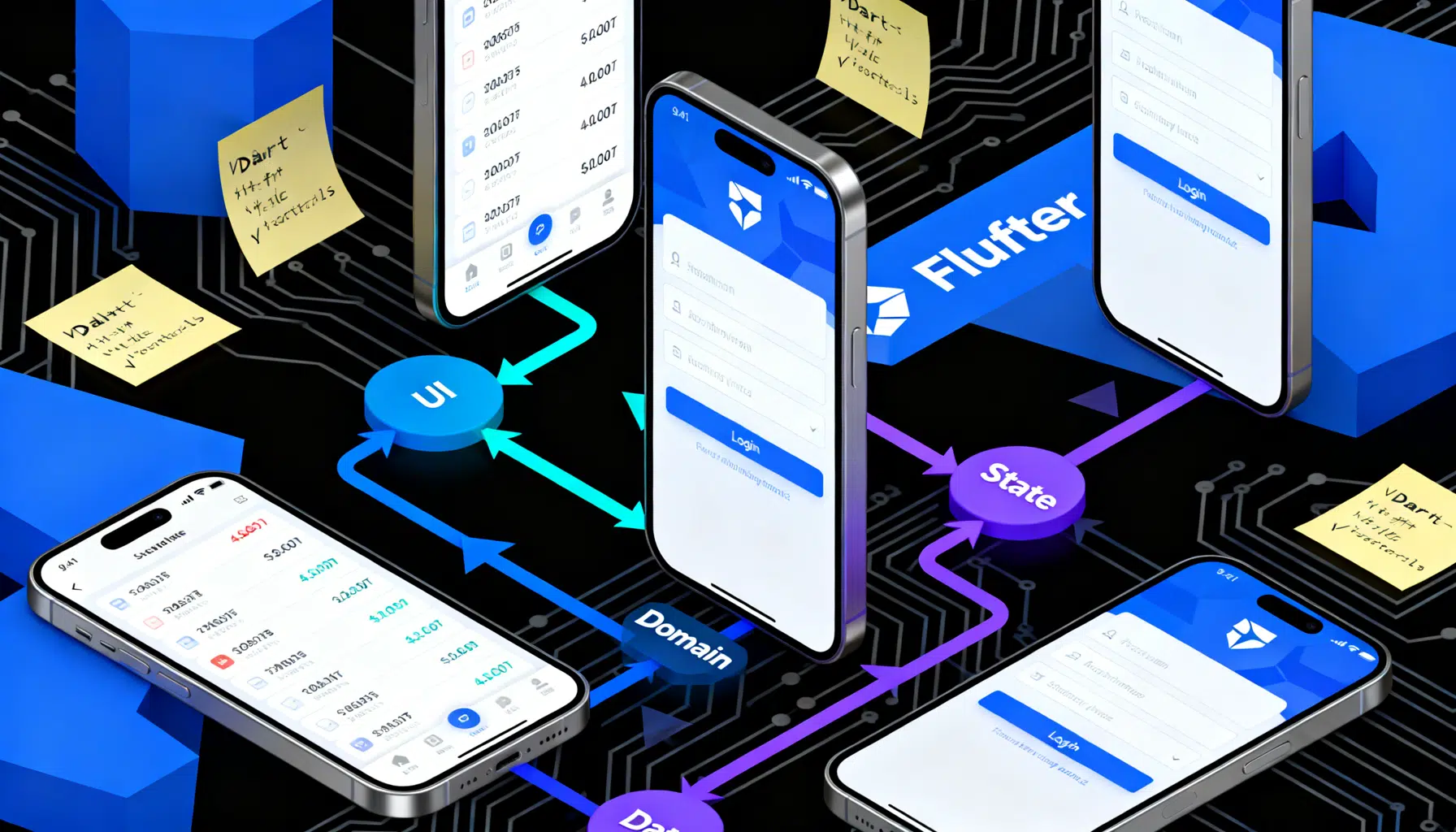
Image used for representation purposes only.
Overview
State management is one of the first big architectural choices you make in any Flutter app. It influences how you structure widgets, fetch data, cache results, handle errors, and test features. This guide explains the core concepts, surveys popular packages, and shows practical patterns with concise examples so you can choose the right tool for your next project.
What “state” means in Flutter
State is any data that can change at runtime and affects what the UI renders. In Flutter, you’ll commonly split state into two categories:
- Ephemeral (local) state: UI-only details that live briefly inside a widget tree (e.g., active tab index, form field text, checkbox values).
- App (shared) state: Data used across multiple screens or services (e.g., authentication session, user profile, cart, feature flags).
The more screens and services read/write the same data, the more you benefit from a predictable state management pattern.
Native building blocks you already have
Before adding packages, know these core Flutter tools:
- StatefulWidget + setState: The simplest way to hold ephemeral state within a single widget.
- InheritedWidget/InheritedModel: Low-level primitives to efficiently propagate data down the tree.
- ValueNotifier/ChangeNotifier: Lightweight observables; ChangeNotifier supports multiple listeners.
- AnimatedBuilder/ValueListenableBuilder: Rebuild only the UI that depends on a value or animation.
Use these for small apps or finely scoped widgets even when you adopt a broader architecture.
The most-used state management approaches
Below are widely adopted approaches and when they shine.
- setState: Fastest to start; ideal for local, UI-only state contained within one widget.
- Provider (with ChangeNotifier): Simple, batteries-included dependency injection plus listening; great for medium apps and teams new to Flutter.
- Riverpod (and Flutter Riverpod): A compile‑safe, testable, provider-like ecosystem without BuildContext limitations; excellent for modular, large apps.
- BLoC/Cubit: Event-driven (BLoC) or command-driven (Cubit) with Streams; promotes clear separation of concerns and testability; strong for complex flows.
- Redux/MobX/GetX and others: Viable in certain teams or legacy codebases; choose deliberately and standardize to avoid fragmentation.
Choosing a solution: a quick decision guide
- Prototype, single screen, UI state only → setState or ValueNotifier.
- Small-to-medium app, simple shared state → Provider (ChangeNotifier + selectors).
- Medium-to-large app, strong modularity and testability → Riverpod (StateNotifier/AsyncValue) or BLoC/Cubit.
- Complex event orchestration, multiple async sources → BLoC.
- Existing team expertise in a specific pattern → Prefer the team’s strength for velocity and consistency.
Example: the same feature four ways (Counter)
These snippets illustrate typical ergonomics. They are intentionally minimal.
1) setState (local only)
class CounterPage extends StatefulWidget {
  const CounterPage({super.key});

  @override
  State<CounterPage> createState() => _CounterPageState();
}

class _CounterPageState extends State<CounterPage> {
  int count = 0;

  @override
  Widget build(BuildContext context) {
    return Scaffold(
      appBar: AppBar(title: const Text('Counter')),
      body: Center(child: Text('$count', style: const TextStyle(fontSize: 48))),
      floatingActionButton: FloatingActionButton(
        onPressed: () => setState(() => count++),
        child: const Icon(Icons.add),
      ),
    );
  }
}
Pros: zero dependencies, fast. Cons: not shareable beyond this widget.
2) Provider with ChangeNotifier
class Counter extends ChangeNotifier {
  int value = 0;
  void increment() { value++; notifyListeners(); }
}

class App extends StatelessWidget {
  const App({super.key});
  @override
  Widget build(BuildContext context) {
    return ChangeNotifierProvider(
      create: (_) => Counter(),
      child: const MaterialApp(home: CounterPage()),
    );
  }
}

class CounterPage extends StatelessWidget {
  const CounterPage({super.key});
  @override
  Widget build(BuildContext context) {
    final counter = context.watch<Counter>();
    return Scaffold(
      appBar: AppBar(title: const Text('Counter')),
      body: Center(child: Text('${counter.value}', style: const TextStyle(fontSize: 48))),
      floatingActionButton: FloatingActionButton(
        onPressed: context.read<Counter>().increment,
        child: const Icon(Icons.add),
      ),
    );
  }
}
Pros: simple API, easy DI. Cons: manual notifyListeners; risk of rebuilding large subtrees if not selective.
3) Riverpod (StateNotifierProvider)
// riverpod: ^2.x
class Counter extends StateNotifier<int> {
  Counter() : super(0);
  void increment() => state++;
}

final counterProvider = StateNotifierProvider<Counter, int>((ref) => Counter());

class App extends StatelessWidget {
  const App({super.key});
  @override
  Widget build(BuildContext context) {
    return const ProviderScope(child: MaterialApp(home: CounterPage()));
  }
}

class CounterPage extends ConsumerWidget {
  const CounterPage({super.key});
  @override
  Widget build(BuildContext context, WidgetRef ref) {
    final count = ref.watch(counterProvider);
    return Scaffold(
      appBar: AppBar(title: const Text('Counter')),
      body: Center(child: Text('$count', style: const TextStyle(fontSize: 48))),
      floatingActionButton: FloatingActionButton(
        onPressed: () => ref.read(counterProvider.notifier).increment(),
        child: const Icon(Icons.add),
      ),
    );
  }
}
Pros: compile-time safety, no BuildContext coupling, great testing. Cons: slightly steeper learning curve.
4) Cubit (from flutter_bloc)
class CounterCubit extends Cubit<int> {
  CounterCubit() : super(0);
  void increment() => emit(state + 1);
}

class App extends StatelessWidget {
  const App({super.key});
  @override
  Widget build(BuildContext context) {
    return MaterialApp(
      home: BlocProvider(
        create: (_) => CounterCubit(),
        child: const CounterPage(),
      ),
    );
  }
}

class CounterPage extends StatelessWidget {
  const CounterPage({super.key});
  @override
  Widget build(BuildContext context) {
    return Scaffold(
      appBar: AppBar(title: const Text('Counter')),
      body: Center(
        child: BlocBuilder<CounterCubit, int>(
          builder: (_, count) => Text('$count', style: const TextStyle(fontSize: 48)),
        ),
      ),
      floatingActionButton: FloatingActionButton(
        onPressed: () => context.read<CounterCubit>().increment(),
        child: const Icon(Icons.add),
      ),
    );
  }
}
Pros: explicit state changes, great tooling, easy to test. Cons: boilerplate grows with feature complexity.
Async data, loading, and errors
Most real apps fetch remote data. Treat async as first-class:
- Provider: expose repositories/services via Provider; use ChangeNotifier to track loading/error flags.
- Riverpod: use AsyncValue
with FutureProvider/StreamProvider or StateNotifier<AsyncValue > to encode loading/error/data in one type. - BLoC: model events like FetchUsers and states like UsersLoading/UsersLoaded/UsersError.
Example with Riverpod AsyncValue:
final userProvider = FutureProvider<User>((ref) async {
  final api = ref.watch(apiClientProvider);
  return api.fetchUser();
});

class UserView extends ConsumerWidget {
  const UserView({super.key});
  @override
  Widget build(BuildContext context, WidgetRef ref) {
    final asyncUser = ref.watch(userProvider);
    return asyncUser.when(
      loading: () => const CircularProgressIndicator(),
      error: (e, _) => Text('Error: $e'),
      data: (user) => Text(user.name),
    );
  }
}
Navigation, forms, and state boundaries
- Keep navigation state (current route, deep links) separate from business state. Use GoRouter/Router 2.0 or Navigator 2 abstractions; inject controllers via your chosen state tool.
- Forms: Prefer local state with GlobalKey
, TextEditingController, or ValueNotifier. Promote to shared state only if multiple screens depend on it.
Performance: minimize rebuilds
- Use const constructors and immutable models.
- Split large widgets into smaller ones that each listen to just what they need.
- Provider: prefer Selector or context.select to watch slices of state.
- Riverpod: structure providers narrowly; watch specific providers in leaf widgets.
- BLoC: break down state; use BlocSelector to rebuild minimal subtrees.
- Cache intelligently (e.g., memoize results, keep last good data while refreshing).
Testing your state
- Unit-test state objects (ChangeNotifiers, StateNotifiers, Cubits/BLoCs) without the UI.
- Use fake repositories to simulate network and storage.
- Widget tests should verify rebuild behavior and error/empty states.
Example (Cubit unit test idea):
void main() {
  test('increment emits [1]', () {
    final cubit = CounterCubit();
    expectLater(cubit.stream, emitsInOrder([1]));
    cubit.increment();
  });
}
Error handling and resilience
- Normalize exceptions in repositories; expose domain errors to the UI.
- Represent error states explicitly (AsyncValue.error, Error state classes, etc.).
- Show user-friendly messages and provide retry actions.
- Log errors centrally; avoid swallowing exceptions in listeners.
Dependency injection and modularity
- Provider and Riverpod double as DI containers; inject repositories and clients at the app root.
- For BLoC, use BlocProvider/RepositoryProvider to scope lifetimes.
- Use interfaces for services and provide test doubles in tests.
Common pitfalls to avoid
- Overusing global singletons for mutable state—hard to test and reason about.
- Rebuilding too much of the tree; use selectors and small widgets.
- Mixing multiple state systems without clear boundaries; agree on one primary pattern.
- Encoding business logic inside Widgets; move it to state objects.
- Forgetting to dispose controllers and streams; prefer framework-managed lifecycles.
Migration strategies
- Start with setState for speed; extract to ChangeNotifier or StateNotifier as complexity grows.
- Wrap legacy models with adapters (e.g., expose ValueListenable for older code while migrating to Riverpod).
- Migrate feature-by-feature; use Module X → Provider/Riverpod/BLoC while others remain unchanged until ready.
A pragmatic architecture blueprint
- Presentation: Widgets + small controllers (only UI logic).
- State: ChangeNotifier/StateNotifier/Cubit with immutable states.
- Domain: UseCases/Services with pure logic.
- Data: Repositories that talk to network, cache, and persistence.
- DI: Providers/BlocProviders declared at app boundaries.
This separation keeps UI lean, makes side effects explicit, and improves testability.
Quick reference checklist
- Is the state local to a single widget? Use setState or ValueNotifier.
- Do multiple screens need this state? Introduce Provider/Riverpod/BLoC.
- Can you express loading/error/data explicitly? Prefer typed async states.
- Are rebuilds scoped and minimal? Use selectors and small widgets.
- Are business rules outside widgets? Move them to state/domain layers.
- Do you have tests for state transitions and edge cases? Add them early.
Conclusion
There is no single “best” state management approach—only trade‑offs. Start simple, embrace immutability, make dependencies explicit, and pick a tool that your team can understand and test. Provider offers a gentle on‑ramp, Riverpod emphasizes safety and modularity, and BLoC provides rigorous separation and predictability. Whatever you choose, keep your UI thin, your state explicit, and your tests close to the logic that matters.
Related Posts

Flutter REST API Integration: A Practical, Production-Ready Guide
End-to-end Flutter REST API integration: http vs Dio, auth, error handling, caching, pagination, testing, security, and best practices.

Build an AI App with Flutter: Architecture, Streaming, and Production Best Practices
Build an AI app with Flutter: architecture, streaming chat UI, secure proxy, on‑device ML, voice, testing, and deployment best practices.
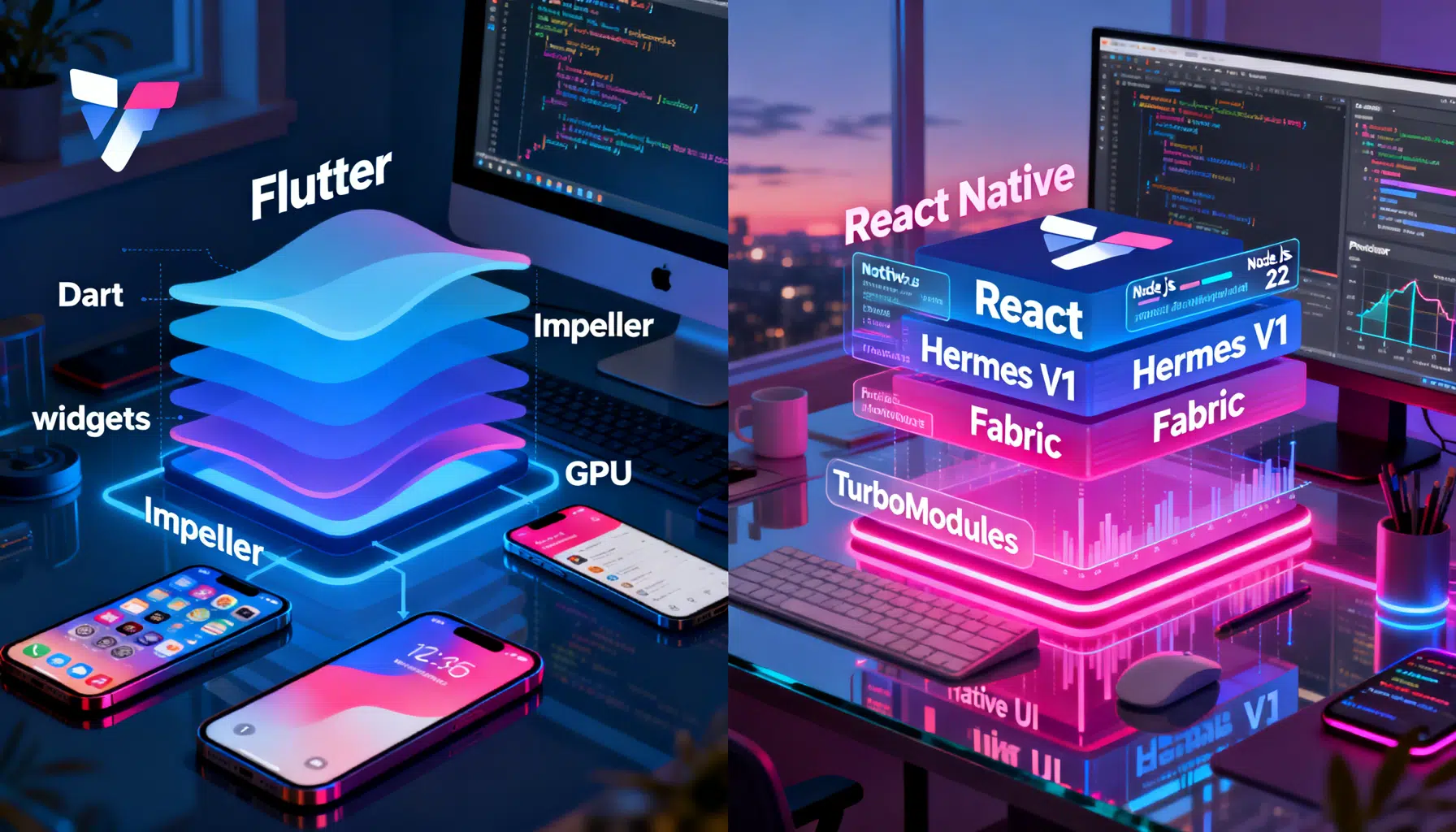
Flutter vs React Native in 2026: The Pragmatic Buyer’s Guide
Flutter vs React Native in 2026: architecture, performance, tooling, and when to choose each—concise, current, and practical.