
Mastering Flutter Platform Channels on iOS and Android: A Practical Guide
A practical, end-to-end guide to Flutter platform channels on iOS and Android with Kotlin, Swift, Dart code, testing, performance, and pitfalls.
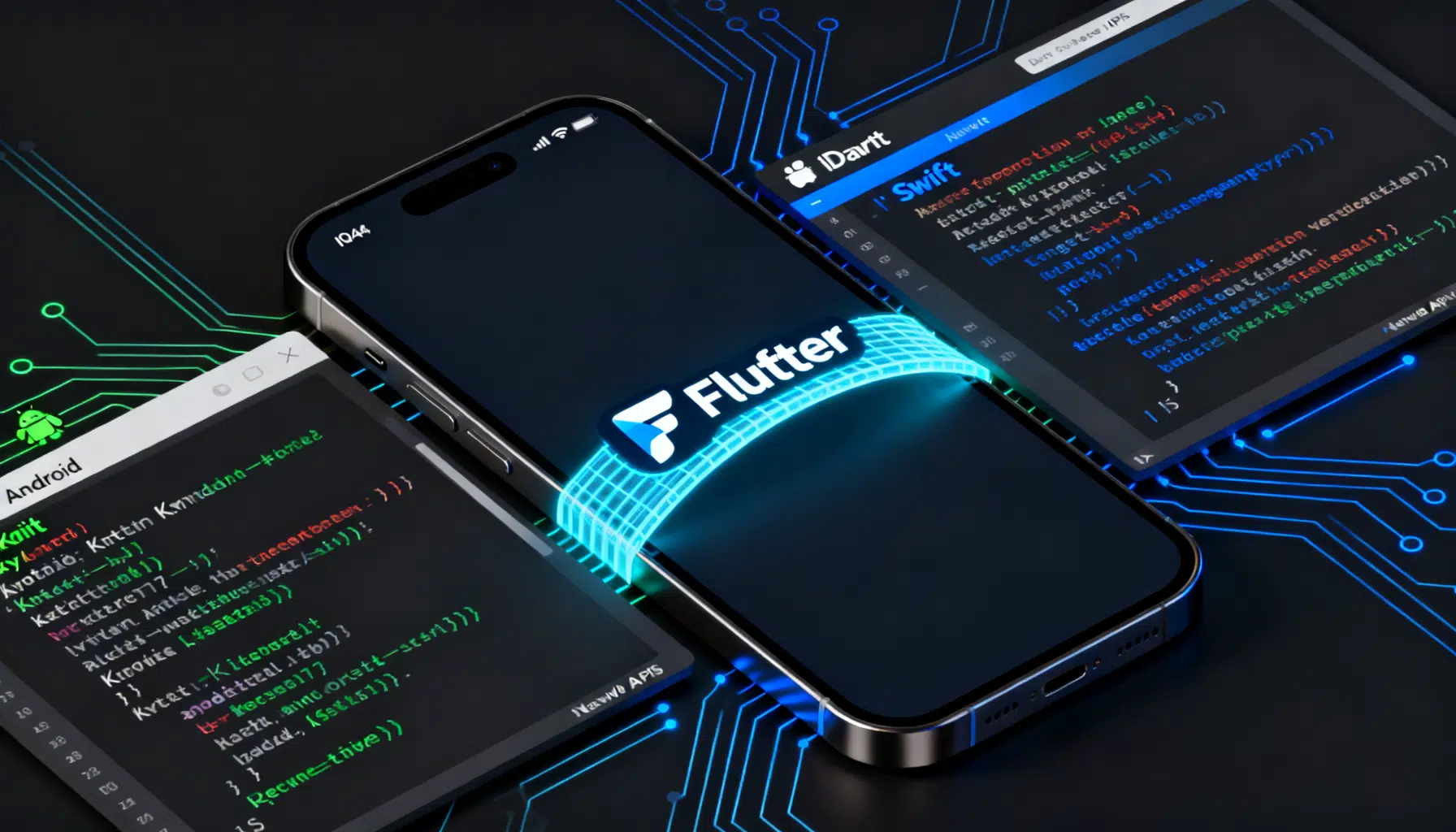
Image used for representation purposes only.
Overview
Flutter’s platform channels let your Dart code talk to the host platform (Android and iOS) when you need APIs the Flutter framework doesn’t expose directly. They provide a simple message-passing bridge so you can call platform code (Kotlin/Java, Swift/Objective‑C) and return results back to Dart—without writing JNI glue or C bindings.
This guide explains how platform channels work, when to use each channel type, and shows end‑to‑end examples for Android (Kotlin) and iOS (Swift). You’ll also learn about threading, error handling, testing, performance, and common pitfalls.
How Platform Channels Work
- Dart (Flutter) sends a binary message over a named channel via a BinaryMessenger (implicitly provided by the framework).
- The message is encoded/decoded with a codec (e.g., StandardMethodCodec) that knows how to serialize common types.
- On the host side, a channel with the same name receives the message, executes platform code, and replies with a result (or error).
Conceptually: Dart → Channel (name + codec) → Platform Handler → Result → Dart Future completes.
Channel Types At a Glance
- MethodChannel: Request/response RPC style. Great for one‑off function calls (e.g., “getBatteryLevel”).
- EventChannel: Continuous data streams (observables) from platform to Dart (e.g., sensors, connectivity updates). Uses a Stream in Dart.
- BasicMessageChannel
: Bidirectional messaging with app‑defined message payloads. Good for chatty, low‑level protocols or when you don’t want method semantics.
Choosing a Codec
- StandardMessageCodec / StandardMethodCodec: Default. Supports null, bool, int, double, String, Uint8List, Int32List, Int64List, Float64List, List, Map. Safe and efficient for most use cases.
- JSONMessageCodec: Human‑readable, but slower and type‑looser.
- StringCodec / BinaryCodec: Lowest overhead for specific payloads.
Tip: Stick with StandardMethodCodec for MethodChannel unless you have a special need.
Project Setup
You can add platform channels in an app project or ship them as a plugin. For learning, app‑level wiring is fine; for reuse, prefer a plugin package.
- Android: Use Kotlin with the v2 embedding. Register channels in a FlutterPlugin or in MainActivity via configureFlutterEngine.
- iOS: Use Swift. Register channels in a FlutterPlugin or in AppDelegate when configuring the root FlutterViewController.
Example 1: MethodChannel (Battery Level)
Goal: Dart calls the host to get the current battery level. The host returns an integer percentage or throws a PlatformException.
Dart (Flutter)
import 'package:flutter/services.dart';

class BatteryApi {
  static const _channel = MethodChannel('com.example.platform/battery');

  static Future<int> getBatteryLevel() async {
    final level = await _channel.invokeMethod<int>('getBatteryLevel');
    if (level == null) {
      throw PlatformException(code: 'NULL', message: 'No battery level returned');
    }
    return level;
  }
}
Usage:
final level = await BatteryApi.getBatteryLevel();
print('Battery: $level%');
Android (Kotlin)
Option A — In MainActivity (simple apps):
class MainActivity: FlutterActivity() {
  override fun configureFlutterEngine(flutterEngine: FlutterEngine) {
    super.configureFlutterEngine(flutterEngine)

    MethodChannel(flutterEngine.dartExecutor.binaryMessenger, "com.example.platform/battery")
      .setMethodCallHandler { call, result ->
        when (call.method) {
          "getBatteryLevel" -> {
            val level = getBatteryLevel()
            if (level != null) result.success(level) else result.error("UNAVAILABLE", "Battery level unavailable", null)
          }
          else -> result.notImplemented()
        }
      }
  }

  private fun getBatteryLevel(): Int? {
    return try {
      val bm = getSystemService(Context.BATTERY_SERVICE) as BatteryManager
      bm.getIntProperty(BatteryManager.BATTERY_PROPERTY_CAPACITY)
    } catch (e: Exception) {
      null
    }
  }
}
Option B — As a FlutterPlugin (recommended for libraries):
class BatteryPlugin: FlutterPlugin, MethodCallHandler {
  private lateinit var channel: MethodChannel
  private lateinit var context: Context

  override fun onAttachedToEngine(binding: FlutterPlugin.FlutterPluginBinding) {
    context = binding.applicationContext
    channel = MethodChannel(binding.binaryMessenger, "com.example.platform/battery")
    channel.setMethodCallHandler(this)
  }

  override fun onMethodCall(call: MethodCall, result: MethodChannel.Result) {
    when (call.method) {
      "getBatteryLevel" -> {
        val bm = context.getSystemService(Context.BATTERY_SERVICE) as BatteryManager
        val level = bm.getIntProperty(BatteryManager.BATTERY_PROPERTY_CAPACITY)
        result.success(level)
      }
      else -> result.notImplemented()
    }
  }

  override fun onDetachedFromEngine(binding: FlutterPlugin.FlutterPluginBinding) {
    channel.setMethodCallHandler(null)
  }
}
Add plugin registration metadata as needed if publishing.
iOS (Swift)
Option A — In AppDelegate (simple apps):
@UIApplicationMain
class AppDelegate: FlutterAppDelegate {
  override func application(
    _ application: UIApplication,
    didFinishLaunchingWithOptions launchOptions: [UIApplication.LaunchOptionsKey: Any]?
  ) -> Bool {
    let controller = window?.rootViewController as! FlutterViewController
    let channel = FlutterMethodChannel(name: "com.example.platform/battery", binaryMessenger: controller.binaryMessenger)

    channel.setMethodCallHandler { call, result in
      switch call.method {
      case "getBatteryLevel":
        self.enableBatteryMonitoringIfNeeded()
        if let level = self.currentBatteryLevel() { result(level) }
        else { result(FlutterError(code: "UNAVAILABLE", message: "Battery level unavailable", details: nil)) }
      default:
        result(FlutterMethodNotImplemented)
      }
    }

    return super.application(application, didFinishLaunchingWithOptions: launchOptions)
  }

  private func enableBatteryMonitoringIfNeeded() {
    UIDevice.current.isBatteryMonitoringEnabled = true
  }

  private func currentBatteryLevel() -> Int? {
    let level = UIDevice.current.batteryLevel
    guard level >= 0 else { return nil }
    return Int(level * 100)
  }
}
Option B — As a FlutterPlugin (for packages): implement FlutterPlugin and register the channel within onAttachedToEngine.
Error Handling and Exceptions
- Throw FlutterError (iOS) or result.error (Android) for expected error states.
- In Dart, PlatformException is thrown by invokeMethod when the platform replies with an error. Catch it to show meaningful UI messages.
Example (Dart):
try {
  final level = await BatteryApi.getBatteryLevel();
  // use level
} on PlatformException catch (e) {
  // Map e.code to a user-friendly message
}
Threading and Lifecycles
- Android: Channel handlers are invoked on the main thread. Offload heavy work with coroutines/Dispatchers.IO and post the result back to the main thread.
- iOS: Handlers run on the main thread. Dispatch long work to a background queue and callback to the main queue to return results.
- Activity/Scene lifecycles: If your API requires an Activity (e.g., launching an Intent), use ActivityAware in plugins and guard against configuration changes.
Kotlin offloading sketch:
CoroutineScope(Dispatchers.Main).launch {
  val data = withContext(Dispatchers.IO) { heavyCall() }
  result.success(data)
}
Swift offloading sketch:
DispatchQueue.global(qos: .userInitiated).async {
  let data = heavyCall()
  DispatchQueue.main.async { result(data) }
}
Example 2: EventChannel (Continuous Stream)
Goal: Stream a ticking counter from the host to Dart as an example of event delivery.
Dart
import 'package:flutter/services.dart';

class TickerApi {
  static const _events = EventChannel('com.example.platform/ticker');
  static Stream<int> ticks() => _events.receiveBroadcastStream().map((e) => e as int);
}
Android (Kotlin)
class TickerStreamHandler: EventChannel.StreamHandler {
  private var timer: Timer? = null
  private var sink: EventChannel.EventSink? = null

  override fun onListen(arguments: Any?, events: EventChannel.EventSink?) {
    sink = events
    timer = Timer()
    var count = 0
    timer!!.scheduleAtFixedRate(object: TimerTask() {
      override fun run() { sink?.success(count++) }
    }, 0, 1000)
  }

  override fun onCancel(arguments: Any?) {
    timer?.cancel()
    timer = null
    sink = null
  }
}

// Registration (e.g., in configureFlutterEngine or a plugin):
EventChannel(flutterEngine.dartExecutor.binaryMessenger, "com.example.platform/ticker")
  .setStreamHandler(TickerStreamHandler())
iOS (Swift)
class TickerStreamHandler: NSObject, FlutterStreamHandler {
  private var timer: Timer?
  private var count = 0

  func onListen(withArguments arguments: Any?, eventSink events: @escaping FlutterEventSink) -> FlutterError? {
    timer = Timer.scheduledTimer(withTimeInterval: 1.0, repeats: true) { _ in
      events(self.count)
      self.count += 1
    }
    return nil
  }

  func onCancel(withArguments arguments: Any?) -> FlutterError? {
    timer?.invalidate()
    timer = nil
    return nil
  }
}

// Registration (e.g., in AppDelegate):
let controller = window?.rootViewController as! FlutterViewController
let tickerChannel = FlutterEventChannel(name: "com.example.platform/ticker", binaryMessenger: controller.binaryMessenger)
let handler = TickerStreamHandler()
tickerChannel.setStreamHandler(handler)
Example 3: BasicMessageChannel
Use when you want raw message passing without method semantics. Below, Dart and Android exchange strings.
Dart
const channel = BasicMessageChannel<String>(
  'com.example.platform/messages',
  StringCodec(),
);

Future<void> sendAndReceive() async {
  final reply = await channel.send('hello from Dart');
  print('Platform replied: $reply');
}
Android (Kotlin)
val messageChannel = BasicMessageChannel(flutterEngine.dartExecutor.binaryMessenger, "com.example.platform/messages", StringCodec.INSTANCE)
messageChannel.setMessageHandler { message, reply ->
  reply.reply("echo: $message")
}
Passing Complex Data
- Prefer StandardMessageCodec with Map<String, dynamic> and List for structured data.
- Keep payloads small; pass large binary blobs via files, shared memory, or platform storage and send references/URIs over the channel.
- For strongly‑typed, compile‑time‑safe APIs, consider generating code with Pigeon to avoid manual serialization boilerplate and typo‑prone method names.
Organizing Code as a Plugin
- Create a plugin:
flutter create --org com.example --template=plugin my_platform_plugin - Structure:
lib/for Dart API,android/src/main/kotlin/andios/Classes/for platform code. - Implement FlutterPlugin on both platforms, register channels in onAttachedToEngine, and expose a clean Dart facade.
- Consider the federated plugin pattern for web/desktop in the future.
Testing Strategies
Dart:
- Unit test your Dart facade by mocking the channel:
const MethodChannel _ch = MethodChannel('com.example.platform/battery');

setUp(() {
  TestDefaultBinaryMessengerBinding.instance.defaultBinaryMessenger.setMockMethodCallHandler(
    _ch,
    (call) async {
      if (call.method == 'getBatteryLevel') return 87;
      throw PlatformException(code: '404');
    },
  );
});
Android:
- Use instrumented tests or Robolectric to verify handlers.
- Extract business logic into testable classes; keep channel glue thin.
iOS:
- Use XCTest to verify handler behavior; inject your service into the plugin to avoid timer/OS dependencies.
End‑to‑end:
- Use
integration_testto drive a real app build and assert channel behavior on devices/CI.
Performance Tips
- Batch calls to reduce message overhead when possible.
- Avoid large payloads; prefer file paths or handles.
- Offload heavy work to background threads/queues.
- Reuse channel instances; don’t recreate per call.
- Debounce high‑frequency streams on the platform side before sending to Dart.
Security and Privacy
- Validate all inputs from Dart before invoking OS APIs.
- Gate sensitive APIs behind runtime permissions (Android) and Info.plist/entitlements (iOS).
- Never expose private device identifiers across channels unless strictly necessary and compliant with policies.
Troubleshooting Checklist
- Channel name mismatch? The name must be identical on Dart and platform sides.
- Codec mismatch? Use the same codec on both ends.
- No response? Ensure you’re replying exactly once on the platform side.
- Lifecycle issues? For Android UI operations, ensure you have an Activity and are on the main thread.
- iOS nil controller? Ensure you’re registering channels after the FlutterViewController is ready.
When Not to Use Platform Channels
- If a plugin already solves your problem—prefer it to reduce maintenance.
- For performance‑critical native code where C/C++ is required—consider FFI instead of channels.
Summary
Platform channels are the simplest, most flexible way to access host APIs from Flutter:
- Use MethodChannel for RPC‑style calls.
- Use EventChannel for streams.
- Use BasicMessageChannel for custom messaging.
Wrap your platform glue in a clean Dart API, test both sides, and respect threading, lifecycle, and security constraints. With these patterns, you can bridge any gap between Flutter and native capabilities confidently on both Android and iOS.
Related Posts
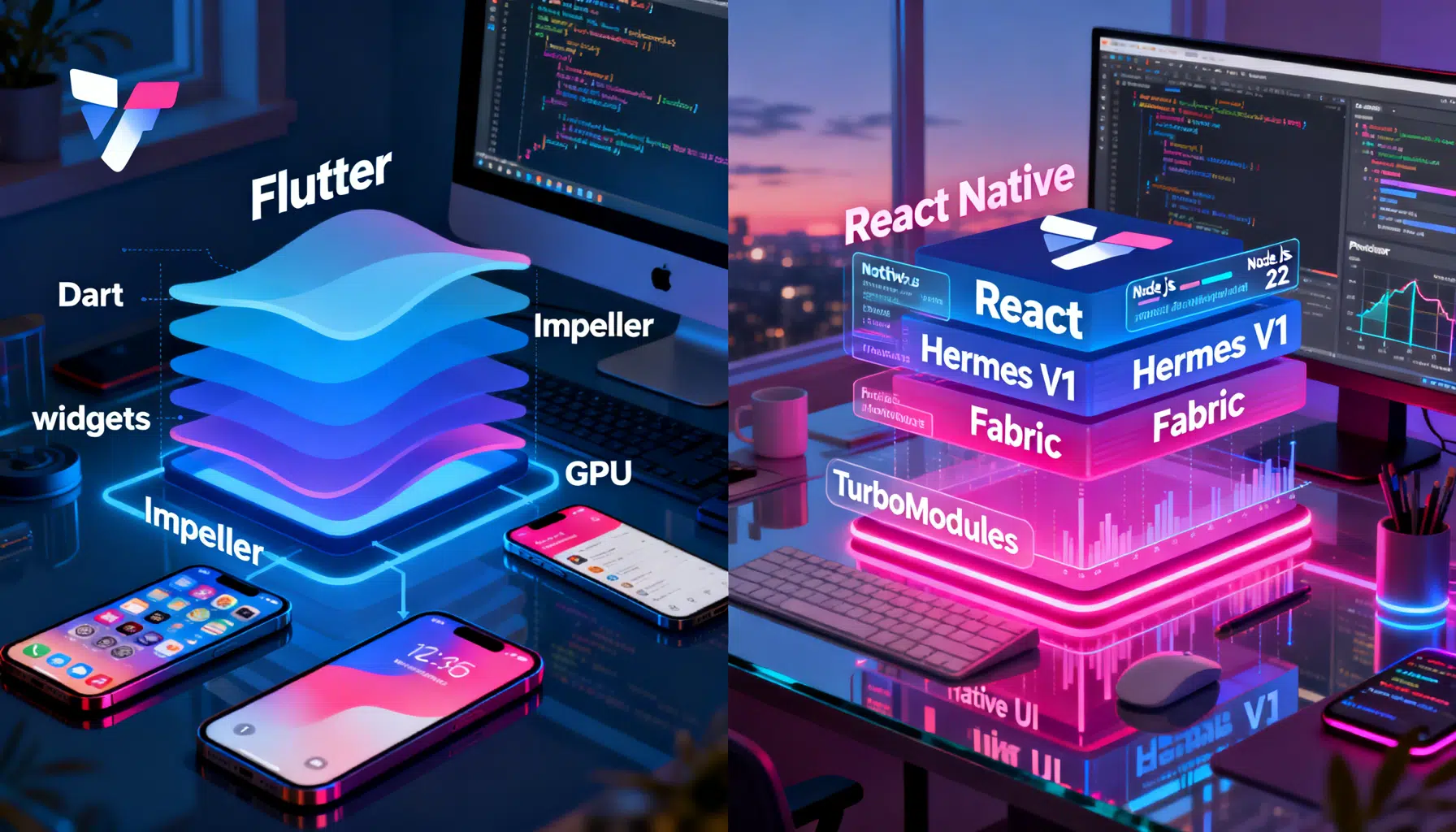
Flutter vs React Native in 2026: The Pragmatic Buyer’s Guide
Flutter vs React Native in 2026: architecture, performance, tooling, and when to choose each—concise, current, and practical.
Flutter GetX Tutorial: State, Routing, and Dependency Injection in One Lightweight Package
Step-by-step Flutter GetX tutorial covering state, routing, DI, bindings, workers, theming, and i18n with practical code snippets.
Flutter Web Development Guide: Build, Optimize, and Ship Fast Web Apps
A practical, end-to-end Flutter web development guide: setup, routing, responsive layouts, performance, SEO, PWAs, testing, and deployment tips.