
What to Know About iOS 26.4 Beta: A Practical Guide for Developers and Enthusiasts
A practical guide to iOS 26.4 beta: testing, release cadence, and developer considerations for a safe, productive beta experience.
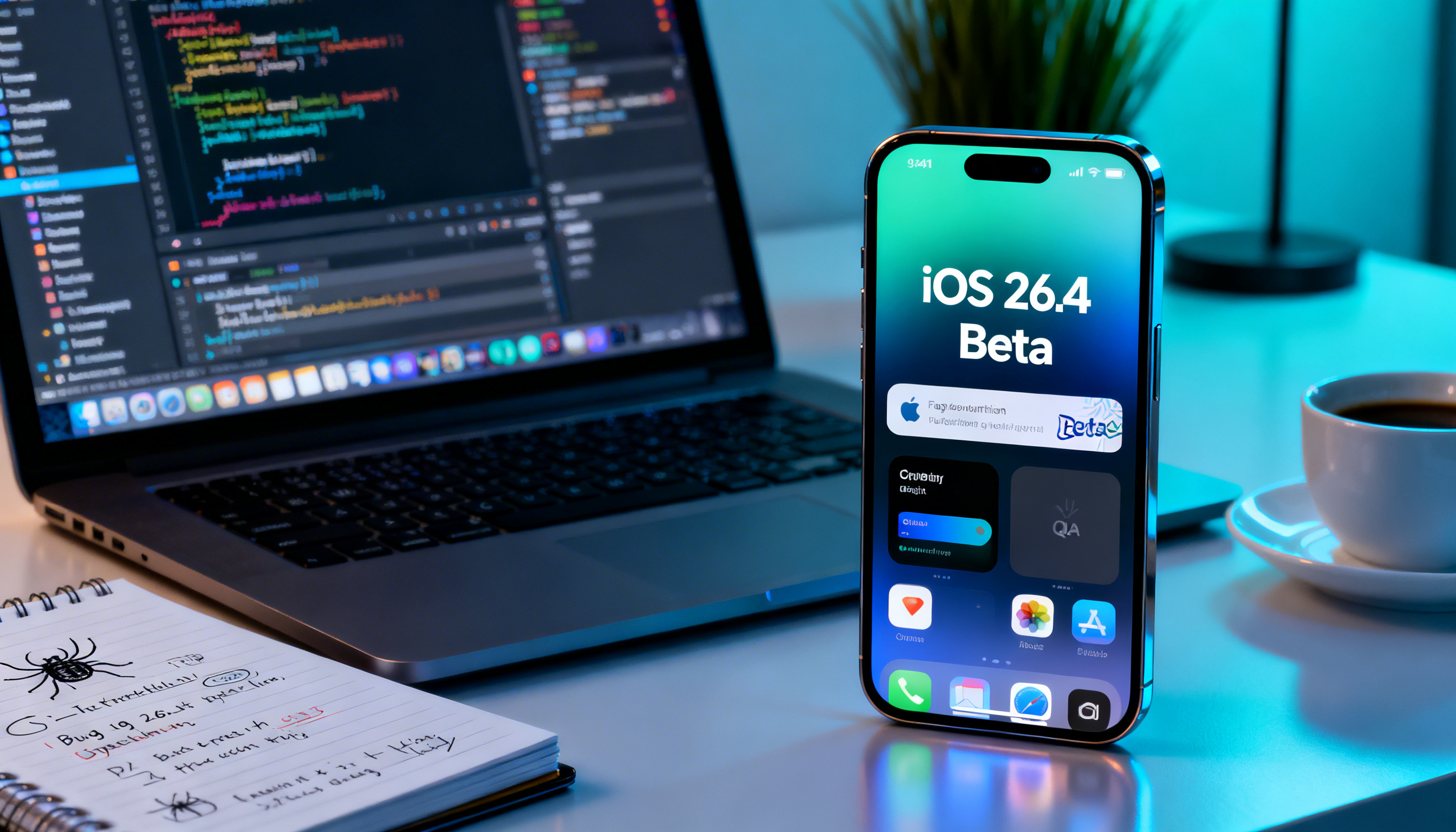
Image used for representation purposes only.
Introduction
Apple’s beta program continues to shape how developers and early adopters experience new iOS features long before a public release. The iOS 26.4 beta marks another step in the ongoing cadence of refinements, security patches, and developer-facing changes. While beta notes can vary by build, a well-rounded look at iOS 26.4 beta helps teams plan testing, QA, and user communications. This article offers a practical guide for understanding, testing, and preparing for iOS 26.4, with emphasis on what to expect, how to participate safely, and how to adapt apps and workflows.
What a beta is and why it matters
Beta software is the pre-release version of an operating system that Apple provides to developers and sometimes to public testers. It serves two main purposes:
- Identify bugs, regressions, and performance issues before the general public can encounter them.
- Surface API changes, deprecations, and new capabilities that developers can prepare for in advance.
For developers, betas are an opportunity to validate app compatibility, test new frameworks, and iterate on user experience. For power users, betas can offer a glimpse of upcoming features and improvements, but they also come with potential stability and battery-life trade-offs.
The anticipated scope of iOS 26.4 beta
Because exact notes vary by build, it’s important to anchor expectations to common beta themes. In iOS 26.4 beta, you can typically expect a mix of the following areas to be touched:
- Stability and performance improvements across core apps and system services.
- Security and privacy hardening, including more granular prompts and tightened permissions handling.
- Minor user-facing refinements in Settings, Control Center, and notification behavior.
- Developer-facing updates: new or updated APIs, enhancements to SwiftUI, UIKit, and Foundation, and updated documentation in Xcode.
- Bug fixes for issues reported in earlier betas, with a continued emphasis on compatibility with existing accessories and peripherals.
Keep in mind that beta releases often include some non-deterministic issues and feature flags that can change between builds.
Install and enrollment: a quick guide
If you’re considering trying iOS 26.4 beta, follow established safety practices:
- Back up your primary device. Beta software can experience instability or data loss in rare cases.
- Use a secondary device for testing whenever possible.
- Join the Apple Beta Software Program or enroll a developer device via your developer account.
- Install the beta profile on your device and update to the 26.4 beta build when available.
- Use TestFlight to distribute and test pre-release builds of your own apps.
Practical steps:
- Ensure your device is compatible with iOS 26.4 (older devices may not support newer minor versions).
- Use a clean environment when testing critical workflows to avoid conflating beta issues with existing bugs.
- Keep a changelog of observed issues and reproduce steps to help developers and Apple engineers diagnose problems quickly.
Developer-focused considerations
App compatibility and API changes
Even minor iOS updates can introduce subtle API changes or deprecations. Plan for:
- Verifying app startup and critical user flows on the 26.4 beta.
- Rebuilding apps against the latest Xcode and SDK to catch warnings and deprecations early.
- Checking for changes in permission prompts, background tasks, and data protection features.
- Testing third-party integrations (analytics, payment, push notification services) for any behavioral changes.
UI/UX and accessibility
Betas may adjust UI layouts or how dynamic type, accessibility features, or screen readers interact with system apps and partner apps. Validate:
- Proper rendering across different display sizes and orientations.
- Accessibility cues and focus handling in dynamic contexts (e.g., multitasking, split view).
- Widget and home screen behavior, including any stage-manager or multitasking refinements.
Performance and energy efficiency
Common beta targets include reduced CPU overhead, improved battery life, and smoother app transitions. Track:
- App launch times and cold-start behavior.
- Memory usage and background fetch patterns.
- System app responsiveness during heavy workloads.
Security and privacy
Expect updates to consent prompts, privacy disclosures, and data sharing controls. Test:
- Permission flows for location, microphone, camera, photo library, contacts, and health data.
- Data access prompts and any new on-device processing features.
- Updates to credential storage, keychain access, and authentication mechanisms.
Distribution and App Store considerations
- If you distribute enterprise or internal apps, validate build integrity and signing with the latest tools.
- For public apps, test App Store submission workflows with a beta build if possible, to catch any in-app purchase or entitlement changes early.
Testing and QA checklist for iOS 26.4 beta
- Install on multiple devices and iOS 26.4 builds if available (iPhone, iPad with appropriate hardware).
- Reproduce critical user flows: onboarding, sign-in, payment, data sync, notifications, and offline mode.
- Validate push notification behavior, privacy prompts, and permission requests.
- Test with a representative set of network conditions (Wi-Fi, cellular, VPNs).
- Verify accessibility features (VoiceOver, Zoom, display accommodations).
- Run automated tests where feasible and record any failures with environment details.
- Monitor crash logs and use console output to identify regressions.
Rollback and risk mitigation
If you encounter critical issues:
- Consider downgrading to a stable release on the device, following Apple’s recommended rollback process.
- Restore from a known-good backup, and minimize beta exposure on important devices.
- Report reproducible issues with steps, device model, iOS 26.4 build number, and OS version of companion devices.
- In development work, use CI pipelines to validate builds against the latest SDKs and simulate beta conditions.
Real-world usage patterns to watch for in 26.4
- System apps: refinements to Messages, Photos, Notes, and Wallet may impact how data is displayed or synchronized.
- Widgets and home screen: adjustments to widgets, widget interactions, and dynamic layouts can affect how your app’s widgets render.
- Connectivity: updates to AirPlay, CarPlay, or network-related APIs could influence media apps and accessories.
- Developer tools: Xcode and Swift evolution notes often accompany betas, suggesting new frameworks, proposals, or deprecations.
Tools and resources for beta participants
- Apple Developer Program documentation and beta release notes for the 26.4 cycle.
- Xcode pre-release builds and debugging tools tailored for iOS 26.4.
- TestFlight for test distribution and gathering user feedback.
- Issue tracking and internal QA dashboards to organize beta findings and assign fixes.
- Community forums and official Apple feedback channels to share reproducible steps and logs.
Conclusion
iOS 26.4 beta represents a continuation of Apple’s iterative approach to platform stability, performance, and developer empowerment. By approaching the beta with structured testing, proactive compatibility checks, and careful risk management, developers can ensure their apps stay resilient and ready for the full public release. For enthusiasts, the beta offers a preview of refinements and new capabilities, paired with the understanding that early builds may require patience as bugs are addressed in subsequent updates.
As always, stay informed with the official release notes, maintain robust back-ups, and contribute detailed feedback to help shape the final version of iOS 26.4.
Related Posts

Android vs iOS in 2025: A Comprehensive Comparison
An in-depth look at Android and iOS in 2025, highlighting the latest features, user experience, privacy, and ecosystem strengths.
Experience Genuine Connection with IntimateAI on iOS & Android
Discover how IntimateAI’s mobile app brings empathetic, AI-powered conversations to your fingertips—available on both iOS and Android.