
Flutter Deep Linking with Universal Links and App Links: A Complete Guide
A practical, end-to-end guide to deep linking in Flutter using iOS Universal Links and Android App Links, with setup, code, testing, and troubleshooting.
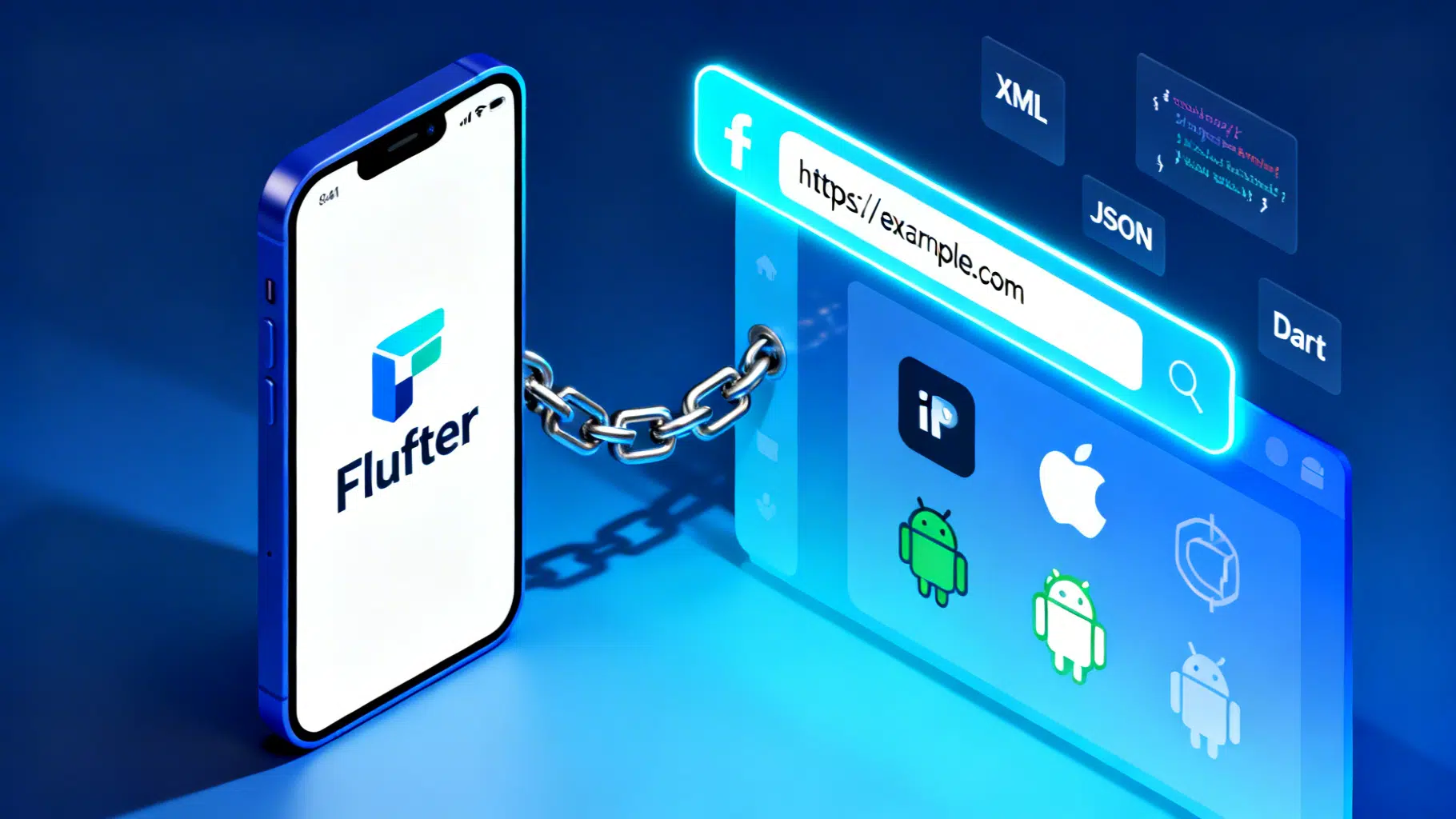
Image used for representation purposes only.
Overview
Deep linking lets a URL open a specific screen inside your Flutter app. On iOS this is powered by Universal Links; on Android it’s App Links. Done well, users tap an https:// link anywhere—email, web, social—and land on the exact in‑app destination, with a safe fallback to your website if the app isn’t installed.
This guide walks you through:
- Designing a robust link strategy
- Configuring iOS Universal Links and Android App Links
- Wiring links into Flutter navigation (with go_router and popular plugins)
- Handling cold/warm starts, auth gates, analytics
- Testing and troubleshooting like a pro
Link strategy: pick HTTPS first
Use real, canonical HTTPS URLs that your website also serves (e.g., https://example.com/product/42) . Benefits:
- One link works across web, iOS, and Android
- SEO and sharing work out of the box
- Safer than custom URI schemes (no spoofing by other apps)
Custom schemes (myapp://product/42) can supplement for legacy or partner integrations, but prefer HTTPS universal/app links for primary flows.
Design tips:
- Keep paths stable: /product/:id, /user/:id, /cart
- Use query params for filters and campaign tags (e.g., ?ref=summer)
- Avoid relying on URL fragments (#hash); use path and query instead
iOS setup: Universal Links
Universal Links route Safari/Notes/Mail taps directly into your app if you “prove” domain ownership via an association file.
- Host apple-app-site-association (AASA)
- Path: either https://example.com/apple-app-site-association or https://example.com/.well-known/apple-app-site-association
- Content-Type: application/json (or application/pkcs7-mime)
- No redirects, <= ~128 KB
Example AASA permitting /product/* and /promo/* for a single app:
{
  "applinks": {
    "apps": [],
    "details": [
      {
        "appID": "ABCDE12345.com.example.app",
        "paths": [
          "/product/*",
          "/promo/*"
        ]
      }
    ]
  }
}
Notes:
- appID = Apple Team ID + “.” + bundle identifier
- Use additional entries for other bundle IDs (e.g., beta/build flavors)
- To cover subdomains, you can add separate AASA files on each subdomain and entitlements like applinks:*.example.com
- Add Associated Domains entitlement
- In Xcode: Runner target > Signing & Capabilities > + Capability > Associated Domains
- Add entries like:
applinks:example.com
applinks:www.example.com
- Build and test on a real device
- Universal Links require a real iOS device for full verification
- After install, tapping https://example.com/product/42 in Mail/Notes/Safari should open your app directly (if paths match); otherwise Safari opens the web page
Debugging tips:
- Verify AASA with curl (must not 301/302):
curl -I https://example.com/apple-app-site-association
curl https://example.com/apple-app-site-association
- In Simulator: open a link via:
xcrun simctl openurl booted "https://example.com/product/42"
Android setup: App Links
Android App Links use Digital Asset Links to verify your domain.
- Add intent filter to AndroidManifest.xml (android/app/src/main/AndroidManifest.xml)
<activity android:name="io.flutter.embedding.android.FlutterActivity" ...>
  <intent-filter android:autoVerify="true">
    <action android:name="android.intent.action.VIEW" />
    <category android:name="android.intent.category.DEFAULT" />
    <category android:name="android.intent.category.BROWSABLE" />
    <data android:scheme="https" android:host="example.com" android:pathPrefix="/" />
    <!-- Optional: also accept www subdomain -->
    <data android:scheme="https" android:host="www.example.com" android:pathPrefix="/" />
  </intent-filter>
</activity>
- Host assetlinks.json
- Path: https://example.com/.well-known/assetlinks.json
- Content-Type: application/json
Example:
[
  {
    "relation": ["delegate_permission/common.handle_all_urls"],
    "target": {
      "namespace": "android_app",
      "package_name": "com.example.app",
      "sha256_cert_fingerprints": [
        "11:22:33:AA:BB:...:FF"
      ]
    }
  }
]
Notes:
- Include fingerprints for each signing cert you ship with (debug, release, upload)
- You can list multiple targets for variants (e.g., com.example.app.staging)
- Test and verify
- Check file:
curl https://example.com/.well-known/assetlinks.json
- Trigger a link:
adb shell am start -a android.intent.action.VIEW -d "https://example.com/product/42"
- Inspect verification state (Android 12+):
adb shell pm get-app-links com.example.app
If your domain isn’t verified, users may see a chooser.
Wiring links into Flutter navigation
You’ll handle two cases:
- Cold start (app not running): open the right screen immediately
- Warm start (app in foreground/background): route without rebuilding the app
Two popular approaches: app_links or uni_links. Below uses app_links and go_router.
Dependencies
# pubspec.yaml
dependencies:
  go_router: ^14.0.0
  app_links: ^6.0.0
Define routes (go_router)
final _router = GoRouter(
  routes: [
    GoRoute(
      path: '/',
      builder: (context, state) => const HomeScreen(),
      routes: [
        GoRoute(
          path: 'product/:id',
          builder: (context, state) => ProductScreen(id: state.pathParameters['id']!),
        ),
        GoRoute(
          path: 'promo/:code',
          builder: (context, state) => PromoScreen(code: state.pathParameters['code']!),
        ),
      ],
    ),
    // Auth-gated example
    GoRoute(
      path: '/profile',
      redirect: (context, state) {
        final authed = context.read<Auth>().isSignedIn;
        return authed ? null : '/signin?from=${Uri.encodeComponent(state.uri.toString())}';
      },
      builder: (context, state) => const ProfileScreen(),
    ),
  ],
);
Listen for links (cold + warm)
class DeepLinkHandler with WidgetsBindingObserver {
  final AppLinks _appLinks = AppLinks();
  StreamSubscription<Uri>? _sub;

  Future<void> init(BuildContext context) async {
    // 1) Cold start
    final Uri? initial = await _appLinks.getInitialAppLink();
    if (initial != null) _route(context, initial);

    // 2) Warm start / foreground
    _sub = _appLinks.uriLinkStream.listen(
      (uri) => _route(context, uri),
      onError: (err) => debugPrint('Deep link error: $err'),
    );

    WidgetsBinding.instance.addObserver(this);
  }

  void _route(BuildContext context, Uri uri) {
    // Normalize: keep path + query
    final path = uri.path.isEmpty ? '/' : uri.path;
    final query = uri.hasQuery ? '?${uri.query}' : '';
    context.go('$path$query');
  }

  void dispose() {
    _sub?.cancel();
    WidgetsBinding.instance.removeObserver(this);
  }
}
Wire into your app
void main() {
  WidgetsFlutterBinding.ensureInitialized();
  runApp(const MyApp());
}

class MyApp extends StatefulWidget {
  const MyApp({super.key});
  @override
  State<MyApp> createState() => _MyAppState();
}

class _MyAppState extends State<MyApp> {
  final _router = _router; // from earlier
  final _dl = DeepLinkHandler();

  @override
  void initState() {
    super.initState();
    // Delay until context exists
    WidgetsBinding.instance.addPostFrameCallback((_) {
      _dl.init(navigatorKey.currentContext!);
    });
  }

  @override
  void dispose() {
    _dl.dispose();
    super.dispose();
  }

  static final navigatorKey = GlobalKey<NavigatorState>();

  @override
  Widget build(BuildContext context) {
    return MaterialApp.router(
      routerConfig: _router,
      debugShowCheckedModeBanner: false,
    );
  }
}
Alternative: uni_links
If you prefer uni_links, the pattern is similar:
final initialUri = await getInitialUri();
_linkSub = uriLinkStream.listen((uri) => _route(context, uri));
Make sure you add the same platform configuration; plugins just deliver the URI.
Cold vs warm start nuances
- Cold start: Parse the initial URI before showing your default screen. If you must do async setup (e.g., fetch user/session), show a lightweight splash and navigate once ready.
- Warm start: Ensure uriLinkStream pushes do not create duplicate pages. Prefer go_router’s context.go to replace instead of push for canonical deep-link routes.
- Background resume: Handle cases where the app was on a different tab; decide whether deep link should override current flow (e.g., continue checkout vs open promo).
Auth-gated routes
If a deep link targets a protected screen, either:
- Bounce to sign-in and then redirect back using a from query parameter, or
- Show a read-only preview on web, but require auth in-app
In go_router, use redirect as shown earlier to centralize this logic.
Analytics and attribution
- Capture the full URI (path + query) on arrival and log an event (Firebase Analytics, Segment, etc.)
- Preserve campaign params (utm_source, etc.). If you redirect to sign-in, carry them through to the post-login destination.
Advanced: Deferred deep links & link shorteners
- Firebase Dynamic Links, Branch, or AppsFlyer can create deferred links—if the app isn’t installed, user goes to the store; after first open, SDK delivers the original target URI.
- In Flutter, read the “pending” deep link on first launch via each SDK’s API before normal routing.
Testing checklist
- iOS
- AASA reachable at the correct path, correct content-type, no redirects
- Entitlements include all domains you expect (applinks:example.com)
- Real device test from Mail/Notes/Safari
- Simulator quick test via simctl
- Android
- assetlinks.json reachable under .well-known with correct fingerprints
- Manifest intent-filter has autoVerify and https data elements
- adb am start with sample URLs
- pm get-app-links shows “verified” after install
- Flutter
- Cold start: kill app, tap link, lands on the right screen
- Warm start: app in background/foreground, tap link, routes once
- Edge cases: unknown path -> fallback (e.g., 404 screen)
Troubleshooting guide
- iOS opens Safari instead of app
- AASA missing/redirecting/invalid JSON
- Bundle ID or Team ID mismatch in appID
- Path not listed in paths/components
- Not testing on a real device
- Android shows app chooser or opens browser
- Domain not verified: fingerprint in assetlinks.json doesn’t match signing cert
- Wrong package_name or typo in .well-known path
- Multiple apps claim the same domain and verification failed
- Flutter doesn’t route
- Plugin not initialized early enough; ensure getInitialAppLink is awaited before rendering the final shell
- Using push instead of go, causing back stack duplication
- Route patterns don’t match (e.g., missing leading slash)
Security best practices
- Serve AASA and assetlinks.json over HTTPS with valid certificates
- Restrict paths to only what you intend the app to claim (avoid “/*” unless necessary)
- Validate and sanitize incoming URIs before acting (e.g., deep link to payment screen)
- Keep signing keys safe; rotate and update fingerprints when needed
Quick setup checklist
- Decide URL structure (HTTPS canonical URLs)
- Host AASA on iOS domain(s)
- Add Associated Domains entitlements
- Add Android intent-filter with autoVerify
- Host .well-known/assetlinks.json with correct fingerprints
- Implement Flutter listener (app_links or uni_links)
- Map URIs to routes (go_router)
- Test cold/warm starts on both platforms
- Add analytics and auth redirects
Conclusion
Universal Links and App Links make your Flutter app feel native to the web: one URL, everywhere. With domain verification in place, a thin Flutter listener, and clean route mapping, your users get a seamless handoff from browser to app—reliably, securely, and fast. Keep your AASA/assetlinks tight, test with real devices, and treat deep links as first‑class navigation.
Related Posts

Flutter Integration Testing: A Modern, End‑to‑End Guide
A modern, practical guide to Flutter integration testing: setup, writing reliable tests, running on devices and web, CI examples, and troubleshooting.

Flutter Impeller Rendering Engine: A Performance Deep Dive and Tuning Guide
A practical performance deep dive into Flutter’s Impeller renderer: how it works, how to measure it, and tuning patterns for smooth, jank‑free UIs.
Flutter Local Notifications: A Complete Scheduling Guide (Android 13/14+ ready)
A practical Flutter guide to scheduling reliable local notifications on Android and iOS, updated for Android 13/14 exact-alarm and permission changes.