
Implementing Reliable Tool Calling for AI Agents: Architecture, Schemas, and Best Practices
Hands-on guide to reliable, secure tool calling for AI agents: architecture, schemas, control loops, error handling, observability, and evaluation.
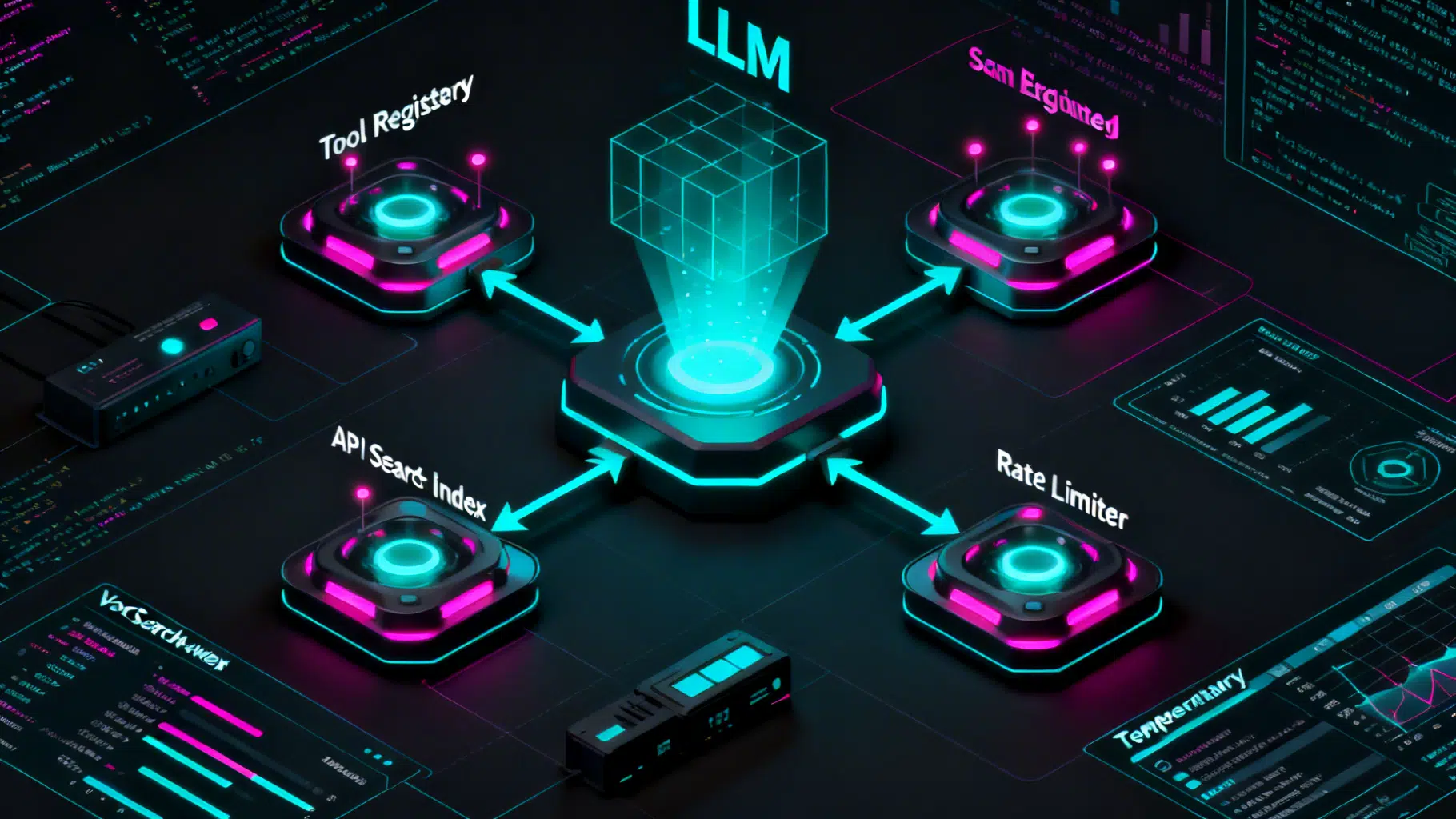
Image used for representation purposes only.
Overview
Tool calling turns a large language model (LLM) from a text generator into a capable software agent. Instead of hallucinating answers, the model selects from a set of tools—APIs, databases, scripts—and invokes them with structured arguments. This article explains how to implement reliable, secure, and observable tool calling in production systems.
Design goals
- Reliability: deterministic schemas, robust validation, and predictable retries.
- Safety: least-privilege credentials, sandboxed execution, and policy enforcement.
- Observability: traces, metrics, logs, and replays for post-mortems.
- Controllability: explicit state machines rather than ad‑hoc loops.
- Performance: bounded latency, streaming updates, caching, and cost controls.
System architecture
A practical architecture has these layers:
- Tool registry
- A catalog of callable tools with machine-readable contracts (name, description, JSON schema for inputs/outputs, auth requirements, rate limits).
- Planner/controller
- The loop that prompts the LLM, decides whether to call a tool, dispatches execution, feeds results back to the LLM, and determines when to stop.
- Execution engine
- Runs tools in a sandbox with timeouts, cancellations, concurrency control, and circuit breakers.
- Memory and state
- Short-term scratchpad (reasoning traces), conversation context, and optional long-term memory (vector store or DB).
- Guardrails
- Input/output validation, content and data loss prevention (DLP), policy checks, and redaction.
- Telemetry
- Structured traces for each turn, metrics (latency, success rate), logs (arguments, redactions), and artifacts (prompts, tool I/O).
What counts as a tool?
A tool is any side-effecting capability the LLM can trigger. Common categories:
- Retrieval: SQL/NoSQL queries, vector search, file search.
- Actions: send email, create tickets, write calendar events, trigger workflows.
- Computation: code execution, data transforms, function evaluation.
- Perception: OCR, speech-to-text, image captioning.
- External knowledge: web fetchers, domain APIs.
Each tool should be small, composable, and idempotent when possible.
Contracts: define tools with precise schemas
Use a strict data contract to minimize ambiguity. A robust tool spec includes:
- name: snake_case, action-oriented (e.g.,
create_calendar_event). - description: concise, operator-style; include preconditions and constraints.
- input_schema: JSON Schema for args; include enums, formats, and examples.
- output_schema: shape of success/failure; include machine-readable error codes.
- safety: PII scopes, allowed domains, rate limits.
Example tool spec (YAML for readability):
name: fetch_weather
description: Retrieve current weather and a 5-day forecast for a given city and ISO country code.
input_schema:
  type: object
  required: [city, country_code, units]
  properties:
    city: { type: string, minLength: 1, examples: ["Paris"] }
    country_code: { type: string, pattern: "^[A-Z]{2}$", examples: ["FR"] }
    units: { type: string, enum: [metric, imperial], default: metric }
output_schema:
  type: object
  required: [status]
  properties:
    status: { type: string, enum: [ok, error] }
    data:
      type: object
      properties:
        current_temp: { type: number }
        forecast: { type: array, items: { type: object, properties: { day: { type: string }, temp: { type: number } } } }
    error:
      type: object
      properties:
        code: { type: string, enum: [INVALID_CITY, RATE_LIMIT, UPSTREAM_ERROR] }
        message: { type: string }
Tips:
- Prefer enums and patterns over free text.
- Provide examples and defaults to nudge the model.
- Make outputs uniform:
status=ok|errorwith machine-parseableerror.code.
Planning and control loops
There are three common control strategies:
- ReAct (reason + act): the model alternates thinking and tool use, guided by a scratchpad.
- Plan-and-execute: the model drafts a plan, then executes steps deterministically.
- Router/selector: a lightweight model or rules select a single best tool for simple tasks.
In production, wrap any strategy in an explicit state machine: Initialization → ToolSelection → ToolExecution → Assimilation → Termination (success/fallback).
Minimal Python orchestration loop
from pydantic import BaseModel, ValidationError
from typing import Dict, Any

class ToolCall(BaseModel):
    name: str
    arguments: Dict[str, Any]

class StepResult(BaseModel):
    stop: bool
    content: str

TOOL_REGISTRY = {  # name -> (callable, input_model)
    # 'fetch_weather': (fetch_weather_impl, FetchWeatherInputModel),
}

def run_agent(messages):
    trace = []
    for turn in range(8):  # safety bound
        tool_call = llm_decide_tool(messages, TOOL_REGISTRY)  # returns ToolCall or None
        if not tool_call:
            text = llm_generate_answer(messages)
            trace.append({"type": "final", "text": text})
            return StepResult(stop=True, content=text)

        # Validate & execute
        tool, InputModel = TOOL_REGISTRY[tool_call.name]
        try:
            args = InputModel(**tool_call.arguments)
        except ValidationError as ve:
            messages.append({"role": "tool", "name": tool_call.name, "content": f"SCHEMA_ERROR: {ve.errors()}"})
            continue  # let the model self-correct

        try:
            result = execute_with_timeout(tool, args.dict(), timeout_s=8)
            messages.append({"role": "tool", "name": tool_call.name, "content": json_dumps(result)})
        except UpstreamRateLimit:
            backoff_ms = compute_backoff()
            emit_metric("tool.ratelimit", 1, tags={"tool": tool_call.name})
            sleep_ms(backoff_ms)
            continue
        except Exception as e:
            messages.append({"role": "tool", "name": tool_call.name, "content": f"RUNTIME_ERROR: {str(e)}"})
            continue

    return StepResult(stop=True, content="I couldn't complete this safely within the tool budget.")
Key points:
- Hard-stop the loop (turn budget) to prevent runaway calls.
- Validate before execute; feed structured errors back so the LLM can self-correct.
- Record a structured trace per turn for observability.
TypeScript tool wrapper with timeouts and retries
type Tool<TIn, TOut> = (args: TIn, ctx: { signal: AbortSignal }) => Promise<TOut>;

async function withReliability<T>(fn: () => Promise<T>, opts: { timeoutMs: number; retries: number }) {
  for (let attempt = 0; attempt <= opts.retries; attempt++) {
    const ac = new AbortController();
    const timer = setTimeout(() => ac.abort(), opts.timeoutMs);
    try {
      return await fn();
    } catch (e) {
      if (attempt === opts.retries) throw e;
      await new Promise(r => setTimeout(r, 2 ** attempt * 200));
    } finally { clearTimeout(timer); }
  }
  throw new Error('unreachable');
}
Tool selection strategies
- Model-only selection: give the model a compact registry with names, descriptions, and input schemas. Good for up to ~50 tools.
- Retrieval-augmented selection: embed tool descriptions and perform vector search to shortlist relevant tools for the prompt.
- Rule-based filters: constrain by capability, permission, or environment (e.g., “no write tools in read-only mode”).
- Hybrid: retrieval shortlist → model chooses → state machine enforces policy.
Execution semantics and concurrency
- Synchronous vs. asynchronous: prefer async tools with cancellable contexts.
- Parallel calls: allow the model to propose multiple calls; execute in parallel if safe and independent.
- Idempotency keys: include a deterministic key for side-effecting tools (e.g.,
create_ticket) to avoid duplicates on retries. - Timeouts and circuit breakers: bound latency; open the circuit on repeated failures.
Argument normalization and validation
- Normalize units, time zones, and locales at the boundary.
- Use strict schemas and reject unknown fields to catch hallucinated parameters.
- Provide canonical examples and counter-examples in the tool description to steer the model.
Error handling and recovery
Create a clear taxonomy and map to behaviors the model can learn from:
- SCHEMA_ERROR: argument shape/typing failed → model should correct args.
- PERMISSION_DENIED: missing scopes → suggest requesting access or an alternative path.
- RATE_LIMIT: backoff with jitter; optionally ask the user to try later.
- TRANSIENT_UPSTREAM: retry with exponential backoff.
- PERMANENT_UPSTREAM: fail fast and try fallback tools.
- SIDE_EFFECT_UNCERTAIN: report ambiguity; require human confirmation.
Feed these codes back to the model verbatim; include minimal human-readable text to reduce prompt bloat.
Memory and state
- Short-term: a scratchpad for ReAct-style thoughts; truncate aggressively to control context.
- Long-term: store confirmed facts and tool results in a structured memory (DB/vector store). Let tools read from memory instead of the model recalling.
- Working directory: for code tools, isolate a per-session sandbox with ephemeral storage.
Security, governance, and compliance
- Least privilege: per-tool service accounts and narrowly scoped tokens.
- Sandboxing: run untrusted code in containers/VMs with seccomp, memory/CPU quotas, and egress allow‑lists.
- Egress control: restrict domains; sign and log all outbound requests.
- Secrets: mount via short‑lived tokens; never echo in prompts or logs.
- Policy engine: centrally enforce rules (e.g., “no PII leaves region X”).
- Human‑in‑the‑loop: require confirmation for destructive actions or high-risk scopes.
Observability and tracing
Capture, link, and query these fields per turn:
- Prompt template version and deltas.
- Tool chosen, validated args, redactions applied.
- Start/stop timestamps, timeouts, retries, error codes.
- Token usage and cost per step.
- Final answer and provenance of facts (which tool outputs underpinned which claims).
Metrics to watch:
- Tool success rate (by tool, by intent) and top error codes.
- P50/P90/P99 end‑to‑end latency; tail attribution to specific tools.
- “Hallucinated call” rate: invalid tool names or schema errors.
- Containment rate: fraction of user queries solved without human escalation.
Evaluation and testing
- Golden tasks: curate user-intent examples and expected tool behaviors.
- Adversarial tests: malformed inputs, missing permissions, upstream errors.
- Property-based tests: generate randomized but valid arguments and assert invariants.
- Offline replay: sample production traces and re-run with new prompts/model versions.
- Deterministic mocks: stub each tool with fixed outputs and error distributions for CI.
Example test skeleton:
def test_create_ticket_rate_limit_recovery(agent, stubs):
    stubs.tool('create_ticket').fails(code='RATE_LIMIT').then_succeeds()
    out = agent.run("Open a P1 ticket for outage")
    assert 'ticket_id' in out and stubs.calls('create_ticket') == 2
Prompting patterns for tool use
- System prompt: emphasize using tools over guessing; include the success criteria.
- Tool descriptions: start with “Use this when…”; add 2–3 concrete examples.
- Response protocol: require the model to emit JSON for
tool_calldecisions and separate natural language for user-facing text. - Self-correction: instruct the model to fix SCHEMA_ERRORs by re‑reading the schema and trying again.
- End condition: “If no tool can help, explain why and ask a clarification question.”
Cost, latency, and quality trade‑offs
- Shortlist tools (retrieval) to reduce prompt size.
- Compress prior turns into structured summaries.
- Cache tool results keyed by normalized args and TTL.
- Choose smaller models for routing and larger ones for complex reasoning.
- Stream partial results to improve perceived latency.
Deployment patterns
- Stateless API workers for the control loop; background jobs for long‑running tools.
- Queue-based orchestration for retries and backpressure.
- Feature flags for prompt/model/tool rollouts; canary by percentage or intent.
- Policy-as-code repo governs tool access and environment configs.
Advanced patterns
- Multi-tool planning: ask the model to produce a dependency graph of steps; execute with a DAG engine.
- Reflection: after a draft answer, re‑evaluate with “critic” prompts and call verification tools.
- Tool discovery: dynamically load tools based on user’s workspace, but gate behind capability checks.
- Delegation: allow the agent to spawn sub‑agents with restricted registries for specialized tasks.
Implementation checklist
- Catalog tools with strict input/output schemas and examples.
- Build a state machine with a step budget and explicit stop conditions.
- Validate arguments; reject unknown fields; normalize units/time zones.
- Add timeouts, retries with backoff, and idempotency keys.
- Enforce least privilege, sandboxing, and egress allow‑lists.
- Emit structured traces, metrics, and artifacts for every turn.
- Create golden/adversarial test suites with deterministic mocks.
- Add caching and a tool shortlist to control cost and latency.
- Establish a rollout plan with canaries and automated replays.
Conclusion
Robust tool calling is as much software engineering as it is prompt engineering. With precise schemas, a disciplined control loop, strong guardrails, and thorough observability, AI agents can act reliably and safely in real systems. Start small: define one high-value, idempotent tool, wire up validation and tracing, and iterate toward a broader, well-governed registry. The payoff is an agent that not only talks—but also does.
Related Posts

LLM Prompt Engineering Techniques in 2026: A Practical Playbook
A 2026 field guide to modern LLM prompt engineering: patterns, multimodal tips, structured outputs, RAG, agents, security, and evaluation.

AI Text Summarization API Comparison: A Practical Buyer’s Guide for 2026
A practical, vendor-agnostic guide to evaluating, implementing, and scaling AI text summarization APIs in 2026.

The Engineer’s Guide to Multi-Modal AI API Integration
A practical, production-ready guide to integrating multi-modal AI APIs—covering architecture, streaming, function calling, safety, cost, and reliability.