
Open-Source LLM Deployment Guide: From Laptop Prototype to Production
Practical, end-to-end guide to deploying open-source LLMs—from model choice and hardware sizing to serving, RAG, safety, and production ops.

Image used for representation purposes only.
Overview
Open‑source and open‑weight large language models (LLMs) have matured to the point where you can deploy capable systems on a laptop, a single GPU server, or a production‑grade Kubernetes cluster. This guide walks through the end‑to‑end path: selecting a model, sizing hardware, choosing a serving stack, securing and observing the service, integrating RAG, fine‑tuning, and operating at scale.
Note on terminology: many widely used “open” models distribute weights under custom or research/community licenses. Always review license terms for your use case (commercial, redistribution, derivative works).
1) Define your requirements first
Before touching infrastructure, write down the non‑negotiables:
- Use cases: chat, code completion, extraction, classification, tool use, or RAG.
- Latency targets: time‑to‑first‑token (TTFT) and p95 end‑to‑end latency.
- Concurrency and throughput: peak requests per second and tokens/sec.
- Context window: needed prompt + retrieved documents + response budget.
- Privacy/compliance: on‑prem vs cloud, data residency, audit.
- Cost ceiling: monthly GPU/CPU budget, spot/preemptible tolerance.
These constraints will drive the model size, quantization level, hardware, and serving framework.
2) Model selection: capability, size, and license
Create a shortlist across a few parameter bands to balance quality and cost.
- Small (3B–8B): fast, low‑cost, good for classification, extraction, lightweight RAG, and on‑CPU or single consumer‑GPU deployment.
- Medium (12B–20B): stronger reasoning and language quality; good general assistants and multi‑tenant serving.
- Large (30B–70B+): best quality and longer context, but require multi‑GPU or high‑VRAM cards; higher op‑ex.
Families to evaluate:
- General assistants: Llama‑family, Mistral/Mixtral, Yi, Qwen, OLMo, DBRX‑style open‑weights.
- Code‑centric: Code‑tuned Llama/Mistral/Yi variants; check for permissive use.
- Long‑context: specialized variants advertising 32k–200k tokens; verify actual stable throughput.
Evaluation tips:
- Run task‑specific evals (extraction F1, classification accuracy, summarization ROUGE) rather than relying solely on broad leaderboards.
- Use a reproducible harness and a held‑out business dataset. Track both quality and cost (tokens and GPU time).
- Prefer instruction‑tuned variants for chat/agent use. Keep base models for further fine‑tuning.
3) Hardware sizing and performance fundamentals
Understanding memory and compute helps avoid painful surprises.
Memory footprint (rule‑of‑thumb):
- Parameters memory ≈ param_count × bytes_per_param.
- FP16: 2 bytes/param; INT8: 1 byte/param; 4‑bit quant: 0.5 bytes/param.
- KV cache adds dynamic memory ≈ batch × sequence_length × hidden_size × layers × factor.
- Practically, reserve several GBs per active batch for long contexts.
Back‑of‑the‑envelope examples (parameters only, not counting KV/overheads):
- 7B @ 4‑bit ≈ ~3.5 GB
- 13B @ 4‑bit ≈ ~6.5–7 GB
- 70B @ 4‑bit ≈ ~35 GB (multi‑GPU almost certainly required)
Throughput drivers:
- Use modern kernels: FlashAttention‑style attention, fused sampling, and paged/KV caching.
- Prefer batched decoding and continuous batching to sustain tokens/sec.
- Balance prefill (prompt) vs decode (generation) time; long prompts can dominate latency.
CPU vs GPU:
- CPU (llama.cpp/ggml/gguf) is fine for small models, offline batch jobs, or air‑gapped deployments where latency is flexible.
- GPUs shine for interactive latency, high concurrency, or larger models. Newer architectures (e.g., Ada/Lovelace, Hopper) dramatically improve efficiency.
4) Serving frameworks: what to choose when
Choose a server that matches your constraints, ecosystem, and optimization needs.
- vLLM: high throughput using paged attention and continuous batching; widely used in production; OpenAI‑compatible endpoints available; supports LoRA adapters and tensor/model parallelism.
- SGLang: kernel‑level optimizations and efficient scheduling; strong throughput/latency results; OpenAI‑style endpoints supported.
- TensorRT‑LLM: NVIDIA‑optimized path for maximum performance on supported GPUs; excels when you can compile engines per model.
- TGI (Text Generation Inference): stable serving with Hugging Face integration, token streaming, and production features.
- llama.cpp server: lightweight HTTP server for GGUF models; great on CPU or small GPUs.
- Ollama: fast local prototyping and developer workflows; simple model pulls and environment‑level orchestration.
Selection tips:
- Start with vLLM/SGLang for general high‑performance serving on GPUs.
- Use TensorRT‑LLM when you control hardware and want peak performance.
- Use llama.cpp or Ollama for edge/offline or CPU‑only.
5) Minimal viable deployment (single node)
Docker example with vLLM on a single GPU:
docker run --gpus all -p 8000:8000 \
  -v $HOME/models:/models \
  vllm/vllm-openai:latest \
  --model /models/your-model \
  --dtype auto --max-model-len 8192 \
  --gpu-memory-utilization 0.9 \
  --enable-lora --enforce-eager
Test via an OpenAI‑compatible client:
curl http://localhost:8000/v1/chat/completions \
  -H "Content-Type: application/json" \
  -d '{
    "model":"your-model",
    "messages":[{"role":"user","content":"Explain vector databases in 2 bullets."}],
    "max_tokens":128,
    "temperature":0.2
  }'
6) Production‑grade Kubernetes pattern
Key components:
- A GPU node pool (labels/taints), node‑feature‑discovery, and NVIDIA device plugin.
- One Deployment per model family; HPA/VPA based on tokens/sec, queue depth, or GPU utilization.
- A lightweight API gateway (e.g., NGINX/Envoy) for auth, rate limits, and routing.
- A model registry (object storage with checksums/signatures) and an init‑container to pull models.
- Persistent volume or image‑layer caching for weights to avoid cold‑start penalties.
Sketch manifest (abbreviated):
apiVersion: apps/v1
kind: Deployment
metadata: { name: vllm-llama, labels: { app: llm, model: llama } }
spec:
  replicas: 2
  template:
    spec:
      nodeSelector: { accelerator: nvidia }
      containers:
      - name: vllm
        image: vllm/vllm-openai:latest
        args: ["--model","/mnt/models/llama","--max-model-len","16384"]
        ports: [{ containerPort: 8000 }]
        resources:
          limits: { nvidia.com/gpu: 1, cpu: "4", memory: "24Gi" }
        volumeMounts:
        - { name: models, mountPath: /mnt/models }
      volumes:
      - name: models
        persistentVolumeClaim: { claimName: models-pvc }
Add an HPA that scales on a custom metric like queue length or tokens/sec emitted.
7) Quantization and memory‑efficiency
Quantization reduces memory and can boost throughput with minimal quality loss if applied carefully.
- Post‑training quantization: GPTQ, AWQ, and related methods; good for static deployment.
- Runtime quantization: bitsandbytes (INT8/4) for flexible experimentation.
- GGUF/ggml: compact CPU‑friendly formats with llama.cpp.
Guidelines:
- Start with 4‑bit or 8‑bit quantization on medium models; evaluate task metrics before and after.
- Verify that long‑context tasks don’t regress disproportionately under heavy quantization.
8) APIs, schemas, and structured output
- Prefer chat/completions APIs with streaming for better UX and back‑pressure control.
- Use JSON schema or function/tool calling to enforce structure for extraction and agents.
- Normalize your internal interface: even if servers differ, expose a single contract to application teams.
Example: JSON schema constrained output in the prompt and verify with a post‑validator. On failures, auto‑repair by sending the last response and the schema back to the model with a “fix” instruction.
9) Retrieval‑augmented generation (RAG) done right
Core building blocks:
- Document processing: splitting by semantics, not fixed characters; retain layout and metadata.
- Embeddings: choose strong open‑source models (e.g., e5/bge/nomic/jina‑style) that match your domains.
- Vector stores: FAISS (in‑process), pgvector (Postgres), Milvus, Qdrant, or Weaviate; choose based on latency, scale, and ops familiarity.
- Query strategies: hybrid search (sparse + dense), reranking, and metadata filters.
- Caching: reusable KV cache for repeated prompts; semantic cache to short‑circuit identical intents.
Quality tips:
- Evaluate end‑to‑end answer correctness, not just embedding recall.
- Keep chunks small enough to fit many candidates within the context window and rerank aggressively.
- Add provenance: cite sources with spans to enable trust and debugging.
10) Safety, privacy, and governance
- PII protection: run pre‑LLM scrubbing with a redaction library (e.g., Presidio‑style) and re‑mask on logs.
- Guardrails: policy prompts plus deterministic checkers (regexes, classifiers) for safety and compliance. Consider lightweight moderation models for speed.
- Isolation: separate tenants with per‑namespace deployments, resource quotas, and per‑tenant encryption keys.
- Audit: log prompts/responses and model/hash/version with consent and retention policies; enable traceability for every output.
- Egress control: block unapproved outbound calls from LLM processes to reduce data exfiltration risk.
11) Observability and SLOs
Instrument at three layers: client, server, and GPU.
- Metrics: requests/sec, tokens/sec (prefill/decode), TTFT, p50/p95 latency, generation length, error rates, cache hit rate, GPU/CPU utilization, VRAM, OOM counts.
- Tracing: propagate a correlation ID from user request to model server spans. Use OpenTelemetry exporters and tag with model name and commit hash.
- Logging: sample payloads with privacy filters. Keep full logs off by default; enable on incident windows.
- Dashboards: surface SLOs (e.g., p95 < 1.2s TTFT, availability > 99.9%) and fast regression detection.
12) Fine‑tuning and adapters
When base instruction models aren’t enough:
- PEFT/LoRA/QLoRA: adapter‑based fine‑tuning to fit on a single or few GPUs.
- Data: prioritize high‑quality domain examples, style guides, and counter‑examples; de‑duplicate and filter aggressively.
- Procedures: start with SFT (supervised fine‑tuning). If needed, add preference optimization (e.g., DPO/ORPO‑style) using pairwise or ranking data.
- Deployment: hot‑swap LoRA adapters on vLLM/SGLang without duplicating base weights for multi‑tenant use.
- Evaluation: compare base vs tuned on your live metrics; promote only when deltas justify cost.
13) Cost modeling and autoscaling
- Unit cost: $/1k tokens generated, inclusive of prefill time. Track per‑model and per‑tenant.
- Instance right‑sizing: aim for 70–90% sustained GPU utilization at peak without queue explosions.
- Scaling policy: scale out on queue depth/tokens‑in‑queue and scale in on idle time; add warm pools for spiky traffic.
- Spot/preemptible: great for batch/RAG indexing; be cautious for interactive serving unless you have multi‑AZ redundancy and rapid rescheduling.
14) Security and supply chain
- Artifact integrity: sign model weights and containers; verify on startup.
- SBOM and scanning: maintain bills of materials for runtime images; patch frequently.
- Secrets management: mount API keys via a vault; avoid environment variables in plaintext.
- Network policy: restrict model pods to only required egress (e.g., vector DB, telemetry) and block the rest.
15) Step‑by‑step checklist
- Define SLOs, privacy, and budget.
- Shortlist 2–3 model families across sizes; run task‑specific evals.
- Prototype locally (Ollama/llama.cpp) to shape prompts and schema.
- Move to a single‑GPU vLLM/SGLang server; measure TTFT and p95.
- Add quantization; re‑evaluate quality vs speed.
- Add RAG pipeline and provenance; measure answer quality.
- Containerize, push to Kubernetes with autoscaling and caching.
- Add tracing, metrics, dashboards, and privacy‑filtered logs.
- Implement safety/guardrails and redaction in the request path.
- Pilot fine‑tuning with LoRA if gaps remain; A/B against baseline.
- Harden security: signatures, SBOMs, egress controls.
- Formalize promotions via CI/CD and canary releases.
16) Common pitfalls and how to avoid them
- Long prompts killing latency: aggressively summarize or compress context; shift work to RAG + rerankers.
- KV cache misses: ensure server supports continuous batching and avoid unnecessary cache flushes.
- Over‑quantizing: start conservative (8‑bit) for critical tasks; only then try 4‑bit.
- Metrics blind spots: measure tokens/sec and TTFT, not just p95 latency.
- License surprises: confirm commercial and fine‑tuning rights early.
17) What “good” looks like
- A 7B–13B instruction model at 4‑bit on a single modern GPU, TTFT < 300 ms for short prompts, steady 150–400 tokens/sec/server depending on hardware and workload.
- Observability wired end‑to‑end with OpenTelemetry and Prometheus; alerts on SLO breaches.
- RAG with hybrid search + rerank, source citations, and semantic caching.
- Security posture with signed artifacts, redaction, least‑privilege networking, and auditable logs.
Final thoughts
Open‑source LLMs let you control costs, privacy, and iteration speed. Start with clear SLOs, pick a serving stack that excels at batching and KV caching, measure relentlessly, and evolve from a single node to a resilient, autoscaled cluster. With careful evaluation, quantization, and RAG, you can achieve excellent task performance at a fraction of proprietary API cost—without compromising on safety or governance.
Related Posts
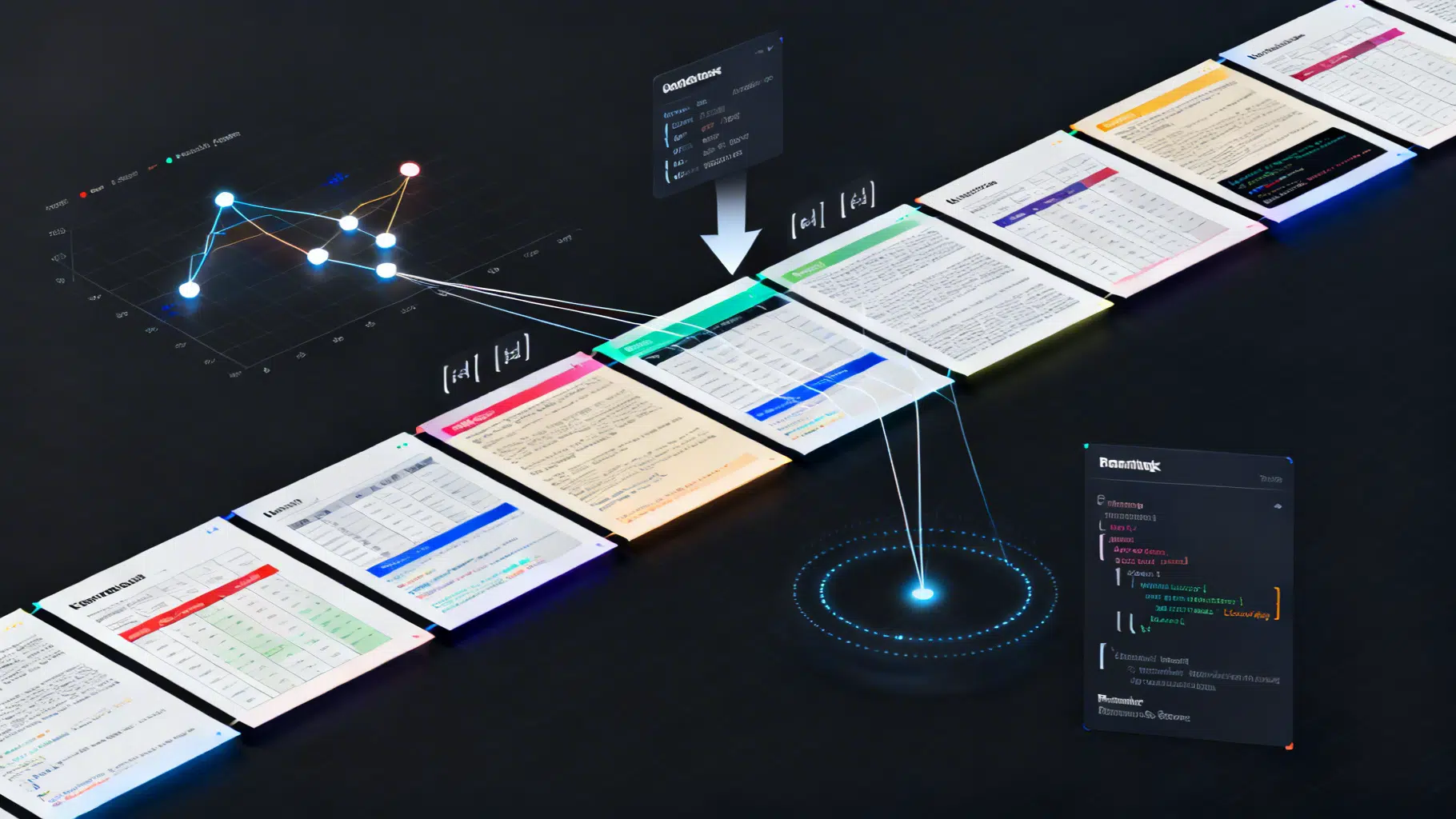
Advanced Chunking Strategies for Retrieval‑Augmented Generation
A practical guide to advanced chunking in RAG: semantic and structure-aware methods, parent–child indexing, query-driven expansion, and evaluation tips.
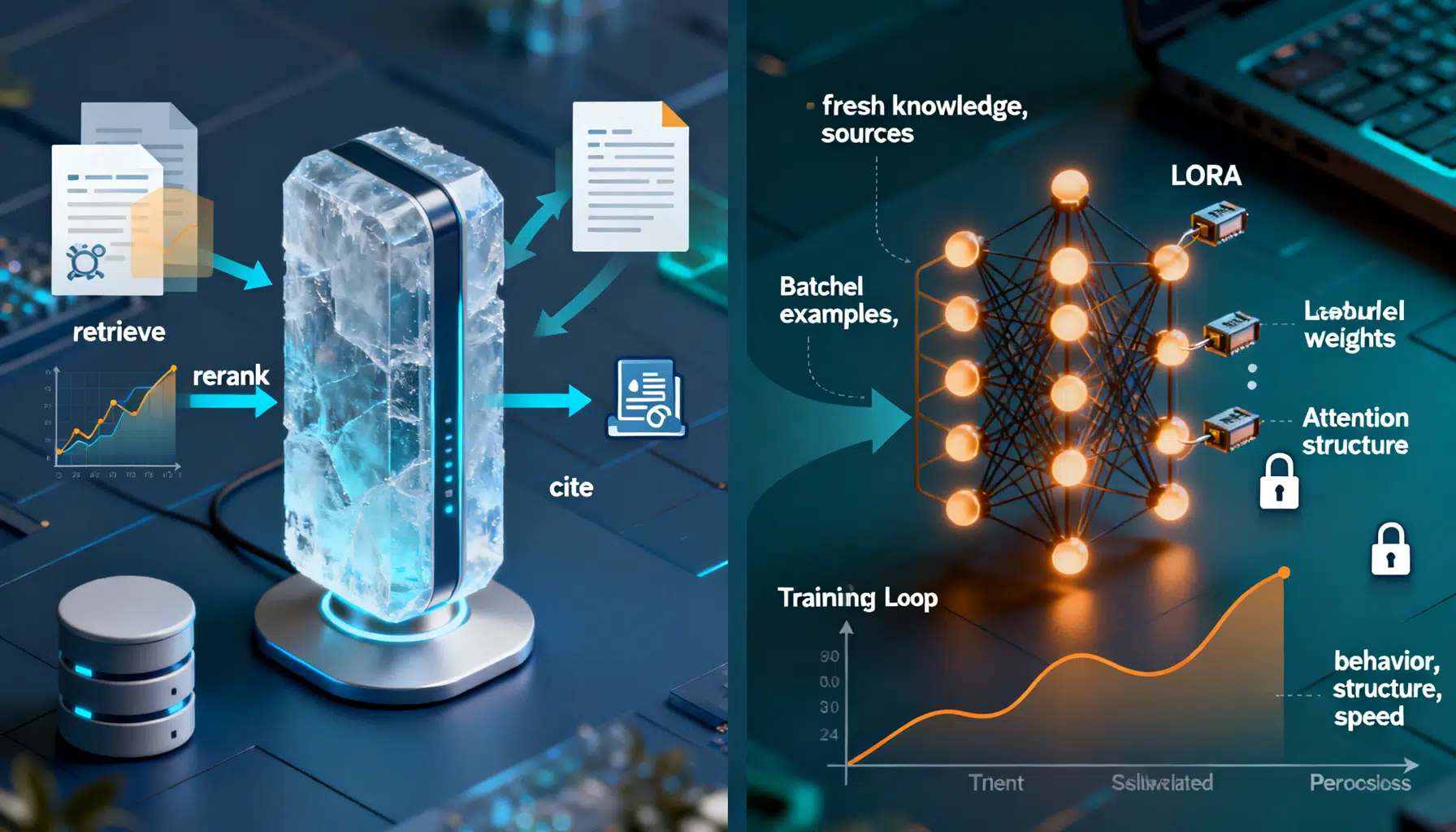
RAG vs. Fine‑Tuning: How to Choose the Right Approach
A practical guide to choosing RAG vs fine-tuning, with a clear decision framework, patterns, code sketches, and pitfalls.
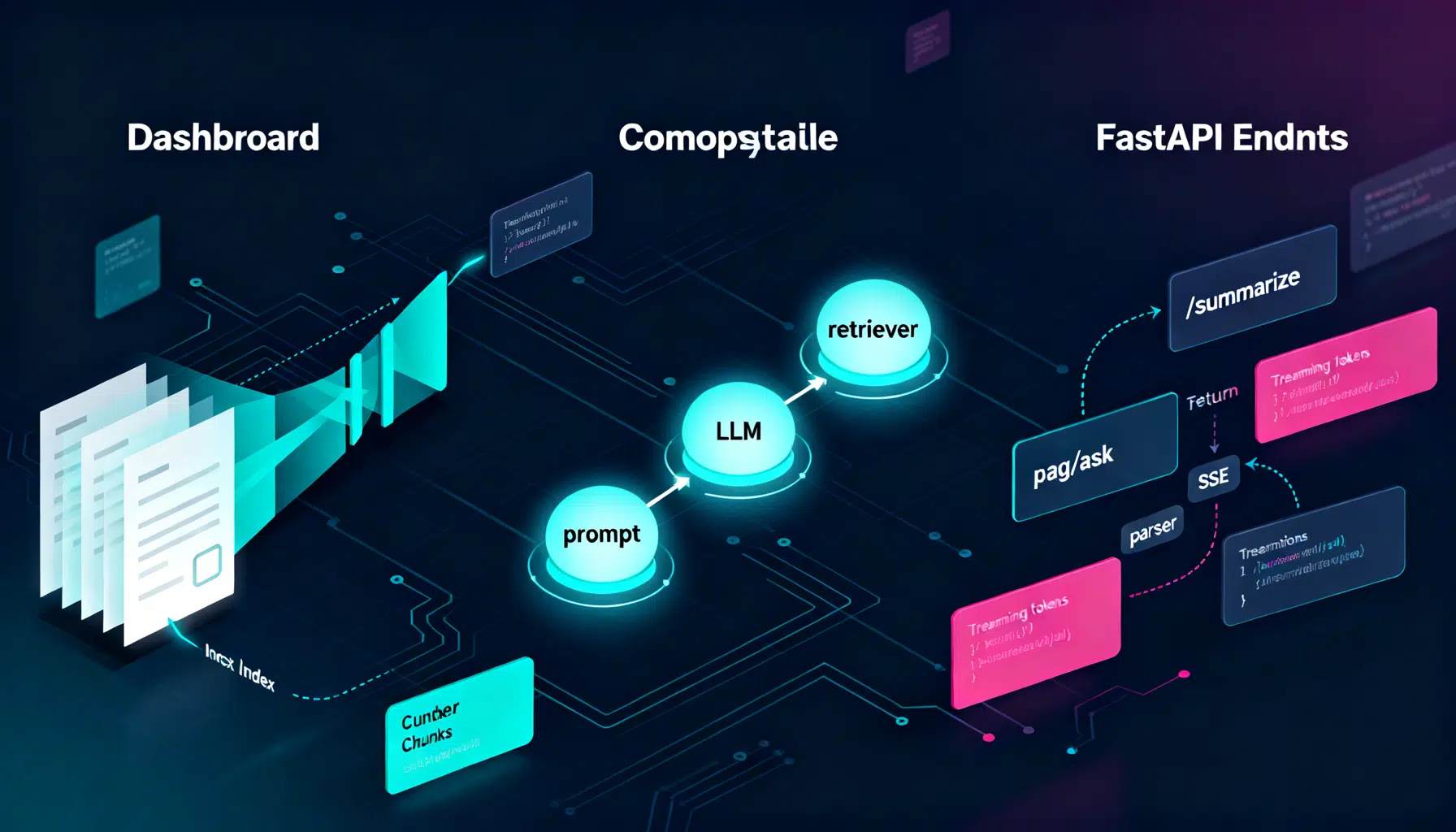
LangChain API Tutorial: From Hello World to Production RAG with FastAPI and LangServe
Build a production-ready LangChain API: LCEL chains, LangServe, FastAPI streaming, RAG, structured outputs, testing, and deployment tips.