
Flutter sqflite Database Migration Guide: Safe, Incremental Upgrades with Confidence
A step-by-step Flutter sqflite migration guide: design, implement, and test safe schema upgrades with code patterns, tips, and pitfalls to avoid.
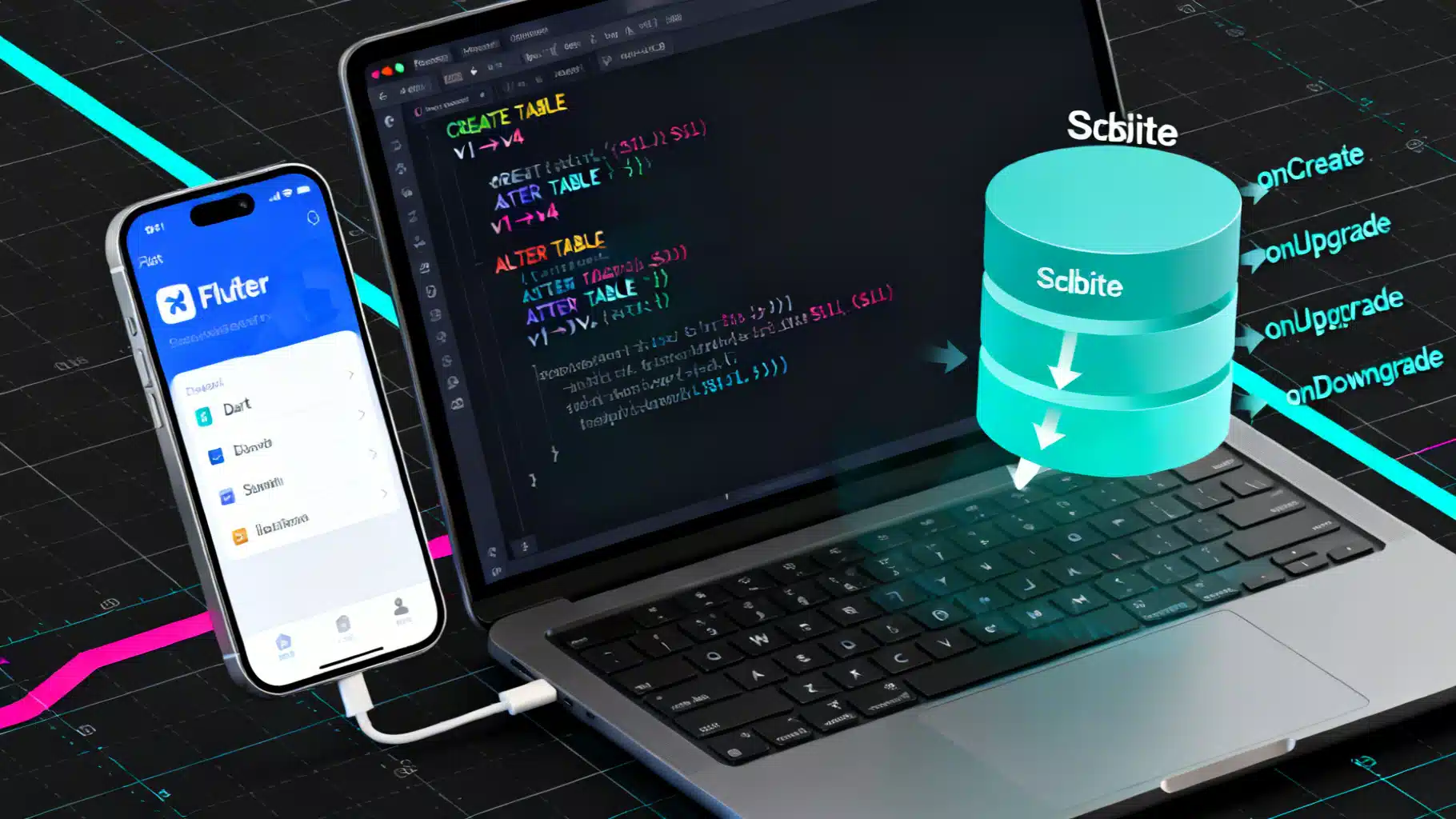
Image used for representation purposes only.
Overview
Local persistence is a core part of many Flutter apps. If you use the sqflite plugin to store data in SQLite, you’ll eventually need to evolve your schema without losing user data. This guide shows how to plan, implement, and test safe, incremental database migrations in Flutter using sqflite. You’ll get production‑ready patterns, reusable code snippets, and a checklist to avoid the most common pitfalls.
How sqflite triggers migrations
When you open a database with a version number, sqflite compares that version to the one stored in the database file.
- If the database doesn’t exist, onCreate runs.
- If the database exists and the new version is higher, onUpgrade runs.
- If the database exists and the new version is lower, onDowngrade runs.
- onConfigure runs before any of the above; onOpen runs after.
Key point: sqflite does not automatically wrap your onUpgrade logic in a transaction. Wrap your migrations yourself to ensure atomicity.
Establish a versioned schema plan
Design your schema evolution as a sequence of small, incremental steps.
- Use integer schema versions (1, 2, 3…). Each migration upgrades from N to N+1.
- Keep each migration idempotent if possible, or at least safe to re-run in tests.
- Never rewrite history: don’t change the SQL of an old migration once shipped. Add a new migration instead.
- Store your migrations next to your data access layer so they ship with the app.
Project setup and opening the database
Add dependencies in pubspec.yaml:
dependencies:
  sqflite: ^2.0.0
  path: ^1.8.0
Open the database with a single entry point and callbacks:
import 'dart:async';
import 'package:path/path.dart';
import 'package:sqflite/sqflite.dart';

class AppDatabase {
  static const _dbName = 'app.db';
  static const currentVersion = 4; // bump when you add a migration

  Database? _instance;

  Future<Database> open() async {
    if (_instance != null) return _instance!;
    final dbPath = join(await getDatabasesPath(), _dbName);

    _instance = await openDatabase(
      dbPath,
      version: currentVersion,
      onConfigure: (db) async {
        // Always enable foreign keys
        await db.execute('PRAGMA foreign_keys = ON');
      },
      onCreate: (db, version) async {
        // Create base schema (v1), then apply migrations up to `version`.
        await _createV1(db);
        await _runMigrations(db, from: 1, to: version);
      },
      onUpgrade: (db, oldVersion, newVersion) async {
        // Ensure atomic upgrade
        await db.transaction((txn) async {
          await _runMigrations(txn, from: oldVersion, to: newVersion);
        });
      },
      onDowngrade: (db, oldVersion, newVersion) async {
        // Avoid data loss by default. Handle intentionally if you support downgrades.
        throw StateError('Downgrade not supported: $oldVersion → $newVersion');
      },
    );

    return _instance!;
  }

  // ----- Schema creation (v1) -----
  Future<void> _createV1(DatabaseExecutor db) async {
    await db.execute('''
      CREATE TABLE users (
        id INTEGER PRIMARY KEY AUTOINCREMENT,
        email TEXT NOT NULL UNIQUE,
        created_at INTEGER NOT NULL
      )
    ''');
  }

  // ----- Migration registry -----
  typedef Migration = Future<void> Function(DatabaseExecutor db);

  final Map<int, Migration> _migrations = {
    2: _migrate1to2,
    3: _migrate2to3,
    4: _migrate3to4,
  };

  Future<void> _runMigrations(DatabaseExecutor db, {required int from, required int to}) async {
    for (var v = from + 1; v <= to; v++) {
      final m = _migrations[v];
      if (m == null) {
        throw StateError('Missing migration for version $v');
      }
      await m(db);
    }
  }
}
Writing safe, incremental migrations
Below are example migrations from version 1 to 4. Each step is small and focused.
// v1 → v2: Add profiles table for user metadata
Future<void> _migrate1to2(DatabaseExecutor db) async {
  await db.execute('''
    CREATE TABLE profiles (
      id INTEGER PRIMARY KEY AUTOINCREMENT,
      user_id INTEGER NOT NULL,
      full_name TEXT,
      bio TEXT,
      created_at INTEGER NOT NULL,
      FOREIGN KEY(user_id) REFERENCES users(id) ON DELETE CASCADE
    )
  ''');
  await db.execute('CREATE INDEX IF NOT EXISTS idx_profiles_user_id ON profiles(user_id)');
}

// v2 → v3: Add display_name to users and backfill
Future<void> _migrate2to3(DatabaseExecutor db) async {
  final exists = await _columnExists(db, 'users', 'display_name');
  if (!exists) {
    await db.execute('ALTER TABLE users ADD COLUMN display_name TEXT');
    // Backfill a reasonable default from email prefix when possible
    await db.execute('''
      UPDATE users
      SET display_name = substr(email, 1, instr(email, '@') - 1)
      WHERE email LIKE '%@%' AND (display_name IS NULL OR display_name = '')
    ''');
  }
}

// v3 → v4: Add posts table with FK to users
Future<void> _migrate3to4(DatabaseExecutor db) async {
  await db.execute('''
    CREATE TABLE posts (
      id INTEGER PRIMARY KEY AUTOINCREMENT,
      user_id INTEGER NOT NULL,
      title TEXT NOT NULL,
      created_at INTEGER NOT NULL,
      FOREIGN KEY(user_id) REFERENCES users(id) ON DELETE CASCADE
    )
  ''');
  await db.execute('CREATE INDEX IF NOT EXISTS idx_posts_user_id ON posts(user_id)');
}

// Helper: check if a column exists using PRAGMA
Future<bool> _columnExists(DatabaseExecutor db, String table, String column) async {
  final rows = await db.rawQuery('PRAGMA table_info($table)');
  return rows.any((row) => (row['name'] as String).toLowerCase() == column.toLowerCase());
}
Tips for safe DDL and DML:
- Prefer CREATE TABLE/INDEX IF NOT EXISTS when available to make migrations more resilient.
- ALTER TABLE ADD COLUMN IF NOT EXISTS is only available on newer SQLite releases. Because device SQLite versions vary, prefer the explicit PRAGMA table_info check above.
- Always add indexes when you introduce foreign keys or new query patterns.
- Keep data backfills simple and set conservative defaults.
Transactions, batches, and idempotency
- Wrap onUpgrade in a single transaction so either all steps apply or none do. This prevents half‑applied migrations.
- You can also use Batch for bulk DDL/DML, but a single transaction with sequential execute calls is usually sufficient and clearer for error handling.
- Design migrations so that re-running them during tests or retries won’t break (e.g., check for column existence, use IF NOT EXISTS for indexes).
Seeding with onCreate
onCreate should build the latest schema for a brand‑new install. A practical pattern is to create the v1 schema and immediately run all migrations up to the requested version (as in the example). If you want seed data, insert it at the end of onCreate after schema creation, or as a dedicated migration that runs only once for new installs.
onCreate: (db, version) async {
  await _createV1(db);
  await _runMigrations(db, from: 1, to: version);
  // Optional: seed data for first-run only
  await db.execute("INSERT INTO users(email, created_at) VALUES('hello@example.com', strftime('%s','now'))");
}
Handling downgrades safely
Downgrades are rare (users installing an older app over a newer one), but they do happen. Strategies:
- Development: use onDatabaseDowngradeDelete to reset the DB when versions mismatch.
- Production: prefer to block downgrades (throw) to avoid silent data loss. If you must support them, write explicit inverse migrations and test thoroughly.
onDowngrade: onDatabaseDowngradeDelete, // Dev only; resets DB on downgrade
Foreign keys and integrity
SQLite requires PRAGMA foreign_keys = ON per connection. Enable this in onConfigure so referential integrity is enforced for all sessions. When adding FKs in a migration, consider backfilling or deleting orphan rows before the FK is enforced.
DELETE FROM profiles WHERE user_id NOT IN (SELECT id FROM users);
Testing migrations (sqflite_common_ffi)
You can test migrations on desktop without an emulator using sqflite_common_ffi.
Add a dev dependency and write standalone tests that simulate upgrading from older versions.
dev_dependencies:
  sqflite_common_ffi: any
import 'dart:io';
import 'package:path/path.dart';
import 'package:sqflite/sqflite.dart';
import 'package:sqflite_common_ffi/sqflite_ffi.dart';

Future<void> main() async {
  sqfliteFfiInit();
  databaseFactory = databaseFactoryFfi; // Use FFI-backed SQLite

  final temp = Directory.systemTemp.createTempSync();
  final dbPath = join(temp.path, 'migration_test.db');

  // 1) Create a v1 database
  await openDatabase(
    dbPath,
    version: 1,
    onCreate: (db, v) async {
      await db.execute('''
        CREATE TABLE users (
          id INTEGER PRIMARY KEY AUTOINCREMENT,
          email TEXT NOT NULL UNIQUE,
          created_at INTEGER NOT NULL
        )
      ''');
    },
  ).then((db) => db.close());

  // 2) Reopen with the app's real callbacks (v4)
  final appDb = await AppDatabase().open();
  await appDb.close();

  // 3) Assert expected schema/data exists (pseudo-checks)
  final db = await openDatabase(dbPath);
  final pragma = await db.rawQuery('PRAGMA table_info(users)');
  assert(pragma.any((r) => r['name'] == 'display_name'));
  await db.close();
}
What to test:
- Upgrading from each historical version to the latest (1→4, 2→4, 3→4, etc.).
- Data backfills (e.g., display_name gets set).
- Foreign key constraints and cascade behavior.
Performance tips for large migrations
- Prefer SQL set‑based updates (single UPDATE/INSERT with WHERE) over iterating rows in Dart.
- Create indexes before large backfills that rely on joins or lookups; drop unneeded temporary indexes afterward.
- Break very heavy migrations into multiple app releases if possible to reduce upgrade time.
- Keep the UI responsive: sqflite runs queries on a background thread, but if you do CPU‑heavy transformation in Dart, move it to an isolate.
Common pitfalls and how to avoid them
- Forgetting to bump version: the migration won’t run. Always increment AppDatabase.currentVersion.
- Long‑running migration without a transaction: users can end up with a half‑migrated schema if the app is killed. Wrap in a transaction.
- Using device‑specific SQL: avoid features not supported by older SQLite versions (e.g., ALTER TABLE … IF NOT EXISTS). Guard with PRAGMA checks.
- Dropping columns: SQLite lacks DROP COLUMN; you must recreate the table. Plan this carefully: create new table, copy data, drop old table, rename.
- Ignoring foreign keys: enforce PRAGMA foreign_keys = ON and clean orphans before adding FKs.
End‑to‑end example (v1→v4)
The minimal moving parts you need in production:
class AppDatabase {
  static const currentVersion = 4;
  Database? _db;

  Future<Database> open() async {
    if (_db != null) return _db!;
    final path = join(await getDatabasesPath(), 'app.db');
    _db = await openDatabase(
      path,
      version: currentVersion,
      onConfigure: (db) async => db.execute('PRAGMA foreign_keys = ON'),
      onCreate: (db, v) async {
        await _createV1(db);
        await _runMigrations(db, from: 1, to: v);
      },
      onUpgrade: (db, oldV, newV) async {
        await db.transaction((txn) => _runMigrations(txn, from: oldV, to: newV));
      },
      onDowngrade: (db, o, n) async => throw StateError('Downgrade $o→$n'),
    );
    return _db!;
  }

  Future<void> close() async => _db?.close();

  // ...include _createV1, _runMigrations, and the migration functions from earlier
}
Shipping checklist
- Version bumped and committed.
- Migrations added for each new version step and registered in the map.
- onConfigure enables foreign keys.
- onUpgrade wrapped in a transaction.
- Tests cover upgrades from all historical versions you’ve shipped.
- Backfills have safe defaults and are idempotent.
- Release notes mention potential one‑time migration delay for very large datasets.
Troubleshooting quick answers
- “no such column”: The migration adding that column didn’t run. Verify version bump and registration in the migration map.
- “database is locked”: Make sure you don’t open multiple instances writing concurrently; serialize access through a single AppDatabase and avoid long‑lived transactions.
- “FOREIGN KEY constraint failed”: Clean up orphan rows before adding FKs and ensure PRAGMA foreign_keys = ON.
Conclusion
Well‑planned, incremental migrations turn schema changes into routine maintenance instead of fire drills. Use small steps, wrap upgrades in a transaction, enforce integrity, and test upgrades from every historical version. With these patterns in place, you can evolve your Flutter app’s local database confidently and ship new features without risking user data.
Related Posts
Flutter Local Notifications: A Complete Scheduling Guide (Android 13/14+ ready)
A practical Flutter guide to scheduling reliable local notifications on Android and iOS, updated for Android 13/14 exact-alarm and permission changes.

Flutter Impeller Rendering Engine: A Performance Deep Dive and Tuning Guide
A practical performance deep dive into Flutter’s Impeller renderer: how it works, how to measure it, and tuning patterns for smooth, jank‑free UIs.

Flutter Deep Linking with Universal Links and App Links: A Complete Guide
A practical, end-to-end guide to deep linking in Flutter using iOS Universal Links and Android App Links, with setup, code, testing, and troubleshooting.