
Flutter background fetch periodic tasks: reliable patterns for Android and iOS
Learn how to run periodic background tasks in Flutter with WorkManager and iOS BackgroundTasks, plus reliable patterns, caveats, and code examples.
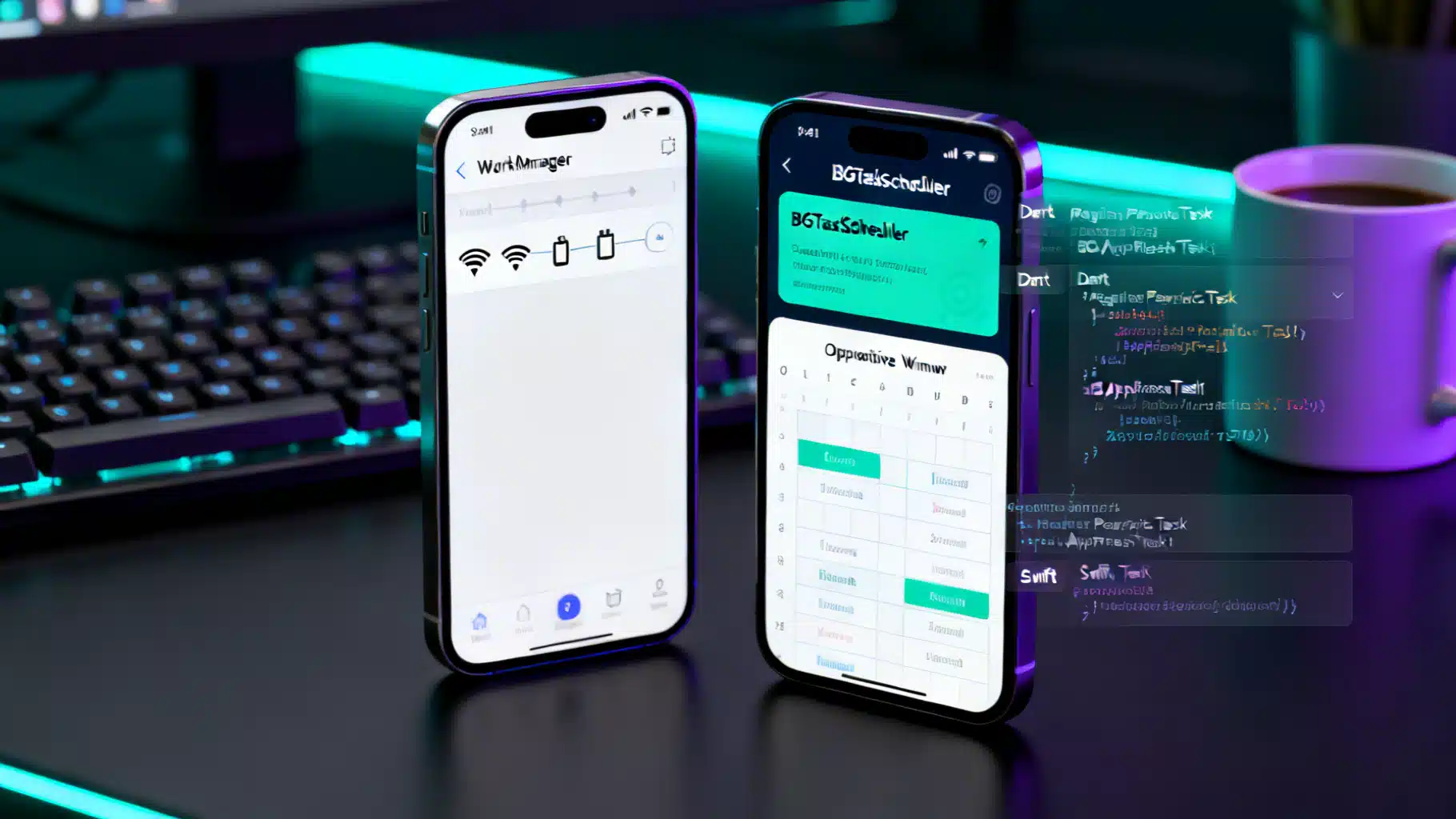
Image used for representation purposes only.
Overview
Periodic background work in Flutter sounds simple—“run my code every N minutes”—but the reality depends on what Android and iOS are willing to do on your behalf. Both platforms strictly gate background execution for battery and privacy reasons, and the correct implementation uses the system schedulers rather than hand‑rolled timers or while loops. This guide explains the constraints, compares the leading Flutter plugins, and walks through production‑ready patterns for periodic tasks that actually run.
- Android: Use WorkManager for deferrable, guaranteed work that can be scheduled periodically (minimum interval 15 minutes) and survives process death and reboots. The OS may still delay or batch work based on Doze/App Standby. (developer.android.com )
- iOS: Use the BackgroundTasks framework (BGTaskScheduler) for refresh/processing tasks and configure Background Modes and Info.plist accordingly. There is no guarantee of exact timing; earliestBeginDate is a minimum, not a schedule. (developer.apple.com )
Platform constraints that shape your design
- Android periodicity and batching
- WorkManager’s periodic work has a minimum interval of 15 minutes; the exact run time is inexact and can drift. You can define a “flex” window to let Android pick the execution time near the end of each period. Doze and App Standby can defer jobs until maintenance windows. (developer.android.com )
- iOS scheduling guarantees (or the lack thereof)
- BGAppRefreshTask and BGProcessingTask run opportunistically. You must enable Background Modes, list permitted task identifiers in Info.plist, and register handlers at launch. Even then, the system decides when to run them. (developer.apple.com )
Implication: Treat periodic work as “eventually” rather than “exactly at HH:MM.” For exact‑time behaviors, pivot to user‑visible foreground services (Android), exact alarms with user consent (Android), or server‑driven background pushes (iOS), where appropriate. (developer.android.com )
Choosing a Flutter plugin
Two mainstream options cover most needs:
-
workmanager (Flutter Community)
- Wraps Android WorkManager and provides an Apple implementation on iOS. Good default for cross‑platform periodic tasks. The iOS side exposes helpers to register BGTasks and supports Background Fetch where appropriate. (pub.dev )
-
background_fetch (Transistor Software)
- Delivers periodic callbacks about every 15 minutes on iOS (OS‑controlled) and integrates with Android’s scheduling APIs. Also adds a scheduleTask API for one‑shot/periodic work, with clear caveats for iOS frequency and power conditions. (pub.dev )
Pick workmanager when you want the Android WorkManager feature set (constraints, chaining, backoff) and a straightforward iOS path. Pick background_fetch when you prefer its simpler callback model or need its headless Android handler and diagnostics.
Android: periodic tasks with WorkManager
WorkManager gives you persistent, constraint‑aware scheduling that cooperates with Doze/App Standby. At minimum you’ll create a Worker and register a PeriodicWorkRequest.
// pubspec.yaml
dependencies:
  workmanager: ^0.8.0
// worker.dart
import 'package:workmanager/workmanager.dart';

@pragma('vm:entry-point')
void callbackDispatcher() {
  Workmanager().executeTask((task, inputData) async {
    // 1) Do the actual background work here
    //    e.g., sync(), rotateLogs(), prefetchContent()
    // 2) Never block indefinitely; handle errors and return a boolean
    return Future.value(true);
  });
}
// main.dart
import 'package:flutter/material.dart';
import 'package:workmanager/workmanager.dart';

void main() async {
  WidgetsFlutterBinding.ensureInitialized();
  await Workmanager().initialize(callbackDispatcher);

  // 15 minutes is the minimum on Android; anything lower will be rounded up.
  await Workmanager().registerPeriodicTask(
    'daily-cleanup-id',
    'daily_cleanup',
    frequency: const Duration(minutes: 15),
    constraints: Constraints(
      networkType: NetworkType.connected,
      requiresBatteryNotLow: true,
    ),
    backoffPolicy: BackoffPolicy.exponential,
  );

  runApp(const MyApp());
}
Key points
- Minimum repeat interval is 15 minutes. The system may delay execution; consider the frequency a lower bound. Use flex windows when timing sensitivity matters. (developer.android.com )
- Respect constraints. If your job needs network and the device is offline, WorkManager will run it later when constraints are met. (developer.android.com )
- Doze/App Standby still apply; build your UX assuming occasional delays. (developer.android.com )
iOS: BackgroundTasks and Background Fetch with workmanager
On iOS you must first enable capabilities and declare permitted task identifiers.
Info.plist additions
<key>UIBackgroundModes</key>
<array>
  <string>fetch</string>
  <string>processing</string>
</array>
<key>BGTaskSchedulerPermittedIdentifiers</key>
<array>
  <string>com.example.app.periodic_task</string>
</array>
- Background Modes enables Background Fetch (fetch) and Background Processing (processing). (developer.apple.com )
- BGTaskSchedulerPermittedIdentifiers lists the identifiers you are allowed to schedule. (developer.apple.com )
AppDelegate registration (BGTaskScheduler)
// AppDelegate.swift
import UIKit
import workmanager_apple

@UIApplicationMain
class AppDelegate: FlutterAppDelegate {
  override func application(
    _ application: UIApplication,
    didFinishLaunchingWithOptions launchOptions: [UIApplication.LaunchOptionsKey: Any]?
  ) -> Bool {
    // Register your BGProcessing task identifier so iOS can invoke it later.
    WorkmanagerPlugin.registerBGProcessingTask(
      withIdentifier: "com.example.app.periodic_task"
    )
    return super.application(application, didFinishLaunchingWithOptions: launchOptions)
  }
}
Dart side
@pragma('vm:entry-point')
void callbackDispatcher() {
  Workmanager().executeTask((task, inputData) async {
    if (task == Workmanager.iOSBackgroundTask) {
      // This is the Background Fetch entry point (short, lightweight refresh)
      await refreshSmallBitsOfData();
    } else if (task == 'periodic_processing') {
      await doHeavierProcessing();
    }
    return Future.value(true);
  });
}
Notes
- iOS decides when to run background tasks; earliestBeginDate is a minimum delay, not a guarantee. Expect variability. (developer.apple.com )
- Adding BGTaskSchedulerPermittedIdentifiers and registering handlers at launch are required for BGTaskScheduler to run. (developer.apple.com )
Using background_fetch instead (single callback model)
background_fetch provides a simple callback that fires when the OS delivers a fetch event. You can also schedule one‑shot/periodic tasks, with caveats on iOS.
import 'package:background_fetch/background_fetch.dart';

Future<void> initBackgroundFetch() async {
  final status = await BackgroundFetch.configure(
    BackgroundFetchConfig(
      minimumFetchInterval: 15, // OS may deliver less often
      stopOnTerminate: false,   // Android only
      enableHeadless: true,     // Android only
    ),
    (taskId) async {
      await sync();
      BackgroundFetch.finish(taskId);
    },
    (taskId) async {
      // Timeout handler
      BackgroundFetch.finish(taskId);
    },
  );

  // Optional: schedule a custom task (Android reliable; iOS low-priority)
  await BackgroundFetch.scheduleTask(TaskConfig(
    taskId: 'com.example.app.periodic',
    delay: 15 * 60 * 1000,
    periodic: true,
  ));
}
- On iOS, the plugin caps at roughly 15 minutes and the OS often runs fetch less frequently based on usage. The scheduleTask API is low‑priority and often requires power to run. Don’t rely on it for strict periodicity. (pub.dev )
Production patterns for “periodic” reliability
- Use periodic work as a safety net, not as your only trigger. Kick off one‑time work on app open, pull‑to‑refresh, or server‑side push; keep periodic work for eventual consistency. (developer.android.com )
- Record last‑run timestamps server‑ and client‑side to make jobs idempotent. If multiple triggers fire close together, your worker should noop.
- Apply constraints thoughtfully. Example: require unmetered network for large syncs, or charging for heavy processing. (developer.android.com )
- Expose user settings for cadence and power usage (e.g., “Only on Wi‑Fi” or “Sync while charging”).
- For exact reminders/alarms on Android, consider exact alarms with user consent or a foreground service with a persistent notification; explain the trade‑offs clearly in‑app. (developer.android.com )
- For time‑specific updates on iOS, prefer background push notifications (content‑available) from your backend instead of relying on BGAppRefreshTask timing. (developer.apple.com )
Testing and debugging
- Android
- Inspect and force‑run jobs via adb: adb shell cmd jobscheduler run -f
. background_fetch documents this workflow and logging filters. For unit/instrumentation tests, use androidx.work.testing’s WorkManagerTestInitHelper and TestDriver to trigger execution. (pub.dev )
- Inspect and force‑run jobs via adb: adb shell cmd jobscheduler run -f
- iOS
- Verify Info.plist keys and capabilities, then watch logs when launching tasks. Apple’s BackgroundTasks docs outline enabling background modes and registering identifiers; the system executes tasks opportunistically. (developer.apple.com )
Common pitfalls (and fixes)
- Missing Info.plist keys on iOS (no BGTaskSchedulerPermittedIdentifiers or missing Background Modes) → tasks never run. Add the keys and re‑register identifiers. (developer.apple.com )
- Long or blocking work in callbacks → system terminates your background time. Keep tasks short; offload heavy work to BGProcessingTask (iOS) or split into chained WorkManager jobs (Android). (developer.apple.com )
- Assuming “every 15 minutes” means exact. Treat intervals as minimums; implement backoff and retry. (developer.android.com )
A pragmatic decision matrix
- Need cross‑platform periodic sync with constraints and backoff → start with workmanager.
- Need a single, simple callback and good Android headless behavior → background_fetch.
- Need exact‑time behaviors → alarms/foreground service (Android) or server‑driven background push (iOS).
Final takeaways
- Periodic background work is always at the OS’s discretion; your job is to express intent, constraints, and acceptable windows.
- Design for “eventually consistent” schedules; combine periodic tasks with user‑driven or server‑driven triggers.
- Test with the platform tools (adb/WorkManager testing; iOS capabilities/Info.plist and logs) and measure in the field before promising SLAs.
Further reading
- Android WorkManager: periodic intervals, flex windows, constraints, Doze/App Standby. (developer.android.com )
- Apple BackgroundTasks: configuring background modes, registering tasks, permitted identifiers. (developer.apple.com )
- Flutter plugins: workmanager quick start and background_fetch docs. (docs.page )
Related Posts
Flutter Integration Testing: A Modern, End‑to‑End Guide
A modern, practical guide to Flutter integration testing: setup, writing reliable tests, running on devices and web, CI examples, and troubleshooting.
Flutter Impeller Rendering Engine: A Performance Deep Dive and Tuning Guide
A practical performance deep dive into Flutter’s Impeller renderer: how it works, how to measure it, and tuning patterns for smooth, jank‑free UIs.
Flutter Deep Linking with Universal Links and App Links: A Complete Guide
A practical, end-to-end guide to deep linking in Flutter using iOS Universal Links and Android App Links, with setup, code, testing, and troubleshooting.