
Flutter Video Streaming Player Tutorial: From video_player to Chewie (and Beyond)
Build a Flutter video streaming player with HLS/DASH using video_player and Chewie. Fullscreen, buffering, subtitles, PiP, and production tips.
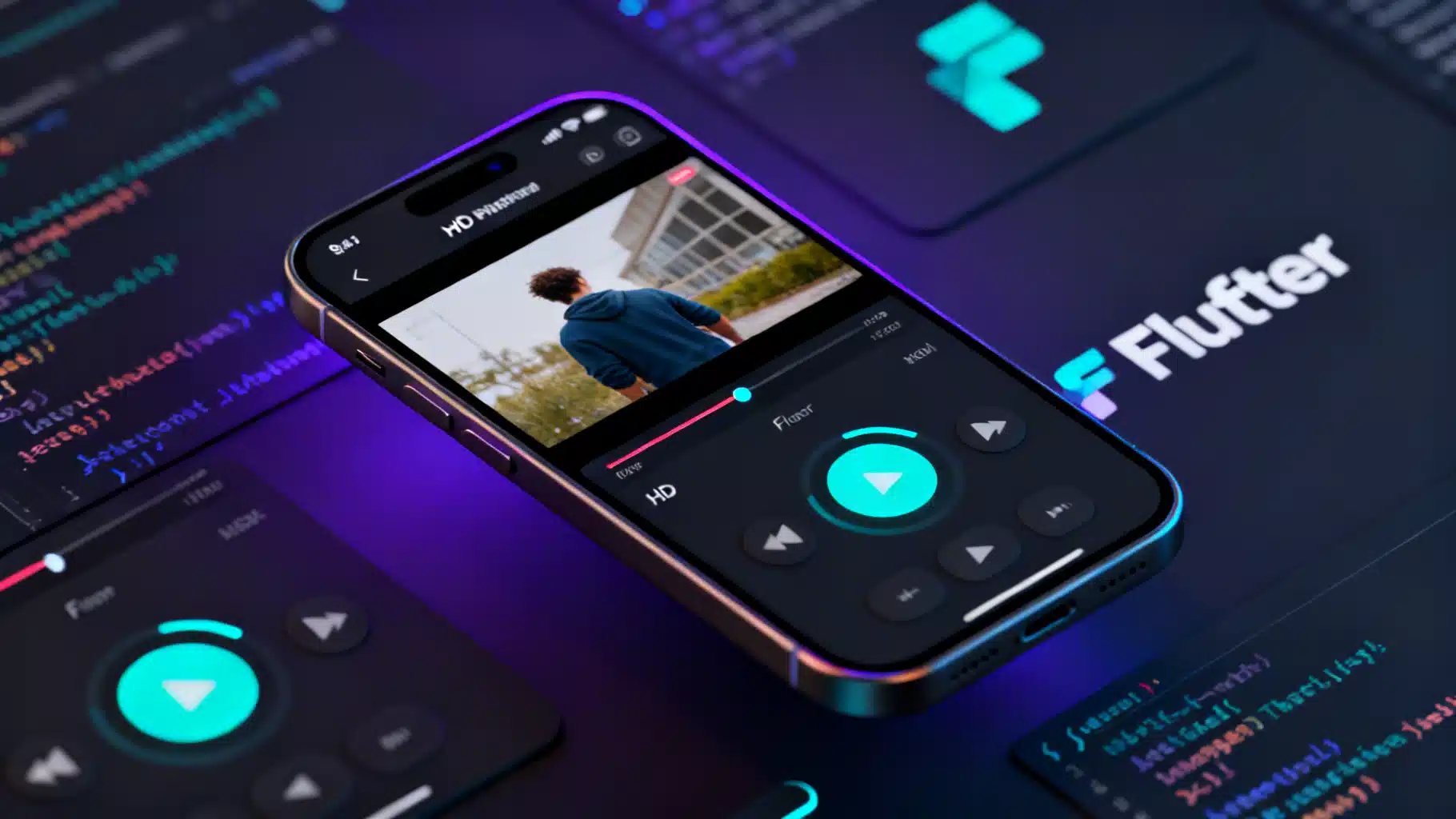
Image used for representation purposes only.
Overview
Building a smooth, reliable video streaming experience in Flutter is very achievable with the right building blocks. In this tutorial you’ll:
- Stream HLS and DASH sources
- Implement a basic player with the video_player plugin
- Add material controls and fullscreen with Chewie
- Handle buffering, errors, and app lifecycle
- Optionally wire up subtitles, multiple qualities, and Picture‑in‑Picture (PiP)
By the end, you’ll have a production‑ready foundation you can tailor for Android, iOS, and the web.
Prerequisites
- Flutter installed and a working emulator/device
- Familiarity with Dart, async/await, and StatefulWidget
Choosing a player stack
- video_player: The official, low‑level plugin that wraps AVPlayer (iOS) and ExoPlayer (Android). Lightweight and reliable; you build your own UI.
- Chewie: A UI layer on top of video_player with familiar Material/Cupertino controls, fullscreen, playback speed, and more.
- Better Player (optional): Advanced wrapper with HLS/DASH conveniences, subtitles, track selection, caching, and DRM options.
A common approach is to start with video_player + Chewie. If you need advanced HLS, track/subtitle management, or DRM, consider Better Player.
Project setup
Create a new app and add dependencies.
flutter create flutter_video_streaming_demo
cd flutter_video_streaming_demo
flutter pub add video_player chewie
# Optional, advanced features:
# flutter pub add better_player
Android configuration
- Internet permission (release builds especially):
<!-- android/app/src/main/AndroidManifest.xml -->
<manifest ...>
  <uses-permission android:name="android.permission.INTERNET" />
  <application
      android:name="io.flutter.app.FlutterApplication"
      android:label="@string/app_name"
      android:icon="@mipmap/ic_launcher"
      android:usesCleartextTraffic="true"> <!-- only if you must load http:// streams -->
      ...
  </application>
</manifest>
- Optional (PiP support):
<application ...>
  <activity
      android:name=".MainActivity"
      android:supportsPictureInPicture="true"
      android:resizeableActivity="true"/>
</application>
Prefer HTTPS streams; only enable cleartext when absolutely necessary.
iOS configuration
- Prefer HTTPS. If you must load non‑HTTPS during development:
<!-- ios/Runner/Info.plist -->
<key>NSAppTransportSecurity</key>
<dict>
  <key>NSAllowsArbitraryLoads</key><true/>
</dict>
- Background playback: iOS does not allow background video playback; for audio‑only background, enable the “Audio, AirPlay, and Picture in Picture” background mode and set audio session appropriately.
A basic streaming player with video_player
Here’s a minimal, production‑grade pattern that handles initialization, play/pause, buffering overlays, and cleanup.
// lib/main.dart
import 'package:flutter/material.dart';
import 'package:video_player/video_player.dart';

void main() => runApp(const MyApp());

class MyApp extends StatelessWidget {
  const MyApp({super.key});
  @override
  Widget build(BuildContext context) {
    return MaterialApp(
      title: 'Flutter Streaming Demo',
      theme: ThemeData(useMaterial3: true, colorSchemeSeed: Colors.indigo),
      home: const VideoScreen(),
    );
  }
}

class VideoScreen extends StatefulWidget {
  const VideoScreen({super.key});
  @override
  State<VideoScreen> createState() => _VideoScreenState();
}

class _VideoScreenState extends State<VideoScreen> with WidgetsBindingObserver {
  late final VideoPlayerController _controller;
  late final Future<void> _init;

  // Use a widely available HLS test stream
  static const hlsUrl = 'https://test-streams.mux.dev/x36xhzz/x36xhzz.m3u8';

  @override
  void initState() {
    super.initState();
    WidgetsBinding.instance.addObserver(this);
    _controller = VideoPlayerController.networkUrl(
      Uri.parse(hlsUrl),
      videoPlayerOptions: const VideoPlayerOptions(mixWithOthers: true),
    );
    _init = _controller.initialize().then((_) {
      // Autoplay after initialization
      _controller
        ..setLooping(true)
        ..play();
      setState(() {});
    });
  }

  @override
  void dispose() {
    WidgetsBinding.instance.removeObserver(this);
    _controller.dispose();
    super.dispose();
  }

  // Pause/resume when app goes background/foreground
  @override
  void didChangeAppLifecycleState(AppLifecycleState state) {
    if (!mounted) return;
    if (state == AppLifecycleState.inactive || state == AppLifecycleState.paused) {
      _controller.pause();
    }
  }

  void _openFullscreen() {
    Navigator.of(context).push(
      MaterialPageRoute(builder: (_) => FullscreenPlayer(controller: _controller)),
    );
  }

  @override
  Widget build(BuildContext context) {
    return Scaffold(
      appBar: AppBar(title: const Text('Streaming with video_player')),
      body: FutureBuilder(
        future: _init,
        builder: (context, snap) {
          if (snap.connectionState != ConnectionState.done) {
            return const Center(child: CircularProgressIndicator());
          }

          final value = _controller.value;
          return Column(
            children: [
              AspectRatio(
                aspectRatio: value.isInitialized ? value.aspectRatio : 16 / 9,
                child: Stack(
                  alignment: Alignment.center,
                  children: [
                    VideoPlayer(_controller),
                    if (value.isBuffering) const CircularProgressIndicator(),
                    _PlayPauseOverlay(controller: _controller),
                    Positioned(
                      left: 0,
                      right: 0,
                      bottom: 0,
                      child: VideoProgressIndicator(
                        _controller,
                        allowScrubbing: true,
                        padding: const EdgeInsets.symmetric(horizontal: 12, vertical: 8),
                      ),
                    ),
                  ],
                ),
              ),
              const SizedBox(height: 12),
              Row(
                mainAxisAlignment: MainAxisAlignment.center,
                children: [
                  ElevatedButton.icon(
                    onPressed: _openFullscreen,
                    icon: const Icon(Icons.fullscreen),
                    label: const Text('Fullscreen'),
                  ),
                  const SizedBox(width: 12),
                  ElevatedButton.icon(
                    onPressed: () async {
                      final speed = _controller.value.playbackSpeed;
                      final next = speed >= 2.0 ? 1.0 : speed + 0.25;
                      await _controller.setPlaybackSpeed(next);
                      if (mounted) setState(() {});
                    },
                    icon: const Icon(Icons.speed),
                    label: Text('${_controller.value.playbackSpeed.toStringAsFixed(2)}x'),
                  ),
                ],
              ),
              if (value.hasError)
                Padding(
                  padding: const EdgeInsets.all(12.0),
                  child: Text(
                    'Error: ${value.errorDescription}',
                    style: TextStyle(color: Theme.of(context).colorScheme.error),
                  ),
                ),
            ],
          );
        },
      ),
    );
  }
}

class _PlayPauseOverlay extends StatelessWidget {
  const _PlayPauseOverlay({required this.controller});
  final VideoPlayerController controller;

  @override
  Widget build(BuildContext context) {
    return GestureDetector(
      onTap: () => controller.value.isPlaying ? controller.pause() : controller.play(),
      child: AnimatedSwitcher(
        duration: const Duration(milliseconds: 200),
        child: controller.value.isPlaying
            ? const SizedBox.shrink()
            : Container(
                color: Colors.black26,
                child: const Icon(Icons.play_arrow, size: 80, color: Colors.white),
              ),
      ),
    );
  }
}

class FullscreenPlayer extends StatefulWidget {
  const FullscreenPlayer({super.key, required this.controller});
  final VideoPlayerController controller;

  @override
  State<FullscreenPlayer> createState() => _FullscreenPlayerState();
}

class _FullscreenPlayerState extends State<FullscreenPlayer> {
  @override
  Widget build(BuildContext context) {
    final value = widget.controller.value;
    return Scaffold(
      backgroundColor: Colors.black,
      body: SafeArea(
        top: false,
        bottom: false,
        child: Stack(
          alignment: Alignment.center,
          children: [
            Center(
              child: AspectRatio(
                aspectRatio: value.isInitialized ? value.aspectRatio : 16 / 9,
                child: VideoPlayer(widget.controller),
              ),
            ),
            const Positioned(
              left: 16,
              top: 36,
              child: _BackButtonOverlay(),
            ),
          ],
        ),
      ),
    );
  }
}

class _BackButtonOverlay extends StatelessWidget {
  const _BackButtonOverlay();
  @override
  Widget build(BuildContext context) {
    return IconButton(
      icon: const Icon(Icons.arrow_back, color: Colors.white),
      onPressed: () => Navigator.of(context).pop(),
    );
  }
}
Notes:
- HLS is the safest cross‑platform choice (iOS natively supports HLS; ExoPlayer supports HLS and DASH).
- You can swap the URL for DASH on Android: e.g.,
https://dash.akamaized.net/envivio/EnvivioDash3/manifest.mpd.
Add rich controls and one‑line fullscreen with Chewie
Chewie wraps your VideoPlayerController with ready‑made controls.
import 'package:chewie/chewie.dart';
import 'package:video_player/video_player.dart';

class ChewieDemo extends StatefulWidget {
  const ChewieDemo({super.key});
  @override
  State<ChewieDemo> createState() => _ChewieDemoState();
}

class _ChewieDemoState extends State<ChewieDemo> {
  late final VideoPlayerController _videoController;
  ChewieController? _chewieController;

  @override
  void initState() {
    super.initState();
    _videoController = VideoPlayerController.networkUrl(
      Uri.parse('https://test-streams.mux.dev/x36xhzz/x36xhzz.m3u8'),
    );
    _videoController.initialize().then((_) {
      _chewieController = ChewieController(
        videoPlayerController: _videoController,
        autoPlay: true,
        looping: true,
        allowFullScreen: true,
        allowPlaybackSpeedChanging: true,
        subtitle: Subtitles([
          const Subtitle(index: 0, start: Duration(seconds: 0), end: Duration(seconds: 5), text: 'Hello!'),
          const Subtitle(index: 1, start: Duration(seconds: 5), end: Duration(seconds: 10), text: 'Welcome to Chewie'),
        ]),
        subtitleBuilder: (context, text) => Container(
          padding: const EdgeInsets.all(4),
          color: Colors.black54,
          child: Text(text, style: const TextStyle(color: Colors.white)),
        ),
      );
      setState(() {});
    });
  }

  @override
  void dispose() {
    _chewieController?.dispose();
    _videoController.dispose();
    super.dispose();
  }

  @override
  Widget build(BuildContext context) {
    return Scaffold(
      appBar: AppBar(title: const Text('Chewie Player')),
      body: Center(
        child: _chewieController == null
            ? const CircularProgressIndicator()
            : AspectRatio(
                aspectRatio: _videoController.value.aspectRatio,
                child: Chewie(controller: _chewieController!),
              ),
      ),
    );
  }
}
Chewie handles fullscreen, gestures, scrubbing, and playback speed. For remote subtitles (WebVTT/SRT), fetch and parse them into a Subtitles list, or consider Better Player for built‑in HLS subtitle tracks.
Advanced HLS/DASH features with Better Player (optional)
If you need HLS master playlists, track selection, caching, or DRM, Better Player streamlines setup.
import 'package:better_player/better_player.dart';

class BetterPlayerDemo extends StatefulWidget {
  const BetterPlayerDemo({super.key});
  @override
  State<BetterPlayerDemo> createState() => _BetterPlayerDemoState();
}

class _BetterPlayerDemoState extends State<BetterPlayerDemo> {
  late BetterPlayerController _controller;

  @override
  void initState() {
    super.initState();
    final dataSource = BetterPlayerDataSource(
      BetterPlayerDataSourceType.network,
      'https://bitdash-a.akamaihd.net/content/sintel/hls/playlist.m3u8',
      useHlsSubtitles: true,
      useHlsTracks: true,
      subtitles: [
        BetterPlayerSubtitlesSource(
          type: BetterPlayerSubtitlesSourceType.network,
          name: 'English',
          urls: ['https://example.com/subs/en.vtt'],
        ),
      ],
      // Example DRM (Widevine) — replace licenseUrl/headers for your provider
      // drmConfiguration: BetterPlayerDrmConfiguration(
      //   drmType: BetterPlayerDrmType.widevine,
      //   licenseUrl: 'https://license-server.example.com/widevine',
      //   headers: {'Authorization': 'Bearer <token>'},
      // ),
    );

    _controller = BetterPlayerController(
      const BetterPlayerConfiguration(
        autoPlay: true,
        fit: BoxFit.contain,
        controlsConfiguration: BetterPlayerControlsConfiguration(enablePlaybackSpeed: true),
      ),
      betterPlayerDataSource: dataSource,
    );
  }

  @override
  void dispose() {
    _controller.dispose();
    super.dispose();
  }

  @override
  Widget build(BuildContext context) {
    return Scaffold(
      appBar: AppBar(title: const Text('Better Player')),
      body: Center(child: BetterPlayer(controller: _controller)),
    );
  }
}
Notes:
- HLS: iOS Safari/AVPlayer native support; ExoPlayer handles HLS well.
- DASH: Works on Android/ExoPlayer. iOS AVPlayer doesn’t natively support DASH; use HLS there.
- DRM: Typically Widevine (Android) and FairPlay (iOS). Implementation requires license servers and app‑specific configuration; test on real devices.
Handling buffering, errors, and UX polish
- Buffering: Check
controller.value.isBufferingand show a spinner. - Errors: Surface
value.hasErrorandvalue.errorDescriptionwith a retry button. Always provide a path to recover. - Aspect ratio: Use the video’s reported aspect ratio to avoid stretching.
- Lifecycle: Pause on background; consider resuming only on user intent to save data.
- Playback speed:
setPlaybackSpeedis supported on modern platforms; guard with try/catch if supporting very old OS versions.
Picture‑in‑Picture (Android quick start)
PiP requires both manifest support and a trigger when entering fullscreen or leaving the app. You can:
- Use a PiP helper package from pub.dev that exposes a
enterPictureInPicture()call, or - Implement a small MethodChannel to call
enterPictureInPictureMode()in your Activity when appropriate.
High‑level steps:
- Add
android:supportsPictureInPicture="true"to your main Activity. - When the user taps home or a PiP button, call into Android to enter PiP.
- Ensure controls shrink and remain usable at small sizes.
Test PiP on a physical Android device (API 26+).
Flutter web considerations
- The
video_playerweb implementation uses the HTML5 - Chrome/Firefox do not natively play HLS; Safari does. For HLS on non‑Safari browsers, use a community plugin that integrates hls.js (e.g., a web HLS variant of video_player) or consider mux‑embeds.
- CORS: Ensure your CDN sets appropriate CORS headers for manifests, segments, and subtitle files.
Performance and production tips
- Prefer HLS for iOS; keep segment durations modest for faster startup (commonly 2–6 seconds).
- For aggressive seeking or offline playback, consider caching options (Better Player exposes simple caching toggles on Android).
- Avoid rebuilding VideoPlayer widgets unnecessarily; keep the controller alive across routes when feasible.
- Use real devices and throttled networks to validate startup latency and rebuffer frequency.
- Provide a fallback poster image while initializing; Chewie and Better Player support placeholders.
Sample test streams
- HLS: https://test-streams.mux.dev/x36xhzz/x36xhzz.m3u8
- HLS (multi‑rendition): https://bitdash-a.akamaihd.net/content/sintel/hls/playlist.m3u8
- DASH: https://dash.akamaized.net/envivio/EnvivioDash3/manifest.mpd
These are for testing and may change; use your delivery platform (e.g., CloudFront, Mux, Azure Media Services) for production.
Troubleshooting checklist
- Black screen or immediate error on iOS: confirm HTTPS or ATS Info.plist exceptions; verify the manifest is reachable.
- Works in debug, fails in release (Android): ensure INTERNET permission is present and proguard doesn’t strip required classes if using advanced players.
- Stuck buffering: check CDN CORS headers, MIME types, and that all variant playlists/segments are reachable.
- No audio when mixing with other apps: set
VideoPlayerOptions(mixWithOthers: true). - Aspect ratio looks wrong: wait for initialization before building the AspectRatio; use the video’s reported ratio.
- Web HLS in Chrome fails: add an HLS web plugin or use a DASH/MP4 fallback for browsers without native HLS.
Where to go next
- Wrap the player in your design system and state management (Provider/Bloc/Riverpod).
- Add analytics: startup time, rebuffer count, watch time, and errors.
- Implement gesture seeking, double‑tap to seek, and skip‑intro buttons.
- Integrate subtitles from remote WebVTT, adding a language/size selector.
Conclusion
With video_player you get a reliable, cross‑platform core; Chewie accelerates UI polish; Better Player unlocks advanced streaming capabilities. Start simple with HLS, handle buffering and errors gracefully, and build up to features like subtitles, track selection, and PiP as your app matures.
Related Posts
Flutter Push Notifications with Firebase Cloud Messaging (FCM): A Complete Setup Guide
Step-by-step guide to set up FCM push notifications in Flutter for Android and iOS, with code, permissions, background handling, and testing tips.
Flutter Plugin Development with Native Code: Channels, Pigeon, and FFI
A practical, end-to-end guide to building robust Flutter plugins with native code, Pigeon, FFI, testing, and multi-platform best practices.
Flutter barcode scanning with the camera plugin: a production-ready guide
Build a fast, on‑device Flutter barcode scanner using the camera plugin and ML Kit, with code, overlays, performance tips, and platform setup.