
Flutter Biometric Authentication Tutorial (2026): Face ID, Touch ID, and Fingerprint with local_auth
Implement Face ID, Touch ID, and fingerprint in Flutter using local_auth 3.x, with Android/iOS setup, code, error handling, and secure storage.
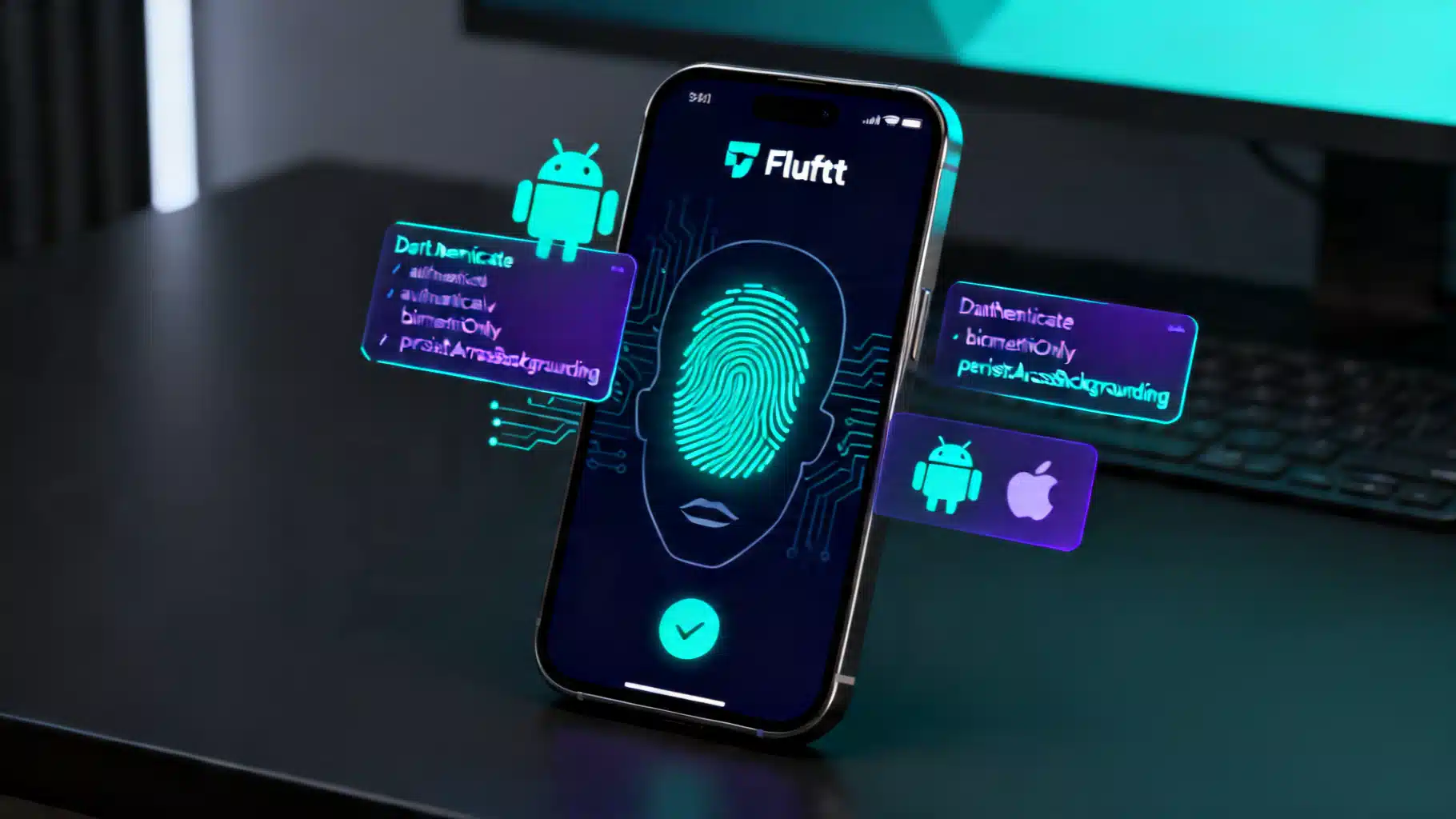
Image used for representation purposes only.
Overview
Biometric authentication is a fast, privacy‑preserving way to re‑verify users with Face ID, Touch ID, or fingerprint—without transmitting biometrics off the device. In this tutorial you’ll integrate biometrics in Flutter using the local_auth plugin, wire it into a simple lock screen, and pair it with secure storage for a production‑ready flow.
As of April 20, 2026, the current stable local_auth release is 3.0.1, which supports Android, iOS, macOS, and Windows. (pub.dev )
What you’ll build
- A reusable BiometricAuthService with capability checks and error handling
- A lock screen that prompts for biometrics with graceful fallbacks
- Optional secure-unlock using flutter_secure_storage for tokens/keys
Prerequisites and platform support
- Flutter 3.29+ recommended (per plugin requirements) and a physical device for real biometric testing
- Minimum OS support (as enforced by the plugin’s platform implementations): Android API 24+, iOS 13.0+, macOS 10.15+, Windows 10+. (pub.dev )
Install dependencies
Add these to pubspec.yaml:
dependencies:
  flutter:
    sdk: flutter
  local_auth: ^3.0.1
  flutter_secure_storage: ^10.0.0  # optional, for token/key storage
- local_auth is a federated plugin. Platform packages (local_auth_android, local_auth_darwin, local_auth_windows) are included automatically; you only import them directly if you want platform‑specific UI strings. (pub.dev )
- flutter_secure_storage 10.0.0 provides encrypted storage backed by iOS Keychain and Android’s secure storage stack (see Features). (pub.dev )
Platform setup
Android
- Use FragmentActivity
If your app uses a custom activity, extend FlutterFragmentActivity; otherwise, set FlutterFragmentActivity in AndroidManifest.xml:
// android/app/src/main/kotlin/.../MainActivity.kt
import io.flutter.embedding.android.FlutterFragmentActivity

class MainActivity: FlutterFragmentActivity() {
  // ...
}
This is required by AndroidX BiometricPrompt. (pub.dev )
- Declare permission
Add USE_BIOMETRIC to AndroidManifest.xml:
<manifest xmlns:android="http://schemas.android.com/apk/res/android" package="com.example.app">
  <uses-permission android:name="android.permission.USE_BIOMETRIC"/>
</manifest>
(pub.dev )
- Ensure an AppCompat theme for the launch activity (pre‑Android 9 stability)
<!-- android/app/src/main/res/values/styles.xml -->
<resources>
  <style name="LaunchTheme" parent="Theme.AppCompat.DayNight">
    <!-- ... -->
  </style>
</resources>
This prevents crashes on Android 8 and below when showing the biometric dialog. (pub.dev )
- About authenticators and device credentials
Android’s BiometricPrompt can allow strong/weak biometrics and device credentials (PIN/pattern/password). Conceptually, these correspond to constants like BIOMETRIC_STRONG, BIOMETRIC_WEAK, and DEVICE_CREDENTIAL. The local_auth plugin uses sensible defaults; you can require biometrics only via biometricOnly if your policy demands it. (developer.android.com )
iOS and macOS
Add a usage description for Face ID to Info.plist:
<key>NSFaceIDUsageDescription</key>
<string>Authenticate to unlock your account</string>
(pub.dev )
Windows
Windows Hello is supported; note you cannot force biometrics only (biometricOnly is not supported on Windows due to underlying API limits). (pub.dev )
Core API: capability checks and authentication
local_auth 3.x exposes a single authenticate method with named parameters like localizedReason, biometricOnly, and persistAcrossBackgrounding (renamed from stickyAuth). It throws typed LocalAuthException errors for structured handling. (pub.dev )
Create a small service to encapsulate this logic:
import 'package:local_auth/local_auth.dart';
import 'package:local_auth_android/local_auth_android.dart';
import 'package:local_auth_darwin/local_auth_darwin.dart';

class BiometricAuthService {
  BiometricAuthService(this._auth);
  final LocalAuthentication _auth;

  Future<bool> isSupported() async {
    final canCheckBiometrics = await _auth.canCheckBiometrics;
    final isDeviceSupported = await _auth.isDeviceSupported();
    return canCheckBiometrics || isDeviceSupported;
  }

  Future<List<BiometricType>> enrolled() async {
    return _auth.getAvailableBiometrics();
  }

  Future<bool> authenticate({
    String reason = 'Authenticate to continue',
    bool biometricOnly = false,
    bool persistAcrossBackgrounding = true,
  }) async {
    try {
      final didAuth = await _auth.authenticate(
        localizedReason: reason,
        biometricOnly: biometricOnly,
        persistAcrossBackgrounding: persistAcrossBackgrounding,
        // Optional: customize system prompt strings
        authMessages: const <AuthMessages>[
          AndroidAuthMessages(
            signInTitle: 'Biometric authentication',
            cancelButton: 'Cancel',
          ),
          IOSAuthMessages(
            cancelButton: 'Cancel',
          ),
        ],
      );
      return didAuth;
    } on LocalAuthException catch (e) {
      // Handle known cases explicitly; surface others to the UI
      switch (e.code) {
        case LocalAuthExceptionCode.noBiometricHardware:
        case LocalAuthExceptionCode.notEnrolled:
          return false;
        case LocalAuthExceptionCode.biometricLockout:
        case LocalAuthExceptionCode.temporaryLockout:
          // Consider showing a fallback path (e.g., device credential or password)
          return false;
        default:
          return false;
      }
    }
  }
}
- Capability checks: canCheckBiometrics and isDeviceSupported determine hardware/software support and whether any biometrics are enrolled. (pub.dev )
- Dialog customization: Provide platform‑specific AuthMessages by importing the Android and Darwin packages. (pub.dev )
- Backgrounding: persistAcrossBackgrounding lets the prompt resume if the app was interrupted. (pub.dev )
Hooking up a simple lock screen
import 'package:flutter/material.dart';
import 'package:local_auth/local_auth.dart';
import 'biometric_auth_service.dart';

class LockScreen extends StatefulWidget {
  const LockScreen({super.key});
  @override
  State<LockScreen> createState() => _LockScreenState();
}

class _LockScreenState extends State<LockScreen> {
  late final BiometricAuthService _bio = BiometricAuthService(LocalAuthentication());
  String _status = 'Locked';

  Future<void> _unlock() async {
    final supported = await _bio.isSupported();
    if (!supported) {
      setState(() => _status = 'Device not supported for local auth');
      return;
    }
    final didAuth = await _bio.authenticate(
      reason: 'Unlock your account',
      biometricOnly: false, // allow device PIN/pattern on Android
    );
    setState(() => _status = didAuth ? 'Unlocked' : 'Authentication failed');
  }

  @override
  Widget build(BuildContext context) {
    return Scaffold(
      body: Center(
        child: Column(
          mainAxisSize: MainAxisSize.min,
          children: [
            Text(_status),
            const SizedBox(height: 16),
            ElevatedButton.icon(
              onPressed: _unlock,
              icon: const Icon(Icons.fingerprint),
              label: const Text('Unlock'),
            ),
          ],
        ),
      ),
    );
  }
}
Tip: For high‑risk actions (money transfer, password reveal), set biometricOnly: true to avoid fallback to device credentials. (pub.dev )
Persisting login with secure storage (optional)
A common pattern is “sign in with username/password once, then unlock later with biometrics.” Store only a refresh token or an app‑specific encryption key—not raw passwords—in platform‑secure storage.
flutter_secure_storage backs iOS with Keychain and Android with secure, encrypted storage. Version 10.0.0 documents Keychain on iOS and encrypted storage on Android as core features. (pub.dev )
Example: persist a refresh token after a successful server login, then gate reads with biometrics on Android when appropriate.
import 'package:flutter_secure_storage/flutter_secure_storage.dart';

class SessionStore {
  // Use defaults; tune AndroidOptions for biometric‑gated reads if desired
  final _storage = const FlutterSecureStorage();
  static const _kTokenKey = 'refresh_token';

  Future<void> saveRefreshToken(String token) async {
    await _storage.write(key: _kTokenKey, value: token);
  }

  Future<String?> readRefreshTokenBiometric() async {
    // On Android you can enforce a biometric prompt per read
    final storage = FlutterSecureStorage(
      aOptions: AndroidOptions.biometric(
        enforceBiometrics: true,
        biometricPromptTitle: 'Authenticate to access session',
      ),
    );
    return storage.read(key: _kTokenKey);
  }

  Future<void> clear() async {
    await _storage.deleteAll();
  }
}
Notes
- Prefer server‑issued tokens over storing credentials.
- If you rely on Keychain across reinstalls, be mindful that Keychain items can persist unless you change access groups or purge on first run; plan your UX accordingly. (pub.dev )
UX and security best practices
- Explain the “why”: Provide a clear localizedReason describing what the user is authorizing (e.g., “Authenticate to view balances”). (pub.dev )
- Handle lockouts gracefully: If you catch LocalAuthExceptionCode.biometricLockout/temporaryLockout, offer a password/device‑credential fallback.
- Don’t block first login behind biometrics: Always bind biometrics to an existing account/session.
- Minimize prompts: Cache short‑lived unlock state in memory for non‑sensitive views; re‑prompt for sensitive actions.
- Consider strength: For Android, require biometrics only for high‑risk pathways if policy demands Class‑3/“strong” biometrics. (developer.android.com )
- Privacy: Do not transmit biometric data; local_auth only verifies locally and returns a boolean. (pub.dev )
Troubleshooting checklist
- Crash or blank prompt on older Android? Ensure your LaunchTheme inherits from Theme.AppCompat.DayNight. (pub.dev )
- Prompt doesn’t show on Android? Verify your MainActivity extends FlutterFragmentActivity and the USE_BIOMETRIC permission is declared. (pub.dev )
- Nothing happens on iOS? Ensure NSFaceIDUsageDescription is present in Info.plist for devices with Face ID. (pub.dev )
- Interrupted mid‑prompt (phone call, app backgrounded)? Enable persistAcrossBackgrounding to resume once foregrounded. (pub.dev )
Going further: passkeys and true passwordless
local_auth verifies locally and is ideal for “unlock this app” experiences. For passwordless sign‑in to a backend, investigate FIDO2/WebAuthn passkeys, where biometrics unlock a private key for server‑verified authentication. This is a different flow than local_auth but offers strong phishing resistance. (vibe-studio.ai )
Summary
You’ve added a robust biometric flow to Flutter with local_auth 3.x, covered Android and iOS/macOS setup, implemented resilient error handling, and paired it with secure storage for a seamless “unlock with Face ID/fingerprint” experience. Keep your prompts clear, your fallbacks thoughtful, and your secret material (tokens/keys) in platform‑secure storage.
Related Posts
Flutter CI CD with GitHub Actions: A Step-by-Step Tutorial
Step-by-step Flutter CI CD with GitHub Actions: lint, test, build Android iOS, sign, cache, and release to stores. Ready-to-copy YAML included.
Flutter background fetch periodic tasks: reliable patterns for Android and iOS
Learn how to run periodic background tasks in Flutter with WorkManager and iOS BackgroundTasks, plus reliable patterns, caveats, and code examples.

Flutter Integration Testing: A Modern, End‑to‑End Guide
A modern, practical guide to Flutter integration testing: setup, writing reliable tests, running on devices and web, CI examples, and troubleshooting.