
Build an Accessible, Dynamic React Breadcrumb Component (React Router v6 + Next.js)
Build an accessible, responsive React breadcrumb with dynamic routes, a11y, SEO, and examples for React Router v6 and Next.js.
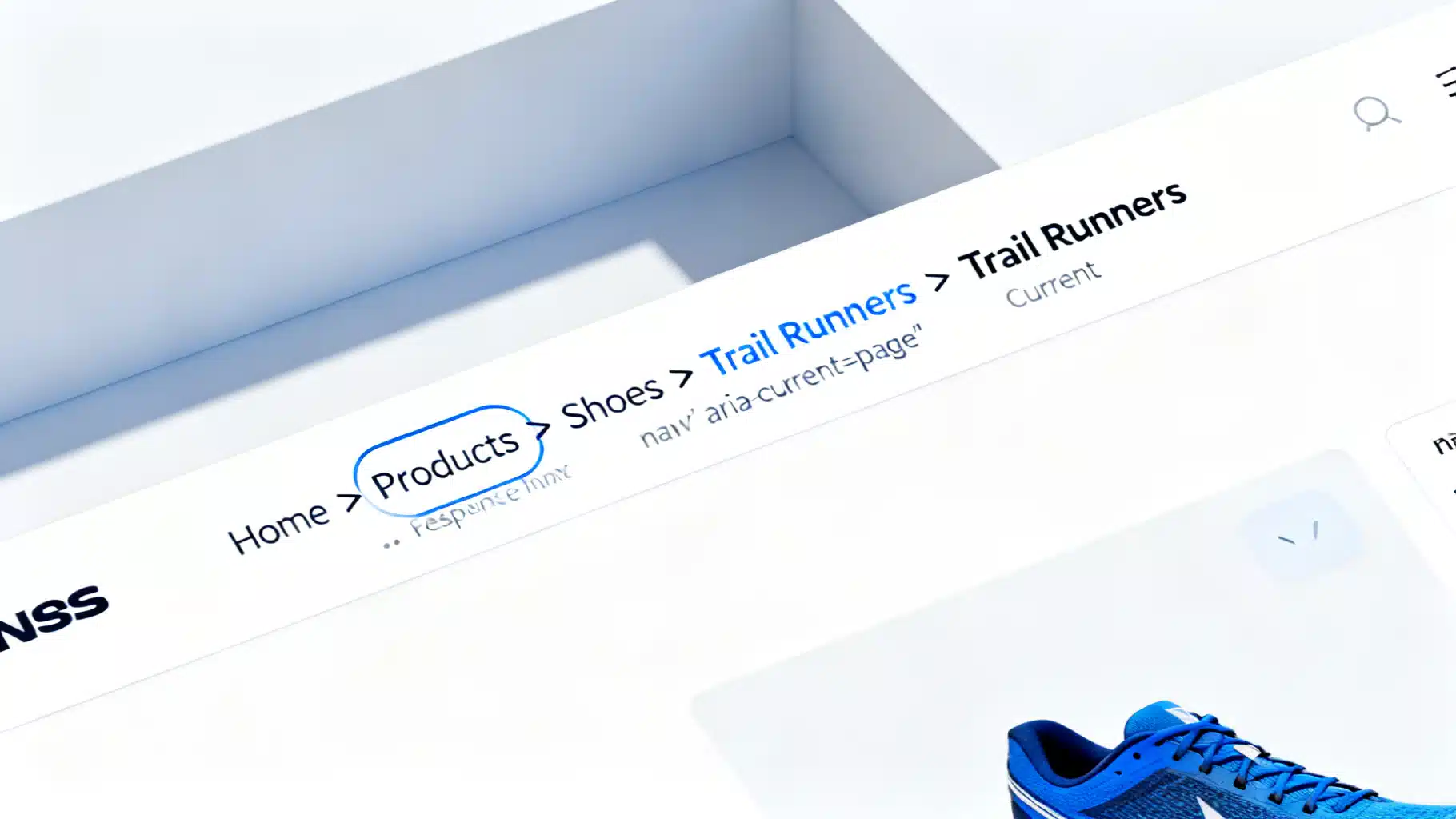
Image used for representation purposes only.
Why breadcrumb navigation matters
Breadcrumbs show users where they are in an app’s hierarchy and offer quick ways to move up a level. They improve:
- Orientation: Communicate context within nested pages.
- Efficiency: Reduce clicks to higher-level screens.
- Accessibility: Provide a consistent, predictable navigation pattern.
- SEO: For public sites, structured data can help search engines understand page hierarchy.
This guide walks through a robust, accessible React breadcrumb component with patterns for React Router v6 and Next.js, plus responsiveness, i18n, testing, and SEO.
Accessibility first: the correct semantic structure
Follow the WAI-ARIA Authoring Practices for breadcrumbs:
- Wrap in a nav element with aria-label=“Breadcrumb”.
- Use an ordered list (ol) for the trail; each item is an li.
- Make only non-final items links; mark the final item with aria-current=“page”.
- Render separators visually only (e.g., with CSS) so screen readers don’t announce them.
Example structure (simplified):
<nav aria-label="Breadcrumb">
  <ol>
    <li><a href="/products">Products</a></li>
    <li><a href="/products/shoes">Shoes</a></li>
    <li aria-current="page">Trail Runners</li>
  </ol>
</nav>
Component API design
Aim for a small, predictable API:
- items: Array of { label: ReactNode; href?: string }
- ariaLabel?: string (default “Breadcrumb”)
- separator?: ReactNode | string (default “/”)
- maxItems?: number (collapse middle crumbs on small screens)
- className?: string (styling hooks)
- structuredData?: boolean (emit JSON-LD when label is string and href is present)
Base Breadcrumbs component (TypeScript)
The following implementation covers accessibility, optional JSON-LD, and a simple middle-collapsing strategy.
import React from 'react';

type Crumb = { label: React.ReactNode; href?: string };

type BreadcrumbsProps = {
  items: Crumb[];
  ariaLabel?: string;
  separator?: React.ReactNode;
  maxItems?: number; // e.g., 4 keeps first + last two + current
  className?: string;
  structuredData?: boolean;
};

export function Breadcrumbs({
  items,
  ariaLabel = 'Breadcrumb',
  separator = '/',
  maxItems = Infinity,
  className,
  structuredData = false,
}: BreadcrumbsProps) {
  const trail = React.useMemo(() => {
    if (items.length <= maxItems) return items;
    // Collapse middle: keep first, last two, and current
    const first = items[0];
    const lastThree = items.slice(-3);
    return [first, { label: '…' }, ...lastThree];
  }, [items, maxItems]);

  const jsonLd = React.useMemo(() => {
    if (!structuredData) return null;
    const serializable = items.every(
      (c) => typeof c.label === 'string' && typeof c.href === 'string'
    );
    if (!serializable) return null;
    const data = {
      '@context': 'https://schema.org',
      '@type': 'BreadcrumbList',
      itemListElement: items.map((c, i) => ({
        '@type': 'ListItem',
        position: i + 1,
        name: c.label as string,
        item: c.href as string,
      })),
    };
    return (
      <script
        type="application/ld+json"
        dangerouslySetInnerHTML={{ __html: JSON.stringify(data) }}
      />
    );
  }, [items, structuredData]);

  return (
    <nav aria-label={ariaLabel} className={className}>
      <ol className="rb-ol">
        {trail.map((crumb, i) => {
          const isLast = i === trail.length - 1;
          const isEllipsis = crumb.label === '…' && !('href' in crumb);

          return (
            <li key={i} className="rb-li">
              {isEllipsis ? (
                <span className="rb-ellipsis" aria-hidden="true">…</span>
              ) : isLast || !crumb.href ? (
                <span aria-current={isLast ? 'page' : undefined} className="rb-current">{crumb.label}</span>
              ) : (
                <a href={crumb.href} className="rb-link">{crumb.label}</a>
              )}
              {!isLast && !isEllipsis && (
                <span className="rb-sep" aria-hidden="true">{separator}</span>
              )}
            </li>
          );
        })}
      </ol>
      {jsonLd}
    </nav>
  );
}
Minimal, themeable CSS:
.rb-ol { list-style: none; display: flex; flex-wrap: wrap; gap: .5rem; padding: 0; margin: 0; }
.rb-li { display: inline-flex; align-items: center; }
.rb-link { color: var(--rb-link, #2563eb); text-decoration: none; }
.rb-link:hover { text-decoration: underline; }
.rb-current { color: var(--rb-current, #111827); font-weight: 500; }
.rb-sep { margin: 0 .25rem; color: var(--rb-sep, #6b7280); }
.rb-ellipsis { color: var(--rb-sep, #6b7280); }
Notes:
- The separator is purely visual with aria-hidden=“true”.
- The last item uses aria-current=“page” when not a link.
- The optional JSON-LD is added only when labels and hrefs are plain strings.
Using React Router v6: dynamic crumbs with route handles
React Router v6.4+ exposes useMatches(), which returns the matched routes and their handle values. You can store breadcrumb metadata in handle.
Route definitions (excerpt):
// routes.tsx
import { createBrowserRouter } from 'react-router-dom';

export const router = createBrowserRouter([
  {
    path: '/',
    element: <RootLayout />,
    handle: { breadcrumb: 'Home' },
    children: [
      {
        path: 'products',
        element: <ProductsPage />,
        handle: { breadcrumb: 'Products' },
        children: [
          {
            path: ':id',
            loader: async ({ params }) => fetch(`/api/products/${params.id}`).then(r => r.json()),
            element: <ProductPage />,
            handle: {
              breadcrumb: (data: { name: string }) => data.name,
            },
          },
        ],
      },
    ],
  },
]);
Build items from matches:
// BreadcrumbFromRouter.tsx
import { useMatches, Link } from 'react-router-dom';
import { Breadcrumbs } from './Breadcrumbs';

export function BreadcrumbFromRouter() {
  const matches = useMatches();

  const items = matches
    .filter((m) => m.handle && 'breadcrumb' in m.handle)
    .map((m) => {
      const bc = (m.handle as any).breadcrumb;
      const label = typeof bc === 'function' ? bc(m.data) : bc;
      const href = m.pathname; // full matched pathname for the route
      return { label, href };
    });

  // Make the last item non-link for a11y
  if (items.length) items[items.length - 1].href = undefined;

  return <Breadcrumbs items={items} structuredData />;
}
Tips:
- Use loader data to compute friendly names (e.g., product names) for dynamic params.
- Prefer m.pathname (from useMatches) over assembling links manually.
Using Next.js App Router: derive crumbs from segments
In Next.js 13+ with the App Router, use usePathname() to derive segments and map them to labels. For dynamic names, fetch data in your page/component and memoize.
// app/components/BreadcrumbFromNext.tsx
'use client';
import React from 'react';
import { usePathname } from 'next/navigation';
import Link from 'next/link';
import { Breadcrumbs } from './Breadcrumbs';

const LABELS: Record<string, string> = {
  '': 'Home',
  products: 'Products',
  shoes: 'Shoes',
};

export function BreadcrumbFromNext({ currentLabel }: { currentLabel?: string }) {
  const pathname = usePathname(); // e.g., /products/shoes/trail-runners
  const segments = React.useMemo(() => pathname.split('/').filter(Boolean), [pathname]);

  const items = [{ label: 'Home', href: '/' }];
  let hrefAcc = '';
  for (let i = 0; i < segments.length; i++) {
    hrefAcc += `/${segments[i]}`;
    const isLast = i === segments.length - 1;
    const label = isLast && currentLabel ? currentLabel : (LABELS[segments[i]] ?? decodeURIComponent(segments[i]));
    items.push({ label, href: isLast ? undefined : hrefAcc });
  }

  return <Breadcrumbs items={items} structuredData />;
}
Patterns:
- Accept currentLabel from the page after data fetching to avoid showing raw IDs.
- Use decodeURIComponent for humanized labels when you don’t have metadata.
Responsiveness: collapsing and overflow
Common strategies for long trails:
- Middle collapse: Keep first, last two, and current item. Replace the middle with an ellipsis or a dropdown.
- Horizontal scroll: Allow x-axis scrolling for very dense trails; ensure focus styles and arrow-key navigation remain usable.
- Abbreviations on narrow viewports: Truncate labels with CSS text-overflow: ellipsis; provide full label in title for a tooltip.
For a disclosure-style middle collapse, replace the ellipsis with a menu button listing hidden crumbs. Ensure the menu is keyboard-operable and respects focus order.
Internationalization and formatting
- Always pass user-facing labels through your i18n layer.
- Use dir and lang attributes where appropriate. Example:
- Truncate thoughtfully. If truncating, expose full labels via title or a tooltip component.
Performance considerations
- Memoize computed items, especially when deriving from routes or data.
- Avoid rebuilding arrays on every render; use useMemo with stable dependencies.
- Prefer CSS separators over extra nodes to reduce DOM size.
Security and data hygiene
- If labels come from URLs or untrusted sources, sanitize or escape them before rendering. Avoid dangerouslySetInnerHTML for labels.
Testing: unit and a11y
Example with React Testing Library and jest-axe:
import { render, screen } from '@testing-library/react';
import { axe } from 'jest-axe';
import { Breadcrumbs } from './Breadcrumbs';

test('announces current page and has no a11y violations', async () => {
  const { container } = render(
    <Breadcrumbs
      items={[
        { label: 'Home', href: '/' },
        { label: 'Products', href: '/products' },
        { label: 'Trail Runners' },
      ]}
    />
  );

  expect(screen.getByText('Trail Runners')).toHaveAttribute('aria-current', 'page');
  expect(await axe(container)).toHaveNoViolations();
});
Visual polish: theming and design tweaks
- Replace the “/” separator with icons (e.g., chevrons). Keep them aria-hidden.
- Support dark mode via CSS variables.
- Add focus-visible styles on links: outline: 2px solid currentColor; outline-offset: 2px.
Common pitfalls checklist
- Don’t make the current page a link; use aria-current=“page” on a span.
- Don’t announce separators to screen readers; keep them aria-hidden or use CSS.
- Ensure the trail order is logical and consistent.
- Keep routes-to-labels mapping centralized to avoid drift.
- Emit JSON-LD only with clean strings and full URLs when SEO matters.
Putting it together
- For static trails, pass an items array directly to Breadcrumbs.
- For React Router v6+, use useMatches() with route handles to compute items.
- For Next.js, parse segments with usePathname() and supply a data-driven currentLabel.
- Add responsive collapse and strong focus styles to keep the control usable on any screen.
A small, well-structured breadcrumb component goes a long way in improving navigation clarity while meeting accessibility standards and SEO best practices.
Related Posts

React Dark Mode Theme Toggle: A Modern, Accessible Tutorial
Build a robust React dark mode with CSS variables, system preference, SSR-safe setup, persistence, accessibility, and Tailwind integration.

React Server‑Side Rendering vs Static Generation: How to Choose in 2026
Understand when to choose React SSR vs Static Generation. Compare performance, SEO, caching, costs, and patterns like streaming SSR, ISR, and RSC.

React SEO Optimization: A Practical Next.js Guide
A practical Next.js SEO guide for React: metadata, SSR/SSG, canonicals, sitemaps, schema, i18n, Core Web Vitals, and production checklists.