
Designing a Rock‑Solid React Dark–Light Theme System
A practical, scalable React dark–light theme system using CSS variables, design tokens, and SSR-safe bootstrapping—fast, accessible, and maintainable.
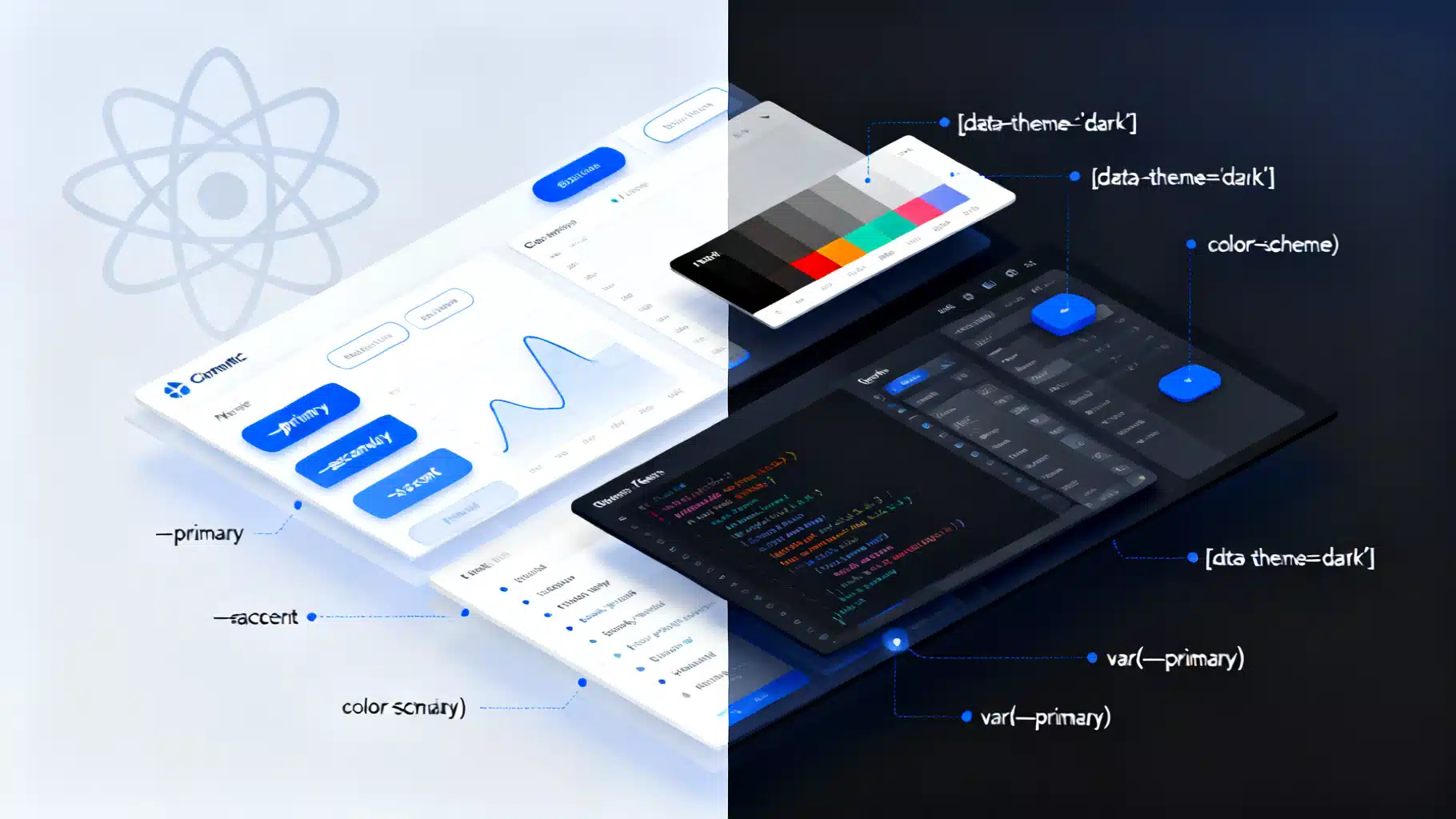
Image used for representation purposes only.
Overview
A robust dark–light theme system in React is more than a color toggle. It’s a design token strategy, a rendering plan that avoids flashes, a persistence model, and an accessibility commitment. This article presents an end‑to‑end architecture that scales—from a single‑page app to a design‑system powering multiple products—using CSS variables as the source of truth and a minimal React layer for orchestration.
Goals and constraints
- Accessibility: meet WCAG 2.1 AA contrast (4.5:1 for body text, 3:1 for large text).
- Performance: zero or near‑zero re-render on theme switch; avoid a flash of incorrect theme (FOIT/FOUC).
- Predictability: theming via semantic tokens, not raw hex values.
- Interop: works with CSS, CSS‑in‑JS, component libraries, charts, and iframes.
- SSR/SSG friendly: consistent first paint on Next.js, Remix, and Vite SSR.
Architecture at a glance
- Design tokens define colors, spacing, elevation, and typography.
- CSS variables expose tokens at :root and are overridden per theme via [data-theme].
- A minimal ThemeProvider orchestrates mode = light | dark | system.
- An inline, early script sets the initial theme before React loads (prevents FOUC).
- Persistence uses localStorage (client) and a cookie (SSR) with graceful fallback.
- Integrations: component libraries, charts, images, and meta theme-color.
Define tokens: base and semantic
Use base tokens for raw scales, then map to semantic tokens the UI references. This lets you retune a theme without touching components.
/* Base palette (do not use directly in components) */
:root {
  --gray-0: #0b0f14; --gray-1: #141a21; --gray-2: #1e2732; --gray-12: #f5f7fa;
  --blue-9: #2160ff; --blue-10: #1b4fd6; /* ... */
}

/* Semantic tokens (components consume only these) */
:root {
  color-scheme: light dark; /* hint to UA widgets */
  --bg: #ffffff;
  --fg: #0f141a;
  --muted-fg: #4d5b6a;
  --primary: #1b4fd6;
  --surface-1: #ffffff;
  --surface-2: #f3f5f7;
  --border: #d7dee6;
  --shadow-1: 0 1px 2px rgba(0,0,0,.06);
}

/* Dark theme overrides */
:root[data-theme="dark"] {
  --bg: var(--gray-0);
  --fg: var(--gray-12);
  --muted-fg: #9fb2c8;
  --primary: #5b8aff;
  --surface-1: var(--gray-1);
  --surface-2: var(--gray-2);
  --border: #2b3643;
  --shadow-1: 0 1px 2px rgba(0,0,0,.35);
}
In components and layouts, use only semantic tokens (e.g., background: var(–bg); color: var(–fg)).
Minimal React ThemeProvider
Keep React’s role small. CSS variables handle most runtime styling; React only coordinates user preference, system preference, and persistence.
import React, {createContext, useContext, useEffect, useMemo, useState} from 'react';

type ThemeMode = 'light' | 'dark' | 'system';

type ThemeContextValue = {
  mode: ThemeMode;
  resolved: 'light' | 'dark';
  setMode: (m: ThemeMode) => void;
};

const ThemeContext = createContext<ThemeContextValue | undefined>(undefined);

const STORAGE_KEY = 'theme:mode';

function getSystemMode(): 'light' | 'dark' {
  return window.matchMedia && window.matchMedia('(prefers-color-scheme: dark)').matches
    ? 'dark'
    : 'light';
}

function applyMode(mode: 'light' | 'dark') {
  const root = document.documentElement;
  root.dataset.theme = mode;                 // [data-theme="dark"|"light"]
  root.style.colorScheme = mode;             // affects form controls/scrollbars
  const meta = document.querySelector('meta[name="theme-color"]');
  if (meta) meta.setAttribute('content', mode === 'dark' ? '#0b0f14' : '#ffffff');
}

export function ThemeProvider({ children, defaultMode = 'system' as ThemeMode }) {
  const [mode, setMode] = useState<ThemeMode>(() => {
    try {
      return (localStorage.getItem(STORAGE_KEY) as ThemeMode) || defaultMode;
    } catch { return defaultMode; }
  });

  const [system, setSystem] = useState<'light'|'dark'>(() => 'light');

  // Subscribe to system changes once on mount
  useEffect(() => {
    const mql = window.matchMedia('(prefers-color-scheme: dark)');
    const listener = () => setSystem(mql.matches ? 'dark' : 'light');
    listener();
    mql.addEventListener('change', listener);
    return () => mql.removeEventListener('change', listener);
  }, []);

  const resolved = mode === 'system' ? system : mode;

  // Apply resolved mode and persist user choice
  useEffect(() => {
    applyMode(resolved);
    try { localStorage.setItem(STORAGE_KEY, mode); } catch {}
    // Optional: also set a cookie for SSR frameworks
    document.cookie = `theme=${mode}; Path=/; Max-Age=31536000; SameSite=Lax`;
  }, [mode, resolved]);

  const value = useMemo(() => ({ mode, resolved, setMode }), [mode, resolved]);
  return <ThemeContext.Provider value={value}>{children}</ThemeContext.Provider>;
}

export function useTheme() {
  const ctx = useContext(ThemeContext);
  if (!ctx) throw new Error('useTheme must be used within ThemeProvider');
  return ctx;
}
Usage example:
function ThemeToggle() {
  const { mode, resolved, setMode } = useTheme();
  return (
    <div>
      <span>Theme: {resolved}</span>
      <button onClick={() => setMode('light')}>Light</button>
      <button onClick={() => setMode('dark')}>Dark</button>
      <button onClick={() => setMode('system')}>System</button>
    </div>
  );
}
Eliminate FOUC with an inline bootstrap script
On SSR/SSG apps, set the theme before CSS paints. Inject a tiny script in the HTML head (or just inside body) that runs before the bundle.
<script>
(function() {
  try {
    var key='theme:mode';
    var stored = localStorage.getItem(key);
    var mode = stored === 'light' || stored === 'dark' || stored === 'system' ? stored : 'system';
    var sys = window.matchMedia && window.matchMedia('(prefers-color-scheme: dark)').matches ? 'dark' : 'light';
    var resolved = mode === 'system' ? sys : mode;
    document.documentElement.dataset.theme = resolved;
    document.documentElement.style.colorScheme = resolved;
    var m = document.querySelector('meta[name="theme-color"]');
    if (m) m.setAttribute('content', resolved === 'dark' ? '#0b0f14' : '#ffffff');
  } catch (e) {}
})();
</script>
- Next.js: place this in _document.tsx inside or at top of using dangerouslySetInnerHTML.
- For strict CSP, add a nonce and set it on the script tag.
Styling components with variables
Use CSS variables directly in your component styles, regardless of styling solution.
// Example: CSS Modules
.card { background: var(--surface-1); color: var(--fg); box-shadow: var(--shadow-1); }
.buttonPrimary { background: var(--primary); color: var(--bg); }

// Example: styled-components
import styled from 'styled-components';
export const Button = styled.button`
  background: var(--primary);
  color: var(--bg);
`;

// Example: inline style when dynamic
<div style={{ backgroundColor: 'var(--surface-2)' }} />
Because tokens live in CSS, toggling themes rarely re-renders React components. The browser repaints using new var() values—fast and jank‑free.
Tailwind and utility-first setups
If you prefer Tailwind, align its dark mode with your data attribute.
// tailwind.config.js
module.exports = {
  darkMode: ['class', '[data-theme="dark"]'],
  content: ['./src/**/*.{ts,tsx,js,jsx,html}'],
  theme: { extend: {} },
  plugins: [],
};
Wrap your app root with data-theme and Tailwind’s dark: variants will respond:
<html lang="en" data-theme="light">
<body class="bg-[var(--bg)] text-[var(--fg)]">
  <button class="dark:bg-blue-500 bg-blue-600">Toggle</button>
</body>
</html>
Working with component libraries
- MUI: use createTheme({ palette: { mode: resolved } }) and apply CssBaseline. Keep your CSS variables; map library tokens to them when practical.
- styled-components/emotion: pass resolved mode via ThemeProvider only for tokens the lib needs (e.g., spacing), but prefer CSS variables to reduce re-renders.
- Chakra/Mantine/AntD: most have a color mode manager; integrate it with your storage key and [data-theme] attribute to prevent duplication.
Non-color concerns: elevation, focus, and motion
- Shadows: strengthen in dark mode or use translucent overlays to maintain perceived depth.
- Focus rings: avoid low‑contrast rings on dark backgrounds; use a consistent accent color with sufficient contrast against both themes.
- Motion: respect prefers-reduced-motion and ensure theme transitions are subtle. Example:
@media (prefers-reduced-motion: no-preference) {
  :root { transition: color 120ms ease, background-color 120ms ease; }
}
Images, icons, and charts
- Logos and illustrations: provide dual assets or use CSS filter/invert sparingly to maintain brand integrity.
- Favicons: generate dark and light; swap via a small script or media query on link[rel=“icon”][media].
- meta theme-color: update on toggle for PWA address bar consistency (done in applyMode above).
- Charts: keep chart palettes in tokens (e.g., –chart-1 through –chart-8) and feed them into the chart library at render; listen for theme changes and update options without remounting.
SSR, SSG, and hydration
- Cookie handoff: write theme=mode on the client and read it on the server to render the correct [data-theme] in HTML. This eliminates hydration mismatches.
- Initial color-scheme: set and ensure documentElement.style.colorScheme is updated at bootstrap for consistent native controls.
- Avoid prop‑drilling theme objects; keep them stable with useMemo when required by CSS‑in‑JS libraries.
Accessibility checklist
- Contrast: verify all text/background pairs meet AA. For icon-only buttons, ensure visible focus and hover states.
- Content images: ensure no theme makes essential content invisible (e.g., black PNG on dark background).
- High Contrast Mode: test with forced-colors in Windows; avoid relying solely on box-shadow for affordances.
- System switch: when the OS scheme changes, reflect it if mode === ‘system’, and announce changes politely for screen readers if appropriate.
Testing strategy
- Unit: assert that applyMode sets data-theme and updates meta[name=“theme-color”].
- E2E (Playwright):
await page.emulateMedia({ colorScheme: 'dark' });
await expect(page.locator('html')).toHaveAttribute('data-theme', 'dark');
- Visual regression: capture screenshots of light and dark for core pages/components.
- Storybook: add a toolbar toggle to switch [data-theme] and run automated contrast checks.
Performance notes
- Prefer CSS variables over passing large theme objects through React; this avoids cascading re-renders.
- Keep the toggle handler pure—only update data attributes and storage.
- Avoid animating large background repaints; limit transitions to small properties and short durations.
- Use will-change sparingly; it can increase memory usage.
Migration plan (from SCSS constants to tokens)
- Inventory colors and elevations; group into semantic roles.
- Create base scales; map to light semantic tokens.
- Add dark overrides and run contrast audits.
- Replace hardcoded colors with var(–token) incrementally per component.
- Introduce ThemeProvider and bootstrap script.
- Integrate library themes and charts.
- Add tests and CI checks for contrast and screenshots.
Common pitfalls and fixes
- Flash of incorrect theme: add the inline bootstrap script early and set data-theme before CSS loads if possible.
- Inconsistent native controls: ensure documentElement.style.colorScheme matches the resolved mode.
- Tailwind not responding to [data-theme]: set darkMode to [‘class’, ‘[data-theme=“dark”]’] and ensure the attribute is on html or a common ancestor.
- Dynamic imports delaying style application: place critical theme CSS in the base stylesheet, not in code-split chunks.
Putting it all together
With CSS variables as the source of truth, a tiny ThemeProvider to coordinate mode and persistence, and a bootstrap script to eliminate FOUC, your React dark–light system becomes fast, accessible, and maintainable. Scale by expanding semantic tokens, integrating libraries through thin adapters, and automating quality with tests and audits. The result: a consistent theming foundation that keeps design intentional and code clean.
Related Posts

Building an Accessible React Combobox in React (Select/Autocomplete) the Right Way
Build a production-ready, accessible React combobox/select with correct ARIA, keyboard support, async data, virtualization, and testing tips.

React + Chart.js Data Visualization Tutorial: From Setup to Advanced Interactions
Build polished, high‑performance charts in React with Chart.js: install, register, time scales, zoom/pan, gradients, performance, and common fixes.

React Custom Hooks: A Practical Best Practices Collection
A practical collection of best practices for building, testing, and shipping robust React custom hooks with patterns and code examples.