
GraphQL Relay Modern Tutorial: A Practical, End-to-End Guide
Hands-on Relay Modern tutorial: setup, schema design, environment, fragments, queries, mutations, pagination, and production-ready tips for React + GraphQL.
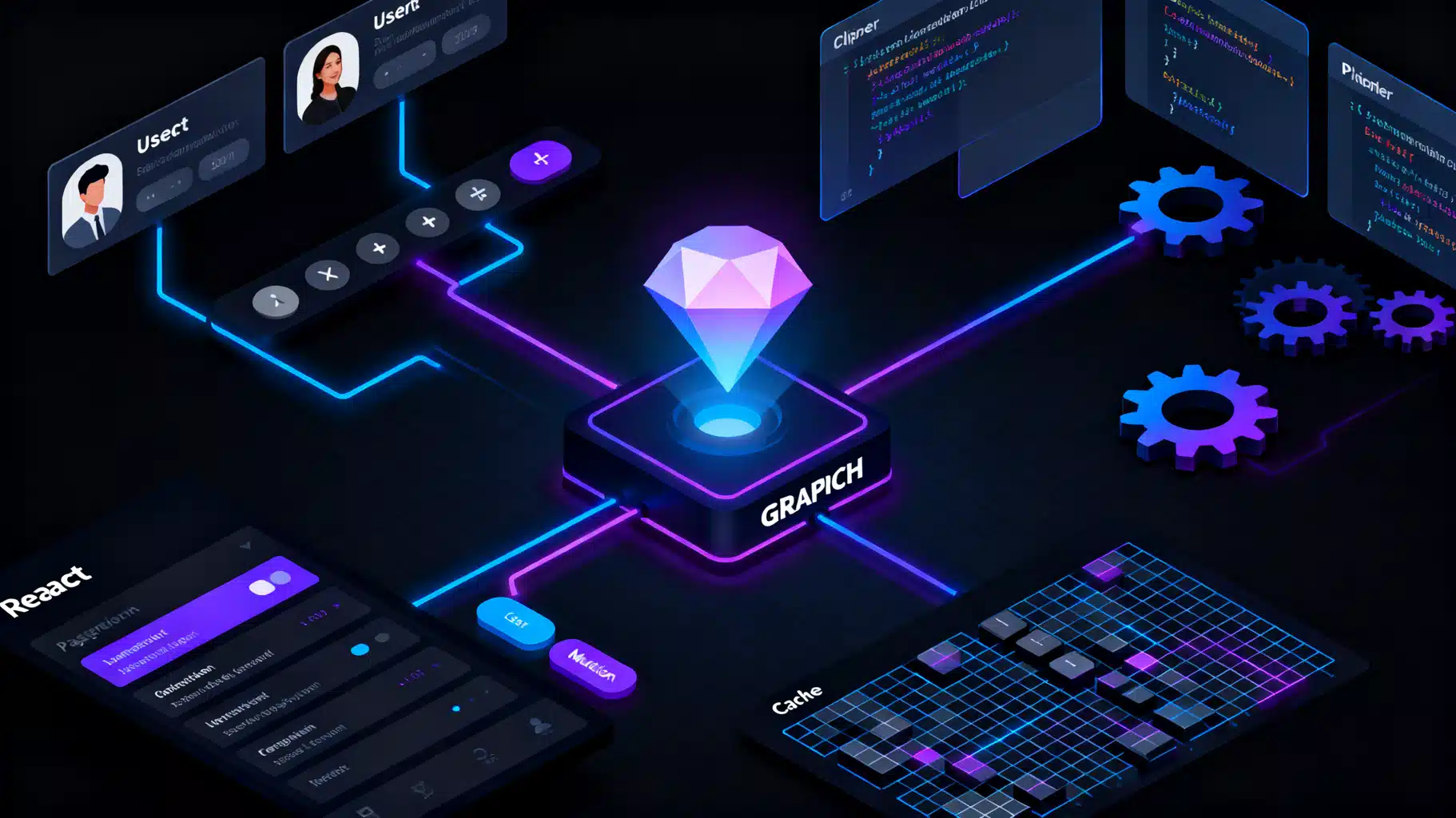
Image used for representation purposes only.
Overview
Relay Modern is a GraphQL client for React that scales from side projects to very large apps. It gives you compile‑time safety, colocated data requirements, incremental data delivery, and powerful pagination and mutation primitives. In this tutorial, you’ll go end‑to‑end: schema design, compiler setup, environment wiring, fragments/queries, mutations, pagination, and production‑ready tips.
What You’ll Build
We’ll sketch a tiny “People” app that lists users, paginates them, shows a profile, and allows adding a user. You can adapt the patterns to any domain.
Prerequisites
- Familiarity with React and basic GraphQL
- Node 18+ and npm or pnpm
- Optional: TypeScript knowledge (recommended)
Key Relay Concepts (Quick Primer)
- Colocation: Each component declares exactly the data it needs with a fragment.
- Data masking: Components only see fields they declare; accidental coupling is reduced.
- Compiler: The relay-compiler checks queries at build time and generates artifacts.
- Environment: A Network (how to fetch) + a normalized Store (how to cache).
- Connections: A spec for pagination (edges, node, pageInfo) with helpers.
- Global IDs: The Node interface with a globally unique id for refetching and caching.
1) Define a Minimal GraphQL Schema
Your server schema should follow the Relay Node and Connection conventions. Here’s a minimal SDL you can expand later:
interface Node { id: ID! }

type User implements Node {
  id: ID!
  name: String!
  email: String!
}

type UserEdge { node: User! cursor: String! }

type PageInfo {
  hasNextPage: Boolean!
  hasPreviousPage: Boolean!
  startCursor: String
  endCursor: String
}

type UserConnection {
  edges: [UserEdge!]!
  pageInfo: PageInfo!
}

type Query {
  node(id: ID!): Node
  users(first: Int, after: String): UserConnection!
  userById(id: ID!): User
}

input AddUserInput { name: String!, email: String! }

type AddUserPayload { userEdge: UserEdge! }

type Mutation {
  addUser(input: AddUserInput!): AddUserPayload!
}
Notes:
- Implement Node, node(id: ID!), and connections to unlock Relay features like refetching and pagination.
- UserConnection follows the Relay Connection spec (edges/node/pageInfo).
2) Install Client Dependencies
# App deps
npm i react react-dom graphql react-relay relay-runtime

# Dev deps
npm i -D relay-compiler babel-plugin-relay graphql-tag \
       typescript @types/react @types/react-dom \
       relay-compiler-language-typescript
3) Configure the Compiler and Babel
Relay needs to know where your schema and source live and how to emit artifacts.
relay.config.json
{
  "src": "./src",
  "schema": "./schema.graphql",
  "language": "typescript",
  "artifactDirectory": "./src/__generated__"
}
.babelrc
{
  "presets": ["@babel/preset-react", ["@babel/preset-typescript", {"allExtensions": true, "isTSX": true}]],
  "plugins": [["relay", {"artifactDirectory": "./src/__generated__"}]]
}
package.json scripts
{
  "scripts": {
    "relay": "relay-compiler --watch",
    "relay:build": "relay-compiler --validate"
  }
}
- schema.graphql should be your SDL (exported from the server build). Keep it in sync.
- The compiler finds GraphQL in tagged graphql template literals in your TS/JS files.
4) Create the Relay Environment
The environment consists of a fetch function plus a normalized store.
src/relay/environment.ts
import {Environment, Network, RecordSource, Store, RequestParameters, Variables} from 'relay-runtime';

async function fetchGraphQL(params: RequestParameters, variables: Variables) {
  const response = await fetch('/graphql', {
    method: 'POST',
    headers: {
      'content-type': 'application/json'
    },
    body: JSON.stringify({
      query: params.text, // send operation.text in dev; use persisted id in prod
      variables
    })
  });
  return await response.json();
}

export function createRelayEnvironment() {
  return new Environment({
    network: Network.create(fetchGraphQL),
    store: new Store(new RecordSource(), { gcReleaseBufferSize: 10 })
  });
}
App entry with a Provider:
src/main.tsx
import React from 'react';
import { createRoot } from 'react-dom/client';
import { RelayEnvironmentProvider } from 'react-relay';
import { createRelayEnvironment } from './relay/environment';
import { App } from './App';

const environment = createRelayEnvironment();

createRoot(document.getElementById('root')!).render(
  <RelayEnvironmentProvider environment={environment}>
    <App />
  </RelayEnvironmentProvider>
);
5) Colocate a Fragment with a Presentational Component
src/components/UserRow.tsx
import React from 'react';
import { graphql, useFragment } from 'react-relay';
import { UserRow_user$key } from '../__generated__/UserRow_user.graphql';

type Props = { user: UserRow_user$key };

export function UserRow(props: Props) {
  const data = useFragment(
    graphql`
      fragment UserRow_user on User {
        id
        name
        email
      }
    `,
    props.user
  );

  return (
    <li data-id={data.id}>
      <strong>{data.name}</strong> <em>({data.email})</em>
    </li>
  );
}
- The fragment defines data needs for UserRow, and the compiler generates type‑safe artifacts.
6) Load Data with a Query
Use useLazyLoadQuery for route‑level queries.
src/routes/UserListPage.tsx
import React from 'react';
import { graphql, useLazyLoadQuery } from 'react-relay';
import { UserListPageQuery } from '../__generated__/UserListPageQuery.graphql';
import { UserRow } from '../components/UserRow';

export default function UserListPage() {
  const data = useLazyLoadQuery<UserListPageQuery>(
    graphql`
      query UserListPageQuery($first: Int!, $after: String) {
        users(first: $first, after: $after) @connection(key: "UserList_users") {
          edges { node { id ...UserRow_user } }
          pageInfo { endCursor hasNextPage }
        }
      }
    `,
    { first: 10 }
  );

  return (
    <ul>
      {data.users.edges.map(e => (
        <UserRow key={e.node.id} user={e.node} />
      ))}
    </ul>
  );
}
- The @connection directive informs Relay how to track pagination state for this list.
- For larger apps, prefer usePaginationFragment instead (next section) so the parent doesn’t own pagination logic.
7) Pagination with usePaginationFragment
Define a fragment that can refetch itself using @refetchable, then use usePaginationFragment.
src/components/UserList.tsx
import React from 'react';
import { graphql, usePaginationFragment } from 'react-relay';
import { UserList_query$key } from '../__generated__/UserList_query.graphql';
import { UserRow } from './UserRow';

type Props = { query: UserList_query$key };

export function UserList({ query }: Props) {
  const { data, loadNext, hasNext, isLoadingNext } = usePaginationFragment(
    graphql`
      fragment UserList_query on Query
      @refetchable(queryName: "UserListPaginationQuery")
      @argumentDefinitions(
        first: { type: "Int", defaultValue: 10 }
        after: { type: "String" }
      ) {
        users(first: $first, after: $after)
          @connection(key: "UserList_users") {
          edges { node { id ...UserRow_user } }
          pageInfo { endCursor hasNextPage }
        }
      }
    `,
    query
  );

  return (
    <div>
      <ul>
        {data.users.edges.map(e => (
          <UserRow key={e.node.id} user={e.node} />
        ))}
      </ul>
      <button
        disabled={!hasNext || isLoadingNext}
        onClick={() => loadNext(10)}
      >
        {isLoadingNext ? 'Loading…' : hasNext ? 'Load more' : 'No more'}
      </button>
    </div>
  );
}
A route component can now load only the root fragment and hand it down:
src/routes/Users.tsx
import React from 'react';
import { graphql, useLazyLoadQuery } from 'react-relay';
import { UsersQuery } from '../__generated__/UsersQuery.graphql';
import { UserList } from '../components/UserList';

export default function Users() {
  const data = useLazyLoadQuery<UsersQuery>(
    graphql`
      query UsersQuery {
        ...UserList_query
      }
    `,
    {}
  );
  return <UserList query={data} />;
}
Benefits:
- Pagination logic is isolated to the list component.
- The compiler auto‑generates UserListPaginationQuery for fetching additional pages.
8) Mutations with Optimistic UI and Connection Updates
Use useMutation and update affected connections.
src/mutations/AddUserMutation.ts
import { graphql, useMutation, ConnectionHandler } from 'react-relay';
import { AddUserMutation } from '../__generated__/AddUserMutation.graphql';

export function useAddUser() {
  const [commit, inFlight] = useMutation<AddUserMutation>(graphql`
    mutation AddUserMutation($input: AddUserInput!) {
      addUser(input: $input) {
        userEdge { node { id name email } }
      }
    }
  `);

  const addUser = (name: string, email: string) => {
    commit({
      variables: { input: { name, email } },
      optimisticResponse: {
        addUser: {
          userEdge: {
            node: {
              id: 'client:new-user:' + Math.random().toString(36).slice(2),
              name,
              email
            },
            cursor: 'client:cursor'
          }
        }
      },
      updater: (store) => {
        const payload = store.getRootField('addUser');
        const newEdge = payload?.getLinkedRecord('userEdge');
        if (!newEdge) return;
        const root = store.getRoot();
        const connection = ConnectionHandler.getConnection(
          root,
          'UserList_users' // must match @connection key
        );
        if (connection) {
          ConnectionHandler.insertEdgeBefore(connection, newEdge);
        }
      }
    });
  };

  return { addUser, inFlight };
}
- optimisticResponse ensures instant UI feedback.
- ConnectionHandler helps insert the new edge into the existing list tracked by the same @connection key.
Usage:
import React, { useState } from 'react';
import { useAddUser } from '../mutations/AddUserMutation';

export function AddUserForm() {
  const { addUser, inFlight } = useAddUser();
  const [name, setName] = useState('');
  const [email, setEmail] = useState('');

  return (
    <form onSubmit={e => { e.preventDefault(); addUser(name, email); }}>
      <input value={name} onChange={e => setName(e.target.value)} placeholder="Name" />
      <input value={email} onChange={e => setEmail(e.target.value)} placeholder="Email" />
      <button disabled={inFlight}>Add</button>
    </form>
  );
}
9) Arguments in Fragments and Refetchable Fragments
Fragments can accept arguments, allowing components to parameterize their data needs.
const { data } = useFragment(
  graphql`
    fragment Profile_user on User
    @argumentDefinitions(showEmail: { type: "Boolean!", defaultValue: false }) {
      id
      name
      email @include(if: $showEmail)
    }
  `,
  props.user
);
For refetching a single entity fragment, use @refetchable on a fragment on a Node type. Relay generates a refetch query you can use with useRefetchableFragment.
10) Server Implementation Notes
- Node interface: Your resolvers must map global id ↔ entity. Commonly use base64(“User:” + userId) and reverse it.
- Connections: Implement users(first, after) to return edges, nodes, and pageInfo. Cursors are usually encoded database offsets or opaque tokens.
- Persisted queries (recommended in production): Instead of sending the full text, send a short operation id that the server maps to a stored query. This improves security and performance.
- Incremental delivery: Support @defer and @stream on the server to allow components to render earlier with partial data.
11) Testing Relay Components
- Render components with a mocked environment (relay-test-utils) and resolve operations programmatically.
- Verify that optimistic updates change the UI immediately, and that final payloads reconcile correctly.
Example outline:
// pseudo-code test outline
import { createMockEnvironment, MockPayloadGenerator } from 'relay-test-utils';

it('shows users', () => {
  const env = createMockEnvironment();
  // render <Users /> with RelayEnvironmentProvider using env
  // Trigger the query and resolve it:
  env.mock.resolveMostRecentOperation(op => MockPayloadGenerator.generate(op));
});
12) Performance and DX Tips
- Use Suspense and React.lazy for route boundaries; preload queries with loadQuery for instant transitions.
- Keep fragments small and focused. Avoid “kitchen sink” fragments.
- Use data masking: never pass raw query results to children; always pass fragment refs.
- Normalize by id: ensure all entities that reoccur implement Node with stable global ids.
- Avoid over‑fetching lists: rely on usePaginationFragment rather than large first limits.
- Memoize event handlers and list rows where appropriate; Relay already optimizes reads from the store.
- Turn on persisted queries and CDN caching for POST bodies or query ids.
13) Common Pitfalls (and Fixes)
- “No fragment spreads found” or missing artifacts: ensure the graphql tag lives in a file under src and the compiler is running.
- Connection doesn’t update after a mutation: the @connection key must exactly match the key used by ConnectionHandler helpers.
- Fragment key type mismatch: pass fragment refs (e.g., UserRow_user$key), not full objects.
- Variables in fragments: declare with @argumentDefinitions and pass from a parent fragment or query.
- Stale schema: regenerate schema.graphql from the server whenever fields change, then rerun relay-compiler.
14) Putting It All Together
- Server: implements Node, node(id: ID!), and connection‑based fields. Expose schema.graphql.
- Client: configure relay-compiler and Babel, create an Environment, write fragments close to components, and drive data with useLazyLoadQuery/usePaginationFragment.
- Mutations: optimistic UI + store updaters keep the app responsive and consistent.
Next Steps
- Add a profile page with a @refetchable fragment on User.
- Stream long lists with @stream to render items as they arrive.
- Wire persisted queries in the fetchGraphQL implementation for production.
Relay’s superpower is in discipline: colocate your data, compile it, and let the runtime handle the rest. Once you adopt fragments and connections, your app stays fast and maintainable even as your graph and UI grow.
Related Posts

Build a GraphQL API and React Client: An End‑to‑End Tutorial
Learn GraphQL with React and Apollo Client by building a full stack app with queries, mutations, caching, and pagination—step by step.

Apollo Client Cache Management: Type Policies, Pagination, and Optimistic UI
Master Apollo Client cache management: normalization, type policies, pagination, optimistic UI, SSR, and debugging best practices.
Building a Fast, Accessible React Data Table with Pagination
Build a fast, accessible React data table with robust pagination—client and server examples, TypeScript components, a11y, and performance tips.