
Build a FastAPI REST API in Python: A Step‑by‑Step Tutorial
Learn FastAPI by building a clean, tested Python REST API with validation, docs, CORS, and production tips—step by step.
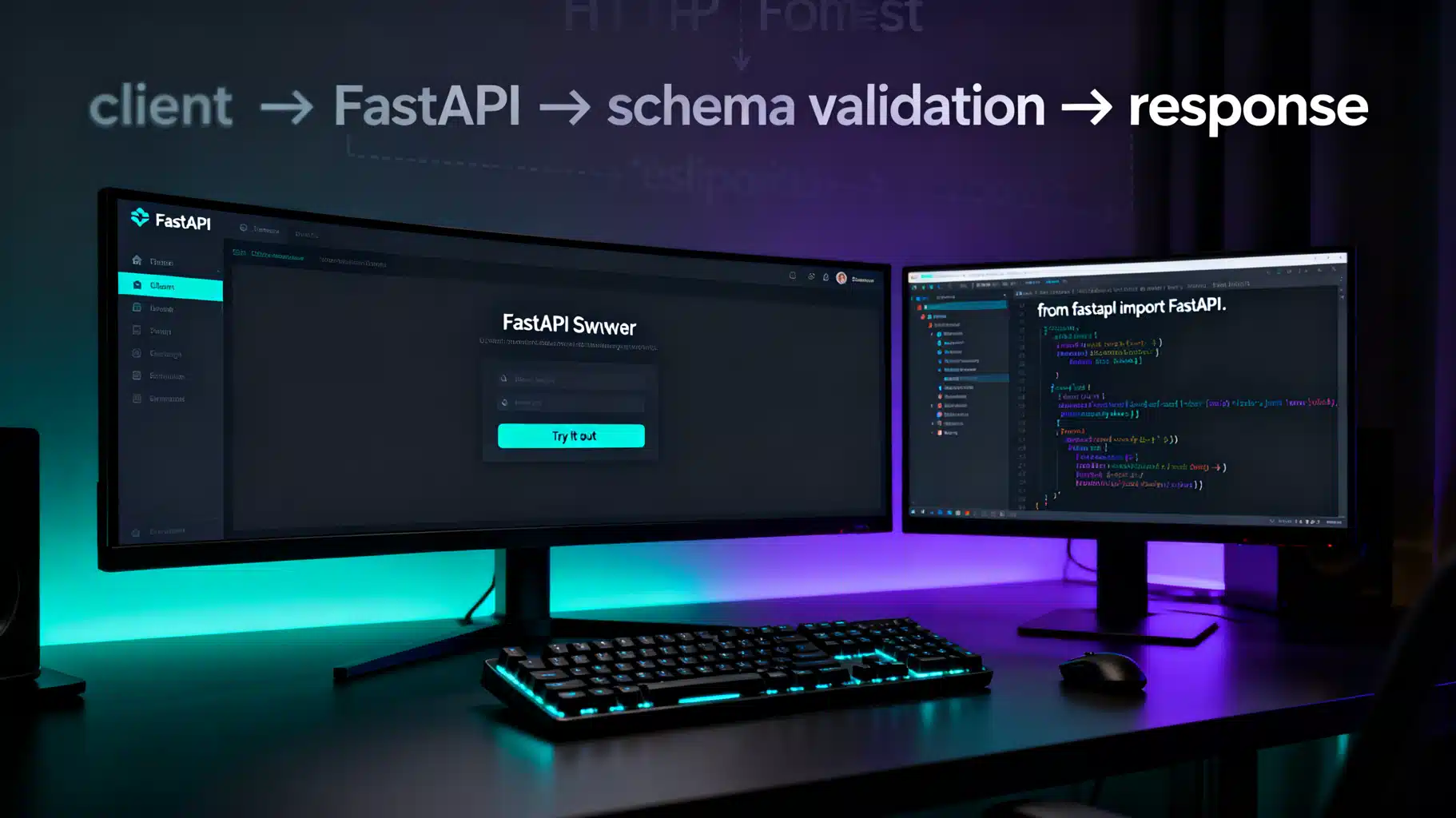
Image used for representation purposes only.
Overview
FastAPI is a modern, high‑performance web framework for building APIs with Python 3.8+. It is built on top of Starlette and Pydantic, giving you automatic data validation, type‑hinted developer ergonomics, and auto‑generated OpenAPI docs out of the box. In this tutorial you will build a clean, well‑structured REST API from scratch, learn the core concepts (path operations, models, validation, dependencies), add CORS and testing, and see how to grow the project toward production.
What you’ll build
We’ll implement a simple, extensible Todo API with full CRUD, query filtering, validation, and tests. You can run it locally with hot‑reload and explore the interactive docs at /docs and /redoc.
Prerequisites
- Python 3.10+ recommended
- Basic familiarity with virtual environments and typing
- curl or HTTP client (Insomnia, Postman) for manual testing
Setup
Create and activate a virtual environment, then install FastAPI and Uvicorn (the ASGI server):
python -m venv .venv
source .venv/bin/activate  # Windows: .venv\Scripts\activate
pip install "fastapi[standard]" uvicorn
The extra [standard] installs useful optional dependencies (e.g., pydantic, starlette clients). If your shell expands brackets, keep the quotes.
Project structure
Use a small but scalable layout:
fastapi-todo/
  app/
    __init__.py
    main.py
    schemas.py
    deps.py
  tests/
    test_todos.py
- main.py: application, routers, and handlers
- schemas.py: Pydantic models for requests/responses
- deps.py: reusable dependencies (e.g., pagination)
Your first endpoint
Create app/main.py with a minimal application to verify everything works.
# app/main.py
from fastapi import FastAPI

app = FastAPI(title="Todo API", version="1.0.0")

@app.get("/health")
async def health():
    return {"status": "ok"}
Run the server:
uvicorn app.main:app --reload
Visit http://127.0.0.1:8000/docs for interactive documentation.
Data models (Pydantic)
Define request/response shapes in app/schemas.py. FastAPI uses Pydantic for validation and serialization, so you get clear errors and typed objects automatically.
# app/schemas.py
from datetime import datetime
from typing import Optional
from pydantic import BaseModel, Field

class TodoIn(BaseModel):
    title: str = Field(..., min_length=1, max_length=100)
    done: bool = False

class TodoUpdate(BaseModel):
    title: Optional[str] = Field(None, min_length=1, max_length=100)
    done: Optional[bool] = None

class Todo(TodoIn):
    id: int
    created_at: datetime
Notes:
- Field lets you enforce constraints and enrich OpenAPI docs (descriptions, examples, regex, etc.).
- Separate “In”, “Update”, and “Out” models keep inputs/outputs explicit and stable.
Building CRUD routes
Implement the core endpoints in app/main.py. We’ll start with an in‑memory store (a dict) to keep focus on FastAPI mechanics. You can swap this for a database later without touching the API contract.
# app/main.py
from datetime import datetime
from typing import Dict, List, Optional

from fastapi import Body, Depends, FastAPI, HTTPException, Path, Query, status
from pydantic import BaseModel

from .schemas import Todo, TodoIn, TodoUpdate

app = FastAPI(title="Todo API", version="1.0.0")

# In-memory store for tutorial purposes only
DB: Dict[int, Todo] = {}
COUNTER = 0

# Dependency for simple pagination
def pagination(skip: int = Query(0, ge=0), limit: int = Query(50, ge=1, le=100)):
    return {"skip": skip, "limit": limit}

@app.post("/todos", response_model=Todo, status_code=status.HTTP_201_CREATED)
def create_todo(payload: TodoIn = Body(..., example={"title": "Write tutorial", "done": False})):
    global COUNTER
    COUNTER += 1
    item = Todo(id=COUNTER, created_at=datetime.utcnow(), **payload.model_dump())
    DB[item.id] = item
    return item

@app.get("/todos", response_model=List[Todo])
def list_todos(done: Optional[bool] = Query(None), pg: dict = Depends(pagination)):
    items = list(DB.values())
    if done is not None:
        items = [i for i in items if i.done is done]
    start = pg["skip"]
    end = start + pg["limit"]
    return items[start:end]

@app.get("/todos/{todo_id}", response_model=Todo)
def get_todo(todo_id: int = Path(..., ge=1)):
    item = DB.get(todo_id)
    if not item:
        raise HTTPException(status_code=404, detail="Todo not found")
    return item

@app.patch("/todos/{todo_id}", response_model=Todo)
def update_todo(todo_id: int, patch: TodoUpdate):
    stored = DB.get(todo_id)
    if not stored:
        raise HTTPException(404, "Todo not found")
    data = patch.model_dump(exclude_unset=True)
    updated = stored.model_copy(update=data)
    DB[todo_id] = updated
    return updated

@app.delete("/todos/{todo_id}", status_code=status.HTTP_204_NO_CONTENT)
def delete_todo(todo_id: int):
    if todo_id not in DB:
        raise HTTPException(404, "Todo not found")
    del DB[todo_id]
    return None
Key takeaways:
- model_dump/model_copy give safe, explicit transformations.
- response_model guarantees your JSON stays in sync with your types and only returns documented fields.
- Dependencies (Depends) are how you share cross‑cutting concerns such as pagination, DB sessions, auth, or settings.
Try it out
With the server running, exercise the API:
# Create
curl -s -X POST http://127.0.0.1:8000/todos \
  -H 'content-type: application/json' \
  -d '{"title":"Write FastAPI tutorial"}' | jq

# List
curl -s http://127.0.0.1:8000/todos | jq

# Filter
curl -s 'http://127.0.0.1:8000/todos?done=false' | jq

# Update (mark done)
curl -s -X PATCH http://127.0.0.1:8000/todos/1 \
  -H 'content-type: application/json' \
  -d '{"done": true}' | jq

# Delete
curl -i -X DELETE http://127.0.0.1:8000/todos/1
Or open http://127.0.0.1:8000/docs for an interactive Swagger UI powered by your OpenAPI schema.
Request validation and error handling
Try sending invalid data like an empty title or a negative ID. FastAPI returns a 422 response describing exactly which field failed and why. These validation errors are consistent and machine‑readable, which simplifies client development.
You can centralize custom errors with exception handlers:
from fastapi import Request
from fastapi.responses import JSONResponse

class AppError(Exception):
    def __init__(self, message: str, code: str = "app_error"):
        self.message = message
        self.code = code

@app.exception_handler(AppError)
async def app_error_handler(_: Request, exc: AppError):
    return JSONResponse(status_code=400, content={"error": exc.code, "message": exc.message})
CORS and middleware
If your frontend runs on a different origin, enable CORS:
from fastapi.middleware.cors import CORSMiddleware

app.add_middleware(
    CORSMiddleware,
    allow_origins=["http://localhost:5173", "https://your-frontend.com"],
    allow_credentials=True,
    allow_methods=["*"],
    allow_headers=["*"],
)
Middlewares are also great for request IDs, logging, or timing metrics.
Testing with pytest
FastAPI ships with an ergonomic test client. Create tests/test_todos.py:
# tests/test_todos.py
from fastapi.testclient import TestClient
from app.main import app

client = TestClient(app)

def test_create_and_list():
    r = client.post("/todos", json={"title": "Test"})
    assert r.status_code == 201
    data = r.json()
    assert data["title"] == "Test"
    # List includes created item
    r = client.get("/todos")
    assert r.status_code == 200
    assert any(todo["id"] == data["id"] for todo in r.json())

def test_update_and_delete():
    created = client.post("/todos", json={"title": "Delete me"}).json()
    tid = created["id"]
    r = client.patch(f"/todos/{tid}", json={"done": True})
    assert r.status_code == 200 and r.json()["done"] is True
    r = client.delete(f"/todos/{tid}")
    assert r.status_code == 204
    r = client.get(f"/todos/{tid}")
    assert r.status_code == 404
Run tests:
pytest -q
Dependencies: the FastAPI superpower
The Depends system is the backbone of clean architecture in FastAPI. Typical uses:
- Database session per request
- Auth/JWT extraction and user resolution
- Settings injection (12‑factor)
- Pagination and filtering
Example settings dependency using environment variables:
# app/deps.py
from functools import lru_cache
from pydantic import BaseModel
import os

class Settings(BaseModel):
    debug: bool = bool(int(os.getenv("DEBUG", "0")))
    app_name: str = os.getenv("APP_NAME", "Todo API")

@lru_cache
def get_settings() -> Settings:
    return Settings()
Use it in your routes:
from .deps import get_settings
from fastapi import Depends

@app.get("/config")
def read_config(st=Depends(get_settings)):
    return st.model_dump()
Adding a database (outline)
The in‑memory store is great for learning, but real apps need persistence. You have two popular paths:
- SQLAlchemy 2.x (AsyncSession) with PostgreSQL or SQLite
- SQLModel (built on SQLAlchemy + Pydantic) for concise models
A minimal SQLAlchemy async setup (outline only):
# db.py (outline)
from sqlalchemy.ext.asyncio import AsyncSession, create_async_engine
from sqlalchemy.orm import sessionmaker, declarative_base

DATABASE_URL = "sqlite+aiosqlite:///./app.db"
engine = create_async_engine(DATABASE_URL, future=True)
AsyncSessionLocal = sessionmaker(engine, class_=AsyncSession, expire_on_commit=False)
Base = declarative_base()

async def get_session():
    async with AsyncSessionLocal() as session:
        yield session
Then inject get_session with Depends in your routes and use SQLAlchemy ORM models for CRUD. Keep the Pydantic schemas as your public contract.
Authentication (quick start)
For private APIs, start with OAuth2PasswordBearer or a simple bearer token. FastAPI has helpers in fastapi.security. You can implement login to return a JWT, then protect routes with a dependency that verifies and decodes the token, attaching the current user to the request context.
Production tips
- Use an ASGI server optimized for production, e.g., uvicorn workers via gunicorn:
- gunicorn -k uvicorn.workers.UvicornWorker -w 4 app.main:app
- Set keep‑alive and timeout values for your load balancer; enable HTTP/2 if available.
- Configure structured logging (JSON) and capture request IDs.
- Add a /health and /ready endpoint for liveness/readiness probes.
- Version your API using APIRouter prefixes, e.g., /v1.
- Pin dependencies and enable CI to run your pytest suite on each commit.
Troubleshooting
- 422 errors: inspect the detail field for the exact validation error; it’s usually a schema mismatch.
- Hanging requests when using sync DB calls in async routes: either switch to AsyncSession or run blocking work in a threadpool (fastapi.concurrency.run_in_threadpool).
- CORS errors in browsers: verify allow_origins and that your preflight (OPTIONS) responses include the correct headers.
Where to go next
- Replace the in‑memory DB with SQLAlchemy or SQLModel
- Add JWT auth and role‑based permissions
- Implement rate limiting and request metrics
- Generate a typed SDK from your OpenAPI schema for frontend or other services
Complete, minimal app/main.py
Here’s the final in‑memory version you can copy‑paste to start experimenting:
from datetime import datetime
from typing import Dict, List, Optional

from fastapi import Body, Depends, FastAPI, HTTPException, Path, Query, status
from fastapi.middleware.cors import CORSMiddleware
from pydantic import BaseModel, Field

app = FastAPI(title="Todo API", version="1.0.0")

# CORS (adjust origins as needed)
app.add_middleware(
    CORSMiddleware,
    allow_origins=["*"],
    allow_credentials=True,
    allow_methods=["*"],
    allow_headers=["*"],
)

class TodoIn(BaseModel):
    title: str = Field(..., min_length=1, max_length=100)
    done: bool = False

class TodoUpdate(BaseModel):
    title: Optional[str] = Field(None, min_length=1, max_length=100)
    done: Optional[bool] = None

class Todo(TodoIn):
    id: int
    created_at: datetime

DB: Dict[int, Todo] = {}
COUNTER = 0

def pagination(skip: int = Query(0, ge=0), limit: int = Query(50, ge=1, le=100)):
    return {"skip": skip, "limit": limit}

@app.get("/health")
async def health():
    return {"status": "ok"}

@app.post("/todos", response_model=Todo, status_code=status.HTTP_201_CREATED)
def create_todo(payload: TodoIn = Body(...)):
    global COUNTER
    COUNTER += 1
    item = Todo(id=COUNTER, created_at=datetime.utcnow(), **payload.model_dump())
    DB[item.id] = item
    return item

@app.get("/todos", response_model=List[Todo])
def list_todos(done: Optional[bool] = Query(None), pg: dict = Depends(pagination)):
    items = list(DB.values())
    if done is not None:
        items = [i for i in items if i.done is done]
    start, end = pg["skip"], pg["skip"] + pg["limit"]
    return items[start:end]

@app.get("/todos/{todo_id}", response_model=Todo)
def get_todo(todo_id: int = Path(..., ge=1)):
    item = DB.get(todo_id)
    if not item:
        raise HTTPException(404, "Todo not found")
    return item

@app.patch("/todos/{todo_id}", response_model=Todo)
def update_todo(todo_id: int, patch: TodoUpdate):
    stored = DB.get(todo_id)
    if not stored:
        raise HTTPException(404, "Todo not found")
    data = patch.model_dump(exclude_unset=True)
    updated = stored.model_copy(update=data)
    DB[todo_id] = updated
    return updated

@app.delete("/todos/{todo_id}", status_code=status.HTTP_204_NO_CONTENT)
def delete_todo(todo_id: int):
    if todo_id not in DB:
        raise HTTPException(404, "Todo not found")
    del DB[todo_id]
    return None
With this foundation you can move quickly to a database‑backed, authenticated API while preserving strong typing and clear contracts. FastAPI’s combination of speed, developer experience, and standards‑compliant OpenAPI makes it an excellent choice for modern Python backend services.
Related Posts

Synthetic Data Generation with AI: A Hands‑On Tutorial
A practical, end-to-end tutorial for generating, evaluating, and governing synthetic data for ML using Python, SDV, and sdmetrics.
Building an Accessible, Animated Expandable Card in React
Build an accessible, animated React expandable card with TypeScript. Covers ARIA, controlled/uncontrolled state, CSS and Framer Motion, and testing.

Flutter Custom Notification Sounds: The Complete Cross‑Platform Guide
Add custom notification sounds to Flutter apps on Android and iOS with channels, file placement, FCM payloads, and testing tips.