
Google’s Gemini lands on Mac: native app, global hotkey, and screen‑context help
Google ships a native Gemini app for macOS with global hotkeys and screen‑context sharing; available now for Apple Silicon Macs on macOS 15+.
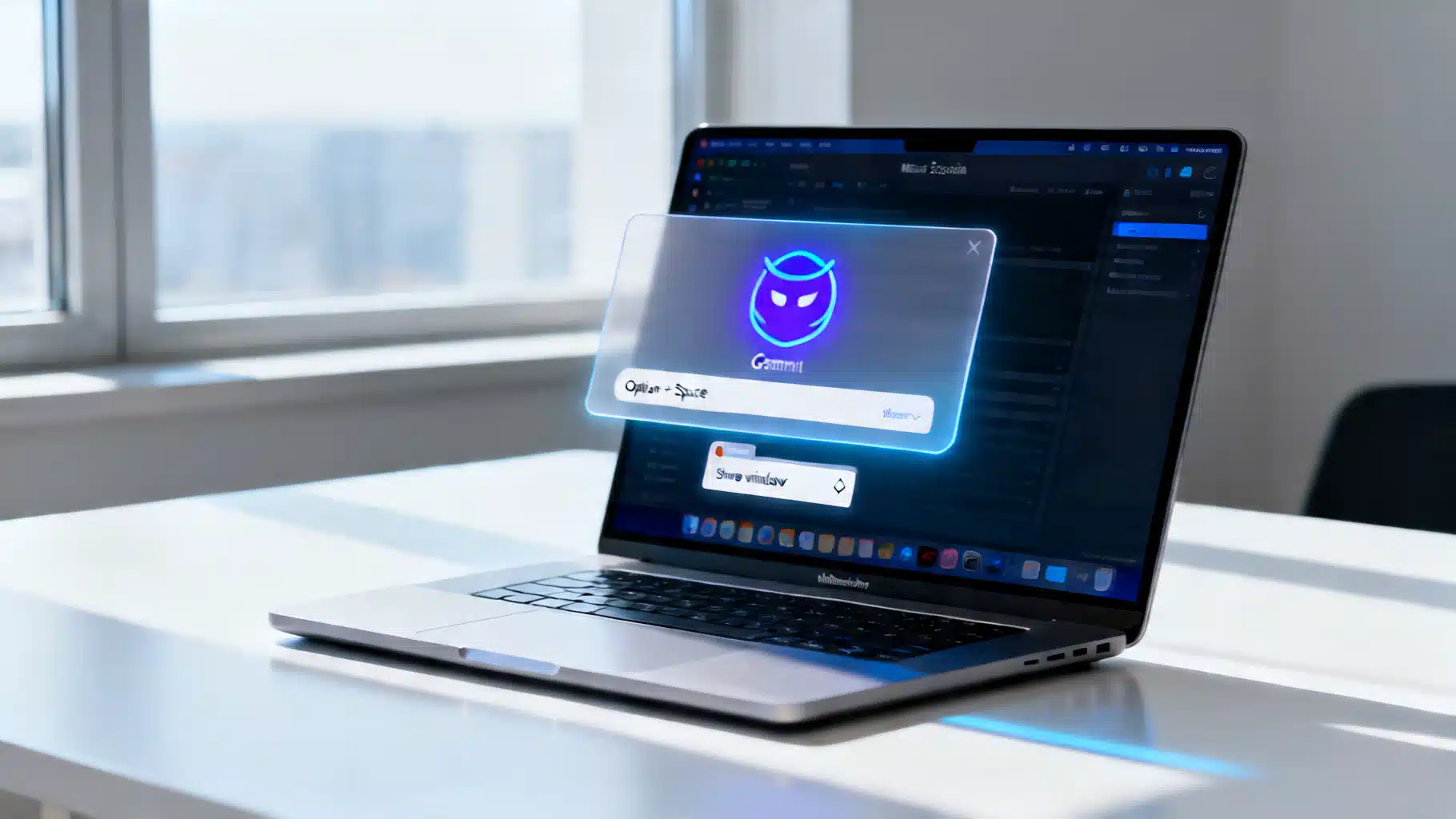
Image used for representation purposes only.
Google brings Gemini to macOS with a true native app
Google has released a native Gemini app for Mac, marking its first dedicated desktop client for Apple computers. Announced on April 15, 2026, the app provides always‑available AI assistance with a global keyboard shortcut and deep screen‑context sharing, aiming to keep workflows uninterrupted. (blog.google )
What’s new and why it matters
- Native macOS experience: Gemini now lives on the desktop, not just the browser, with rapid access via a system‑wide hotkey. That positions Google directly against desktop assistants from OpenAI and Anthropic that already ship as Mac apps. (blog.google )
- Screen‑context help: You can share the window you’re looking at so Gemini summarizes, explains, or transforms content in place—including local files—reducing app‑switching. (blog.google )
- Proactive roadmap: Google frames this first release as the foundation for a “personal, proactive, and powerful” desktop assistant, signaling more system‑level capabilities ahead. (blog.google )
Key features at launch
- Global shortcuts: Press Option + Space to summon a compact prompt anywhere; use Option + Shift + Space for the full chat window. Both are customizable in Settings. (gemini.google )
- Menu bar and Dock presence: Launch from the menu bar Gemini icon or the Dock, mirroring other everyday utilities on macOS. (gemini.google )
- Screen/window sharing: From “Add files and tools,” select “Share window” to give Gemini context. Granting macOS Accessibility permissions enables Gemini to read full browser pages when needed. (gemini.google )
- Cross‑device sync: Chat history and Memory sync when signed into the same Google account across desktop, web, and mobile. (gemini.google )
- Creative tools built in: Google highlights image generation “with Nano Banana” and video creation with Veo, available directly from the Mac app. (blog.google )
Availability and system requirements
The Gemini app is available globally for personal Google accounts and Google Workspace customers beginning April 15, 2026. It requires macOS 15 (Sequoia) or later and runs exclusively on Apple Silicon Macs. (workspaceupdates.googleblog.com )
How to download it (and where not to)
- Official download: Visit gemini.google/mac and choose “Download for Mac.” Admins can manage access from the Workspace Admin console; for end users, installation is a standard DMG flow followed by Google sign‑in. (workspaceupdates.googleblog.com )
- Not in the Mac App Store (as of April 17, 2026): Google is distributing Gemini for macOS directly, not through Apple’s store. Independent outlets note you must grab the DMG from Google’s site. (arstechnica.com )
- Beware impersonators: Prior reports flagged scammy Mac App Store listings piggybacking on well‑known AI brand names. If you search the store, verify publishers carefully and prefer Google’s official download. (techradar.com )
Pricing: free app, optional subscriptions
The macOS app itself is free. For higher model access and features, Google offers subscription tiers in the U.S. such as Google AI Plus ($7.99/mo), Google AI Pro ($19.99/mo), and Google AI Ultra ($249.99/mo), each unlocking greater access to Gemini 3.1 Pro, Deep Research, creative tools (including Nano Banana Pro and Veo tiers), and other benefits across Google services. (gemini.google )
Quick start checklist
- Download and install the DMG, then sign in with your Google account. (blog.google )
- Set your hotkeys (Option + Space for quick prompts; Option + Shift + Space for full chat) under Settings. (gemini.google )
- Enable screen‑context: In Gemini, open Add files and tools → Share window; in macOS System Settings, grant Accessibility permission so Gemini can read full pages. (gemini.google )
- Test creative features: Generate an image with Nano Banana or spin up a short video using Veo to validate your GPU/workflow fit. (blog.google )
- If you use Workspace: Your admin controls Gemini access; rollout is available now for both Rapid and Scheduled Release domains. (workspaceupdates.googleblog.com )
What this signals for desktop AI
Gemini’s arrival on macOS underscores a broader shift: AI assistants are moving from web tabs to first‑class, hotkey‑driven desktop experiences with direct access to on‑screen context. Google’s simultaneous push of a Windows desktop app (on the Microsoft side) and a native Gemini app for Mac suggests the company is racing to standardize always‑on AI across both major desktop ecosystems. (arstechnica.com )
Fine print and privacy
- Permissions: Granting Accessibility allows Gemini to read on‑screen content for context; you can revoke this anytime in System Settings → Privacy & Security. (gemini.google )
- Age and account: Available to users 13+; personal Google accounts and Workspace accounts are supported. (gemini.google )
- Apple Silicon only: Intel‑based Macs aren’t supported. Check you’re on macOS 15 Sequoia or later. (gemini.google )
The bottom line
As of April 17, 2026, Gemini is a bona fide Mac app you can summon with a keystroke, share a window for instant context, and sync across devices. It’s free to install, not in the Mac App Store, and expandable via Google’s AI subscription tiers. For many Mac users, that makes Google’s AI a one‑keystroke utility rather than just another browser tab. (blog.google )
Related Posts
AAPL Briefing: Record Quarter, Gemini‑Powered Siri, and the WWDC 2026 Countdown
AAPL’s 2026 story: record Q1, a Google Gemini–backed Siri, WWDC 2026 AI previews, and an active DOJ case keep Apple’s stock in the headlines.
Apple kills the Mac Pro after 20 years: what pros need to know now
Apple ends Mac Pro after 20 years. What Apple confirmed on March 26, 2026 means for pro users, PCIe workflows, and the Mac Studio future.

AI Briefing: GPT-5.4 lands, Google pushes Gemini everywhere, Anthropic surges, Nvidia rallies open models, and Meta signs News Corp
AI this week: OpenAI ships GPT-5.4, Google expands Gemini in Maps & Workspace, Anthropic surges, Nvidia rallies open models, Meta inks News Corp deal, EU AI Act nears.