
iOS 27’s New Siri App: Features, Availability, and What’s Still Missing
Apple’s new Siri app headlines iOS 27 with chat-based controls, on-screen awareness, and deeper app actions—rolling out in betas now and broadly this fall.
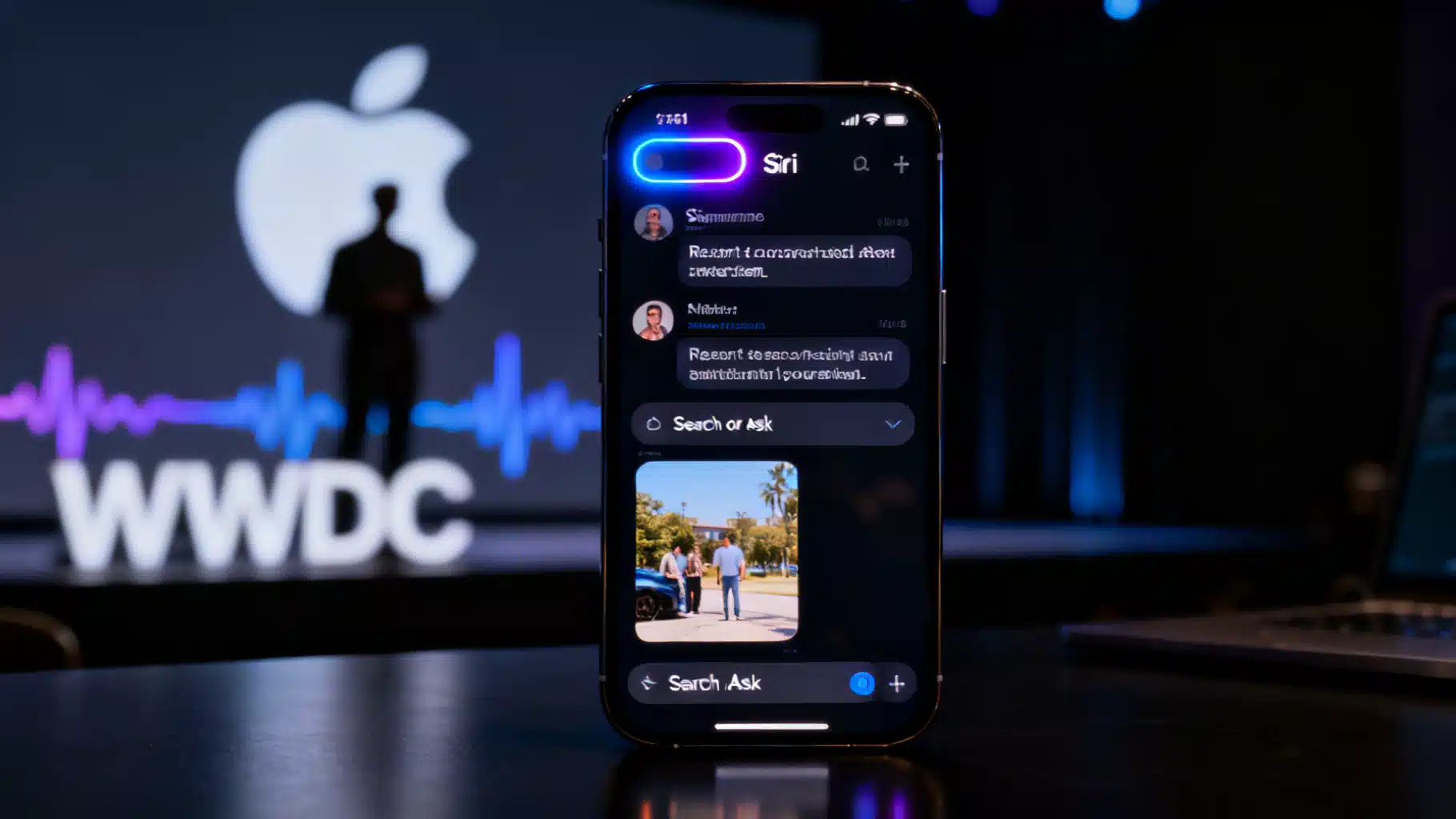
Image used for representation purposes only.
Apple’s new Siri app in iOS 27: what’s new, what’s missing, and when you can try it
Apple used WWDC on June 8, 2026 to relaunch its voice assistant as “Siri AI” and, for the first time, give it a full-fledged app on iPhone with a chat-style interface, conversation history, and tighter hooks into core apps. The upgrade headlines iOS 27 and marks Apple’s most ambitious AI push to date. (businesswire.com )
The Siri app: a conversational hub that finally remembers
Apple’s new Siri app places a chat window at the center of the experience, letting you type or speak, attach images or files, and revisit past conversations that sync across devices. Siri responses also surface compactly in the Dynamic Island, and a new “Search or Ask” gesture unifies Spotlight and Siri into one place. (macrumors.com )
What’s changed in practice:
- Persistent threads: Open the Siri app to pick up where you left off, with multi-turn context preserved across sessions and devices. (macrumors.com )
- Search or Ask: Swipe down from the middle of the screen to launch a universal pane for queries, content search, and on‑device actions. (macrumors.com )
- Attachments and uploads: Tap “+” to add photos or files so Siri can summarize, extract info, or act on the content. (macrumors.com )
- Type or talk anywhere: Use the app, the Dynamic Island, or the side button; concise answers appear inline with options to expand. (macrumors.com )
On‑screen awareness and deep app actions
Siri now understands what’s on your display and can act on it. Ask about an email you’re viewing, add the date from a message to Calendar, or save a photo to a specific album—all without manual copy‑paste. Apple says Siri can search across Mail, Messages, Notes, Reminders, Calendar, and more, and it can take direct actions like drafting emails or creating events from natural language. (macrumors.com )
Systemwide context menus extend this further: select text or an image, invoke Siri, and request a summary, rewrite, translation, or follow‑up task. “Write with Siri” appears across inputs to generate or refine copy in your style before sending. (macrumors.com )
Early hands‑on impressions suggest Apple is still tuning reliability, but the core experience already feels notably more capable than prior versions. (macrumors.com )
Visual Intelligence and a new Camera “Siri mode”
Apple moved and expanded Visual Intelligence features into the Camera app with a dedicated Siri mode. Point your camera at a restaurant receipt to split the bill, import multiple events from a flyer, capture a business card to Contacts, or scan a membership card straight into Wallet—all with Siri stepping in to recognize, explain, and act. (macrumors.com )
Where the AI runs—and privacy
Apple emphasizes that many Siri AI requests process on‑device, with heavier tasks escalated to Apple’s cloud under strong privacy guarantees. The company framed the redesign as an AI advancement that keeps day‑to‑day utility and privacy at the forefront. (businesswire.com )
Reports also indicate Apple is tapping Google’s Gemini models behind the scenes for some cloud responses, part of a broader strategy to blend Apple’s own models with partner AI where it adds value. Apple hasn’t spelled out every routing rule, but multiple outlets said Gemini underpins portions of the experience unveiled at WWDC. (arstechnica.com )
App integrations and the “Siri Extensions” question
The new design clearly pushes Siri deeper into apps, but one open question is just how far third‑party developers can go at launch. Apple has showcased robust first‑party integrations and systemwide actions, while some watchers expected broader “Siri Extensions” or equivalent APIs to unlock more powerful cross‑app workflows. That ambition didn’t fully materialize in the initial beta, and it’s a point of debate to watch through the summer. (tomsguide.com )
Compatibility: who gets what
- Base OS support: iOS 27 installs on every iPhone that ran iOS 26 (iPhone 11 and newer). (macrumors.com )
- Siri AI eligibility: Apple Intelligence and the revamped Siri features require newer hardware (iPhone 15 Pro or later). (macrumors.com )
- Highest‑end features: Some advanced on‑device models and dictation upgrades are limited to Apple’s latest flagships, with reporting suggesting only a handful of top‑tier iPhones get the most capable local AI model at launch. (macrumors.com )
Regional availability notes:
- EU delay: Due to Digital Markets Act (DMA) constraints, Apple says Siri AI won’t ship in the EU when iOS 27 launches; the company called the delay “deeply disappointing” and listed specific Siri AI features (including the dedicated app and expanded Visual Intelligence) that won’t be available initially. (images.apple.com )
- Language and China: Siri AI launches first in English and isn’t initially available in China, with Apple indicating more regions and languages will follow. (macrumors.com )
Timeline: beta now, wider access soon
The developer beta is live, with a public beta scheduled for July 2026 and the general release expected in September alongside new iPhones. Notably, access to the new Siri in early betas is being throttled via an opt‑in waitlist inside Settings under the Apple Intelligence section. (macrumors.com )
Hands‑on takeaways and early friction
Reviewers and testers say the redesigned assistant finally feels competitive for everyday tasks—summarizing emails, extracting details from photos, and performing follow‑ups without losing context—though it still shows occasional hesitations and misses as Apple scales the new stack. Some testers also highlight that a few of iOS 27’s “hidden” quality‑of‑life additions in core apps can feel more immediately reliable than Siri’s flashier demos. Expect rapid iteration through the summer betas. (macrumors.com )
How to try Siri AI today (developers) and what to expect next
If you’re a registered developer:
- Install the iOS 27 developer beta on a supported iPhone.
- In Settings, open the Apple Intelligence section and join the waitlist for Siri AI access.
- After activation, test the Siri app, Search or Ask, on‑screen awareness, and Visual Intelligence flows. (macrumors.com )
For everyone else, the public beta in July is the next stop, with the final release expected in September 2026. Features may roll out in phases as Apple dials models, reliability, and regional compliance. (macrumors.com )
Bottom line
With iOS 27, Siri graduates from an invocation to an app—and from a one‑shot command parser to a conversational, context‑aware assistant that can actually manipulate data and content across your phone. There are caveats: hardware tiers matter, EU users must wait, and some developer‑facing ambitions remain unclear. But for the majority of iPhone owners outside those constraints, the new Siri app is the most consequential daily‑use feature Apple has shipped in years. (ap.org )
Related Posts
iOS 27 at WWDC 2026: Siri 2.0, AI Extensions, Wallet upgrades, and foldable iPhone prep
iOS 27 is set for a June 8 WWDC reveal with a major Siri overhaul, new AI extensions, Wallet upgrades, and foldable iPhone prep.

Apple’s $250 Million iPhone Settlement: Who’s Eligible, How Much, and What Happens Next
Apple’s $250M iPhone AI settlement explained: who qualifies, how much you could get, and when claims open, with timelines and court-approval details.
Apple’s $250M AI Settlement: Eligibility, Payouts, and What’s Next for Siri
Apple’s $250M settlement over Siri AI ads could pay iPhone buyers $25–$95 per device, pending court approval. Here’s who qualifies and what’s next.