
API Testing Automation with Postman: A Complete Guide
Automate API testing in Postman and Newman: write reliable tests, use data-driven runs, and wire everything into CI/CD with best practices.
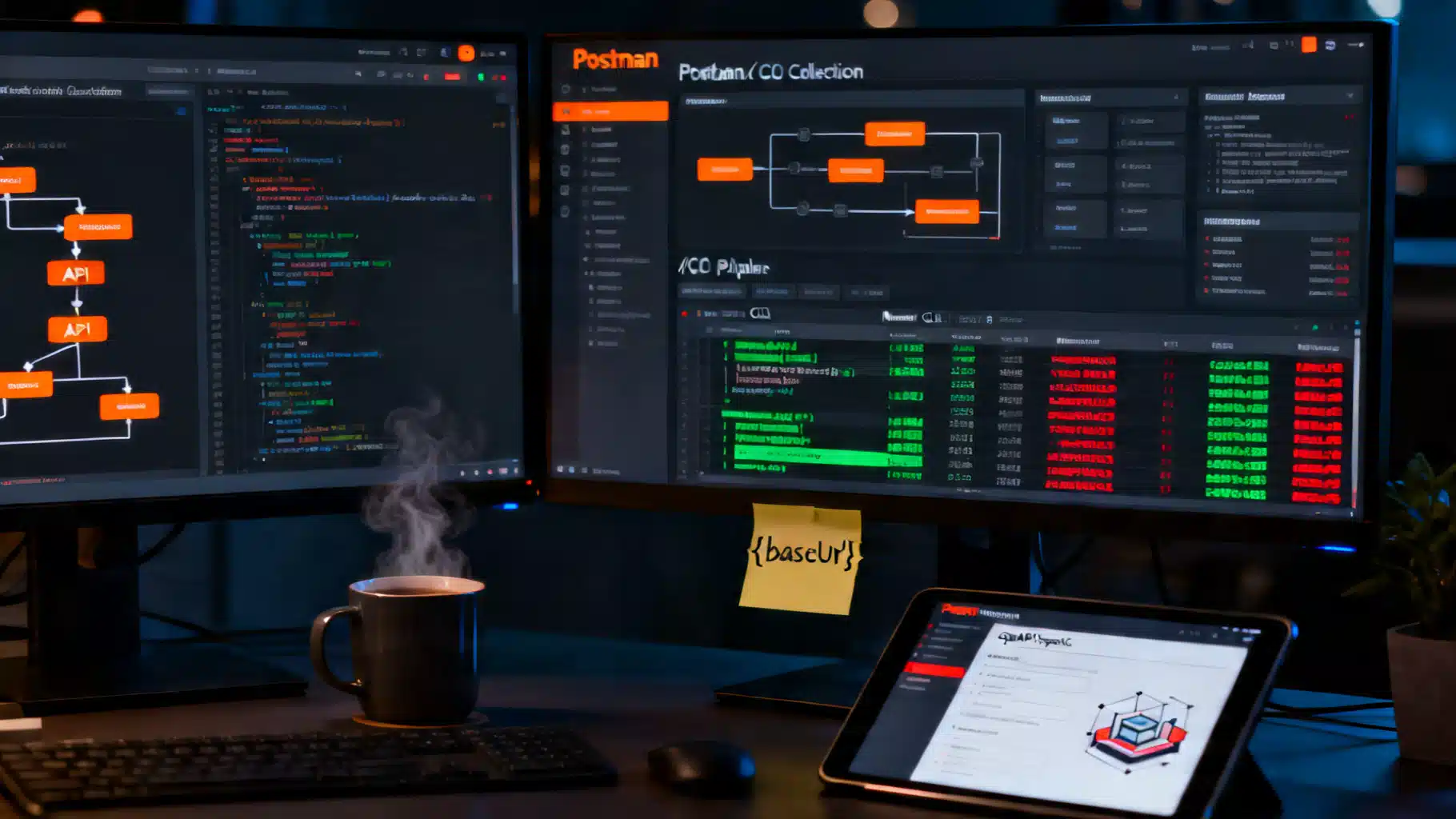
Image used for representation purposes only.
Why automate API testing with Postman
APIs evolve quickly. Manual checks don’t scale, and missed regressions are costly. Postman gives you a fast authoring experience, an expressive JavaScript test API, and an ecosystem (Newman, mock servers, monitors) that lets you run those tests anywhere—from your laptop to CI/CD. This guide distills proven patterns to help you move from ad‑hoc requests to a maintainable, automated API test suite.
Core building blocks
- Collections: Ordered groups of requests and folders that behave like a test suite.
- Environments: Key–value pairs for base URLs, credentials, and feature flags per stage (dev, staging, prod).
- Variables: local, data, collection, environment, and global scopes. Prefer collection/environment over globals.
- Pre‑request scripts: JavaScript that runs before each request—great for auth headers, IDs, timestamps.
- Tests: JavaScript that runs after a response—assert status codes, headers, bodies, schemas, and timings.
- Workspaces and version control: Collaborate in a team workspace; export collections/environments to JSON and commit to git.
Organizing your project
A clean structure turns a collection into a real test suite.
- One collection per API (or bounded context). Use folders to group endpoints by resource.
- Put shared setup in collection- or folder-level pre‑request scripts; put cross-cutting assertions in collection-level tests.
- Separate concerns: “smoke” (fast, critical paths), “contract” (schema, examples), and “business” (end‑to‑end flows) as folders or collections.
- Version alongside code: repo layout example
- /postman/collections/MyAPI.postman_collection.json
- /postman/environments/{dev,staging,prod}.postman_environment.json
- /postman/data/seed.csv
- /ci/newman-scripts/
Writing reliable tests with the Postman Sandbox
Postman ships with the pm API and Chai assertions. A concise checklist:
- Always assert at least status code, content type, and a key field.
- Use descriptive test names—your CI will surface them.
- Fail fast on contract issues; log useful context on failure.
Example assertions:
pm.test('Status is 200/201', () => {
  pm.expect(pm.response.code).to.be.oneOf([200, 201]);
});

pm.test('Content-Type is JSON', () => {
  pm.response.to.have.header('Content-Type');
  pm.expect(pm.response.headers.get('Content-Type')).to.match(/application\/json/i);
});

pm.test('Business field is present', () => {
  const json = pm.response.json();
  pm.expect(json).to.have.property('id');
  pm.expect(json.status).to.equal('active');
});

pm.test('Responds within 800 ms', () => {
  pm.expect(pm.response.responseTime).to.be.below(800);
});
JSON Schema validation (contract tests)
Validate the full shape—not just a couple of fields.
const schema = {
  type: 'object',
  required: ['id', 'name', 'status'],
  properties: {
    id: { type: 'string' },
    name: { type: 'string' },
    status: { type: 'string', enum: ['active', 'inactive'] },
    createdAt: { type: 'string', format: 'date-time' }
  },
  additionalProperties: false
};

pm.test('Schema matches', () => {
  pm.response.to.have.jsonSchema(schema);
});
Pre‑request scripts and authorization
Centralize auth so every request stays clean.
Example: HMAC signature and correlation ID
// collection-level pre-request script
const ts = Date.now().toString();
const key = pm.environment.get('apiKey');
const secret = pm.environment.get('apiSecret');
const payload = `${ts}\n${pm.request.method}\n${pm.request.url.getPathWithQuery()}`;
const sig = CryptoJS.HmacSHA256(payload, secret).toString(CryptoJS.enc.Hex);

pm.variables.set('timestamp', ts);
pm.variables.set('signature', sig);
pm.variables.set('correlationId', pm.variables.get('correlationId') || pm.guid());

pm.request.headers.add({ key: 'X-API-Key', value: key });
pm.request.headers.add({ key: 'X-Signature', value: sig });
pm.request.headers.add({ key: 'X-Correlation-Id', value: pm.variables.get('correlationId') });
Example: OAuth 2.0 token refresh (simplified)
if (!pm.environment.get('accessToken') || Date.now() > pm.environment.get('tokenExpiry')) {
  pm.sendRequest({
    url: pm.environment.get('authUrl'),
    method: 'POST',
    header: 'Content-Type: application/x-www-form-urlencoded',
    body: { mode: 'urlencoded', urlencoded: [
      { key: 'grant_type', value: 'client_credentials' },
      { key: 'client_id', value: pm.environment.get('clientId') },
      { key: 'client_secret', value: pm.environment.get('clientSecret') }
    ]}
  }, (err, res) => {
    pm.test('Fetched access token', () => pm.expect(err).to.equal(null));
    const json = res.json();
    pm.environment.set('accessToken', json.access_token);
    pm.environment.set('tokenExpiry', Date.now() + (json.expires_in - 60) * 1000);
  });
}

pm.request.headers.upsert({ key: 'Authorization', value: `Bearer ${pm.environment.get('accessToken')}` });
Data‑driven testing with the Collection Runner and Newman
Many bugs hide in edge-case inputs. Drive tests from CSV/JSON.
- Prepare data.csv with columns that map to variables (email, plan, country…).
- In requests, use {{email}} etc., or access via pm.iterationData.
Example test using iteration data:
pm.test('User created with correct plan', () => {
  const expectedPlan = pm.iterationData.get('plan');
  const json = pm.response.json();
  pm.expect(json.plan).to.equal(expectedPlan);
});
Run locally via Runner: choose collection, environment, attach data file, set iterations.
Environments and secrets
- Create envs: Dev, Staging, Prod. Each defines baseUrl, keys, flags.
- Never commit secrets to git. In CI, inject via encrypted variables/secrets, or use Postman’s built-in secret management if running monitors.
- Prefer collection variables for defaults and environment variables for stage-specific overrides.
Example variables:
- baseUrl: https://api.dev.example.com
- apiKey, apiSecret: stored only in CI secrets manager
- retryCount: 2
Use variables in requests: {{baseUrl}}/v1/users/{{userId}}
Running headless with Newman
Newman is Postman’s CLI runner—perfect for automation.
Install and run:
npm i -g newman newman-reporter-htmlextra

newman run postman/collections/MyAPI.postman_collection.json \
  -e postman/environments/staging.postman_environment.json \
  -d postman/data/users.csv \
  --reporters cli,htmlextra,junit \
  --reporter-htmlextra-export reports/report.html \
  --reporter-junit-export reports/junit.xml \
  --bail  # stop on first failure (use selectively)
Tips
- Use –global-var key=value to override on the fly.
- Set timeouts: –timeout-request 10000 for slow staging boxes.
- For parallel suites, shard by folder: run Newman multiple times with –folder.
CI/CD integration examples
Automate on every push and on a nightly schedule.
GitHub Actions
name: api-tests
on:
  push:
    branches: [ main ]
  schedule:
    - cron: '0 3 * * *' # nightly
jobs:
  newman:
    runs-on: ubuntu-latest
    steps:
      - uses: actions/checkout@v4
      - uses: actions/setup-node@v4
        with:
          node-version: '20'
      - name: Install Newman
        run: npm i -g newman newman-reporter-htmlextra
      - name: Run API tests
        env:
          API_KEY: ${{ secrets.API_KEY }}
          API_SECRET: ${{ secrets.API_SECRET }}
        run: |
          newman run postman/collections/MyAPI.postman_collection.json \
            -e postman/environments/staging.postman_environment.json \
            --global-var apiKey=$API_KEY --global-var apiSecret=$API_SECRET \
            -r cli,junit,htmlextra \
            --reporter-junit-export reports/junit.xml \
            --reporter-htmlextra-export reports/report.html
      - uses: actions/upload-artifact@v4
        with:
          name: newman-reports
          path: reports/
Jenkins (declarative)
pipeline {
  agent any
  stages {
    stage('API Tests') {
      steps {
        sh 'npm i -g newman newman-reporter-junitfull'
        withCredentials([string(credentialsId: 'api-key', variable: 'API_KEY'), string(credentialsId: 'api-secret', variable: 'API_SECRET')]) {
          sh '''
            newman run postman/collections/MyAPI.postman_collection.json \
              -e postman/environments/staging.postman_environment.json \
              --global-var apiKey=$API_KEY --global-var apiSecret=$API_SECRET \
              -r junit --reporter-junit-export reports/junit.xml
          '''
        }
      }
      post { always { junit 'reports/junit.xml' } }
    }
  }
}
GitLab CI
api_tests:
  image: node:lts
  script:
    - npm i -g newman
    - newman run postman/collections/MyAPI.postman_collection.json -e postman/environments/staging.postman_environment.json -r junit --reporter-junit-export junit.xml
  artifacts:
    when: always
    reports:
      junit: junit.xml
    paths:
      - junit.xml
Contract-first with OpenAPI
Start from an OpenAPI spec to align teams and enable contract tests.
- Import openapi.yaml into Postman to auto-generate collections with examples.
- Add tests that validate status codes and schemas against the spec examples.
- Track breaking changes: bump versions in the spec, regenerate or update tests.
Example: verify response matches an example
const example = pm.response.json();
pm.test('Fields present per spec example', () => {
  pm.expect(example).to.include.keys(['id', 'name', 'status']);
});
Mock servers and monitors
- Mock servers: Create a Postman mock from a collection to unblock frontend and contract tests before the backend is ready. Point {{baseUrl}} to the mock URL.
- Monitors: Schedule runs from Postman Cloud (e.g., every 5 minutes) for lightweight uptime and contract checks. Keep them fast and stable; reserve heavier suites for CI.
Troubleshooting and stability tips
- Flaky timing: add short polling with a max wait, not blind sleeps.
function waitUntil(fn, { timeout = 5000, interval = 250 } = {}) {
  const start = Date.now();
  return new Promise((resolve, reject) => {
    (function step(){
      if (fn()) return resolve();
      if (Date.now() - start > timeout) return reject(new Error('timeout'));
      setTimeout(step, interval);
    })();
  });
}
- Idempotency: prefer PUT over POST for setup; clean up created data in a teardown folder.
- Logging: use console.log judiciously; Newman surfaces it in CI logs.
- Isolation: use unique identifiers per run (pm.guid()) to avoid test collisions.
- Avoid globals: they leak state across runs; prefer collection/environment variables.
Minimal starter template
Use this pattern to get a quick, solid baseline.
Pre‑request (collection level):
pm.variables.set('runId', pm.variables.get('runId') || pm.guid());
pm.request.headers.upsert({ key: 'X-Run-Id', value: pm.variables.get('runId') });
Request URL:
{{baseUrl}}/v1/users/{{userId}}
Tests:
pm.test('2xx', () => pm.expect(pm.response.code).to.be.within(200, 299));

pm.test('JSON and schema', () => {
  pm.response.to.have.header('Content-Type');
  const schema = { type: 'object', required: ['id', 'email'] };
  pm.response.to.have.jsonSchema(schema);
});

pm.test('No PII leaks', () => {
  const body = pm.response.text();
  pm.expect(body).to.not.match(/\b\d{3}-\d{2}-\d{4}\b/); // US SSN pattern
});
Performance and SLA checks (lightweight)
Postman isn’t a load-testing tool, but you can guard basic SLAs.
- Threshold assertions per endpoint (e.g., <800 ms).
- Track trends in CI by exporting JUnit/HTML and charting over time.
- For real load tests, hand off the same collection to a performance tool or script a dedicated runner.
Final checklist
- Collections mirror your API resources and use folders for smoke/contract/business flows.
- Auth and shared logic live at collection/folder level; no copy–paste.
- Tests assert status, headers, body, schema, and timing with clear names.
- Data-driven runs cover edge cases and variants.
- Environments keep stages separate; secrets never touch source control.
- Newman runs locally and in CI with artifacts and clear failure signals.
- Optional: mock servers for early work; monitors for lightweight production checks.
With these patterns, you’ll turn Postman from a manual explorer into a dependable, automated safety net that ships with every change.
Related Posts
API Documentation Auto‑Generation Tools: A Practical Guide
Practical guide to auto‑generating API docs: tools, workflows, examples, CI/CD, and best practices for OpenAPI, GraphQL, and gRPC.

API Load Testing with k6: A Step-by-Step Tutorial for Reliable APIs
Learn API load testing with Grafana k6: install, script, model workloads, set thresholds, run in CI, and analyze results with practical examples.

Consumer-Driven Contract Testing: A Practical Guide to Safer, Faster API Delivery
A practical guide to consumer-driven contract testing: how it works, why it matters, and how to implement it with CI/CD to ship APIs faster without breaks.