
Flutter + Supabase: A Practical Integration Guide
A practical guide to integrating Flutter with Supabase: setup, auth, database with RLS, realtime, storage, edge functions, and best practices.
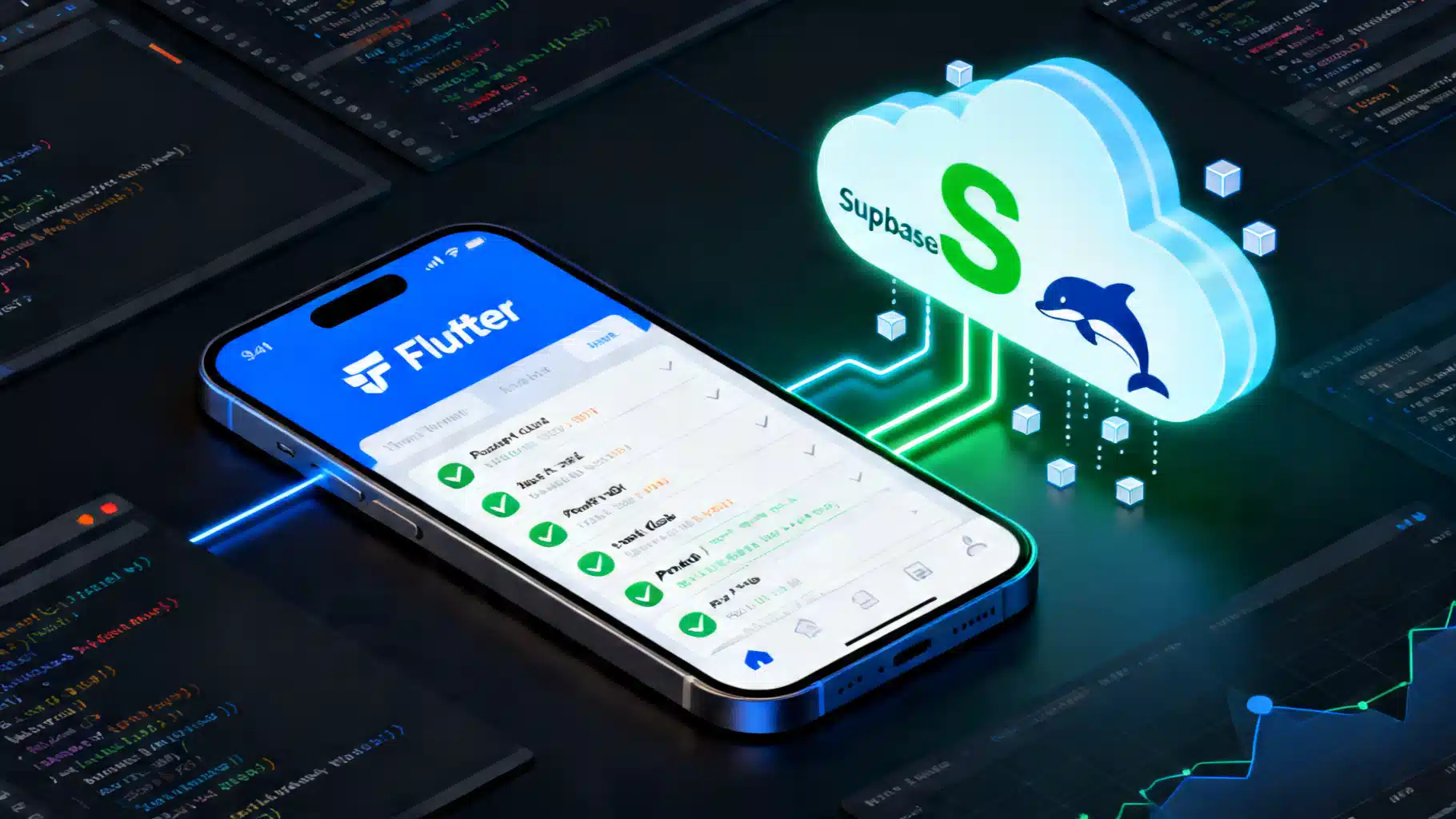
Image used for representation purposes only.
Overview
Flutter plus Supabase is a fast path to a full‑stack, production‑ready mobile app. Supabase wraps Postgres with authentication, real‑time change streams, storage, edge functions, and a TypeScript/Dart SDK. This guide walks through setup, common integrations, and proven practices for building secure, reactive Flutter apps backed by Supabase.
Prerequisites
- Flutter SDK installed and a working emulator or device
- A Supabase project (free tier is fine)
- Basic familiarity with Dart and SQL
Project setup
- Create a Supabase project in the dashboard. Copy the Project URL and anon (public) API key.
- In Flutter, add the SDK:
flutter pub add supabase_flutter
- Initialize the Supabase client as early as possible, typically in main():
import 'package:flutter/material.dart';
import 'package:supabase_flutter/supabase_flutter.dart';

Future<void> main() async {
  WidgetsFlutterBinding.ensureInitialized();
  await Supabase.initialize(
    url: const String.fromEnvironment('SUPABASE_URL'),
    anonKey: const String.fromEnvironment('SUPABASE_ANON_KEY'),
    authFlowType: AuthFlowType.pkce, // recommended for mobile OAuth
  );
  runApp(const MyApp());
}

class MyApp extends StatelessWidget {
  const MyApp({super.key});
  @override
  Widget build(BuildContext context) => MaterialApp(
        title: 'Flutter + Supabase',
        home: const Scaffold(body: Center(child: Text('Hello'))),
      );
}
- Pass secrets at build time (don’t hardcode keys):
flutter run \
  --dart-define=SUPABASE_URL=https://your-project.supabase.co \
  --dart-define=SUPABASE_ANON_KEY=your-anon-key
Notes
- The anon key is safe for client apps. Never ship the service‑role key.
- Use separate projects/keys for development, staging, and production.
Authentication
Supabase Auth supports email/password, magic links, OTP, and OAuth (Google, Apple, GitHub, etc.).
Listen for auth state
final supabase = Supabase.instance.client;
final sub = supabase.auth.onAuthStateChange.listen((event) {
  final session = event.session; // null when signed out
  // Navigate or rebuild UI accordingly
});
// Remember to sub.cancel() when disposing.
Email + password
// Sign up
await supabase.auth.signUp(
  email: email,
  password: password,
  data: {'full_name': fullName},
  emailRedirectTo: 'io.supabase.flutter://login-callback/', // deep link
);

// Sign in
await supabase.auth.signInWithPassword(email: email, password: password);

// Sign out
await supabase.auth.signOut();
OAuth
- Configure redirect URLs in the Supabase dashboard (e.g.,
io.supabase.flutter://login-callback/). - Register the same scheme in your Android and iOS projects (deep linking / URL types).
- Trigger the flow:
await supabase.auth.signInWithOAuth(Provider.google, redirectTo:
  'io.supabase.flutter://login-callback/');
Tips
- PKCE flow is recommended for mobile.
- Persisted sessions are handled by the SDK; read via
supabase.auth.currentSession.
Database and Row‑Level Security (RLS)
Supabase exposes Postgres directly. Enable RLS and write policies so users can only access their own data.
Example schema
create extension if not exists "uuid-ossp";

create table if not exists profiles (
  id uuid primary key default uuid_generate_v4(),
  user_id uuid not null references auth.users(id) on delete cascade,
  full_name text,
  avatar_url text,
  created_at timestamp with time zone default now()
);

alter table profiles enable row level security;

create policy "Allow owners to read profile"
  on profiles for select
  using (auth.uid() = user_id);

create policy "Allow owners to insert/update their profile"
  on profiles for all
  using (auth.uid() = user_id)
  with check (auth.uid() = user_id);
Policies are evaluated per request using the JWT from the client. If you see 401/403 responses, check that RLS and policies permit the action for the signed‑in user.
CRUD from Flutter
Use the query builder via supabase.from('table').
final supabase = Supabase.instance.client;
final userId = supabase.auth.currentUser!.id;

// Create
await supabase.from('todos').insert({
  'title': 'Buy milk',
  'user_id': userId,
});

// Read with filtering, ordering, pagination
final todos = await supabase
    .from('todos')
    .select('*')
    .eq('user_id', userId)
    .order('created_at', ascending: false)
    .range(0, 19); // first page, 20 items

// Update
await supabase.from('todos')
    .update({'is_complete': true})
    .eq('id', todoId)
    .eq('user_id', userId);

// Delete
await supabase.from('todos')
    .delete()
    .eq('id', todoId)
    .eq('user_id', userId);
Notes
- Always filter by
user_id(or your ownership field) to align with RLS policies and minimize over‑fetching. - Use
select('*, nested(*)')to shape joins; alternatively, create Postgres views exposed as read‑optimized endpoints.
Real‑time streams
Supabase can stream row changes from Postgres over WebSockets. It’s ideal for task lists, chats, and dashboards.
final stream = supabase
    .from('todos')
    .stream(primaryKey: ['id'])
    .eq('user_id', userId)
    .listen((rows) {
      // rows is the latest snapshot for the filter
      // Update local state / provider
    });

// Later: stream.cancel();
Tips
- Provide
primaryKeyfor correct de‑duplication. - Combine with local state management (e.g., Riverpod, Bloc) to mirror server state in real time.
Storage: upload and serve files
Supabase Storage manages buckets with optional public access.
import 'package:image_picker/image_picker.dart';

final picker = ImagePicker();
final xfile = await picker.pickImage(source: ImageSource.gallery);
if (xfile == null) return;
final bytes = await xfile.readAsBytes();

await supabase.storage
    .from('avatars')
    .uploadBinary('users/$userId.png', bytes,
        fileOptions: const FileOptions(
          contentType: 'image/png',
          upsert: true,
        ));

final publicUrl = supabase.storage
    .from('avatars')
    .getPublicUrl('users/$userId.png');
For private assets, generate time‑limited signed URLs and avoid public buckets:
final signedUrl = await supabase.storage
    .from('private')
    .createSignedUrl('docs/$userId.pdf', 60 /* seconds */);
Remote procedures and edge functions
Two powerful ways to run server code:
Postgres RPC (SQL or plpgsql)
Define a function in the database and expose it via RPC.
create or replace function increment(x int)
returns int language sql as $$ select x + 1; $$;
final result = await supabase.rpc('increment', params: {'x': 41});
Edge Functions
Edge Functions (Deno) are great for secrets, webhooks, or heavy logic.
- Develop locally with the Supabase CLI.
- Deploy from your repo and call from Flutter:
final res = await supabase.functions.invoke(
  'welcome-email',
  body: {'user_id': userId},
  headers: {'x-client': 'flutter'},
);
final data = res.data; // JSON or text from your function
Local development and migrations
Use the Supabase CLI to run Postgres locally and manage schema as code.
# Install once (macOS example)
brew install supabase/tap/supabase

# Initialize and start local stack
supabase init
supabase start

# Create a migration from the current db diff
supabase db diff -f add_profiles

# Apply migrations
supabase db push
Best practice
- Keep all schema changes in versioned migrations.
- Seed development data with SQL or scripts checked into your repo.
Error handling, retries, and logging
- Wrap calls with try/catch and surface friendly messages to the UI.
- Check
PostgrestException/AuthExceptiondetails for actionable errors. - Implement idempotency for writes where needed (e.g., client‑generated UUIDs).
- Log important events (auth, payments, destructive mutations) to your analytics/logging backend.
try {
  final res = await supabase.from('payments').insert({'id': paymentId, 'amount': 999});
  // handle success
} on PostgrestException catch (e) {
  // e.code, e.message
} catch (e, st) {
  // Fallback logging
}
Security checklist
- Enable RLS on every table; default deny, then add minimal policies.
- Never embed the service‑role key in the app.
- Validate inputs server‑side in RPC/functions when bypassing direct table access.
- Use private buckets with signed URLs for sensitive files.
- Rotate keys and restrict CORS origins to your app schemes/domains.
Performance tips
- Minimize payloads: select only needed columns; paginate with
range(). - Use indexes for common filters (
user_id,created_at, status columns). - Move heavy joins/aggregations into views or RPCs.
- Batch writes with array inserts; prefer server timestamps (
now()). - Consider optimistic UI updates when paired with real‑time streams.
Testing
- Unit test business logic that wraps the Supabase client (mock the SDK or use a fake adapter).
- For integration tests, target a local Supabase instance seeded with fixtures.
- Add database tests for critical RLS policies (using SQL and the anon JWT).
Environment configuration and deployment
- Create Flutter flavors (dev/stage/prod) and pass different dart‑defines.
- Mirror environments in Supabase (separate projects) to avoid cross‑contamination.
- For web builds, configure the Auth redirect URLs and CORS.
Troubleshooting
- 401/403 on table access: confirm RLS policies, user is signed in, and filters include
user_id. - OAuth “redirect mismatch”: ensure the exact scheme/host/path is set in both mobile apps and the Supabase dashboard.
- Realtime not updating: verify
primaryKeyis correct and RLS allowsselectfor the channel’s filter. - Storage upload fails: check bucket permissions and contentType; large files may require chunked uploads or compression.
Putting it all together
With a few dependencies and careful RLS, you can ship a Flutter app that signs users in, syncs data in real time, stores media securely, and runs server logic at the edge—without maintaining bespoke servers. Start small (auth + one table), lock down policies, then layer on storage and functions. As your app grows, treat the database as the source of truth, codify schema changes with migrations, and lean on streams to keep the UI reactive.
Next steps
- Add an onboarding flow that creates a profile row after sign‑up.
- Migrate schema via CLI and set up CI to run migrations on preview environments.
- Instrument performance and add analytics around key user actions.
Happy shipping!
Related Posts
Flutter Biometric Authentication Tutorial (2026): Face ID, Touch ID, and Fingerprint with local_auth
Implement Face ID, Touch ID, and fingerprint in Flutter using local_auth 3.x, with Android/iOS setup, code, error handling, and secure storage.

Flutter Freezed Code Generation: A Practical Tutorial
Learn Freezed for Flutter: immutable data classes, unions, and JSON with build_runner. Step-by-step setup, examples, and troubleshooting.
GraphQL Authentication and Authorization Patterns: A Practical Guide
A practical guide to GraphQL authentication and authorization patterns, from tokens to directives, RLS, subscriptions, and federation.