
AI Workflow Automation with n8n: A Practical Tutorial from Zero to Production
Build AI-powered automations in n8n: install, connect LLMs, craft prompts, and ship three real workflows with testing, scaling, and security tips.
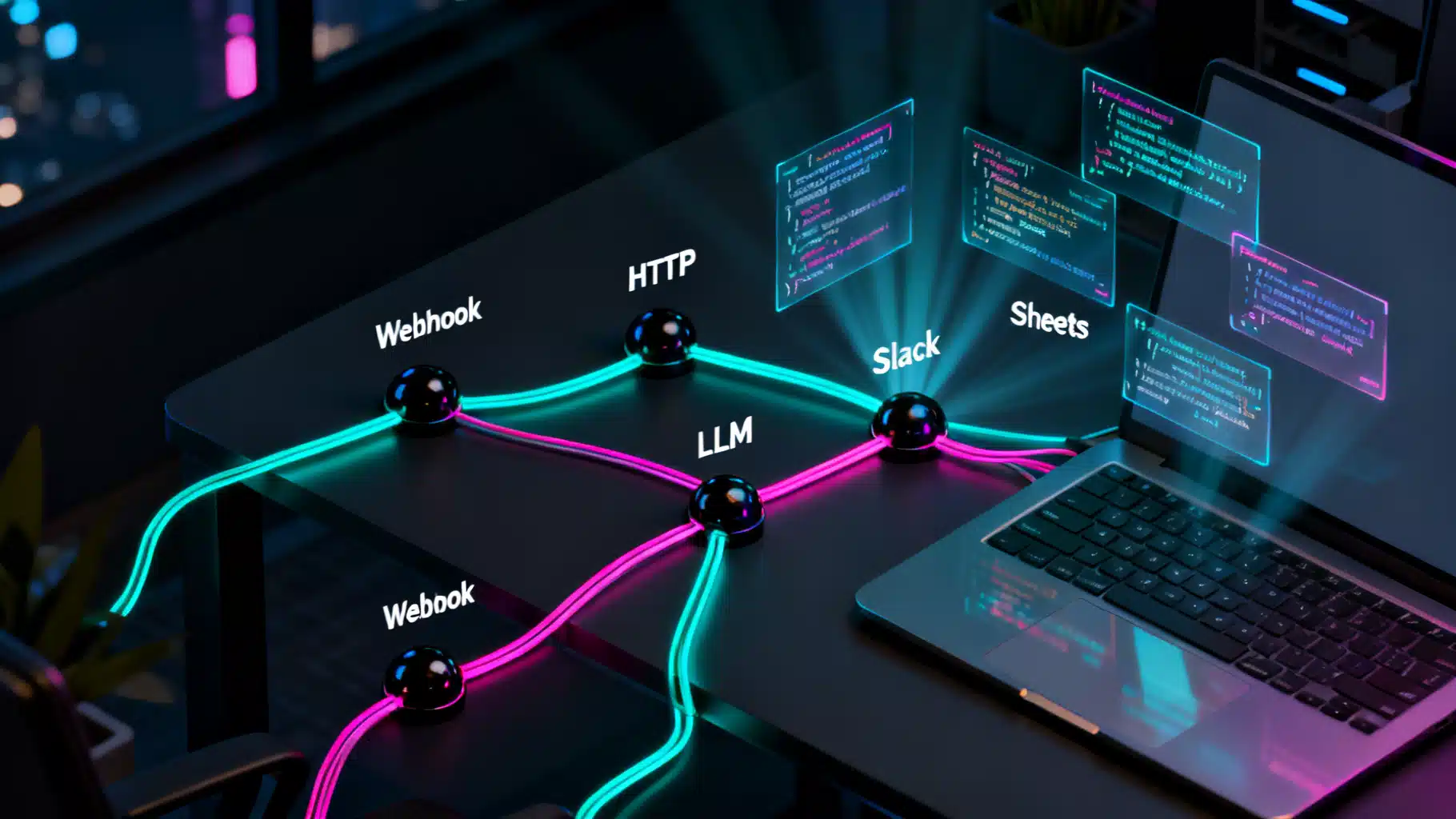
Image used for representation purposes only.
Overview
AI is most valuable when it runs quietly in the background: classifying messages, drafting replies, extracting data, and keeping teams in the loop. n8n gives you a visual, self‑hostable way to orchestrate that work. In this tutorial you’ll install n8n, connect it to an LLM, learn the core building blocks, and ship three real workflows—from helpdesk triage to content repurposing and image alt‑text generation. We’ll also cover testing, scaling, and security so you can run these automations in production.
Prerequisites
- Basic familiarity with JavaScript and REST APIs
- Docker installed locally or on a server
- API key for your preferred LLM provider (e.g., OpenAI) and any downstream apps (Slack, Notion, Google, etc.)
- A database (SQLite included by default; Postgres recommended for production)
Install n8n (Docker or Compose)
Quick start with Docker:
# Create a secure encryption key and a persistent directory
export N8N_ENCRYPTION_KEY=$(openssl rand -hex 32)
mkdir -p ~/n8n/.n8n

# Run n8n
docker run -it --rm \
  -p 5678:5678 \
  -e N8N_BASIC_AUTH_ACTIVE=true \
  -e N8N_BASIC_AUTH_USER=admin \
  -e N8N_BASIC_AUTH_PASSWORD='change-this' \
  -e N8N_ENCRYPTION_KEY=$N8N_ENCRYPTION_KEY \
  -v ~/n8n/.n8n:/home/node/.n8n \
  n8nio/n8n:latest
For a sturdier setup (Postgres + queue mode):
# docker-compose.yml
services:
  n8n:
    image: n8nio/n8n:latest
    ports: ["5678:5678"]
    environment:
      - N8N_ENCRYPTION_KEY=${N8N_ENCRYPTION_KEY}
      - N8N_BASIC_AUTH_ACTIVE=true
      - N8N_BASIC_AUTH_USER=admin
      - N8N_BASIC_AUTH_PASSWORD=change-this
      - DB_TYPE=postgresdb
      - DB_POSTGRESDB_HOST=postgres
      - DB_POSTGRESDB_PORT=5432
      - DB_POSTGRESDB_DATABASE=n8n
      - DB_POSTGRESDB_USER=n8n
      - DB_POSTGRESDB_PASSWORD=n8n
      - QUEUE_BULL_REDIS_HOST=redis
      - EXECUTIONS_MODE=queue
    volumes:
      - ./n8n_data:/home/node/.n8n
    depends_on: [postgres, redis]

  postgres:
    image: postgres:15
    environment:
      - POSTGRES_USER=n8n
      - POSTGRES_PASSWORD=n8n
      - POSTGRES_DB=n8n
    volumes:
      - ./pg_data:/var/lib/postgresql/data

  redis:
    image: redis:7
Start with:
docker compose up -d
Visit http://localhost:5678 to access the editor UI.
n8n Core Concepts (60‑second tour)
- Triggers: Start a workflow. Common ones: Webhook, Cron, IMAP/Gmail, RSS, S3/Storage.
- Nodes: Do the work. Examples: HTTP Request, OpenAI, Slack, Notion, Google Sheets, Set, IF, Switch, Merge, Split In Batches, Wait, Function.
- Items: Each node processes an array of items (rows). Many nodes fan‑out/fan‑in.
- Expressions: Reference data and build strings:
{{$json.subject}},{{$node["OpenAI"].json["summary"]}},{{new Date().toISOString()}}. - Credentials: Store API keys securely. Nodes can reference credentials without exposing secrets in expressions.
- Error handling: Use an error branch from any node, or a dedicated error workflow for centralized alerts.
Connect to an LLM
Option A: Use the dedicated OpenAI (or other provider) node and select your model + credentials.
Option B: Use HTTP Request for full control. Example request for Chat Completions:
{
  "method": "POST",
  "url": "https://api.openai.com/v1/chat/completions",
  "headers": {
    "Authorization": "Bearer YOUR_API_KEY",
    "Content-Type": "application/json"
  },
  "body": {
    "model": "gpt-4o-mini",
    "messages": [
      {"role": "system", "content": "You are a concise business assistant."},
      {"role": "user", "content": "Summarize this email: {{$json[\"body\"]}}"}
    ]
  }
}
Tip: Store the API key in n8n Credentials, then reference it via the HTTP node’s credentials option rather than hard‑coding the header.
Prompt Patterns That Work
- Instruction + Constraints: “Summarize in 3 bullets, max 40 words each. Use neutral tone.”
- Schema‑first: Ask the model to return strict JSON conforming to a schema, then parse.
- Grounding: Provide key facts or a style guide in the system message.
- Guardrails: Ask the model to answer “UNKNOWN” when confidence is low; branch on that in an IF node.
Example JSON‑schema prompt:
{
  "role": "system",
  "content": "Return only valid JSON matching {category: string, priority: 'low'|'normal'|'high'}"
}
Workflow 1: AI Helpdesk Triage (email → classify → Slack → ticket)
Goal: Classify inbound emails, post a triage summary to Slack, and open a ticket for high‑priority items.
Steps:
- IMAP/Gmail Trigger: Pull unread emails. Map fields like
from,subject,body. - Function (sanitize): Strip signatures/footers.
// Function node: clean email text
const text = $json.body || '';
return [{
  ...$json,
  clean: text
    .replace(/--\s*Sent from my .*/gi, '')
    .replace(/\n>.*$/gms, '')
    .trim()
}];
- LLM Classification: Use OpenAI (or HTTP) with a schema‑first prompt.
{
  "model": "gpt-4o-mini",
  "messages": [
    {"role": "system", "content": "Classify helpdesk emails. Output JSON: {category, priority, summary}. Categories: billing, bug, feature, access, other. Priority: low|normal|high."},
    {"role": "user", "content": "{{$json.clean}}"}
  ],
  "temperature": 0
}
- IF (priority === ‘high’): Branch to create ticket (e.g., via HTTP Request to your ticketing system). Otherwise continue.
- Slack Node: Post a compact summary with a link to the original thread.
Slack message template:
New ticket triage
• From: {{$json.from}}
• Subject: {{$json.subject}}
• Category: {{$json.category}}
• Priority: {{$json.priority}}
• Summary: {{$json.summary}}
- Mark email as processed (label/move) to avoid duplicates. Add a Wait + Set if you want delayed follow‑ups.
Key ideas: deterministic prompts (temperature 0), IF branching, and clean logging for audits.
Workflow 2: Content Repurposer (RSS → summarize → social posts → sheet)
Goal: Watch an RSS feed, fetch each article, generate a TL;DR, then produce social posts and log them to a sheet.
Steps:
- RSS Trigger: New item appears with
title,link. - HTTP Request: Fetch article HTML from
link. - Function: Convert HTML to plain text (or use a Readability API). Keep it concise.
// Function node: naive HTML stripper
const html = $json.body || '';
const text = html
  .replace(/<script[\s\S]*?<\/script>/gi, '')
  .replace(/<style[\s\S]*?<\/style>/gi, '')
  .replace(/<[^>]+>/g, ' ')
  .replace(/\s+/g, ' ')
  .trim();
return [{...$json, text}];
- LLM Summarize:
{
  "model": "gpt-4o-mini",
  "messages": [
    {"role": "system", "content": "Summarize articles for a busy technical audience."},
    {"role": "user", "content": "Title: {{$json.title}}\n\nText: {{$json.text.slice(0, 8000)}}\n\nTasks: 1) TL;DR in 3 bullets. 2) 5 SEO keywords. 3) One 240-char post, one 600-char post."}
  ]
}
- Function: Parse the LLM’s JSON, enforce length limits.
- Google Sheets Node: Append a row with title, link, TL;DR, keywords, and proposed posts.
- Optional: Social scheduler via HTTP/Slack; or Notion database insert.
Key ideas: chunking long texts, enforcing output structure, maintaining an audit trail in Sheets/DB.
Workflow 3: Image Alt‑Text + Tags (storage → vision → LLM → CMS)
Goal: Generate alt‑text and tags for uploaded images and push updates to your CMS.
Steps:
- S3/Cloud Storage Trigger or Webhook receiving file uploads.
- Vision: Use a vision model API to detect objects/captions and return JSON metadata.
- LLM: Turn raw detections into human‑friendly alt‑text and 5–10 SEO tags.
{
  "model": "gpt-4o-mini",
  "messages": [
    {"role": "system", "content": "You write accessible, descriptive alt-text. Keep it under 140 characters."},
    {"role": "user", "content": "Objects: {{$json.detections}}. Compose alt-text and 8 tags (lowercase, hyphenated). Return JSON {alt, tags}."}
  ]
}
- IF: If confidence is low or NSFW detected, route to a moderation queue.
- HTTP Request: Update the CMS record with
altandtags.
Key ideas: binary data flow, moderation gates, and idempotent updates.
Advanced: Embeddings + RAG (optional)
For semantic search or retrieval‑augmented generation:
- Chunk documents (Function + Split In Batches) targeting ~500–1000 tokens.
- Embeddings API call (HTTP Request) for each chunk.
{
  "method": "POST",
  "url": "https://api.openai.com/v1/embeddings",
  "headers": {"Authorization": "Bearer YOUR_API_KEY", "Content-Type": "application/json"},
  "body": {"model": "text-embedding-3-small", "input": "{{$json.chunk}}"}
}
- Store vectors in your DB. Example with Postgres + pgvector:
CREATE EXTENSION IF NOT EXISTS vector;
CREATE TABLE IF NOT EXISTS docs (
  id UUID PRIMARY KEY,
  doc_id TEXT,
  chunk_id INT,
  content TEXT,
  embedding vector(1536)
);
- Query top‑k similar chunks, then pass them to the LLM as context in the system message. Always cite sources in the final answer.
Key ideas: consistent chunking, deterministic search, and prompt windows.
Expressions Cheat Sheet
- Current item JSON:
{{$json}} - Field access:
{{$json["subject"]}} - Data from another node:
{{$node["Summarize"].json["tldr"]}} - Environment var:
{{$env["MY_FLAG"]}} - Timestamp:
{{new Date().toISOString()}}
Testing and Debugging
- Pin data: Pin sample items at a node to iterate quickly without re‑triggering.
- Isolate failures: Use the error output to capture payloads in a “Quarantine” workflow.
- Validate JSON: After LLM calls, use a Function node to
JSON.parse()and catch exceptions.
// Function node: strict JSON parsing with fallback
try {
  const out = JSON.parse($json.llm_output);
  return [{...$json, parsed: out}];
} catch (e) {
  return [{...$json, parsed: {status: 'UNKNOWN'}, parseError: e.message}];
}
- Throttle: Pair Split In Batches with Wait to respect rate limits.
- Determinism: Set temperature to 0 for classification/data extraction tasks.
Reliability and Scale
- Queue mode: Turn on
EXECUTIONS_MODE=queuewith Redis for horizontal scaling. - Idempotency: Use a unique key (e.g., email message‑ID, file checksum). Check before writing to avoid duplicates.
- Retries/Backoff: On 429/5xx, add a Wait + retry loop; use IF to cap max attempts.
- Observability: Enable execution data saving with retention; forward errors to Slack/Email with run URL and payload snippet.
- Batching: Aggregate items into a single LLM call when possible to cut latency/cost.
Security and Privacy
- Credentials: Store API keys in n8n Credentials. Never log secrets or place them in expressions.
- Transport: Put n8n behind HTTPS (reverse proxy) and enable basic auth or SSO.
- Data minimization: Send only the necessary fields to the LLM. Redact PII in a Function node before calling external APIs.
- Access control: Separate prod vs. dev instances; restrict who can edit credentials.
- Audit: Log which workflows accessed which resources; include timestamps and request IDs in messages.
Maintenance and Versioning
- Export/Import: Keep workflow JSON in Git. Use branches and pull requests for changes.
- Change management: Maintain a CHANGELOG per workflow (inputs/outputs, prompts, downstream effects).
- Prompt versioning: Store prompt templates and schema versions in a Set node; write the version to outputs for traceability.
- Backups: Regularly back up the database and
~/.n8ndirectory. KeepN8N_ENCRYPTION_KEYsafe.
Common Pitfalls (and fixes)
- Webhook “Test” vs “Production” URL: Use the production URL for external integrations; test URLs expire.
- HTML noise: Summarization quality collapses on messy HTML—clean aggressively or use a Readability step.
- Token overruns: Truncate inputs with Function nodes; summarize first, then analyze.
- Timeouts: Increase HTTP timeouts for long LLM calls or stream responses where supported.
- Encoding: Ensure UTF‑8 consistently; strip null bytes from binary payloads.
Putting It All Together
Start with one narrow task, ship it, then layer in guardrails and observability. A good path:
- Build Workflow 1 (triage) and measure deflection/time‑to‑first‑response.
- Add Workflow 2 (repurposer) to keep your content engine humming.
- Ship Workflow 3 (alt‑text) to boost accessibility and SEO automatically.
- If your domain needs context, bolt on embeddings + RAG.
With these patterns—prompt discipline, structured outputs, branching, and careful error handling—you can turn n8n into a dependable AI operations layer that scales from a single laptop to a production cluster.
Related Posts
A Practical Tutorial on Knowledge Graph–Enhanced AI Retrieval (GraphRAG)
Build a production-ready tutorial for knowledge graph–enhanced AI retrieval: schema, ingestion, Cypher, hybrid search, and evaluation.

React + Chart.js Data Visualization Tutorial: From Setup to Advanced Interactions
Build polished, high‑performance charts in React with Chart.js: install, register, time scales, zoom/pan, gradients, performance, and common fixes.

Building Social Media Insights with AI Sentiment Analysis APIs: Architecture, Metrics, and Code
How to integrate AI sentiment analysis APIs into social media stacks—architecture, metrics, sample code, and best practices for reliable, real-time insights.