
Building and Publishing a Modern React Component Library
A practical, end-to-end guide to building, testing, documenting, and publishing a modern React component library.

Image used for representation purposes only.
Overview
Building a React component library is more than collecting buttons and modals. It’s a product with its own API surface, accessibility guarantees, documentation site, release cadence, and distribution strategy. This guide walks through practical decisions and setups—from architecture to publishing—so you can ship a reliable, lightweight, and well‑documented library consumers will trust.
Plan the foundation
Before writing code, decide on the following:
- Scope: primitives (Button, Input), layout (Stack, Grid), or full design system.
- Consumers: apps (Next.js, Vite), SSR environments, design tools.
- Target runtime: browser only or Node/SSR too.
- Delivery: ESM-only or dual ESM+CJS; CSS strategy; theming approach.
- Support matrix: React >=18, modern bundlers, Node >=18.
Document these choices in your README so users know what to expect.
Repository structure
A single-package repository is ideal for a focused library. Use a monorepo (pnpm workspaces/Turborepo) if you plan multiple packages (tokens, icons, themes). Example single-package layout:
my-lib/
  src/
    index.ts
    components/
      Button/
        Button.tsx
        Button.css
      ...
  .eslintrc.cjs
  tsconfig.json
  package.json
  README.md
  LICENSE
  .npmrc (CI only)
TypeScript configuration
Type safety is a feature. Configure TS to emit declarations and catch breaking changes early.
// tsconfig.json
{
  "compilerOptions": {
    "target": "ES2020",
    "module": "ESNext",
    "jsx": "react-jsx",
    "declaration": true,
    "declarationMap": true,
    "emitDeclarationOnly": false,
    "skipLibCheck": true,
    "moduleResolution": "Bundler",
    "strict": true,
    "esModuleInterop": true,
    "forceConsistentCasingInFileNames": true,
    "outDir": "dist",
    "types": ["node", "react"]
  },
  "include": ["src"]
}
Build tooling: bundle or bundleless?
There are two pragmatic options:
- Bundleless (recommended for modern stacks): transpile TS to ESM, ship tree‑shakeable modules, and rely on the consumer’s bundler. Use tsup or unbuild to output JS and .d.ts without heavy bundling. Pros: smaller maintenance footprint, faster builds. Cons: requires modern consumer bundlers.
- Bundled: produce optimized ESM and CJS bundles via Rollup or Vite’s library mode. Pros: predictable output; works with older toolchains. Cons: more config and plugins.
A minimal tsup setup:
// package.json (scripts)
{
  "scripts": {
    "build": "tsup src/index.ts --dts --format esm,cjs --sourcemap",
    "typecheck": "tsc --noEmit",
    "lint": "eslint \"src/**/*.{ts,tsx}\"",
    "prepublishOnly": "npm run typecheck && npm run lint && npm run build"
  }
}
Package metadata and exports
Use conditional exports to control entry points and avoid deep-import breakage.
// package.json (core fields)
{
  "name": "@yourscope/ui",
  "version": "0.1.0",
  "license": "MIT",
  "type": "module",
  "main": "./dist/index.cjs",
  "module": "./dist/index.js",
  "types": "./dist/index.d.ts",
  "exports": {
    ".": {
      "types": "./dist/index.d.ts",
      "import": "./dist/index.js",
      "require": "./dist/index.cjs",
      "default": "./dist/index.js"
    },
    "./styles.css": "./dist/styles.css"
  },
  "files": ["dist"],
  "engines": { "node": ">=18" },
  "peerDependencies": {
    "react": ">=18",
    "react-dom": ">=18"
  },
  "publishConfig": { "access": "public", "provenance": true },
  "sideEffects": ["**/*.css"]
}
Notes:
- exports prevents unsupported deep imports and improves tree shaking.
- sideEffects set narrowly; don’t use “false” if you ship global CSS.
- provenance adds supply-chain metadata during npm publish.
API design principles
Treat each component as a stable API.
- Composition over configuration: expose slots/children instead of endless boolean props.
- Polymorphism: support an as prop when semantics vary (e.g., Button as “a”).
- Refs: use forwardRef to integrate with forms and focus management.
- Controlled/uncontrolled: provide both patterns where appropriate.
- Sensible defaults with escape hatches.
Example Button with forwardRef and polymorphism:
import * as React from 'react';

type AsProp<E extends React.ElementType> = {
  as?: E;
};

type Props<E extends React.ElementType> = AsProp<E> & {
  variant?: 'solid' | 'ghost' | 'link';
  disabled?: boolean;
} & Omit<React.ComponentPropsWithoutRef<E>, 'as' | 'disabled'>;

const defaultElement = 'button';

export const Button = React.forwardRef(
  <E extends React.ElementType = typeof defaultElement>(
    { as, variant = 'solid', ...rest }: Props<E>,
    ref: React.Ref<any>
  ) => {
    const Component = as || defaultElement;
    return (
      <Component
        ref={ref}
        className={[`ui-Button`, `ui-Button--${variant}`].join(' ')}
        {...rest}
      />
    );
  }
);
Button.displayName = 'Button';
Export types alongside components:
export type { Props as ButtonProps } from './Button';
Accessibility first
Accessibility is non‑negotiable. Bake it in from the start:
- Follow ARIA patterns (e.g., role=“dialog” with aria-modal for modals).
- Keyboard support: Tab/Shift+Tab, Arrow keys where applicable.
- Focus management: restore focus on close; trap focus in overlays.
- Announce state changes with aria-live sparingly.
- Contrast ratios and reduced motion preferences.
Use a11y test tools (axe-core) in CI and add stories that verify keyboard flows.
Styling and theming
Aim for predictable, framework-agnostic styling.
- CSS Modules or vanilla-extract for scoping; or CSS-in-JS with extraction.
- Prefer CSS variables for tokens (color, spacing, radius) to enable theming without rerendering.
- Ship a baseline CSS file (reset + tokens) and component-level styles.
- Avoid global leakage; namespace classes (ui-Button).
Example tokens with CSS variables:
:root {
  --ui-color-bg: #0b0f14;
  --ui-color-fg: #e6edf3;
  --ui-color-accent: #5b9cff;
  --ui-radius: 8px;
}

.ui-Button { border-radius: var(--ui-radius); }
.ui-Button--solid {
  background: var(--ui-color-accent);
  color: var(--ui-color-bg);
}
Document how consumers can override tokens at :root or scope by theme class.
Testing strategy
Invest in a layered test suite:
- Unit: Vitest or Jest for logic and edge cases.
- Component: React Testing Library for behavior and accessibility.
- Visual: Storybook + Chromatic/Locally with Playwright for regression.
- Types: tsc –noEmit to ensure d.ts integrity.
Example test:
import { render, screen } from '@testing-library/react';
import userEvent from '@testing-library/user-event';
import { Button } from '.';

test('triggers onClick via keyboard', async () => {
  const onClick = vi.fn();
  render(<Button onClick={onClick}>Save</Button>);
  await userEvent.tab();
  await userEvent.keyboard('{Enter}');
  expect(onClick).toHaveBeenCalled();
});
Storybook for docs and dev
Storybook doubles as your docs engine and a manual test bed:
- Write stories showcasing states, variants, and edge cases.
- Use Args/Controls for DX; generate prop tables from TS.
- Add MDX pages for guidelines and accessibility notes.
- Publish static docs to GitHub Pages, Netlify, or Vercel via CI.
Tree shaking and size discipline
- Prefer named exports; avoid side-effectful modules.
- Mark CSS as side effects; keep JS side-effect free.
- Verify with size-limit or pkg-size in CI.
- Avoid large peer deps; mark react and react-dom as peerDependencies, never bundled.
SSR and “use client”
Many consumers render on the server. Keep components SSR-safe:
- Guard browser-only APIs (window, document) behind typeof checks or effects.
- Only add “use client” to files that must be interactive; don’t hoist it to your package entry.
- Avoid reading layout on render; use useEffect or useLayoutEffect conditionally.
Continuous Integration
Automate quality gates:
- Lint, typecheck, test, and build on every PR.
- For releases, require green CI and automated changelogs.
- Cache dependencies and the build output to speed up workflows.
Minimal GitHub Actions outline:
- uses: actions/setup-node@v4
  with:
    node-version: 20
    cache: 'npm'
- run: npm ci
- run: npm run typecheck && npm test -- --run && npm run build
Versioning and releases
Adopt SemVer and conventional commits. Two popular flows:
- Changesets: authors write change files per PR; a release PR bumps versions, updates changelog, and publishes on merge.
- Release Please: infers changes from conventional commits and cuts releases automatically.
Keep breaking changes rare and clearly documented with migration notes and codemods where possible.
Publishing to npm
You can publish locally or via CI. CI is safer and reproducible.
- Authentication: use an npm automation token stored as a secret; avoid personal tokens.
- 2FA: prefer automation tokens compatible with CI.
- Command: npm publish –access public –provenance
- Dry runs: npm publish –dry-run to verify package contents.
Checklist before publish:
- README includes quickstart and live examples.
- LICENSE present; MIT is common for UI libs.
- files in package.json restrict what ships (no tests, no configs).
- Exports map correct; index.js resolves; types included.
- Peer dep ranges are accurate (React >=18).
Consuming the library
Document the minimal integration steps:
npm install @yourscope/ui
// App.tsx
import '@yourscope/ui/dist/styles.css';
import { Button } from '@yourscope/ui';

export default function App() {
  return <Button variant="solid">Save</Button>;
}
If you support CSS-in-JS extraction or a specific PostCSS requirement, spell that out explicitly to avoid surprises.
Maintaining quality over time
- Rotate dependencies cautiously; keep React peer aligned with ecosystem.
- Run type tests for breaking TypeScript changes.
- Track bundle size budgets and regression alerts.
- Collect feedback via GitHub Discussions/Issues; label good first issue.
Troubleshooting common pitfalls
- Deep import breaks: enforce exports and document subpaths.
- Missing types: ensure declaration: true and types field points to built .d.ts.
- Tree shaking fails: avoid default exports that re-export the world; check sideEffects.
- CSS missing: publish a consolidated styles.css and document how to import it.
- SSR hydration warnings: keep IDs stable; avoid random values at render.
Final checklist
- Clear scope and support matrix
- TypeScript with strict mode and .d.ts output
- Tests (unit, a11y) and Storybook docs
- ESM-first with conditional exports
- CSS tokens and theming strategy
- CI for lint, test, build
- Automated versioning and changelogs
- Secure npm publishing with provenance
Conclusion
A great React component library balances ergonomics, performance, and accessibility while staying easy to adopt. Prioritize a stable API, strong typing, and clear documentation. With a disciplined build pipeline, conditional exports, and automated releases, you’ll ship updates confidently—and your consumers will feel it every time they npm install your library.
Related Posts
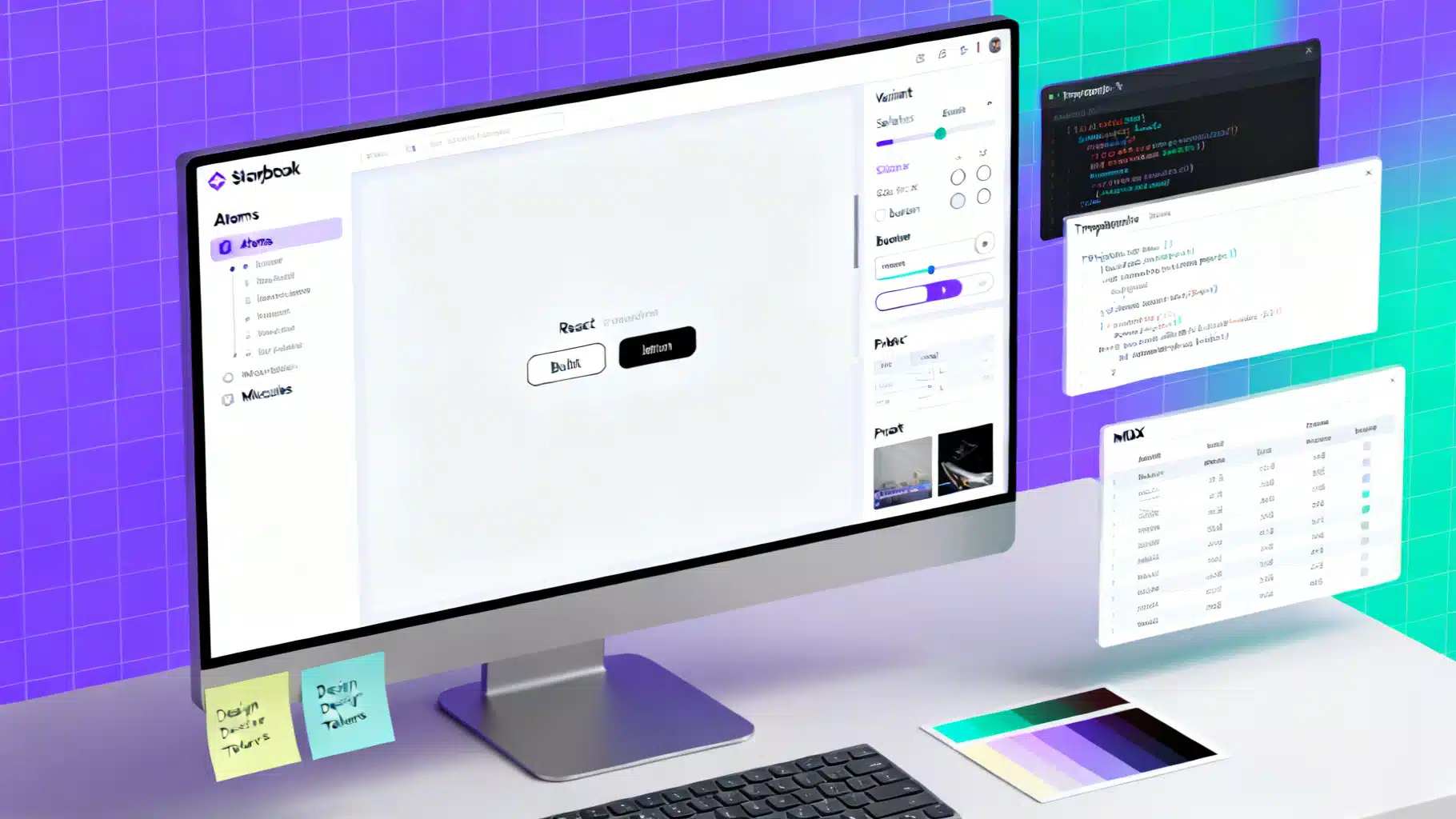
React Storybook Component Documentation: CSF, MDX, Controls, and Testing
Document React components in Storybook with CSF, MDX, controls, decorators, and testing. Practical patterns, examples, and checklists.
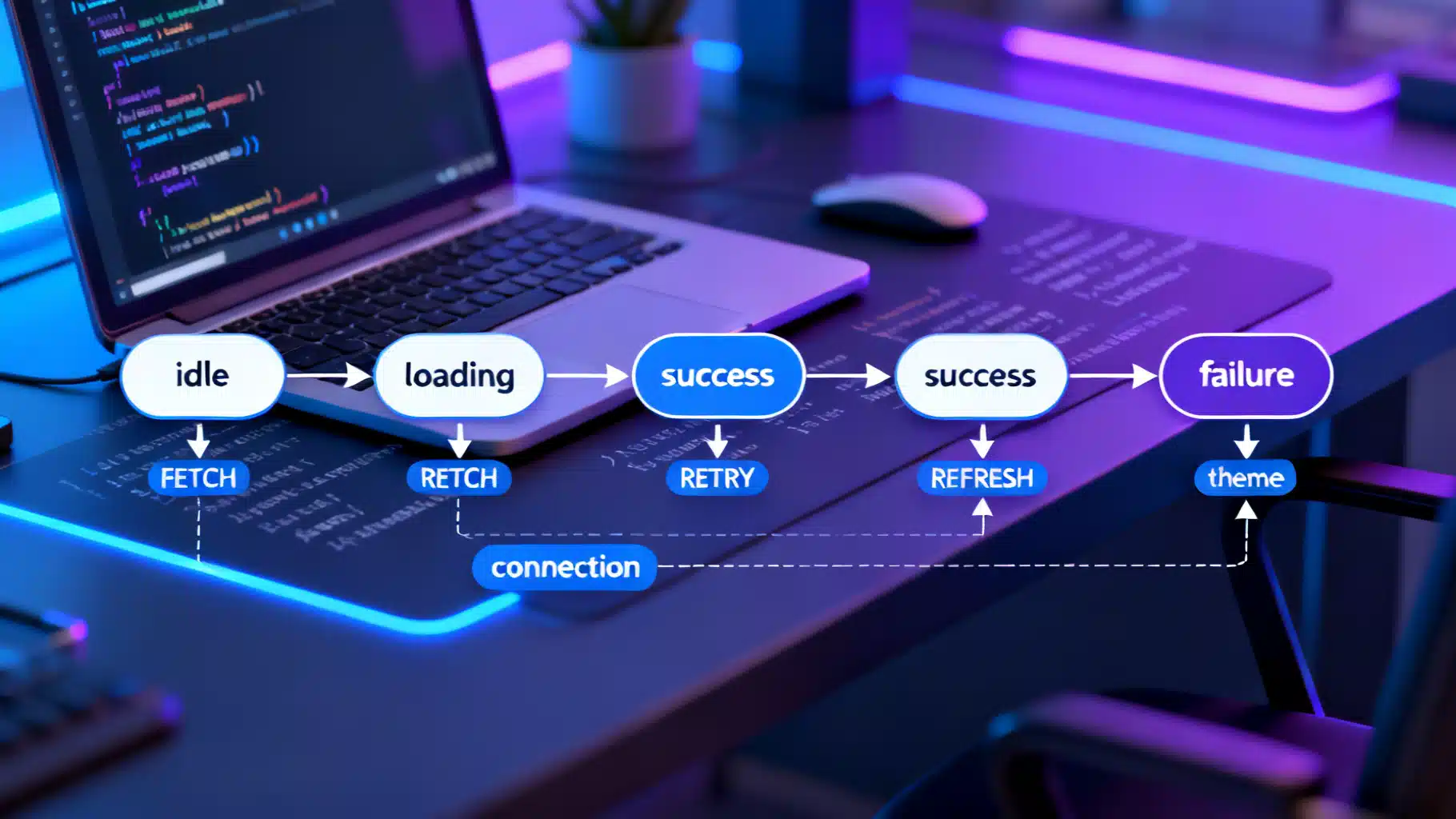
React State Machines with XState: A Practical Tutorial
Build predictable React apps with XState. Learn v5 basics: machines, context, guards, async actors, nesting, parallel states, and testing.
Mastering Complex State in React with useReducer
A practical guide to complex React state with useReducer: modeling, actions, async flows, context patterns, performance, and testing.