
Flutter WorkManager: Reliable Background Tasks on Android and iOS
A practical guide to Flutter WorkManager for background tasks: setup, scheduling, constraints, iOS limits, testing, and best practices.
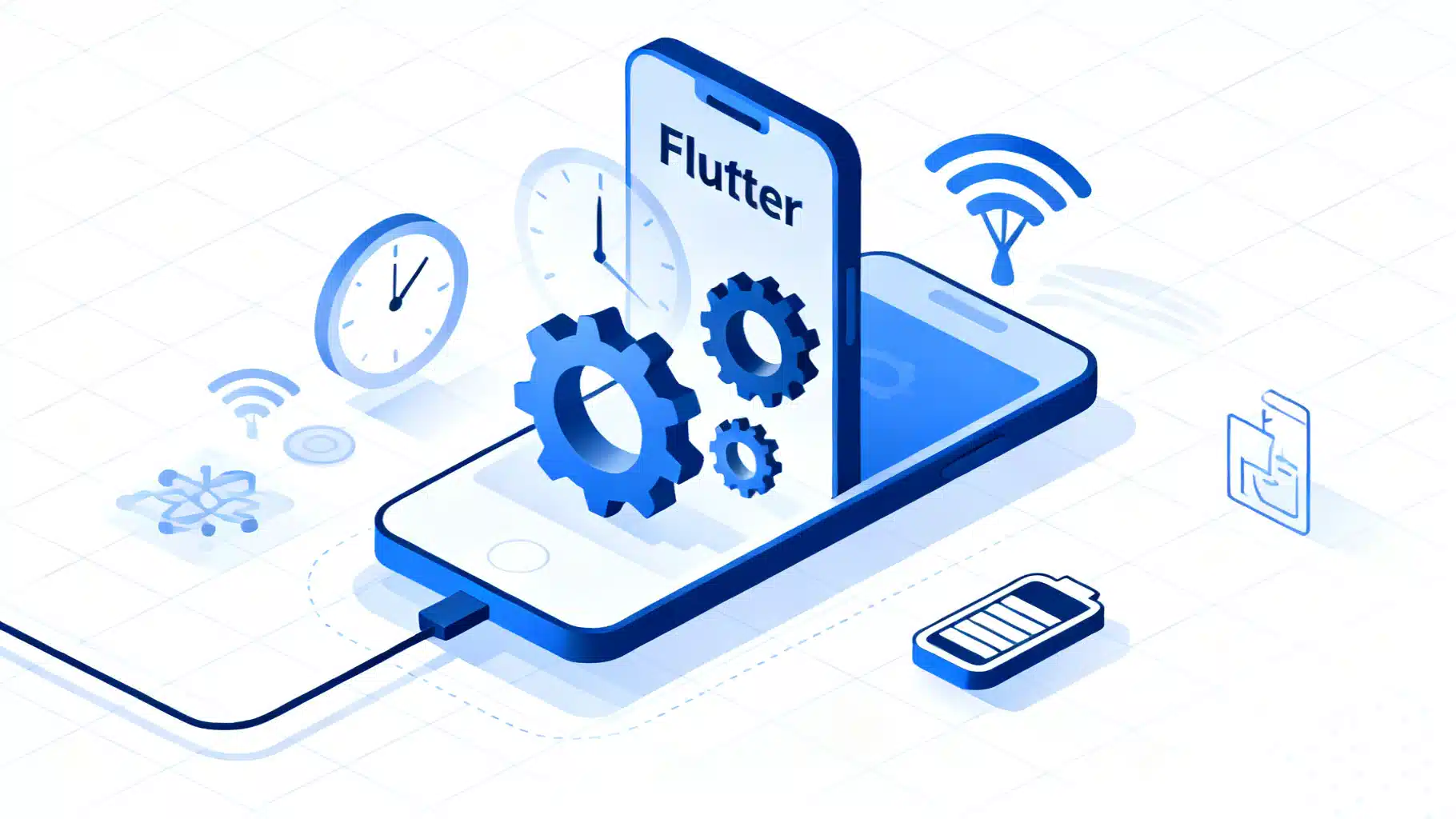
Image used for representation purposes only.
Overview
Building reliable background work is one of the trickiest parts of mobile development. Flutter’s ecosystem offers the workmanager plugin, which bridges to Android’s native WorkManager API and iOS background execution so you can schedule one-off and periodic jobs without keeping your app in the foreground. This guide explains when to use background tasks, platform limits you must respect, how to set up and code tasks correctly, and how to test and harden them for production.
When background tasks make sense
Use background tasks for operations that are:
- Deferrable: can run later without immediate user interaction (e.g., syncing, pruning caches, refreshing content).
- Finite: complete in seconds, not minutes or hours.
- Resilient: safe to retry and idempotent.
Avoid background tasks for real-time or user-triggered flows that must happen immediately; handle those in the foreground or use foreground services (Android) or server push plus short processing windows.
Platform realities you must respect
- Android: WorkManager batches and defers jobs to protect battery. Periodic work has a minimum interval (commonly 15 minutes). Constraints like network availability, charging state, and idle mode govern when a task can run.
- iOS: Execution is opportunistic and quota-based. The system decides when to launch your app in the background. Frequencies are not guaranteed and can be much lower than requested, especially for rarely used apps. Keep tasks short and efficient.
- Both platforms may run your job more than once or not at the exact time you asked. Make your code idempotent and tolerant of duplicates and delays.
Project setup
Add the plugin dependency in pubspec.yaml:
dependencies:
  flutter:
    sdk: flutter
  workmanager: ^x.y.z # use the latest published version
Then run:
flutter pub get
iOS project settings
- In Xcode, enable Background Modes for your app target and check:
- Background fetch
- Background processing
- In Info.plist, ensure background modes are present:
<key>UIBackgroundModes</key>
<array>
    <string>fetch</string>
    <string>processing</string>
</array>
Notes:
- iOS may still execute tasks infrequently. Design for unpredictability and short runtimes.
- Do not rely on precise scheduling; treat periodic work as a hint, not a promise.
Android project notes
- No special permissions are typically required beyond normal network access if your task does networking.
- WorkManager persists work across app process death and device reboots; jobs are automatically rescheduled.
The essential pattern
With workmanager you:
- Define a top-level callback (the background entrypoint).
- Initialize the plugin before runApp.
- Register one-off or periodic tasks, optionally with constraints and an initial delay.
1) Define the background callback
- Must be a top-level or static function (not a closure).
- Mark with
@pragma('vm:entry-point')so it isn’t tree-shaken in release. - Return
truefor success,falseto signal a retry (subject to platform backoff and quotas).
import 'dart:async';
import 'package:workmanager/workmanager.dart';

const String simpleTaskKey = 'simpleTask';
const String periodicTaskKey = 'periodicSync';

@pragma('vm:entry-point')
void callbackDispatcher() {
  Workmanager().executeTask((task, inputData) async {
    try {
      switch (task) {
        case simpleTaskKey:
          // Example: lightweight one-off work
          await performLightweightWork(inputData);
          break;
        case periodicTaskKey:
          // Example: periodic sync
          await syncContent();
          break;
        default:
          // Unknown task keys should be treated as no-ops
          break;
      }
      return Future.value(true);
    } catch (e) {
      // Return false to indicate the system may retry later
      return Future.value(false);
    }
  });
}

Future<void> performLightweightWork(Map<String, dynamic>? data) async {
  // Read inputs safely; avoid heavy allocations.
  final message = data?['message'] ?? 'no-message';
  // TODO: do small, finite work like pruning a cache, pinging an endpoint, etc.
}

Future<void> syncContent() async {
  // Idempotent sync: check last sync timestamp, pull deltas, persist locally.
  // Keep work bounded; split large tasks across runs if needed.
}
2) Initialize before runApp
import 'package:flutter/foundation.dart';
import 'package:flutter/material.dart';
import 'package:workmanager/workmanager.dart';

void main() async {
  WidgetsFlutterBinding.ensureInitialized();

  await Workmanager().initialize(
    callbackDispatcher,
    isInDebugMode: kDebugMode,
  );

  runApp(const MyApp());
}

class MyApp extends StatelessWidget {
  const MyApp({super.key});
  @override
  Widget build(BuildContext context) {
    return MaterialApp(
      title: 'WorkManager Demo',
      home: const HomePage(),
    );
  }
}
3) Register tasks (one-off and periodic)
You can register work at startup or in response to user actions (recommended, so users implicitly opt into background activity).
import 'package:workmanager/workmanager.dart';

Future<void> scheduleOneOff() async {
  await Workmanager().registerOneOffTask(
    'oneoff-1', // unique name
    simpleTaskKey,
    inputData: {'message': 'hello from background'},
    initialDelay: const Duration(minutes: 10), // optional
    constraints: const Constraints(
      networkType: NetworkType.connected,
      requiresBatteryNotLow: true,
    ),
    // existingWorkPolicy can help you replace or keep existing uniquely-named work
  );
}

Future<void> schedulePeriodic() async {
  await Workmanager().registerPeriodicTask(
    'periodic-sync',
    periodicTaskKey,
    frequency: const Duration(minutes: 15), // Android enforces a minimum interval
    constraints: const Constraints(
      networkType: NetworkType.unmetered, // e.g., only on Wi‑Fi
      requiresCharging: true,
    ),
    // You can also set an initialDelay to avoid clashing with app startup
  );
}
Cancellation is straightforward:
Future<void> cancelAllWork() => Workmanager().cancelAll();
Future<void> cancelByName() => Workmanager().cancelByUniqueName('periodic-sync');
Designing robust background jobs
- Idempotency first: Assume your job can run twice or after a crash. Use natural keys, upserts, and last-modified timestamps to avoid duplicates.
- Keep it short: The system imposes time limits (often tens of seconds). Break large work into slices across runs.
- Respect constraints: Only fetch over Wi‑Fi if data is large; require charging for heavy processing.
- Fail predictably: Catch exceptions and return
falseto request a retry. Persist minimal progress so the next run can resume. - Minimize wakeups: Batch I/O where possible and avoid tight polling in the background isolate.
- Avoid non-background-safe plugins: Many Flutter plugins assume a UI isolate. Prefer pure Dart logic, simple HTTP, and background-safe storage.
Passing data in and getting results out
- Input: Use
inputData(a map of simple JSON-like values) when registering work. - Output: There is no direct return channel to the UI. Persist results to local storage (e.g., SQLite, objectbox, or shared preferences), then read them in the foreground the next time the app opens. Optionally raise a local notification if your notification plugin supports background usage.
Common patterns
Content prefetch and cache prune
- Periodic job with Wi‑Fi + charging constraints to refresh feeds and clean old media.
- On each run: pull deltas, write to DB, delete files over a size or age threshold.
Lightweight analytics flushing
- One-off job with small
initialDelayto upload a buffered event file. - Ensure user consent and follow privacy rules; throttle retries to avoid loops.
Reliability beacons
- One-off job scheduled after a critical operation to verify server-side completion and reconcile local state.
Testing and debugging
- Enable
isInDebugMode: trueduring development to get verbose logging from the plugin. - Lower
initialDelayandfrequency(respecting platform minimums) to speed up iteration. - Android tips:
- Use
adb logcatto trace WorkManager execution and constraint evaluation. - Put the app in the background and lock the device to approximate real conditions.
- Use
- iOS tips:
- In Xcode, use Debug → Simulate Background Fetch to trigger a fetch event.
- Test on-device with different usage patterns; iOS schedules less for rarely used apps.
Production hardening checklist
- Background callback is top-level and marked with
@pragma('vm:entry-point'). - Tasks are idempotent and safe to retry.
- Work is split into small, bounded steps with timeouts.
- Appropriate constraints set (network, charging, battery not low).
- Input validation for
inputDataand graceful handling of unknowntaskkeys. - Results persisted locally; no UI calls from background isolate.
- Logging is structured and rate-limited; PII is redacted.
- Feature is discoverable or opt-in to set user expectations.
- Comprehensive on-device testing under poor network and low-battery conditions.
Frequently asked questions
-
How precise is periodic scheduling?
- Not precise. Android enforces a minimum interval and may flex execution; iOS is entirely opportunistic. Design for ranges, not exact times.
-
Can I run long downloads or heavy processing?
- Prefer not. Keep jobs small. For long downloads, consider platform-specific foreground services (Android) or server-driven background transfer APIs; the simple background window may be too short.
-
Will tasks survive app restarts and device reboots?
- Yes on Android; WorkManager persists and reschedules. iOS may reschedule based on the system’s heuristics and your app’s usage.
-
Can I trigger UI updates from a background job?
- Not directly. Persist data, post a local notification if appropriate, and refresh UI when the user returns to the app.
Putting it all together
Work that runs reliably in the background is about cooperation with the OS: declare intent (one-off or periodic), set honest constraints, keep jobs small and idempotent, and store results for the foreground to consume. workmanager gives Flutter apps a pragmatic API over these platform realities, making it a strong default choice for syncs, cleanups, and other deferrable tasks. Start minimal, observe behavior on real devices, and iterate your schedules and constraints until they are gentle on battery yet effective for your use case.
Related Posts
Flutter background fetch periodic tasks: reliable patterns for Android and iOS
Learn how to run periodic background tasks in Flutter with WorkManager and iOS BackgroundTasks, plus reliable patterns, caveats, and code examples.
Flutter Biometric Authentication Tutorial (2026): Face ID, Touch ID, and Fingerprint with local_auth
Implement Face ID, Touch ID, and fingerprint in Flutter using local_auth 3.x, with Android/iOS setup, code, error handling, and secure storage.
Flutter CI CD with GitHub Actions: A Step-by-Step Tutorial
Step-by-step Flutter CI CD with GitHub Actions: lint, test, build Android iOS, sign, cache, and release to stores. Ready-to-copy YAML included.