
Flutter In‑App Purchases with RevenueCat: A Complete Guide
Implement Flutter in‑app purchases with RevenueCat: setup, paywalls, purchases, entitlements, trials, testing, and production tips.
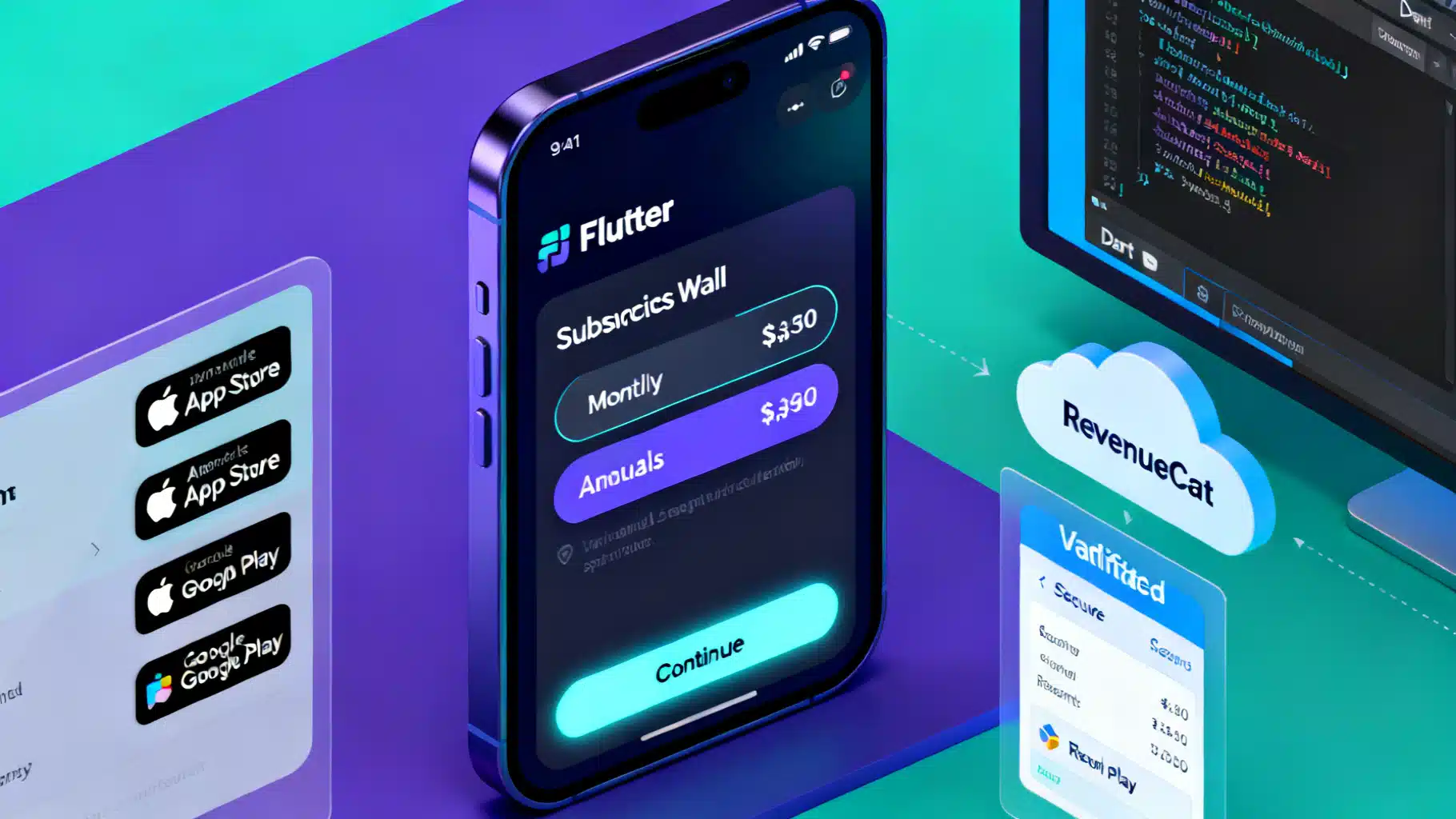
Image used for representation purposes only.
Overview
Flutter makes it easy to ship on iOS and Android, but handling in‑app purchases (IAP) and subscriptions across both stores can be hard: different SDKs, receipt validation, edge cases like grace periods, refunds, upgrades, and more. RevenueCat abstracts all of that behind a single Flutter SDK and a managed backend for receipt validation, subscription status, paywalls, analytics exports, and webhooks.
This guide walks you through a pragmatic, production‑ready implementation of in‑app purchases in Flutter using RevenueCat—from setup to testing, paywalls, entitlement checks, and troubleshooting.
Why RevenueCat for Flutter
- One SDK for iOS and Android
- Managed backend for secure receipt validation—no server required
- Unified “entitlements” model to gate features reliably
- Remote configuration of products and paywalls (Offerings)
- Webhooks and integrations (analytics, attribution, data warehouses)
- Handles complex cases: trials, intro offers, upgrades/downgrades, billing issues
Architecture at a Glance
- Your Flutter app integrates the RevenueCat Flutter SDK.
- The SDK talks to App Store / Google Play for purchases.
- Receipts are validated on RevenueCat’s servers.
- Your app queries RevenueCat for “Customer Info” and checks entitlements to unlock features.
Result: consistent purchase logic and user state across platforms and devices.
Prerequisites
- A Flutter app targeting iOS 13+ and Android 5.0+ (typical)
- RevenueCat account and project
- Products configured in App Store Connect and Google Play Console
- Matching products and entitlements set up in the RevenueCat dashboard
Project Setup
- Add the SDK dependency in pubspec.yaml:
dependencies:
  purchases_flutter: ^x.y.z  # use the latest stable
- iOS
- In Xcode, enable the In‑App Purchase capability.
- Use automatic signing for your app target.
- For local testing you can use a StoreKit Configuration file (or Sandbox testers).
- Android
- Upload a signed build to an internal testing track to test real purchases.
- Add license tester emails in Play Console.
- The Play Billing permission is provided by the billing library; you usually don’t add it manually.
Initializing the SDK
Initialize RevenueCat as early as possible (e.g., app startup). Use different API keys for iOS and Android from the RevenueCat dashboard.
import 'dart:io';
import 'package:flutter/material.dart';
import 'package:purchases_flutter/purchases_flutter.dart';

class AppInit {
  static Future<void> initRevenueCat({String? appUserId}) async {
    // Helpful during development; set to info/warn in production.
    await Purchases.setLogLevel(LogLevel.debug);

    final apiKey = Platform.isIOS
        ? 'appl_your_ios_public_sdk_key'
        : 'goog_your_android_public_sdk_key';

    final configuration = PurchasesConfiguration(apiKey)
      ..appUserId = appUserId // optional; omit for anonymous until you log in
      ..observerMode = false; // true only for Observer Mode

    await Purchases.configure(configuration);

    // Listen for customer info updates (e.g., renewals, refunds)
    Purchases.addCustomerInfoUpdateListener((customerInfo) {
      final isPro = customerInfo.entitlements.active.containsKey('pro');
      debugPrint('Entitlement changed. Pro active: $isPro');
    });
  }
}
Notes:
- appUserId: supply a stable identifier only after user login; otherwise let RevenueCat create an anonymous ID. Later call logIn/logOut to link accounts.
- observerMode: normal apps keep this false. Use true only if you handle transactions yourself (advanced).
Model Your Products with Offerings and Entitlements
- Products (SKUs) live in App Store Connect and Play Console.
- In RevenueCat, group products into “Offerings,” each with one or more “Packages” (e.g., monthly, annual).
- Map your unlockable features to “Entitlements” (e.g., pro). A purchase grants one or more entitlements.
This separation lets you A/B test paywalls or swap products without shipping a new app build.
Fetching Offerings and Rendering a Paywall
Use current offering to display available packages. RevenueCat also provides hosted/templated paywalls; here’s a custom example:
import 'package:flutter/material.dart';
import 'package:purchases_flutter/purchases_flutter.dart';

class Paywall extends StatefulWidget {
  const Paywall({super.key});
  @override
  State<Paywall> createState() => _PaywallState();
}

class _PaywallState extends State<Paywall> {
  Offering? _current;
  bool _loading = true;
  String? _error;

  @override
  void initState() {
    super.initState();
    _load();
  }

  Future<void> _load() async {
    try {
      final offerings = await Purchases.getOfferings();
      setState(() {
        _current = offerings.current;
        _loading = false;
      });
    } catch (e) {
      setState(() {
        _error = 'Failed to load products';
        _loading = false;
      });
    }
  }

  @override
  Widget build(BuildContext context) {
    if (_loading) return const Center(child: CircularProgressIndicator());
    if (_error != null) return Center(child: Text(_error!));

    final packages = _current?.availablePackages ?? [];

    return ListView(
      padding: const EdgeInsets.all(16),
      children: [
        const Text('Go Pro', style: TextStyle(fontSize: 28, fontWeight: FontWeight.bold)),
        const SizedBox(height: 8),
        const Text('Unlimited access to all premium features.'),
        const SizedBox(height: 24),
        for (final pkg in packages) _PackageTile(pkg: pkg),
        const SizedBox(height: 12),
        const Text('Recurring subscription. Cancel anytime in the app store.')
      ],
    );
  }
}

class _PackageTile extends StatelessWidget {
  final Package pkg;
  const _PackageTile({required this.pkg});

  @override
  Widget build(BuildContext context) {
    final sp = pkg.storeProduct;
    return Card(
      child: ListTile(
        title: Text(sp.title),
        subtitle: Text(sp.description),
        trailing: Text(sp.priceString),
        onTap: () async {
          try {
            final info = await Purchases.purchasePackage(pkg);
            final isPro = info.entitlements.active.containsKey('pro');
            if (context.mounted && isPro) Navigator.pop(context, true);
          } on PlatformException catch (e) {
            final code = PurchasesErrorHelper.getErrorCode(e);
            if (code == PurchasesErrorCode.purchaseCancelledError) {
              // user cancelled
            } else {
              ScaffoldMessenger.of(context).showSnackBar(
                const SnackBar(content: Text('Purchase failed')),
              );
            }
          }
        },
      ),
    );
  }
}
Gating Features with Entitlements
Anywhere in your app, check customer info and entitlements to show/hide premium features:
Future<bool> isProUser() async {
  final info = await Purchases.getCustomerInfo();
  return info.entitlements.active.containsKey('pro');
}
If you keep premium state in app memory, remember to update it via the customer info listener you added during initialization.
Restore Purchases
Required by Apple and good UX on Android, especially across devices.
Future<void> restore() async {
  try {
    final info = await Purchases.restorePurchases();
    final isPro = info.entitlements.active.containsKey('pro');
    // Update UI accordingly
  } catch (e) {
    // handle error (offline, etc.)
  }
}
Logging In and Out (Account Linking)
Start users as anonymous, then link to an account when they sign in so they keep access across devices/platforms.
Future<void> onLogin(String appUserId) async {
  final result = await Purchases.logIn(appUserId);
  // result.customerInfo now reflects merged purchaser record
}

Future<void> onLogout() async {
  await Purchases.logOut(); // returns to anonymous state
}
Tip: call logIn only after your own auth succeeds and you have a stable user ID.
Trials, Intro Offers, and Eligibility
Not all users are eligible for trials/intro prices (store rules). Check before showing badges:
Future<void> checkTrialEligibility(List<String> productIds) async {
  final result = await Purchases.checkTrialOrIntroductoryPriceEligibility(productIds);
  for (final id in productIds) {
    final eligibility = result[id];
    debugPrint('$id -> ${eligibility?.status}');
  }
}
Display trial messaging only when status indicates eligible.
Upgrades, Downgrades, and Crossgrades
Switching between subscription tiers or terms is common. On iOS, the store handles proration. On Android, you can specify proration behavior when changing products. A simple approach is to present the target package and call purchasePackage; RevenueCat passes the right context to the store. For advanced Android control, consult proration settings in the SDK (if you offer multiple paid tiers) and surface clear messaging to users.
Promo Codes and Offer Codes (iOS)
You can optionally present the iOS code redemption sheet:
import 'dart:io';
...
if (Platform.isIOS) {
  await Purchases.presentCodeRedemptionSheet();
}
Managing Subscriptions (Settings Screen)
Provide a “Manage Subscription” link in your app settings so users can cancel or change plans in the store.
import 'package:url_launcher/url_launcher.dart';

Future<void> openManageSubscriptions() async {
  final uri = Uri.parse(
    Theme.of(navigatorKey.currentContext!).platform == TargetPlatform.iOS
      ? 'https://apps.apple.com/account/subscriptions'
      : 'https://play.google.com/store/account/subscriptions',
  );
  if (await canLaunchUrl(uri)) await launchUrl(uri, mode: LaunchMode.externalApplication);
}
Observer Mode (Advanced)
If you already have custom purchase flows and just want RevenueCat for validation/analytics, enable observerMode true during configuration. You’ll finish transactions with the store yourself and let RevenueCat observe them. This is advanced—most apps should keep observerMode false.
Subscriber Attributes and User Data
Attach non‑PII metadata to users (e.g., email for receipts, campaign tags) to improve downstream analytics or support.
await Purchases.setEmail('alex@example.com');
await Purchases.setDisplayName('Alex Doe');
await Purchases.setAttributes({
  'cohort': 'spring_2026_a',
  'utm_source': 'inapp_banner'
});
Handling Edge Cases Reliably
- Grace periods and billing retry: entitlements may remain active temporarily while the store retries payment. Always check current entitlements server‑side (via SDK) rather than caching assumptions.
- Refunds and chargebacks: RevenueCat updates entitlements; your listener and next getCustomerInfo() call reflect the change.
- Offline: purchases queue and sync once connectivity returns. Build UI to handle transient errors gracefully.
Testing and QA
- iOS
- Use Sandbox testers on real devices, or StoreKit Configuration for local testing.
- Sandbox renewals happen faster (e.g., monthly -> minutes). Test trial → paid → renewal → cancellation.
- Android
- Upload to internal testing track. Use license tester accounts.
- Play test cards simulate approved/declined flows.
- RevenueCat Dashboard
- Toggle Sandbox vs. Production to inspect transactions.
- Verify entitlements, offerings, and product identifiers match exactly across stores.
Tip: Subscribe, restore, upgrade, downgrade, cancel, and let renewals occur. Verify entitlement state transitions and that your UI responds via the customer info listener.
Paywalls: Remote Control and Experimentation
Beyond fetching offerings yourself, RevenueCat can host paywalls and templates you can configure remotely. Benefits:
- Ship price copy, visuals, and packages without app updates
- A/B test different offerings (e.g., monthly vs annual default)
- Localized prices automatically via store data
Start with a simple custom paywall (above). As you scale, move to remote paywalls and experiments for faster iteration.
Analytics, Webhooks, and Data Pipelines
Use RevenueCat’s integrations to forward subscription events to tools like Amplitude, Mixpanel, Segment, or your own backend via webhooks. Typical events include new purchase, renewal, cancellation, and billing issue. With these, you can:
- Build lifecycle messaging (trial started, expiring soon, winback)
- Attribute revenue to campaigns
- Operate revenue dashboards without building receipt infrastructure
Security and Compliance
- Don’t roll your own receipt validation—let RevenueCat’s backend do it.
- Keep store guidelines in mind (e.g., Apple requires an in‑app purchase for digital content access and a restore mechanism).
- If you use ad tracking or attribution SDKs, follow platform privacy rules (ATT on iOS, data safety on Android).
Production Checklist
- Products live and approved in both stores
- Offerings and entitlements configured and tested in RevenueCat
- SDK initialized at app launch; listener registered
- Paywall displays correct localized pricing
- Purchase, restore, upgrade/downgrade flows tested on device
- “Manage Subscription” link in settings
- Trial/intro eligibility messaging accurate
- Analytics/webhooks verified end‑to‑end
- Log level lowered for release builds
Troubleshooting Tips
- Pricing shows “$0.00” or products empty: check that the app is installed from a test track (Android) or using a Sandbox tester (iOS), and that product IDs match in stores and RevenueCat.
- Purchase fails immediately: device not signed into the correct test account, or country/store mismatch for products.
- Entitlement not active after purchase: verify the product is attached to the correct entitlement in the dashboard; pull fresh customer info and check the listener.
- Duplicate users after login: ensure you call logIn only after your own auth and avoid rotating appUserId values.
Example: Feature Gate in a Widget
class ProGate extends StatelessWidget {
  final Widget child;
  const ProGate({super.key, required this.child});

  @override
  Widget build(BuildContext context) {
    return FutureBuilder<CustomerInfo>(
      future: Purchases.getCustomerInfo(),
      builder: (context, snap) {
        final active = snap.data?.entitlements.active.containsKey('pro') ?? false;
        if (active) return child;
        return const Center(child: Text('Unlock Pro to access this feature'));
      },
    );
  }
}
Final Thoughts
RevenueCat removes the thorniest parts of subscriptions—validation, cross‑platform parity, and edge cases—so you can focus on product and pricing strategy. Start with a minimal integration (initialize SDK, fetch offerings, purchase, entitlement check), then layer on remote paywalls, experiments, and data integrations as you grow.
Related Posts
Build a Flutter QR Code Scanner and Generator in Flutter
Build a Flutter app that scans and generates QR codes with mobile_scanner and qr_flutter. Includes setup, code, exporting, UX, and tips.
Flutter + Google Maps: A Complete Integration Guide
Integrate Google Maps in Flutter: setup keys, Android/iOS config, markers, directions, clustering, styling, and best practices.
Flutter Push Notifications with Firebase Cloud Messaging (FCM): A Complete Setup Guide
Step-by-step guide to set up FCM push notifications in Flutter for Android and iOS, with code, permissions, background handling, and testing tips.