
Flutter WorkManager Scheduled Tasks: The Complete, Practical Guide (2026)
A practical guide to scheduling background tasks in Flutter with WorkManager on Android and iOS, with setup, periodic jobs, constraints, and debugging.
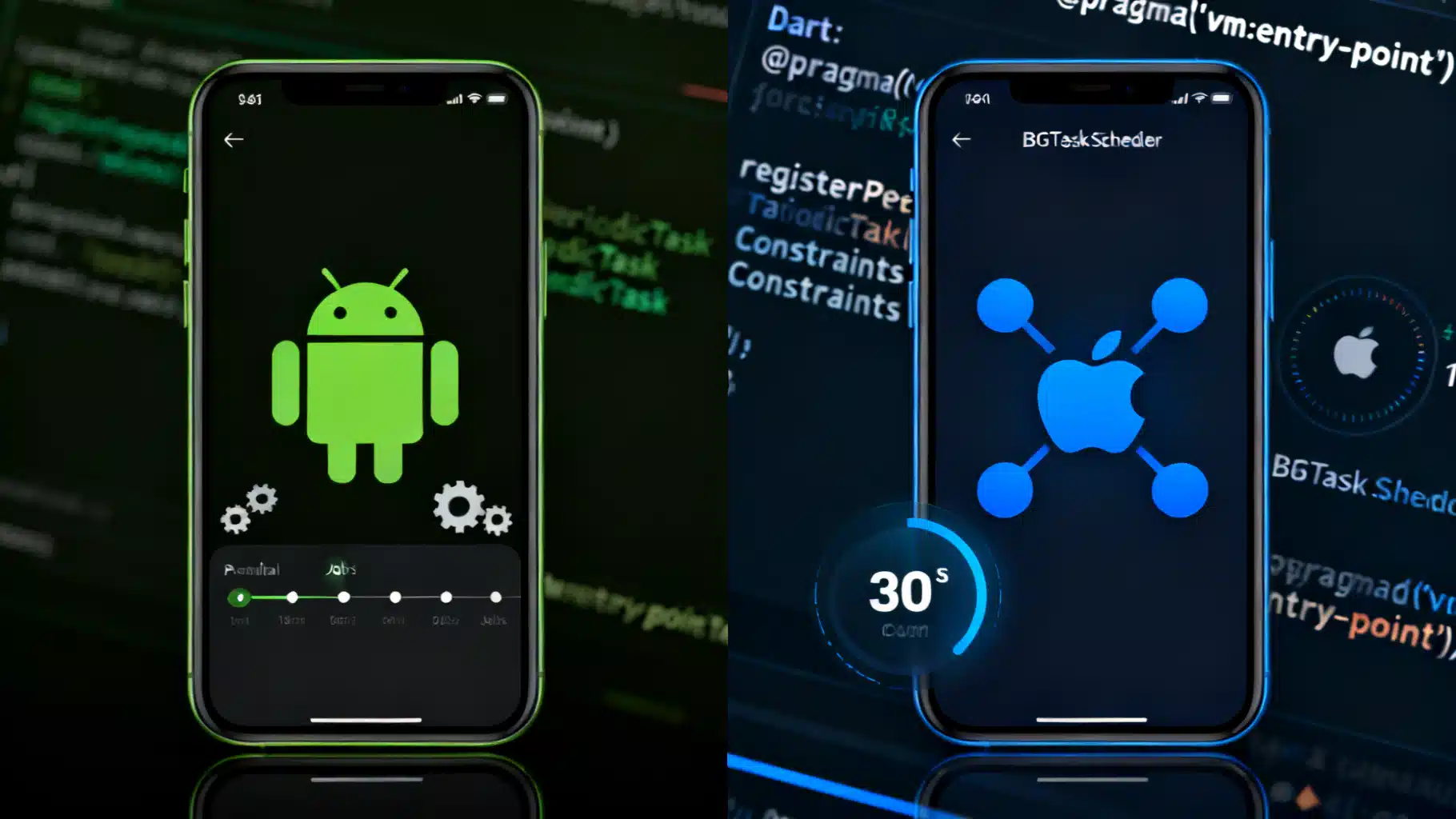
Image used for representation purposes only.
Overview
Flutter’s WorkManager plugin gives you a single, Dart-first API to schedule reliable background work across Android (AndroidX WorkManager) and iOS (Background Fetch and BGTaskScheduler). In this guide you’ll learn how to set up one‑off and periodic jobs, handle platform differences, add constraints, and debug tasks that run while your app is closed. We’ll also cover what the OS actually guarantees (and what it doesn’t). (pub.dev )
When to use WorkManager
Use WorkManager for tasks that should run eventually, even if the user isn’t in your app:
- Data sync or prefetching content
- Uploading logs/files with retry
- Periodic cleanup/maintenance
- Checking for new messages and updating local caches
If you need exact timing (e.g., every minute) or foreground, long‑running work, WorkManager isn’t the right tool—mobile OSes heavily constrain background execution to preserve battery.
Platform differences you must plan for
- Android periodic work has a minimum repeat interval of 15 minutes. The system treats your cadence as a guideline and may batch or delay runs. (developer.android.com )
- iOS offers two paths:
- Background Fetch (simple, OS‑scheduled “periodic” refresh with short execution time, typically up to ~30 seconds). Execution timing is fully decided by iOS and varies by user behavior and device state. (developer.apple.com )
- BGTaskScheduler (iOS 13+): schedule one‑off processing tasks and, on modern WorkManager, periodic tasks with a 15‑minute minimum frequency. You must declare permitted identifiers in Info.plist and register them at startup. (pub.dev )
Project setup
Add the package:
# pubspec.yaml
dependencies:
  workmanager: ^0.9.0+3
Initialize WorkManager with a top‑level dispatcher (it runs in a background isolate):
// lib/background.dart
import 'dart:io';
import 'package:workmanager/workmanager.dart';

@pragma('vm:entry-point')
void callbackDispatcher() {
  Workmanager().executeTask((task, input) async {
    switch (task) {
      case 'data_sync':
        // TODO: call your repository/API
        return true; // success
      case 'cleanup':
        // TODO: prune cache, vacuum DB, etc.
        return true;
      case Workmanager.iOSBackgroundTask: // Background Fetch callbacks
        // TODO: quick refresh, must finish fast on iOS
        return true;
      default:
        return true; // unknown tasks finish without retry
    }
  });
}
// lib/main.dart
import 'package:flutter/material.dart';
import 'package:workmanager/workmanager.dart';
import 'background.dart';

void main() async {
  WidgetsFlutterBinding.ensureInitialized();
  await Workmanager().initialize(callbackDispatcher);
  runApp(const MyApp());
}
Why the top‑level function? WorkManager spins up a headless Dart isolate; only top‑level or static entry points are visible and safe to invoke there. (pub.dev )
Scheduling work
One‑off work
await Workmanager().registerOneOffTask(
  'sync-now',           // unique name
  'data_sync',          // task type your dispatcher switches on
  initialDelay: const Duration(seconds: 10),
  inputData: {'reason': 'manual'},
);
Periodic work
await Workmanager().registerPeriodicTask(
  'cleanup-daily',
  'cleanup',
  frequency: const Duration(hours: 24),
  // On Android, OS enforces >= 15 min; system may delay/batch runs
  // iOS periodic scheduling uses Background Fetch or BGTaskScheduler per setup (see below)
);
You can control replacement/updates with policies:
await Workmanager().registerPeriodicTask(
  'cleanup-daily',
  'cleanup',
  frequency: const Duration(hours: 24),
  existingWorkPolicy: ExistingPeriodicWorkPolicy.update, // prefer update
);
ExistingPeriodicWorkPolicy defines keep, replace, and update; update is recommended for modifying an existing periodic job without canceling it. (pub.dev )
Adding constraints (Android)
On Android you can delay work until certain device conditions are met—Wi‑Fi only, charging, storage OK, etc.:
import 'package:workmanager/workmanager.dart';

await Workmanager().registerOneOffTask(
  'photo-upload',
  'file_upload',
  constraints: Constraints(
    networkType: NetworkType.unmetered,  // Wi‑Fi
    requiresCharging: true,              // while charging
    requiresBatteryNotLow: true,
    requiresStorageNotLow: true,
  ),
  backoffPolicy: BackoffPolicy.exponential,
  backoffPolicyDelay: const Duration(minutes: 1),
);
Supported constraints and their behavior map to AndroidX WorkManager’s native APIs. (developer.android.com )
iOS setup: choose your scheduling strategy
The WorkManager package supports both Background Fetch and BGTaskScheduler. Choose based on your needs.
Option A — Background Fetch (simplest “periodic” refresh)
- Enable Background Modes → Background fetch in Xcode and add UIBackgroundModes=fetch in Info.plist.
- WorkManager will surface callbacks under Workmanager.iOSBackgroundTask in your dispatcher.
- iOS fully controls cadence and provides a short runtime window (about 30 seconds) per wake‑up. Use it for lightweight refresh only. (docs.page )
Sample Info.plist entry:
<key>UIBackgroundModes</key>
<array>
  <string>fetch</string>
</array>
Option B — BGTaskScheduler one‑off processing (files, longer work)
- Enable Background Modes → Background processing.
- Declare permitted identifiers in Info.plist via BGTaskSchedulerPermittedIdentifiers.
- Register the identifier at app launch and schedule with WorkManager.
Info.plist excerpt:
<key>UIBackgroundModes</key>
<array>
  <string>processing</string>
</array>
<key>BGTaskSchedulerPermittedIdentifiers</key>
<array>
  <string>com.example.app.processing_task</string>
</array>
AppDelegate.swift registration:
import workmanager_apple

@main
class AppDelegate: FlutterAppDelegate {
  override func application(
    _ application: UIApplication,
    didFinishLaunchingWithOptions launchOptions: [UIApplication.LaunchOptionsKey: Any]?
  ) -> Bool {
    WorkmanagerPlugin.registerBGProcessingTask(
      withIdentifier: "com.example.app.processing_task"
    )
    return super.application(application, didFinishLaunchingWithOptions: launchOptions)
  }
}
BGProcessingTaskRequest lets you request power/network requirements when appropriate. (developer.apple.com )
Option C — BGTaskScheduler periodic (iOS 13+)
Modern WorkManager exposes registerPeriodicTask on iOS 13+ using BGTaskScheduler behind the scenes. As with Android, set a frequency of at least 15 minutes, and remember iOS still decides the actual run time. Note: if you add BGTaskSchedulerPermittedIdentifiers, you can’t use the legacy Background Fetch APIs simultaneously—choose one path. (pub.dev )
AppDelegate.swift registration with frequency:
import workmanager_apple

@main
class AppDelegate: FlutterAppDelegate {
  override func application(
    _ application: UIApplication,
    didFinishLaunchingWithOptions launchOptions: [UIApplication.LaunchOptionsKey: Any]?
  ) -> Bool {
    WorkmanagerPlugin.registerPeriodicTask(
      withIdentifier: "com.example.app.periodic",
      frequency: NSNumber(value: 20 * 60) // 20 minutes (min 15)
    )
    return super.application(application, didFinishLaunchingWithOptions: launchOptions)
  }
}
Scheduling examples end‑to‑end
- Android daily cleanup that only runs on Wi‑Fi while charging:
await Workmanager().registerPeriodicTask(
  'daily-maintenance',
  'cleanup',
  frequency: const Duration(hours: 24),
  constraints: Constraints(
    networkType: NetworkType.unmetered,
    requiresCharging: true,
  ),
  existingWorkPolicy: ExistingPeriodicWorkPolicy.update,
);
- iOS BGProcessing one‑off upload with power/network requirements:
await Workmanager().registerProcessingTask(
  'upload-batch-2026-05-07', // unique name with date stamp
  'file_upload',
  inputData: {'batchId': '42'},
);
Then, set BGProcessingTaskRequest properties (e.g., requiresExternalPower/Network) via the native registration shown above. (developer.apple.com )
Debugging and verifying tasks
Background work is tricky because you can’t rely on breakpoints in a closed app. Use these tools:
-
Android
- Inspect and run jobs with ADB:
- View scheduled jobs: adb shell dumpsys jobscheduler | grep your.package
- Force‑run a job (debug only): adb shell cmd jobscheduler run -f your.package JOB_ID
- Consider WorkManager’s debug handlers to surface lifecycle events via logs or notifications. (docs.page )
- Inspect and run jobs with ADB:
-
iOS
- Simulate BGTaskScheduler launches from Xcode’s console while the app is running:
- e -l objc – (void)[[BGTaskScheduler sharedScheduler] _simulateLaunchForTaskWithIdentifier:@“com.example.app.periodic”]
- Remember: Background Fetch/BGTaskScheduler windows are short; design your task to finish quickly. (developer.apple.com )
- Simulate BGTaskScheduler launches from Xcode’s console while the app is running:
-
Cross‑platform
- Print and inspect pending tasks from Dart during development:
final tasks = await Workmanager().printScheduledTasks();
debugPrint(tasks);
- Print and inspect pending tasks from Dart during development:
Guardrails and best practices
- Keep iOS work small. Fetch deltas, not full exports; aim to finish within the OS window (≈30s for Background Fetch). For heavier work, move to BGProcessing plus background URLSession, and prefer resumable uploads. (developer.apple.com )
- Make work idempotent. It may run more than once or be delayed.
- Initialize dependencies inside the background isolate (HTTP client, database, DI container). Don’t assume your main isolate state is available.
- Use unique names and ExistingPeriodicWorkPolicy.update to avoid orphaned schedules during development. (pub.dev )
- On Android, add constraints to reduce unnecessary wakeups and respect battery; treat the 15‑minute interval as a minimum, not a promise. (developer.android.com )
- On iOS, declare BGTaskSchedulerPermittedIdentifiers and register them at startup if you use BGTaskScheduler; ensure Background App Refresh is enabled on device for Background Fetch. (developer.apple.com )
Common pitfalls and fixes
- My iOS periodic task never runs
- Verify you chose exactly one path: Background Fetch OR BGTaskScheduler. If Info.plist contains BGTaskSchedulerPermittedIdentifiers, legacy fetch APIs won’t fire. (pub.dev )
- Tasks run but network calls don’t finish on iOS
- You likely hit the short runtime window; switch to BGProcessing and set requiresNetworkConnectivity, or offload to a background URLSession. (developer.apple.com )
- Android job doesn’t respect my exact time
- That’s by design; WorkManager batches and defers to power policies. Consider alarms/foreground services if you need precise timing. (developer.android.com )
Minimal checklist
- Initialize WorkManager in main() with a top‑level callback dispatcher. (pub.dev )
- Android: set constraints and backoff where appropriate; don’t request < 15 minutes.
- iOS: pick Background Fetch (simple) or BGTaskScheduler (processing/periodic on iOS 13+). Add Info.plist keys and AppDelegate registration as required. (docs.page )
- Add logs and use platform debugging tools to verify schedule and execution windows. (docs.page )
Final thoughts
WorkManager centralizes background scheduling across platforms, but the OS is always in charge of when and how often your code runs. Design tasks to be small, resilient, and idempotent; use constraints to be power‑aware; and test with the provided debugging hooks so your background jobs are both reliable and respectful of users’ batteries. (pub.dev )
Related Posts
Flutter WorkManager: Reliable Background Tasks on Android and iOS
A practical guide to Flutter WorkManager for background tasks: setup, scheduling, constraints, iOS limits, testing, and best practices.
Flutter background fetch periodic tasks: reliable patterns for Android and iOS
Learn how to run periodic background tasks in Flutter with WorkManager and iOS BackgroundTasks, plus reliable patterns, caveats, and code examples.
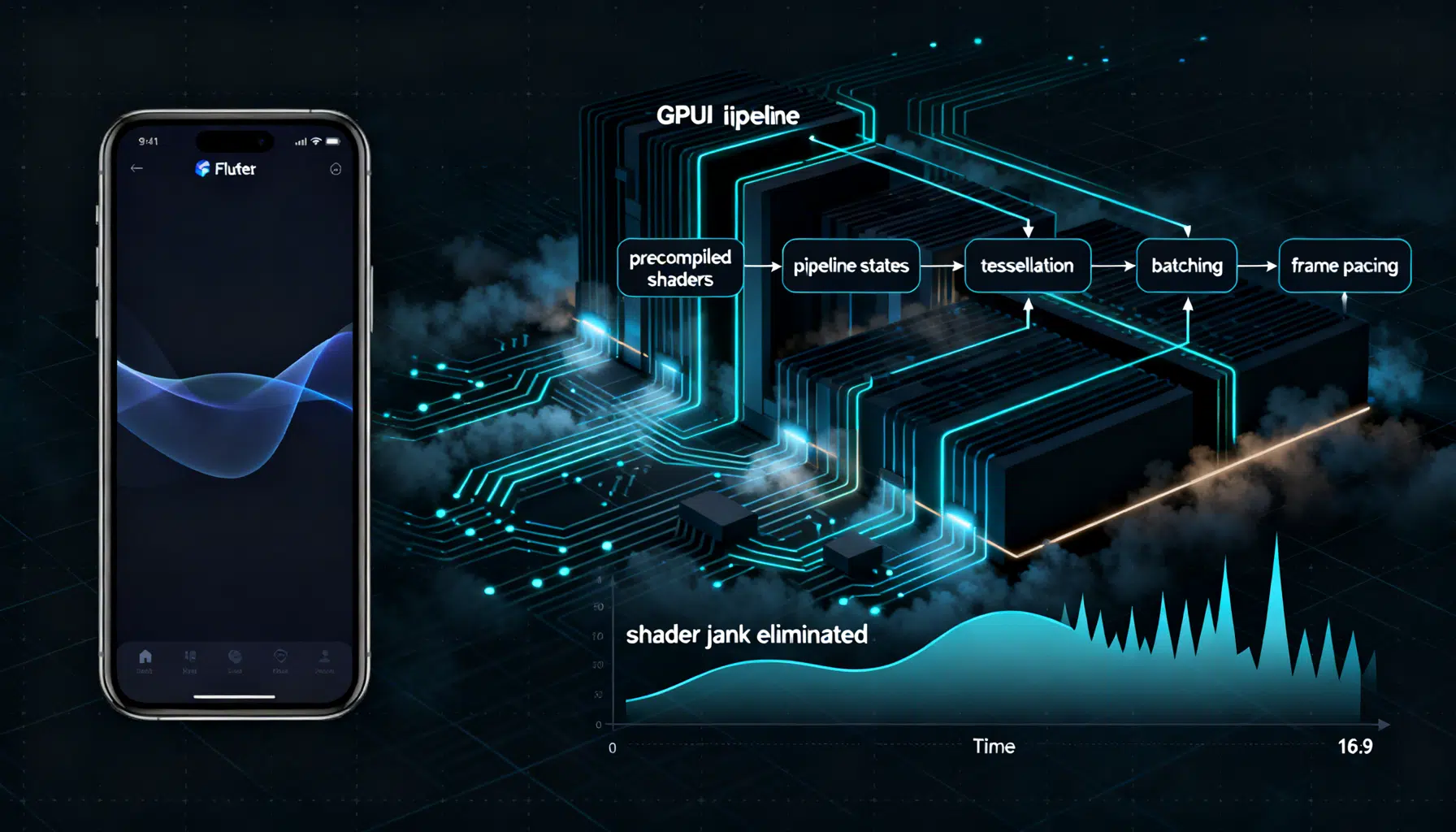
Flutter Impeller Rendering Engine: A Performance Deep Dive and Tuning Guide
A practical performance deep dive into Flutter’s Impeller renderer: how it works, how to measure it, and tuning patterns for smooth, jank‑free UIs.