
Model Context Protocol (MCP) Server Setup: The 2026 Practical Guide
A practical, secure guide to setting up a Model Context Protocol (MCP) server in TypeScript and Python, wiring clients, and hardening for production.
Image used for representation purposes only.
Overview
Model Context Protocol (MCP) is an open standard that lets AI assistants connect to external tools, data sources, and prompts through a consistent, language‑agnostic interface. In practice, you run an MCP “server” that exposes capabilities, and an MCP‑capable client (e.g., Claude Desktop or an IDE plugin) discovers and invokes them safely. (docs.anthropic.com )
This guide walks you through a modern, secure MCP server setup in TypeScript and Python, how to wire it into popular clients, and production hardening tips based on the latest protocol guidance.
Architecture at a glance
- Server: Declares tools (actions), resources (read‑only data), and prompts (templates). Communication uses JSON‑RPC over transports such as Streamable HTTP (recommended) or stdio (local only). (ts.sdk.modelcontextprotocol.io )
- Client: Connects to one or more servers, lists capabilities, and calls tools on demand. Claude Code/Claude Desktop provide built‑in UX for discovery, auth, and elicitation flows. (docs.claude.com )
- Transports: Streamable HTTP supports POST + optional SSE notifications and session management; legacy HTTP+SSE remains for backward compatibility; stdio is intended for local, process‑spawned integrations. (ts.sdk.modelcontextprotocol.io )
Prerequisites
- Node.js LTS (for TypeScript) and/or Python 3.10+.
- An MCP‑capable client (e.g., Claude Desktop or Claude Code CLI).
- Basic familiarity with JSON and REST‑style APIs.
Option A: Build a minimal TypeScript MCP server
Install the official SDK and its peer dependency:
npm install @modelcontextprotocol/sdk zod
(ts.sdk.modelcontextprotocol.io )
Create a tiny stdio server (great for local development):
// src/server.ts
import { McpServer } from '@modelcontextprotocol/sdk/server/mcp.js';
import { StdioServerTransport } from '@modelcontextprotocol/sdk/server/stdio.js';
import { z } from 'zod';

const server = new McpServer({ name: 'demo-ts', version: '1.0.0' });

server.registerTool(
  'now',
  {
    title: 'Current time',
    description: 'Return the current time in an optional IANA time zone',
    inputSchema: { tz: z.string().optional() }
  },
  async ({ tz }) => {
    const date = tz ? new Date().toLocaleString('en-US', { timeZone: tz }) : new Date().toISOString();
    return { content: [{ type: 'text', text: date }] };
  }
);

await server.connect(new StdioServerTransport());
Why stdio here? It requires no HTTP server, so it’s the fastest path to “Hello, MCP.” For production or networked use, prefer Streamable HTTP (next section). (ts.sdk.modelcontextprotocol.io )
Upgrading to Streamable HTTP (recommended)
Streamable HTTP is the modern, feature‑complete transport and is recommended for remote or multi‑node deployments. The SDK ships full, runnable examples you can copy (including auth hooks, logging, and JSON‑only mode). (ts.sdk.modelcontextprotocol.io )
To protect localhost deployments from DNS rebinding when you do run HTTP, use the helper that adds strict Host header validation:
import { createMcpExpressApp } from '@modelcontextprotocol/sdk/server/express.js';

const app = createMcpExpressApp({ host: '127.0.0.1' });
// mount your MCP HTTP handler here per the example server
(ts.sdk.modelcontextprotocol.io )
Option B: Build a minimal Python MCP server
Install the official Python SDK (includes a CLI and a high‑level FastMCP interface):
pip install "mcp[cli]"
(github.com )
Create a small Streamable HTTP server in Python:
# server.py
from mcp.server.fastmcp import FastMCP
from datetime import datetime

mcp = FastMCP("demo-py", json_response=True)

@mcp.tool()
def now(tz: str | None = None) -> str:
    """Return the current time; optional IANA tz like 'America/New_York'."""
    if tz:
        import zoneinfo
        return datetime.now(zoneinfo.ZoneInfo(tz)).isoformat()
    return datetime.utcnow().isoformat() + "Z"

@mcp.resource("status://health")
def health() -> str:
    return "ok"

if __name__ == "__main__":
    # Starts a Streamable HTTP endpoint (default bind and path per SDK docs)
    mcp.run(transport="streamable-http")
The SDK docs include additional examples for mounting to ASGI, enabling OAuth, and using the CLI to run servers via uv. (github.com )
Wire your server into clients
Claude Code (CLI) quick add
Add an HTTP or stdio server directly from JSON with claude mcp add‑json:
# HTTP example
claude mcp add-json weather-api '{"type":"http","url":"https://mcp.example.com/mcp","headers":{"Authorization":"Bearer token"}}'

# stdio example
claude mcp add-json local-tools '{"type":"stdio","command":"node","args":["dist/server.js"]}'
Claude Desktop config file
Claude Desktop loads MCP servers from a JSON config. On macOS, the file typically lives at:
- ~/Library/Application Support/Claude/claude_desktop_config.json
Add your server under mcpServers, for example:
{
  "mcpServers": {
    "demo-ts": {
      "type": "stdio",
      "command": "node",
      "args": ["dist/server.js"]
    },
    "demo-py": {
      "type": "http",
      "url": "http://localhost:8000/mcp"
    }
  }
}
Location and schema examples are documented in community and vendor guides; Claude Code docs also show equivalent CLI flows. (mcpfind.org )
Test with MCP Inspector (recommended)
Before connecting a client, point the Inspector at your server to list tools, call them, and export ready‑to‑paste client configs:
npx -y @modelcontextprotocol/inspector
Connect to http://localhost:8000/mcp (Streamable HTTP) or spawn your stdio command directly via the Inspector. (modelcontextprotocol.io )
Production concerns and hardening
Security has been an active area of research around MCP. In April 2026, independent researchers described a class of remote code execution risks stemming from unsafe stdio configurations across popular MCP implementations; coverage and advisories emphasize careful transport choice and least‑privilege design. (ox.security )
Practical guardrails:
- Prefer Streamable HTTP for remote/networked servers; reserve stdio for local, tightly‑scoped, process‑spawned use. The official SDK and spec highlight Streamable HTTP as the modern default and call out transport‑level cautions. (ts.sdk.modelcontextprotocol.io )
- Do not expose shell‑exec or file‑system destructive tools without explicit user confirmation gates in the client; declare tool metadata conservatively and validate inputs.
- Network boundaries: bind to 127.0.0.1 by default; if you must bind to 0.0.0.0, place an authenticating reverse proxy in front and restrict IPs.
- Host header/DNS‑rebinding protection for localhost HTTP servers (use the provided middleware helpers). (ts.sdk.modelcontextprotocol.io )
- Authentication: for HTTP servers use OAuth or signed headers; rotate tokens and prefer short‑lived credentials. Claude Code supports dynamic headers for custom auth flows. (docs.claude.com )
- Sandboxing and least privilege: run servers under dedicated OS users; containerize with seccomp/apparmor profiles; mount secrets read‑only; deny outbound network egress by default.
- Observability: log tool calls, arguments, and result sizes; set result size caps (clients like Claude Code honor server hints for large outputs). (docs.claude.com )
Going further: patterns and ecosystem
- Multi‑node: The TS SDK documents stateless and stateful patterns (session storage, resumability, message routing). (ts.sdk.modelcontextprotocol.io )
- Off‑the‑shelf servers: The ecosystem includes ready‑made servers (e.g., filesystem, Git, or Hugging Face Hub) you can plug in and study for reference. (docs.tabnine.com )
- Language parity: Official Tier‑1 SDKs exist for TypeScript and Python with up‑to‑date examples and API docs. (modelcontextprotocol.io )
Troubleshooting checklist
- Inspector can’t see tools/resources: verify your transport path (e.g., /mcp), CORS for browser clients, and that the server actually registers tools before connect(). (ts.sdk.modelcontextprotocol.io )
- Claude says “not valid MCP configuration”: double‑check JSON schema, escaping, and URL; for headers, consider headersHelper to generate signed auth headers at connection time. (docs.claude.com )
- Localhost over HTTP behaves oddly in a browser client: enable host header validation/DNS‑rebinding protection. (ts.sdk.modelcontextprotocol.io )
Quick reference
- TypeScript install: npm install @modelcontextprotocol/sdk zod. (ts.sdk.modelcontextprotocol.io )
- Python install: pip install “mcp[cli]”. (github.com )
- Recommended transport: Streamable HTTP; stdio for local only. (ts.sdk.modelcontextprotocol.io )
- Test tool: npx @modelcontextprotocol/inspector. (modelcontextprotocol.io )
- Claude Code add‑json examples and dynamic headers. (docs.claude.com )
Conclusion
With a few lines of code you can stand up a robust MCP server, connect it to your favorite client, and expose business‑specific tools and data to your AI workflows. Start locally with stdio, switch to Streamable HTTP for real deployments, and adopt the hardening steps above to stay safe as the ecosystem evolves. (ts.sdk.modelcontextprotocol.io )
Related Posts
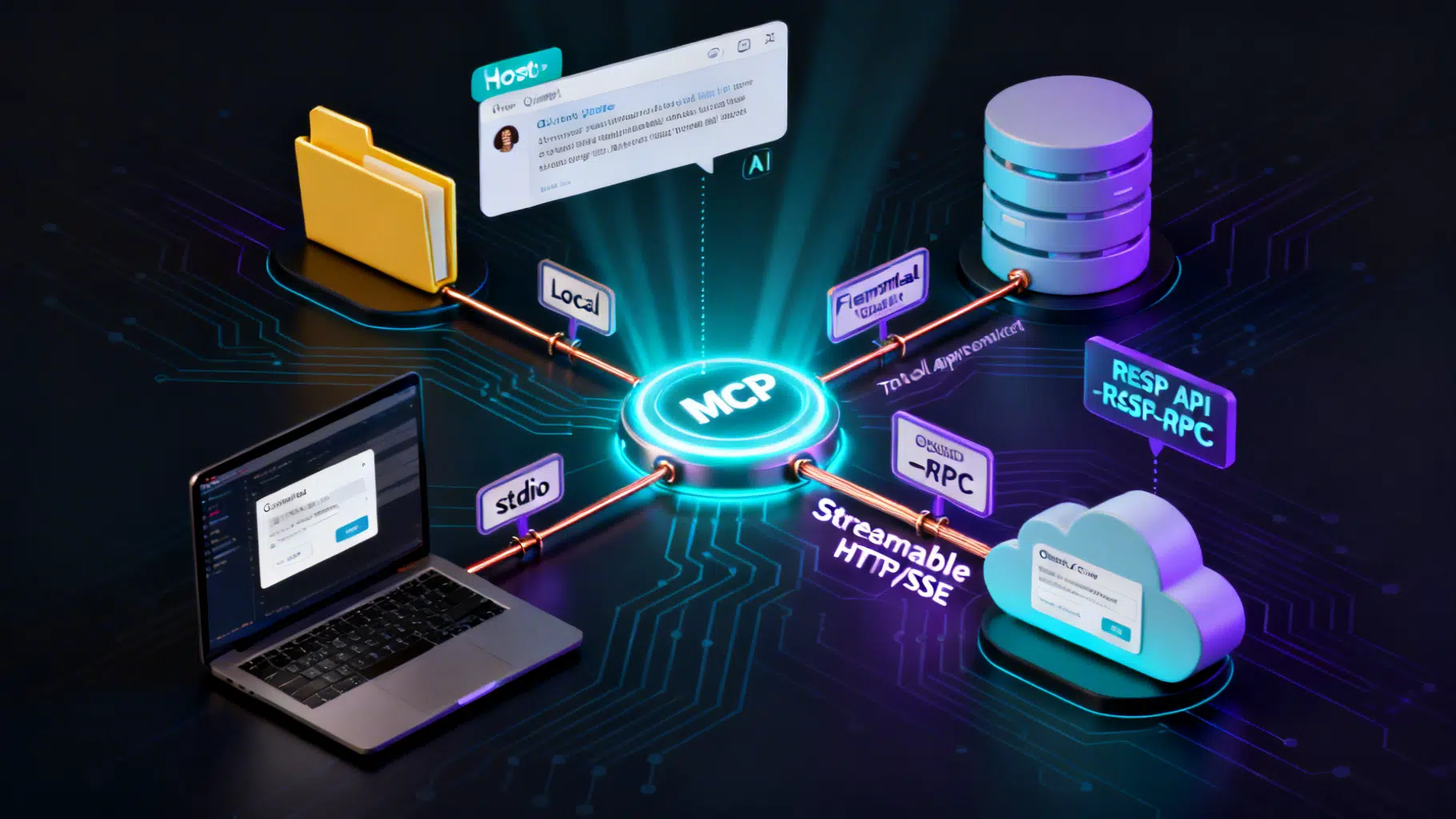
Model Context Protocol (MCP) Tutorial: Build, Connect, and Secure Your First Server
Build, secure, and connect your first Model Context Protocol (MCP) server—learn the primitives, transports, client setup, and must‑know security practices.
Anthropic Claude API Batch Processing: A Practical Guide to Message Batches
A practical, code-first guide to Anthropic’s Claude Message Batches API: limits, pricing, prompt caching, 300k-token outputs, and production patterns.
REST API Multipart File Upload: A Practical, End-to-End Guide
A concise, end-to-end guide to designing, implementing, and securing multipart/form-data file uploads in REST APIs, with examples in Node, Python, Java, .NET, and Go.