
Build a Robust React Clipboard Copy/Paste Component (Hooks, A11y, Fallbacks)
Build a production-ready React clipboard copy/paste component with hooks, fallbacks, accessibility, sanitization, and tests.
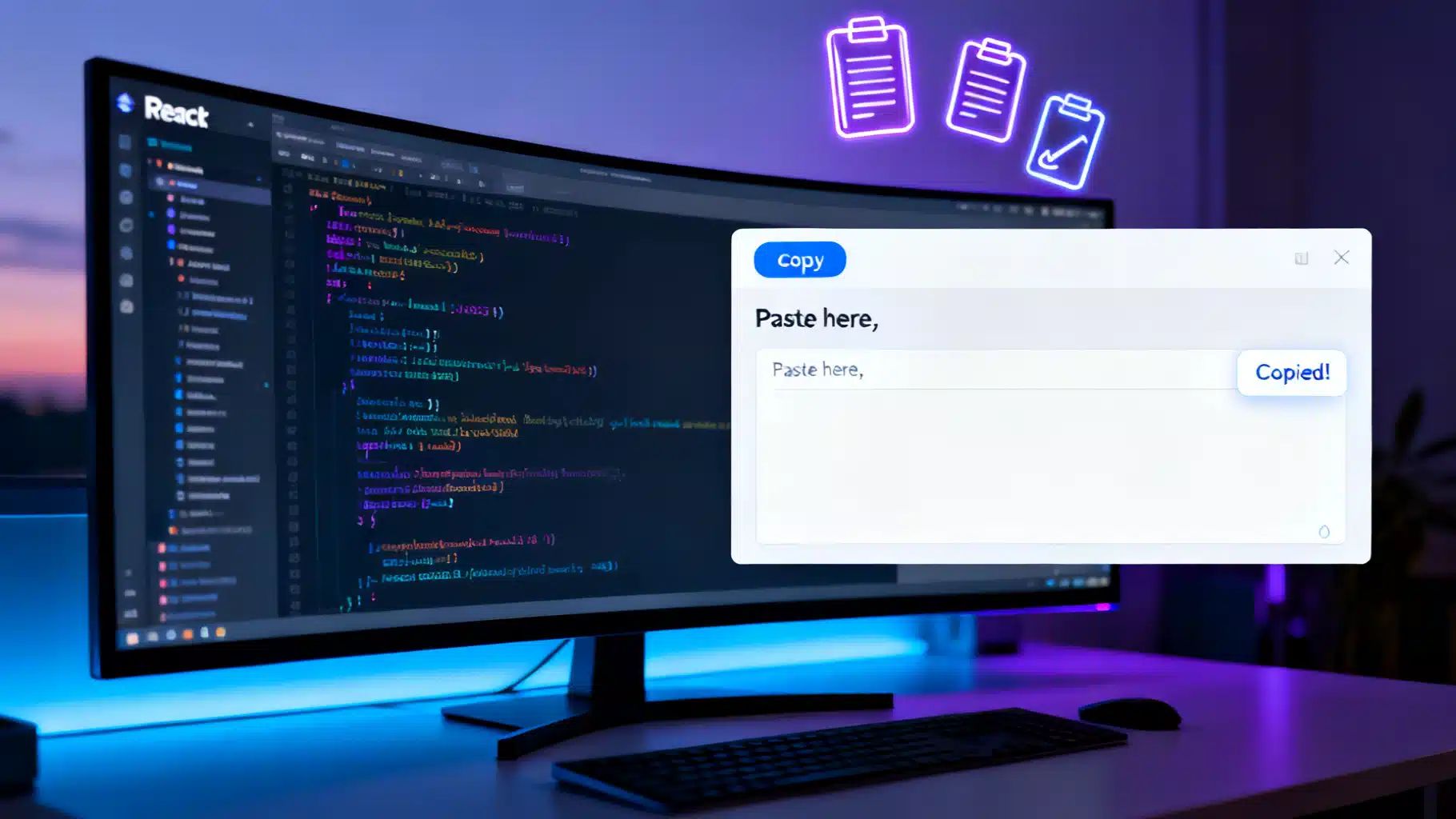
Image used for representation purposes only.
Overview
Copying and pasting feels trivial until you ship it. Different browsers, permissions, mobile quirks, accessibility, and security all matter. In this guide, you’ll build a production‑ready React clipboard copy/paste component using the modern Clipboard API with graceful fallbacks, strong UX, and test coverage.
What you’ll learn:
- A clean component and hook API for copy and paste
- Progressive enhancement with navigator.clipboard
- Accessibility patterns (ARIA, focus, announcements)
- Sanitizing pasted content safely
- Handling files/images and rich text
- SSR and framework considerations (e.g., Next.js)
- Testing strategies and common pitfalls
Browser and platform basics
- HTTPS required: navigator.clipboard only works on secure contexts (https:// or localhost).
- Permissions: clipboard-write typically succeeds in a user gesture; clipboard-read often requires a user gesture and/or permission prompts.
- iOS Safari quirks: reading requires explicit user interaction; permissions API may be limited.
- Fallbacks: document.execCommand(‘copy’) is deprecated but still useful as a last resort for legacy browsers.
Designing the API
We’ll expose a small hook and two components:
- useClipboard: read/write functions with status and errors
- CopyButton: a reusable copy trigger (e.g., for code snippets)
- PasteArea: a textarea with robust paste handling and a “Paste” button that leverages the Clipboard API when available
The hook: useClipboard
Create a progressive hook that prefers the modern API and falls back when necessary.
// useClipboard.tsx
import { useCallback, useEffect, useRef, useState } from 'react';

type Status = 'idle' | 'success' | 'error';

export function useClipboard(options?: { timeout?: number }) {
  const timeout = options?.timeout ?? 1800;
  const [status, setStatus] = useState<Status>('idle');
  const [error, setError] = useState<Error | null>(null);
  const timer = useRef<number | null>(null);

  const resetSoon = useCallback(() => {
    if (timer.current) window.clearTimeout(timer.current);
    timer.current = window.setTimeout(() => setStatus('idle'), timeout);
  }, [timeout]);

  // Progressive write
  const write = useCallback(async (text: string) => {
    try {
      if (typeof navigator !== 'undefined' && navigator.clipboard?.writeText) {
        await navigator.clipboard.writeText(text);
        setStatus('success');
        resetSoon();
        return true;
      }
      // Fallback (deprecated but practical)
      const ta = document.createElement('textarea');
      ta.value = text;
      ta.setAttribute('readonly', '');
      ta.style.position = 'fixed';
      ta.style.opacity = '0';
      document.body.appendChild(ta);
      ta.select();
      const ok = document.execCommand('copy');
      document.body.removeChild(ta);
      if (!ok) throw new Error('execCommand copy failed');
      setStatus('success');
      resetSoon();
      return true;
    } catch (e: any) {
      setStatus('error');
      setError(e);
      resetSoon();
      return false;
    }
  }, [resetSoon]);

  // Progressive read (text)
  const read = useCallback(async (): Promise<string | null> => {
    try {
      if (typeof navigator !== 'undefined' && navigator.clipboard?.readText) {
        const text = await navigator.clipboard.readText();
        setStatus('success');
        resetSoon();
        return text;
      }
      // No programmatic fallback for reading; rely on paste events.
      throw new Error('Clipboard readText not supported');
    } catch (e: any) {
      setStatus('error');
      setError(e);
      resetSoon();
      return null;
    }
  }, [resetSoon]);

  useEffect(() => () => { if (timer.current) window.clearTimeout(timer.current); }, []);

  return { write, read, status, error };
}
CopyButton component
A small, accessible button that shows feedback after copying.
// CopyButton.tsx
import { useClipboard } from './useClipboard';
import { useId } from 'react';

type Props = {
  text: string | (() => string);
  children?: React.ReactNode; // default label
  successLabel?: string;
  className?: string;
};

export function CopyButton({ text, children = 'Copy', successLabel = 'Copied!', className }: Props) {
  const { write, status } = useClipboard({ timeout: 1500 });
  const liveId = useId();

  const handleClick = async () => {
    const value = typeof text === 'function' ? text() : text;
    await write(value);
  };

  return (
    <>
      <button
        type="button"
        onClick={handleClick}
        className={className}
        aria-describedby={liveId}
      >
        {status === 'success' ? successLabel : children}
      </button>
      <span id={liveId} role="status" aria-live="polite" style={{ position: 'absolute', left: -9999 }}>
        {status === 'success' ? successLabel : ''}
      </span>
    </>
  );
}
Usage with a code block:
<pre>
  <code ref={ref => (window._demoCodeRef = ref)}>
    npm create vite@latest my-app -- --template react
  </code>
</pre>
<CopyButton text={() => window._demoCodeRef?.textContent ?? ''} />
PasteArea component with sanitization
We’ll support both API‑powered “Paste” and the native Cmd/Ctrl+V path. We’ll also sanitize pasted HTML to plain text to avoid XSS.
// PasteArea.tsx
import React, { useCallback, useRef, useState } from 'react';
import { useClipboard } from './useClipboard';

function toPlainTextFromHtml(html: string): string {
  const div = document.createElement('div');
  // Use textContent to avoid interpreting HTML
  div.innerHTML = html;
  return div.textContent || '';
}

export function PasteArea({ label = 'Paste here', onChange }: { label?: string; onChange?: (t: string) => void }) {
  const { read } = useClipboard();
  const [value, setValue] = useState('');
  const taRef = useRef<HTMLTextAreaElement | null>(null);

  const handleNativePaste = useCallback((e: React.ClipboardEvent<HTMLTextAreaElement>) => {
    const dt = e.clipboardData;
    if (!dt) return;
    // Prefer text/plain; fall back to stripping HTML
    const plain = dt.getData('text/plain');
    let next = plain;
    if (!plain) {
      const html = dt.getData('text/html');
      next = html ? toPlainTextFromHtml(html) : '';
    }
    if (next) {
      e.preventDefault();
      const newValue = (value + (value ? '\n' : '')) + next;
      setValue(newValue);
      onChange?.(newValue);
    }
  }, [onChange, value]);

  const handleProgrammaticPaste = async () => {
    const text = await read();
    if (text) {
      const newValue = (value + (value ? '\n' : '')) + text;
      setValue(newValue);
      onChange?.(newValue);
      taRef.current?.focus();
    }
  };

  return (
    <div>
      <label style={{ display: 'block', fontWeight: 600, marginBottom: 4 }}>{label}</label>
      <textarea
        ref={taRef}
        rows={6}
        value={value}
        onPaste={handleNativePaste}
        onChange={e => { setValue(e.target.value); onChange?.(e.target.value); }}
        placeholder="Press Cmd/Ctrl+V or use the Paste button"
        style={{ width: '100%', fontFamily: 'inherit' }}
      />
      <div style={{ marginTop: 8 }}>
        <button type="button" onClick={handleProgrammaticPaste}>Paste</button>
      </div>
    </div>
  );
}
Handling rich content and images
If you need images or rich formats:
- Paste event (recommended):
function onPasteRich(e: React.ClipboardEvent) {
  const items = e.clipboardData?.items;
  if (!items) return;
  for (const item of items) {
    if (item.kind === 'file') {
      const file = item.getAsFile();
      if (file && file.type.startsWith('image/')) {
        // Upload or preview image
      }
    }
    if (item.kind === 'string' && item.type === 'text/html') {
      item.getAsString(html => {
        const text = (new DOMParser()).parseFromString(html, 'text/html').body.textContent || '';
        // Insert sanitized text
      });
    }
  }
}
- Clipboard API read(): Some browsers support navigator.clipboard.read() and ClipboardItem.
async function readImagesFromClipboard() {
  if (!('clipboard' in navigator) || !('read' in navigator.clipboard)) return [] as Blob[];
  const items = await navigator.clipboard.read();
  const blobs: Blob[] = [];
  for (const item of items) {
    for (const type of item.types) {
      if (type.startsWith('image/')) {
        blobs.push(await item.getType(type));
      }
    }
  }
  return blobs; // display with URL.createObjectURL
}
Note: clipboard.read() often requires an explicit user gesture and may prompt for permission. Always couple it to a click.
Accessibility and UX patterns
- Buttons, not divs: use semantic
- Announce state: role=“status” + aria-live=“polite” for “Copied!” feedback.
- Focus management: return focus to the triggering control after paste or show a visible focus outline.
- Keyboard: Space/Enter should trigger copy; no custom key handlers needed for
- Motion/timeouts: keep success feedback short (1–2s). Never rely solely on color.
- High contrast and labels: ensure sufficient color contrast and visible text labels.
Security and privacy considerations
- Sanitize HTML: never inject pasted HTML directly; convert to plain text or use a sanitizer library on trusted content.
- Least privilege: only call read/write within user gestures.
- Sensitive data: avoid logging clipboard contents; treat it like passwords.
- Permissions-Policy header: configure as needed, e.g., Permissions-Policy: clipboard-read=(self), clipboard-write=(self).
Styling a polished UI
Minimal CSS for a tidy trigger:
.copy-btn {
  border: 1px solid hsl(220 10% 70%);
  background: hsl(220 20% 98%);
  padding: 0.5rem 0.75rem;
  border-radius: 0.5rem;
  font: inherit;
  cursor: pointer;
}
.copy-btn:focus-visible { outline: 2px solid hsl(220 90% 56%); outline-offset: 2px; }
<CopyButton className="copy-btn" text="yarn add my-lib" />
SSR and framework notes
- Guard browser‑only code: navigator and document are undefined on the server.
- In Next.js/Remix, keep clipboard code inside useEffect or event handlers. For Next.js App Router, place components under a “use client” file if necessary.
Example guard:
const canUseClipboard = typeof navigator !== 'undefined' && !!navigator.clipboard;
Testing the clipboard
JSDOM doesn’t implement the system clipboard, so mock it.
// CopyButton.test.tsx
import { render, screen, fireEvent } from '@testing-library/react';
import { CopyButton } from './CopyButton';

test('copies text and shows feedback', async () => {
  Object.assign(navigator, {
    clipboard: {
      writeText: vi.fn().mockResolvedValue(undefined),
      readText: vi.fn().mockResolvedValue('hello'),
    },
  });

  render(<CopyButton text="secret" />);
  const btn = screen.getByRole('button', { name: /copy/i });
  await fireEvent.click(btn);
  expect(navigator.clipboard.writeText).toHaveBeenCalledWith('secret');
  // Optionally assert UI changes to “Copied!”
});
For paste event testing, dispatch a ClipboardEvent with a mocked DataTransfer:
function mockClipboardEvent(type: string, data: Record<string, string>) {
  const dt = new DataTransfer();
  for (const [format, value] of Object.entries(data)) {
    dt.setData(format, value);
  }
  const e = new ClipboardEvent(type, { clipboardData: dt, bubbles: true });
  return e;
}
Troubleshooting and edge cases
- Nothing copies on iOS: ensure the action is inside a direct user gesture (onClick). Avoid async gaps before writeText.
- readText returns empty: the clipboard may not contain text, permission was denied, or no user gesture occurred. Provide the manual paste path.
- iframes: you may need appropriate Permissions-Policy and allow attributes depending on your embedding context.
- RTL/L10n: externalize button labels and success messages for translation.
- Large payloads: avoid copying megabytes; it can freeze the UI. Consider streaming paste via file uploads instead.
Packaging the component
Expose a tiny public API:
export { useClipboard } from './useClipboard';
export { CopyButton } from './CopyButton';
export { PasteArea } from './PasteArea';
Add side‑effect‑free ESM/CJS builds and a README showing secure‑context requirements and accessibility behavior.
Final thoughts
A robust clipboard experience in React is about progressive enhancement and respect for user intent. Lead with navigator.clipboard when available, provide a safe manual paste path, keep accessibility front‑and‑center, and test the edge cases. With the hook and components above, you can drop reliable copy/paste into code blocks, forms, and editors—and your users will feel the difference.
Related Posts
Building an Accessible, Animated React Accordion (Headless, Tested, and Themeable)
Build an accessible, animated React accordion: ARIA semantics, keyboard support, headless API, smooth height transitions, tests, and performance tips.
Building an Accessible React Combobox in React (Select/Autocomplete) the Right Way
Build a production-ready, accessible React combobox/select with correct ARIA, keyboard support, async data, virtualization, and testing tips.
Building an Accessible, Reusable React Progress Indicator (Linear and Circular)
Build an accessible, themeable React progress indicator (linear and circular) with TypeScript, complete code, a11y, performance tips, theming, and tests.