
Flutter + SQLCipher: Building a Fast, Fully Encrypted Local Database
Encrypt SQLite in Flutter with SQLCipher. Learn sqflite_sqlcipher and Drift setups, key management, migrations, performance, and production tips.
Image used for representation purposes only.
Overview
Encrypting local data at rest is table stakes for modern mobile apps handling sensitive information. SQLCipher is a widely used, battle‑tested extension of SQLite that provides transparent, AES‑256 encryption for database files. In Flutter, you can integrate SQLCipher in two primary ways:
- sqflite_sqlcipher: A drop‑in replacement for sqflite with password support.
- Drift (formerly moor) + sqlcipher_flutter_libs: Use Drift’s type‑safe ORM on top of a SQLCipher‑backed engine.
This article walks through setup, secure key management, migrations, performance tuning, and troubleshooting for a production‑ready encrypted database on Android and iOS (plus notes for desktop).
When to choose which approach
- Choose sqflite_sqlcipher if you want a simple, SQLite‑style API with minimal ceremony and you’re already using sqflite.
- Choose Drift + sqlcipher_flutter_libs if you value compile‑time safety, migrations, and a powerful query DSL while still controlling low‑level pragmas.
Both approaches use the same underlying SQLCipher features and security properties.
Core concepts you should know
- Full‑file encryption: SQLCipher encrypts the entire database file (pages, temp files, write‑ahead log) using AES‑256 in CBC mode with HMAC for integrity (v4 defaults). You unlock it by providing a key when opening the database.
- Key vs passphrase: SQLCipher accepts either a raw binary key (recommended) or a user passphrase. If you pass text, SQLCipher derives a key via PBKDF2‑HMAC.
- PRAGMAs: SQLCipher is configured via PRAGMA statements (e.g., key, rekey, kdf_iter, cipher_page_size).
Threat model and expectations
SQLCipher protects data at rest if an attacker gains file‑system access (stolen device, rooted/jailbroken dump, backups). It does not prevent:
- Access from a running, compromised app process (e.g., malware with accessibility overlays).
- Screenshots, logs, or analytics leaks you create yourself.
Use OS‑level secure storage for keys, protect logs, and consider device security policies.
Option A: sqflite_sqlcipher setup
1) Add dependencies
# pubspec.yaml
dependencies:
  path: ^1.9.0
  path_provider: ^2.1.3
  sqflite_sqlcipher: ^2.3.0
  flutter_secure_storage: ^9.0.0
Notes:
- Use sqflite_sqlcipher rather than sqflite to ensure the linker pulls SQLCipher.
- flutter_secure_storage stores secrets in Android Keystore / iOS Keychain.
2) Generate and persist a random database key
import 'dart:convert';
import 'dart:math';
import 'package:flutter_secure_storage/flutter_secure_storage.dart';

const _kDbKeyName = 'db_key_v1';
final _secureStorage = const FlutterSecureStorage();

Future<String> obtainOrCreateDbPassphrase() async {
  var existing = await _secureStorage.read(key: _kDbKeyName);
  if (existing != null) return existing;

  final rnd = Random.secure();
  final bytes = List<int>.generate(32, (_) => rnd.nextInt(256)); // 256-bit key
  final b64 = base64UrlEncode(bytes);
  await _secureStorage.write(key: _kDbKeyName, value: b64);
  return b64;
}
Tip: Keep a version suffix (e.g., _v1) to make future rotations easier.
3) Open an encrypted database
import 'dart:convert';
import 'package:path/path.dart' as p;
import 'package:path_provider/path_provider.dart';
import 'package:sqflite_sqlcipher/sqflite.dart' as sqlcipher;

Future<sqlcipher.Database> openEncryptedDb() async {
  final dir = await getApplicationDocumentsDirectory();
  final dbPath = p.join(dir.path, 'app_encrypted.db');
  final passphraseB64 = await obtainOrCreateDbPassphrase();
  final passphrase = utf8.decode(base64Url.decode(passphraseB64));

  return await sqlcipher.openDatabase(
    dbPath,
    password: passphrase,
    version: 1,
    onCreate: (db, version) async {
      await db.execute('PRAGMA foreign_keys = ON;');
      await db.execute('''
        CREATE TABLE notes (
          id INTEGER PRIMARY KEY AUTOINCREMENT,
          title TEXT NOT NULL,
          body TEXT NOT NULL,
          created_at INTEGER NOT NULL
        );
      ''');
    },
    onConfigure: (db) async {
      await db.execute('PRAGMA foreign_keys = ON;');
      // Optional hardening / tuning (SQLCipher v4 defaults shown explicitly):
      await db.execute('PRAGMA cipher_page_size = 4096;');
      await db.execute('PRAGMA kdf_iter = 256000;');
      await db.execute("PRAGMA cipher_hmac_algorithm = HMAC_SHA512;");
      await db.execute("PRAGMA cipher_kdf_algorithm = PBKDF2_HMAC_SHA512;");
    },
  );
}
Notes:
- password is applied before any queries. If the password is wrong, you’ll get “file is not a database.”
- Do not store hard‑coded passphrases in source code.
4) Rotating the key safely
Future<void> rotateDbKey(sqlcipher.Database db, String newPass) async {
  // Rekey the live database
  await db.execute("PRAGMA rekey = '$newPass';");
}
Typical flow:
- Unlock with the old key.
- Run PRAGMA rekey with the new key.
- Update secure storage with the new key only after a successful rekey.
5) Verifying SQLCipher is active
final rows = await db.rawQuery('PRAGMA cipher_version;');
print(rows); // should return a version string (non-empty)
Option B: Drift + SQLCipher (sqlcipher_flutter_libs)
Drift provides a type‑safe layer over SQLite. To use SQLCipher beneath Drift, bundle SQLCipher libraries and set the key during database setup.
1) Add dependencies
# pubspec.yaml
dependencies:
  drift: ^2.18.0
  drift_flutter: ^0.2.2
  sqlcipher_flutter_libs: ^0.6.0
  path_provider: ^2.1.3
  path: ^1.9.0
  flutter_secure_storage: ^9.0.0

dev_dependencies:
  drift_dev: ^2.18.0
  build_runner: ^2.4.10
Important: Do not include sqlite3_flutter_libs alongside sqlcipher_flutter_libs—use only one to avoid symbol conflicts.
2) Define your Drift schema
import 'package:drift/drift.dart';

class Notes extends Table {
  IntColumn get id => integer().autoIncrement()();
  TextColumn get title => text()();
  TextColumn get body => text()();
  DateTimeColumn get createdAt => dateTime().withDefault(currentDateAndTime)();
}

@DriftDatabase(tables: [Notes])
class AppDatabase extends _$AppDatabase {
  AppDatabase(super.executor);
  @override
  int get schemaVersion => 1;
}
3) Open the database with a key
import 'dart:convert';
import 'dart:io';
import 'package:drift/native.dart';
import 'package:path/path.dart' as p;
import 'package:path_provider/path_provider.dart';

Future<AppDatabase> openDriftDb() async {
  final dir = await getApplicationSupportDirectory();
  final dbFile = File(p.join(dir.path, 'app_encrypted.db'));
  final passphraseB64 = await obtainOrCreateDbPassphrase();
  final passphrase = utf8.decode(base64Url.decode(passphraseB64));

  final executor = NativeDatabase.openFile(
    dbFile,
    setup: (rawDb) {
      rawDb.execute("PRAGMA key = '$passphrase';");
      rawDb.execute('PRAGMA foreign_keys = ON;');
      rawDb.execute('PRAGMA cipher_page_size = 4096;');
      rawDb.execute('PRAGMA kdf_iter = 256000;');
      rawDb.execute("PRAGMA cipher_hmac_algorithm = HMAC_SHA512;");
      rawDb.execute("PRAGMA cipher_kdf_algorithm = PBKDF2_HMAC_SHA512;");
    },
  );

  return AppDatabase(executor);
}
Tip: For binary keys, supply hex: PRAGMA key = “x'0123ABCD…’”. Hex avoids encoding edge cases.
4) Migrations with Drift
Increment schemaVersion and implement migration strategies. Drift will run them after unlocking with PRAGMA key in setup.
@DriftDatabase(tables: [Notes])
class AppDatabase extends _$AppDatabase {
  AppDatabase(super.executor);
  @override
  int get schemaVersion => 2;

  @override
  MigrationStrategy get migration => MigrationStrategy(
    onUpgrade: (m, from, to) async {
      if (from == 1) {
        await m.addColumn(notes, notes.title);
      }
    },
  );
}
Secure key management patterns
- Generate a 256‑bit random key once and store it in:
- Android Keystore via flutter_secure_storage.
- iOS Keychain via flutter_secure_storage.
- Avoid user‑chosen passwords unless you enforce strength, salt, and throttling. If you must use a user passphrase, derive a key client‑side (e.g., PBKDF2 with high iterations) and feed the derived key to SQLCipher.
- Split knowledge: You can protect the stored key by encrypting it again with a server‑provided token refreshed after authentication. This adds online dependency but thwarts offline attackers.
Backup and data‑leak considerations
- Android backups: Either disable full backups or exclude your DB path.
AndroidManifest.xml:
<application
    android:allowBackup="false"
    .../>
Or use backup rules (Android 12+):
<!-- res/xml/backup_rules.xml -->
<full-backup-content>
    <exclude domain="database" path="app_encrypted.db"/>
</full-backup-content>
-
iOS backups: Exclude the DB from iCloud backups (set NSURLIsExcludedFromBackupKey on the DB file URL) in native code or via a small platform channel. Also consider enabling NSFileProtectionComplete for additional at‑rest protection when the device is locked.
-
Logs: Never log SQL or the passphrase. Disable SQL query logging in release.
Performance tuning without sacrificing security
- Page size: 4096 is the common default for SQLCipher v4 and generally a good balance.
- kdf_iter: 256,000 iterations improves brute‑force resistance; raising it increases open times. Profile on target devices.
- WAL mode: Encrypted WAL is supported. Enable if you need high write throughput:
PRAGMA journal_mode = WAL;   -- after PRAGMA key
PRAGMA synchronous = NORMAL; -- balance durability/latency
- cipher_memory_security: Defaults to ON (secure memory cleanup). Turning it OFF yields small speedups but sacrifices defense‑in‑depth; leave it ON for production.
Testing and CI
- Unit tests: Use the same library stack your app will ship with. For Drift, don’t swap in an in‑memory plain SQLite during tests if you rely on SQLCipher pragmas.
- Smoke test the key path: Attempt to open with a wrong key and assert that it fails; then open with the right key and verify PRAGMA cipher_version returns a value.
- Migration tests: Create DBs at older schema versions, then run automated migrations on CI using the encrypted engine.
Common pitfalls and how to fix them
- “file is not a database”: The most common sign of a wrong key or mixing plain and encrypted databases. Ensure you always set PRAGMA key before any reads/writes.
- Mixed libraries: Don’t include both sqlite3_flutter_libs and sqlcipher_flutter_libs or mix sqflite and sqflite_sqlcipher in the same target—pick one path per build.
- ABI issues on Android: Ensure you ship all required .so ABIs (armeabi‑v7a, arm64‑v8a, x86_64 if needed). Test release builds on real devices.
- Hot‑reload quirks: If you change key logic during development, you may lock yourself out. Clear the app’s data or delete the DB to recover during dev cycles.
- iOS bitcode/no‑bitcode: Modern Xcode builds no longer use bitcode, but ensure your pods and SQLCipher binaries match your deployment targets.
Migrating an existing plaintext database to SQLCipher
- Ship an app update that, on first launch, reads the old plaintext DB.
- Create a new SQLCipher DB with PRAGMA key set.
- Copy data table‑by‑table inside a transaction.
- Securely delete the old DB (overwrite then delete if feasible) and mark the migration complete (e.g., a version flag in SharedPreferences/NSUserDefaults).
Alternative (in‑place) approach: SQLCipher supports migrating if the DB was previously SQLCipher with a different compatibility mode. For plaintext to encrypted, you must copy or use the SQLCipher command‑line shell—not typically available in‑app—so copying is the pragmatic path.
Observability without leaking secrets
- Emit only counts and anonymized metrics.
- Guard any error reporting to avoid dumping SQL statements or paths that may reveal user data patterns.
- Wrap database operations to centralize error handling and to redact sensitive details.
Minimal end‑to‑end example (sqflite_sqlcipher)
class NotesRepo {
  late final sqlcipher.Database _db;

  Future<void> init() async {
    _db = await openEncryptedDb();
  }

  Future<int> addNote(String title, String body) => _db.insert('notes', {
        'title': title,
        'body': body,
        'created_at': DateTime.now().millisecondsSinceEpoch,
      });

  Future<List<Map<String, Object?>>> allNotes() =>
      _db.query('notes', orderBy: 'created_at DESC');
}
Desktop and advanced targets
- Windows/macOS/Linux: SQLCipher works with Dart FFI too. Community packages bundle prebuilt libraries for major platforms. When rolling your own, ensure the SQLCipher dynamic library is discoverable at runtime and that you run PRAGMA key before any statements.
- Web: SQLCipher is not available for Flutter Web. Use a different storage strategy (e.g., IndexedDB with Crypto‑wrapped payloads) if you need encryption in browsers.
Checklist for production readiness
- Strong, randomly generated 256‑bit key stored in Keystore/Keychain.
- PRAGMA key executed before any SQL.
- Backups excluded; logs sanitized.
- WAL mode and pragmas tuned and profiled.
- Automated migration tests under the encrypted engine.
- Key rotation strategy validated (PRAGMA rekey + atomic update of stored key).
Conclusion
SQLCipher brings mature, proven at‑rest encryption to your Flutter app’s SQLite database with minimal friction. Whether you favor sqflite‑style APIs or Drift’s type‑safe layer, the core steps are the same: bundle the right libraries, derive and store a strong key, unlock the database before first use, and treat configuration and migrations as part of your security surface. With those practices in place, you can ship an encrypted local database that performs well and stands up to real‑world threats.
Related Posts
Mastering Complex SQLite Queries in Flutter with sqflite: A Practical Tutorial
Learn how to write and optimize complex SQLite queries in Flutter using sqflite: JOINs, subqueries, CTEs, pagination, indexes, and transactions.
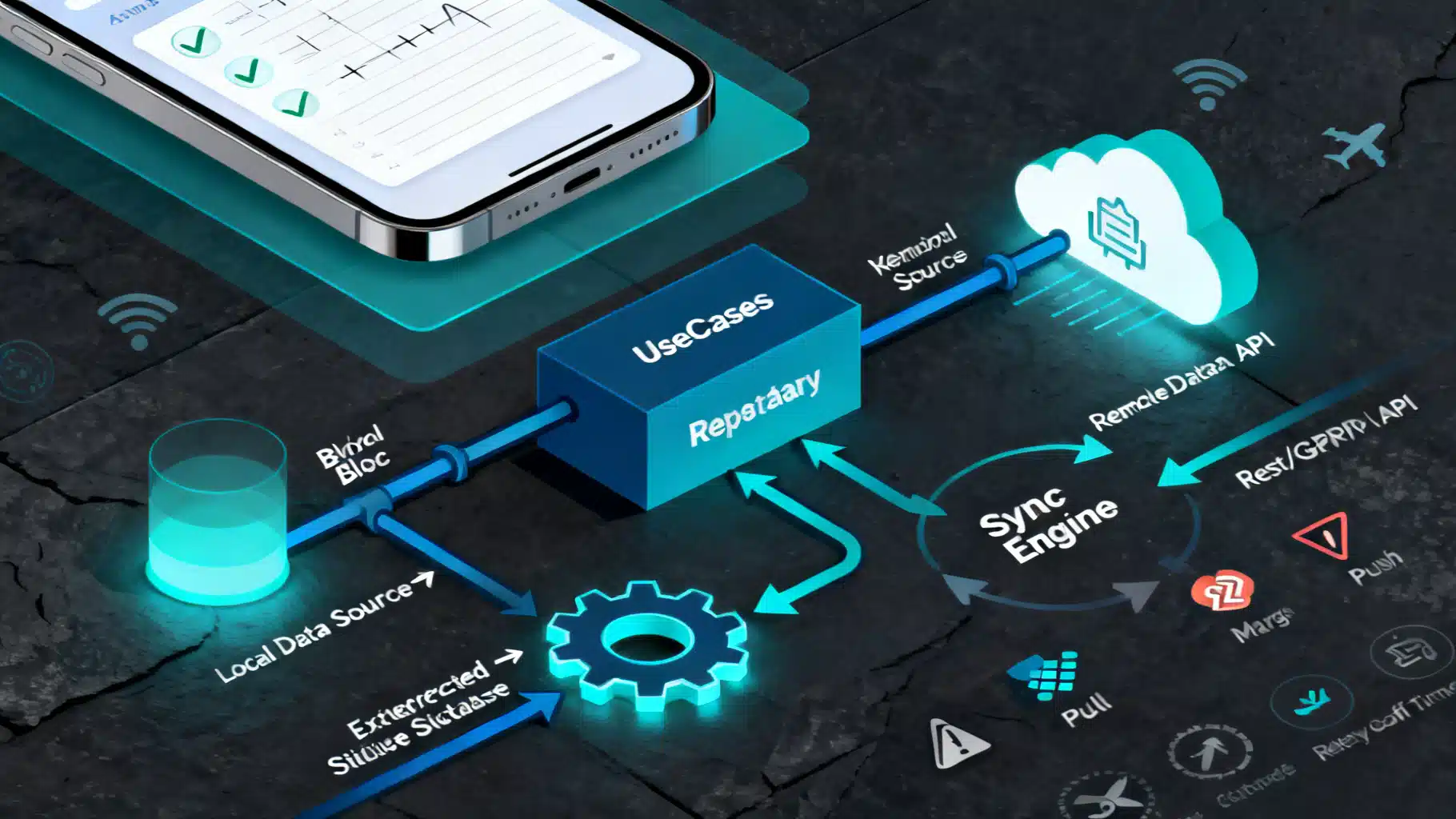
Flutter Offline‑First Architecture: A Practical Guide to Reliable, Fast Apps
A practical Flutter offline‑first guide: architecture, caching, sync, conflict resolution, background tasks, security, and production tips with code.
Flutter Google Sign‑In: A Complete Guide for Android, iOS, and Web
Learn how to implement Google Sign‑In in Flutter on Android, iOS, and web—setup, code, Firebase integration, tokens, testing, and best practices.