
Flutter NFC: Read and Write NDEF Tags on Android and iOS
Learn to read and write NFC tags in Flutter with nfc_manager: setup, NDEF records, code, UX, capacity, and cross‑platform pitfalls.
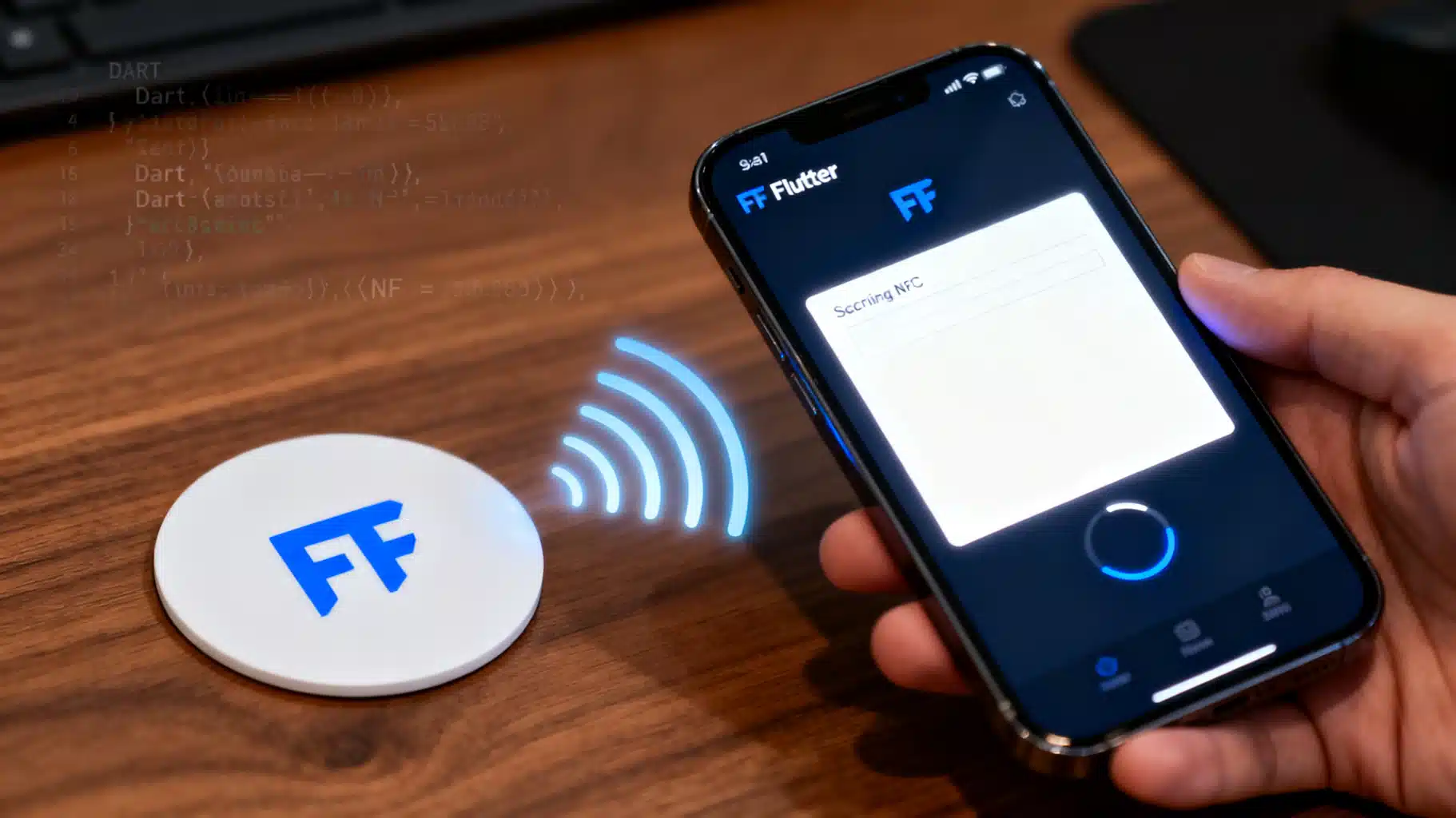
Image used for representation purposes only.
Overview
Near Field Communication (NFC) lets your Flutter app interact with physical tags to launch deep links, share small payloads, or bootstrap device-to-device workflows. In this guide you’ll build a robust read/write flow for NFC Data Exchange Format (NDEF) tags using the nfc_manager plugin, with production-ready patterns for Android and iOS. We’ll also cover platform setup, UX tips, tag capacity, and safety pitfalls.
Why nfc_manager? It exposes Core NFC (iOS) and Android’s reader mode behind a clean Dart API, supports NDEF plus lower-level tech classes, and includes helpers to create common records like text, URI, MIME, and external types. (pub.dev )
If you prefer, FlutterNfcKit is another capable option with NDEF read/write and raw transceive; this article focuses on nfc_manager for code samples. (pub.dev )
Prerequisites and device support
- iOS: Core NFC sessions require supported iPhones (check at runtime with NFCTagReaderSession.readingAvailable). Starting with iOS 13, third‑party apps can both read and write NDEF. (developer.apple.com )
- Background tag reading: On iPhones that support it, iOS can surface NDEFs (commonly URI records) even when your app isn’t active; adding Associated Domains lets your app claim matching URLs. Use in‑app scanning as a fallback because background reading is not always available. (developer.apple.com )
- Android: NFC is widely available. Declare the NFC permission and (optionally) the hardware feature to filter unsupported devices on Google Play. Reader mode requires API 19+. (pub.dev )
Project setup
Add dependencies:
# pubspec.yaml
dependencies:
  flutter: sdk: flutter
  nfc_manager: ^4.2.1   # check pub.dev for the latest
Android Manifest:
<!-- android/app/src/main/AndroidManifest.xml -->
<manifest ...>
  <uses-permission android:name="android.permission.NFC"/>
  <!-- Optional but recommended to filter unsupported devices in Play -->
  <uses-feature android:name="android.hardware.nfc" android:required="true"/>
  <application ...>
    <!-- No special intents needed for reader mode; the plugin handles sessions. -->
  </application>
</manifest>
- android.permission.NFC gates access to NFC APIs. The uses-feature entry filters installs to devices with NFC hardware. (developer.android.com )
iOS entitlements and Info.plist:
- In Xcode, enable Near Field Communication Tag Reading under Signing & Capabilities (adds com.apple.developer.nfc.readersession.formats entitlement).
- Add a usage string to Info.plist:
<key>NFCReaderUsageDescription</key>
<string>We use NFC to scan and program compatible tags.</string>
- If you’ll access specific native tag protocols (ISO7816, ISO15693, FeliCa), configure the corresponding identifiers as Apple requires. (pub.dev )
Quick architecture: sessions, discovery, and NDEF
- Check availability: NfcManager.instance.isAvailable() tells you whether the device supports an NFC session now (NFC enabled, supported device). (pub.dev )
- Start a reader session: startSession shows the native scanning sheet (iOS) or enables reader mode (Android). You receive an NfcTag in onDiscovered. (pub.dev )
- Work with NDEF: Convert the raw tag to an Ndef using Ndef.from(tag). You can read(), write(message), and writeLock(). (pub.dev )
Reading NDEF tags (Flutter)
The following example reads an NDEF message and prints human‑friendly fields for common record types:
import 'dart:convert';
import 'package:flutter/material.dart';
import 'package:nfc_manager/nfc_manager.dart';

class NfcReaderWriter {
  Future<void> readNdef() async {
    if (!await NfcManager.instance.isAvailable()) {
      throw Exception('NFC not available');
    }

    await NfcManager.instance.startSession(onDiscovered: (NfcTag tag) async {
      try {
        final ndef = Ndef.from(tag);
        if (ndef == null) {
          throw Exception('Tag is not NDEF formatted');
        }

        final message = await ndef.read();
        for (final record in message.records) {
          switch (record.typeNameFormat) {
            case TypeNameFormat.nfcWellKnown:
              // Text (T) or URI (U)
              if (_isTextRecord(record)) {
                final text = _decodeTextPayload(record.payload);
                debugPrint('Text: $text');
              } else if (_isUriRecord(record)) {
                final uri = _decodeUriPayload(record.payload);
                debugPrint('URI: $uri');
              }
              break;
            case TypeNameFormat.media:
              debugPrint('MIME ${utf8.decode(record.type)}: ${record.payload.length} bytes');
              break;
            case TypeNameFormat.external:
              debugPrint('External ${utf8.decode(record.type)} (${record.payload.length} bytes)');
              break;
            default:
              debugPrint('TNF ${record.typeNameFormat} not handled');
          }
        }
      } catch (e) {
        await NfcManager.instance.stopSession(errorMessage: e.toString());
        return;
      }
      await NfcManager.instance.stopSession();
    });
  }

  bool _isTextRecord(NdefRecord r) =>
      r.typeNameFormat == TypeNameFormat.nfcWellKnown &&
      r.type.isNotEmpty &&
      r.type.first == 0x54; // 'T'

  bool _isUriRecord(NdefRecord r) =>
      r.typeNameFormat == TypeNameFormat.nfcWellKnown &&
      r.type.isNotEmpty &&
      r.type.first == 0x55; // 'U'

  String _decodeTextPayload(Uint8List payload) {
    // NFC Forum Text RTD: status byte, then language code, then text
    final status = payload[0];
    final langLen = status & 0x3F;
    return utf8.decode(payload.sublist(1 + langLen));
  }

  Uri _decodeUriPayload(Uint8List payload) {
    // First byte is prefix code; the rest is the URI string
    const prefixes = [
      '', 'http://www.', 'https://www.', 'http://', 'https://',
      'tel:', 'mailto:', 'ftp://anonymous:anonymous@', 'ftp://ftp.', 'ftps://',
      'sftp://', 'smb://', 'nfs://', 'ftp://', 'dav://', 'news:', 'telnet://',
      'imap:', 'rtsp://', 'urn:', 'pop:', 'sip:', 'sips:', 'tftp:', 'btspp://',
      'btl2cap://', 'btgoep://', 'tcpobex://', 'irdaobex://', 'file://', 'urn:epc:id:',
      'urn:epc:tag:', 'urn:epc:pat:', 'urn:epc:raw:', 'urn:epc:', 'urn:nfc:'
    ];
    final prefix = payload.isNotEmpty && payload.first < prefixes.length
        ? prefixes[payload.first]
        : '';
    final rest = utf8.decode(payload.sublist(1));
    return Uri.parse('$prefix$rest');
  }
}
The flow mirrors the official example: check availability, start a session, cast to Ndef, read, then stop the session with a success or error message. (pub.dev )
Writing NDEF tags (Flutter)
Here’s a safe write path that creates multiple records (Text, URI, MIME) and writes them as a single message:
Future<void> writeNdef() async {
  if (!await NfcManager.instance.isAvailable()) {
    throw Exception('NFC not available');
  }

  await NfcManager.instance.startSession(onDiscovered: (NfcTag tag) async {
    try {
      final ndef = Ndef.from(tag);
      if (ndef == null || !ndef.isWritable) {
        throw Exception('Tag is not NDEF writable');
      }

      final message = NdefMessage([
        NdefRecord.createText('Hello NFC from Flutter'),
        NdefRecord.createUri(Uri.parse('https://flutter.dev')),
        NdefRecord.createMime('text/plain', Uint8List.fromList('sample'.codeUnits)),
        // Example external type you control: domain/type
        NdefRecord.createExternal('com.example', 'hint', Uint8List.fromList([1, 2, 3])),
      ]);

      await ndef.write(message);
      await NfcManager.instance.stopSession();
    } catch (e) {
      await NfcManager.instance.stopSession(errorMessage: e.toString());
    }
  });
}
The helper constructors (createText, createUri, createMime, createExternal) come from nfc_manager’s API and are shown in the package example. If needed, you can also permanently lock a tag with writeLock() after a successful write. Use this with extreme caution. (pub.dev )
Handling non‑NDEF or tech‑specific tags
Some tags aren’t NDEF formatted or expose different technologies. nfc_manager exposes platform‑specific classes such as NfcA, IsoDep, NfcV (Android) and FeliCa, Iso7816, Iso15693, MiFare (iOS) so you can send low‑level commands when appropriate. For blank but NDEF‑capable Android tags, NdefFormatable lets you format them before writing. (pub.dev )
Tag capacity and choosing the right chip
NDEF messages are tiny by design. Popular NTAG chips provide approximately:
- NTAG213 ≈ 144 bytes NDEF capacity
- NTAG215 ≈ 496 bytes NDEF capacity
- NTAG216 ≈ 872 bytes NDEF capacity
Check your payload size, especially for Wi‑Fi, vCard, or multi‑record messages. Consult the datasheet for exact limits and overhead. (nxp.com )
UX patterns that reduce misreads
- Prime the user: Show a scanning sheet with clear guidance like “Hold your phone near the tag,” and surface progress/errors. iOS provides a standard scanning UI and property alertMessage for user feedback. (developer.apple.com )
- Timeouts and retries: Sessions should auto‑timeout and allow cancellation.
- Background reading: If your app owns a domain, set up Associated Domains and handle application(_:continue:restorationHandler:) so supported iPhones can deep‑link directly from a tag. Still provide an in‑app scan UI for broader compatibility. (developer.apple.com )
Platform gotchas and troubleshooting
- iOS entitlement/usage string missing: The session fails immediately. Ensure the NFC Reader entitlement and NFCReaderUsageDescription key are present. (pub.dev )
- Testing on emulators: NFC requires physical hardware; use real devices.
- “Tag is not NDEF”: The chip may be unformatted or proprietary (e.g., a secured card). On Android, attempt NdefFormatable then write an initial message; on iOS, formatting options are limited. (pub.dev )
- Background reading didn’t fire: Wallet/camera/another session may be active; or the tag carried a non‑URL NDEF. Use manual scanning as a fallback. (developer.apple.com )
Security, privacy, and compliance notes
- NDEF is generally unencrypted and tamperable; treat tag contents as untrusted input. Do not store secrets or tokens that grant access without server‑side verification.
- Locking is irreversible: writeLock() permanently makes tags read‑only. Consider your update strategy before locking. (pub.dev )
- Don’t write to payment, transit, or access-control credentials. These are governed by proprietary protocols and/or legal restrictions.
Optional: dispatch to your app from a tag
- iOS background reading + Associated Domains: Write a URI record to your domain; iOS can route directly to your app if you’ve claimed the domain and implemented the handoff. (developer.apple.com )
- Android: Writing a URL to your site works universally. If you also need intent‑based launch when in foreground, keep your in‑app scanning flow; reader mode is reliable across devices. For distribution filtering, rely on uses-feature to avoid installs on non‑NFC devices. (developer.android.com )
End‑to‑end checklist
- Add nfc_manager to pubspec and run flutter pub get.
- Android: Add NFC permission and optional uses-feature; test on a device with NFC enabled. (developer.android.com )
- iOS: Enable NFC Tag Reading capability, add NFCReaderUsageDescription, verify readingAvailable at runtime. (pub.dev )
- Implement read: startSession → Ndef.from(tag) → read() → parse records → stopSession. (pub.dev )
- Implement write: check isWritable → build NdefMessage (Text, URI, MIME) → write() → optional writeLock(). (pub.dev )
- Size your payload to the tag capacity (e.g., NTAG213/215/216). (nxp.com )
What’s next
- Add richer record types: phone, email, geo, vCard, Wi‑Fi.
- Build app‑claimed deep links for seamless onboarding.
- Use low‑level tech classes for advanced tags (testing on both platforms is essential). (pub.dev )
With these patterns, you can confidently ship Flutter features that read and write NFC tags, handle edge cases, and present a polished cross‑platform experience.
Related Posts
Build a Flutter QR Code Scanner and Generator in Flutter
Build a Flutter app that scans and generates QR codes with mobile_scanner and qr_flutter. Includes setup, code, exporting, UX, and tips.
Flutter + Google Maps: A Complete Integration Guide
Integrate Google Maps in Flutter: setup keys, Android/iOS config, markers, directions, clustering, styling, and best practices.
Flutter Push Notifications with Firebase Cloud Messaging (FCM): A Complete Setup Guide
Step-by-step guide to set up FCM push notifications in Flutter for Android and iOS, with code, permissions, background handling, and testing tips.