
Building Interactive API Documentation Playgrounds: A Practical Guide
Design, build, and secure an interactive API documentation playground that accelerates onboarding and reduces support burden.
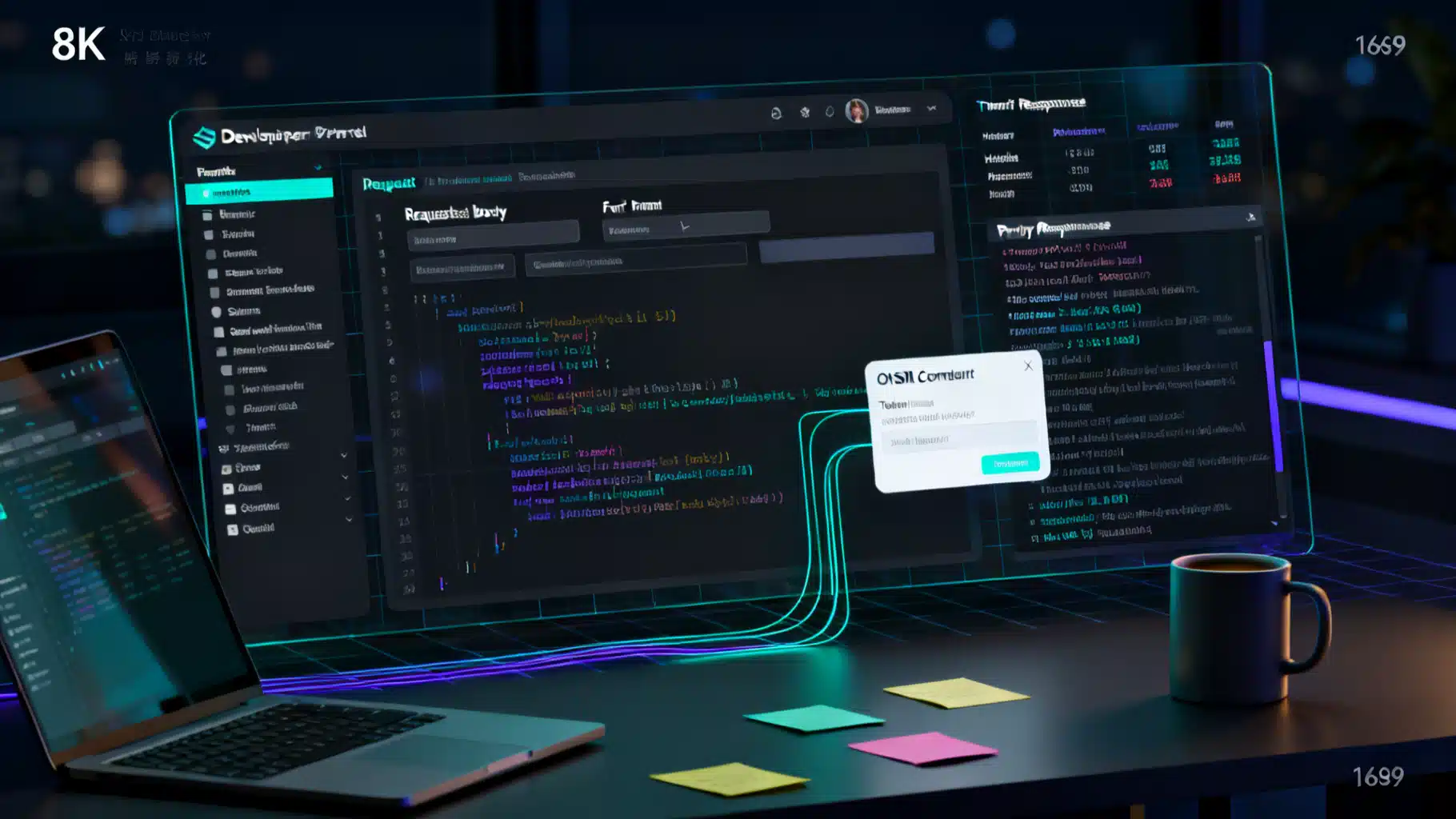
Image used for representation purposes only.
Overview
Interactive API documentation playgrounds transform static reference pages into hands‑on, learn‑by‑doing experiences. Instead of reading about an endpoint and guessing how it behaves, developers can authenticate, tweak parameters, send real or mocked requests, inspect responses, and instantly copy working code. Done well, a playground lowers time‑to‑first‑call, reduces support burden, and becomes the centerpiece of your developer experience (DX).
This guide covers the why, what, and how: essential features, architecture, security, metrics, UX patterns, and a quickstart implementation using OpenAPI and Swagger UI—plus notes for GraphQL and gRPC.
What is an Interactive Playground?
An interactive playground is a self‑contained environment embedded in your API docs where developers can:
- Discover endpoints and schemas
- Authorize (API keys or OAuth) and switch environments
- Compose requests with guided inputs and examples
- Execute calls against sandbox/mock or live endpoints
- Examine responses with formatting, validation, and troubleshooting aids
- Export working code snippets or collections
Think of it as the “IDE for your API,” co‑located with the documentation.
Why It Matters
- Faster onboarding: Shrinks time‑to‑first‑hello‑world (TTFHW) from days to minutes.
- Higher conversion: More developers progress from evaluation to integration.
- Fewer tickets: Real examples clarify concepts; errors are visible and actionable.
- Better feedback loops: Telemetry reveals confusing endpoints and missing examples.
Core Features of a Great Playground
- Auth that just works
- API key input, OAuth 2.0/PKCE, and personal access tokens
- Persist authorization (with explicit user consent) and quick revoke
- Environment switching
- Toggle Production, Sandbox, and Mock; show base URLs and rate limits
- Strong request builder
- Validated fields with types, constraints, and helpful defaults
- Example payloads and schemas side‑by‑side; JSON editor with linting
- Clear responses
- Pretty/raw views, headers, timing, size, and correlation/request IDs
- Error catalog links and suggested fixes; retry guidance
- Code generation
- Copy‑paste snippets in cURL, JavaScript/Fetch, Python/Requests, Go/HTTP, etc.
- Export Postman collection or “Download SDK example”
- Mocking and data realism
- Deterministic sample data with seeded generators; redaction for PII
- Shareable deep links
- Pre‑filled parameter links for tutorials, guides, and support threads
- Accessibility and performance
- Keyboard navigation, screen‑reader labels, high‑contrast themes
- Lazy‑loaded bundles; fast first interaction
Architecture Blueprint
- Source of truth: OpenAPI 3.1 (REST) and/or GraphQL schema
- Docs renderer: Swagger UI, Redoc/Redocly, Stoplight Elements, or a custom React component
- Auth broker: OAuth service for token flows; API key vault with scope management
- Execution paths:
- Live gateway (with strict rate limits and telemetry)
- Sandbox (isolated data), plus a contract‑driven Mock server (e.g., Prism)
- Observability: Request logs, correlation IDs, redaction, analytics pipeline
- CI/CD: Lint specs (Spectral), preview docs per PR, contract tests in CI
Data flow: Docs page → Auth broker → Request builder → Target (Mock/Sandbox/Prod) → Response viewer → Telemetry.
Quickstart: OpenAPI + Swagger UI
Below is a minimal but production‑aware setup that serves interactive docs from Node.js. It supports API keys out of the box and can be extended to OAuth.
1) Define your OpenAPI (3.1) spec
openapi: 3.1.0
info:
  title: Weather API
  version: 1.0.0
servers:
  - url: https://sandbox.api.example.com
    description: Sandbox
  - url: https://api.example.com
    description: Production
paths:
  /weather:
    get:
      summary: Get current weather for a city
      security:
        - ApiKeyAuth: []
      parameters:
        - in: query
          name: city
          required: true
          schema: { type: string, example: "Seattle" }
      responses:
        '200':
          description: OK
          headers:
            X-RateLimit-Remaining:
              description: Remaining calls in the current window
              schema: { type: integer, example: 497 }
          content:
            application/json:
              schema:
                type: object
                properties:
                  city: { type: string }
                  temperatureC: { type: number, format: float }
                  conditions: { type: string }
              examples:
                default:
                  value: { city: "Seattle", temperatureC: 12.5, conditions: "Light Rain" }
        '400': { description: Bad Request }
        '401': { description: Unauthorized }
components:
  securitySchemes:
    ApiKeyAuth:
      type: apiKey
      in: header
      name: X-API-Key
2) Serve Swagger UI with persistable auth
// server.js
const express = require('express');
const swaggerUi = require('swagger-ui-express');
const YAML = require('yamljs');
const path = require('path');

const app = express();
const spec = YAML.load(path.join(__dirname, 'openapi.yaml'));

app.use('/docs', swaggerUi.serve, swaggerUi.setup(spec, {
  swaggerOptions: {
    persistAuthorization: true,
    displayRequestDuration: true,
    tryItOutEnabled: true,
  },
  customSiteTitle: 'Weather API — Interactive Docs',
}));

// A tiny mock for /weather (for demos)
app.get('/weather', (req, res) => {
  const city = req.query.city || 'Seattle';
  res.set('X-RateLimit-Remaining', '497');
  res.json({ city, temperatureC: 12.5, conditions: 'Light Rain' });
});

app.listen(3000, () => console.log('Docs: http://localhost:3000/docs'));
Tip: Place the mock behind a distinct base URL (e.g., http://localhost:3000) and list it as a server in your OpenAPI spec for quick switching.
3) Generate code from the playground
Most doc renderers auto‑generate language snippets. A cURL example looks like this:
curl -s \
  -H "X-API-Key: $API_KEY" \
  "https://sandbox.api.example.com/weather?city=Seattle"
4) Add OAuth (optional)
If you support OAuth 2.0, define authorizationCode or clientCredentials in securitySchemes and configure Swagger UI’s oauth2RedirectUrl. For public SPAs, prefer PKCE. Always scope tokens narrowly for playground use.
Beyond REST: GraphQL and gRPC
- GraphQL: Pair the schema with GraphiQL or Apollo Sandbox for inline docs, auto‑completion, and execution. Provide persisted queries for common tasks and sample variables.
- gRPC: Offer a REST gateway (gRPC‑JSON transcoding) for browser‑based try‑outs, or embed a Web‑gRPC client if appropriate. Ship ready‑to‑run CLI examples using
grpcurl.
Security, Privacy, and Safety by Design
- Guardrails
- Default to Sandbox or Mock; make Production opt‑in with explicit warnings
- Tight rate limits and quotas for playground clients; show remaining limits
- CORS allow‑list to doc domains only; no third‑party origins
- Token hygiene
- Ephemeral tokens; short TTL; revocation endpoints
- Scoped permissions; read‑only by default; prevent destructive methods unless explicitly enabled
- Data protection
- Use synthetic or masked data; redact secrets in request/response logs
- Strip PII before analytics; configurable retention windows
- Abuse prevention
- CAPTCHA or velocity checks for anonymous users
- Replay protection via
Idempotency-Keyand timestamped signatures
- Compliance and visibility
- Audit logs with correlation IDs surfaced in the UI for support
- Clear terms of use and data handling disclosures near the “Run” button
Telemetry and KPIs to Track
- Adoption
- TTFHW (median), new tokens issued, first‑week active devs
- Engagement
- Try‑it clicks per session, endpoints exercised, code snippet copies, collection exports
- Success & quality
- Request success rate, top error codes and where they occur, latency and payload size
- Funnel health
- Drop‑off points (e.g., auth step, parameter form)
- Feedback
- Inline thumbs‑up/down on endpoint docs; link to GitHub Discussions or forum
Instrument client events (UI interactions) and server events (requests) with a shared anonymous session ID. Display the correlation ID in the response panel to tie logs to support tickets.
UX Patterns That Work
- Progressive disclosure: Show only the essentials; let users expand advanced options
- Prefilled, valid examples: Every endpoint should execute successfully on first try
- Inline validation: Prevent malformed requests before they hit the wire
- Helpful empty states: Explain why a response is blank and how to proceed
- Copy buttons everywhere: Headers, body, and code samples
- Keyboard shortcuts: Run (⌘/Ctrl+Enter), switch environment, cycle examples
- Deep links: Use URL params to store form state for shareable repros
Governance, Versioning, and CI
- Lint your specs: Spectral rules for naming, descriptions, examples, and consistency
- Contract tests: Validate docs against mocks and staging before deploy
- Preview environments: Auto‑publish doc/playground previews for every pull request
- Versioning:
- Semantic versioning for APIs; deprecation warnings in the playground
- “Switch version” control and per‑version change logs
A Practical 30/60/90‑Day Rollout Plan
- 30 days (MVP)
- OpenAPI/GraphQL schema as source of truth; Swagger UI or Redoc embedded
- Sandbox server and deterministic mock
- API key auth; 5–10 fully working examples; telemetry baseline
- 60 days (DX upgrade)
- OAuth/PKCE, environment toggle, deep links, copyable code for 4+ languages
- Error catalog integration; correlation IDs; rate limit headers in viewer
- Spectral linting in CI; preview docs per PR
- 90 days (Scale & safety)
- Role‑scoped tokens, production try‑outs gated by org policy
- A/B test examples and layouts; accessibility audit; SLO dashboards
- SDK download buttons; Postman/Insomnia exports
Common Pitfalls and How to Avoid Them
- Playground hits production by default → Default to Mock/Sandbox and label clearly
- Stale examples drift from reality → Generate examples from tests or fixtures in CI
- OAuth maze confuses newcomers → Offer an API key path or PKCE wizard with defaults
- Hidden rate limits → Surface headers and explain backoff strategies
- Logs with secrets → Redact on ingest; block copy of sensitive headers by default
Pre‑Launch Checklist
- Every endpoint has at least one successful, runnable example
- Auth flows tested by a new developer from scratch
- Sandbox and Mock produce realistic, safe data
- Rate limit, error handling, and correlation IDs are visible in UI
- Code samples compile/run in CI smoke tests
- Accessibility pass (keyboard, ARIA, contrast)
- Telemetry dashboards for TTFHW, success rate, top errors
Conclusion
An interactive API playground is more than a convenience—it’s a strategic asset for adoption, education, and support. Start with a contract‑driven spec and a safe sandbox, add rock‑solid auth, design a clear request/response workflow, and measure relentlessly. With thoughtful UX, robust guardrails, and automated governance, your playground becomes the fastest, most reliable path from “Hello world” to real value.
Related Posts
API Documentation Auto‑Generation Tools: A Practical Guide
Practical guide to auto‑generating API docs: tools, workflows, examples, CI/CD, and best practices for OpenAPI, GraphQL, and gRPC.

GraphQL to REST Migration: A Practical, Low‑Risk Guide
Step-by-step guide to migrate APIs from GraphQL to REST: design mapping, caching, auth, rollout, and pitfalls to avoid.

API SDK Client Library Generation: A Practical Guide to Fast, Idiomatic, Multi‑Language Clients
How to generate maintainable, idiomatic API SDKs from OpenAPI, gRPC, and GraphQL—patterns, tooling, CI, versioning, and release automation.