
Flutter Deep Linking with Firebase Dynamic Links: A Complete Guide
Implement Flutter deep linking with Firebase Dynamic Links: setup for iOS/Android, code, routing, testing, analytics, and best practices.
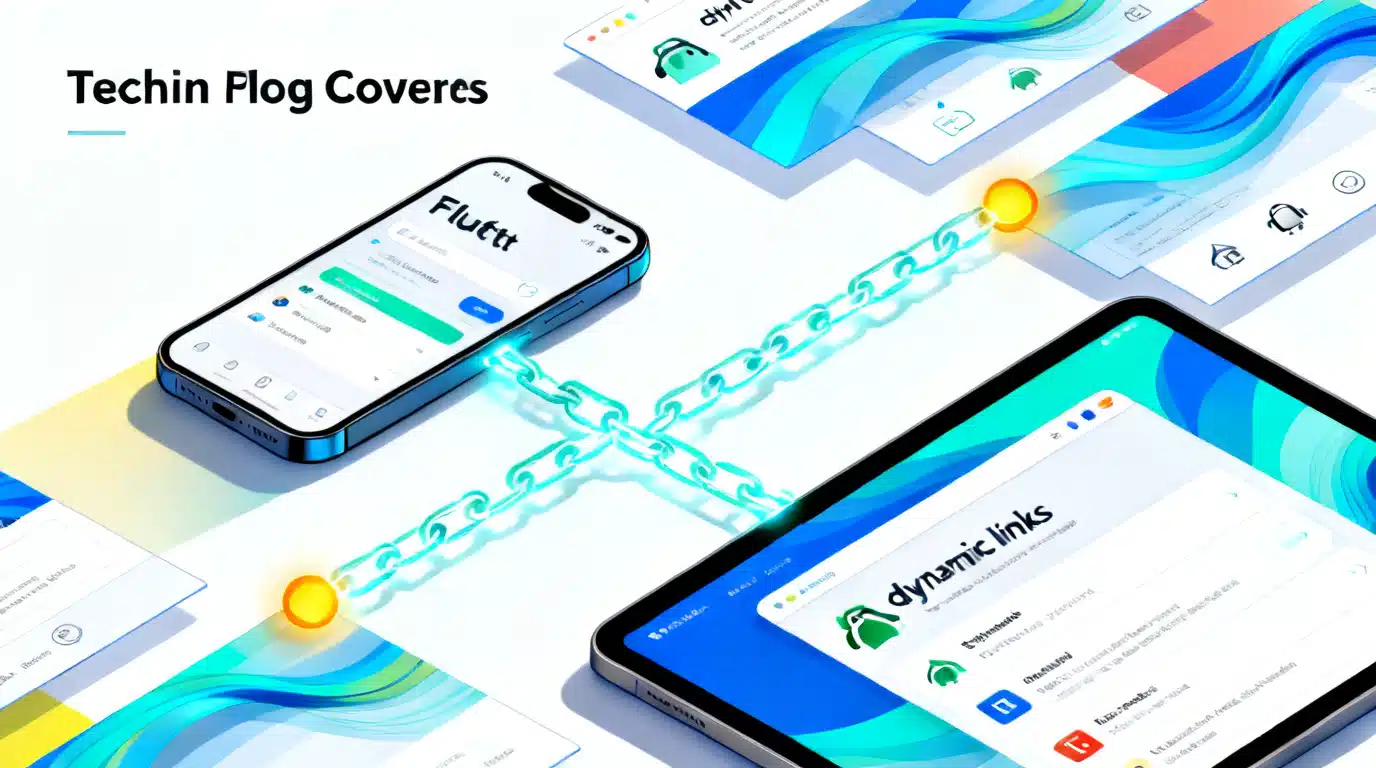
Image used for representation purposes only.
Overview
Deep linking lets users jump directly to content inside your app from a URL. Flutter supports several approaches, but Firebase Dynamic Links (FDL) adds powerful extras: short shareable links, install‑deferred deep linking, cross‑platform fallbacks, and campaign analytics. This guide walks through end‑to‑end setup for Android and iOS, Flutter code to create and consume links, routing strategies, testing, analytics, and common pitfalls.
How deep links work (in plain terms)
- A user taps a URL like https://example.com/product?id=123 .
- On mobile, the OS decides whether to open a website or route the URL straight into your app (iOS Universal Links / Android App Links).
- If the app isn’t installed, Dynamic Links can send the user to the store—and deliver the original intent after installation (install‑deferred deep linking).
You can deep link with:
- Native links only: Universal Links (iOS) and App Links (Android). Fast and private, but no automatic install‑deferred behavior and fewer campaign tools.
- Firebase Dynamic Links: Wrap your content URL inside a dynamic link domain (e.g., https://example.page.link/xyz ). Firebase manages routing, analytics, and deferred deep linking, then forwards the user to your in‑app route like https://example.com/product?id=123 .
When to use Firebase Dynamic Links
Choose FDL if you need:
- Install‑deferred deep linking for acquisition campaigns.
- Cross‑platform short links you can generate in code or from the console.
- Built‑in attribution fields (source/medium/campaign) and reporting in Firebase Analytics.
- Social preview metadata (title/description/image) for link sharing.
If you only need in‑app routing from a website you own (no marketing flows), native Universal/App Links with packages like go_router or uni_links may be enough.
Prerequisites
- Flutter 3.x+
- Firebase project with Android and iOS apps registered
- Packages: firebase_core, firebase_dynamic_links
- A Dynamic Links domain (e.g., example.page.link or a custom subdomain)
- Real devices for Universal/App Links testing (simulators are limited)
Project setup
- Add Firebase to Flutter
import 'package:firebase_core/firebase_core.dart';

Future<void> main() async {
  WidgetsFlutterBinding.ensureInitialized();
  await Firebase.initializeApp();
  runApp(const MyApp());
}
- Install packages
flutter pub add firebase_core firebase_dynamic_links go_router
- Enable Dynamic Links in Firebase Console and pick a domain (page.link or custom). If you use a custom domain, set up DNS and verify domain ownership.
Android configuration (App Links)
- In Firebase console, ensure your Android app has the correct package name and SHA‑256 certificate fingerprint.
- Add an intent filter to the activity that receives links (usually your launcher activity):
<!-- android/app/src/main/AndroidManifest.xml -->
<activity
    android:name=".MainActivity"
    android:launchMode="singleTask"
    android:exported="true">
    <intent-filter android:autoVerify="true">
        <action android:name="android.intent.action.VIEW"/>
        <category android:name="android.intent.category.DEFAULT"/>
        <category android:name="android.intent.category.BROWSABLE"/>
        <data android:scheme="https" android:host="example.page.link"/>
        <!-- If you also use a custom domain for Dynamic Links: -->
        <data android:scheme="https" android:host="dl.example.com"/>
    </intent-filter>
</activity>
- Play‑installed apps will read Digital Asset Links from your dynamic link domain (Firebase hosts this for page.link). For custom domains, host
assetlinks.jsonathttps://yourdomain/.well-known/assetlinks.json.
iOS configuration (Universal Links)
- In Xcode, enable the Associated Domains capability for your app target.
- Add entries like:
applinks:example.page.link
applinks:dl.example.com  (if using a custom domain)
- Ensure the Team ID and Bundle ID in Firebase match your Xcode project.
- Firebase serves the apple‑app‑site‑association (AASA) file for page.link domains. For custom domains, host AASA at
https://yourdomain/.well-known/apple-app-site-associationwithout redirects.
Tip: Universal Links only trigger if the user taps the link in a context that supports them (e.g., Safari, Notes). Some apps (certain email clients or messengers) may open a webview first.
Creating dynamic links
You can build links in the Firebase Console or programmatically.
Build links in code
import 'package:firebase_dynamic_links/firebase_dynamic_links.dart';

Future<Uri> buildShortDynamicLink() async {
  final params = DynamicLinkParameters(
    link: Uri.parse('https://example.com/product?id=123'),
    uriPrefix: 'https://example.page.link',
    androidParameters: const AndroidParameters(
      packageName: 'com.example.app',
      minimumVersion: 100,
    ),
    iosParameters: const IOSParameters(
      bundleId: 'com.example.app',
      minimumVersion: '1.5.0',
      appStoreId: '1234567890',
    ),
    socialMetaTagParameters: const SocialMetaTagParameters(
      title: 'Check out product 123',
      description: 'Limited-time offer for product 123',
      imageUrl: Uri.parse('https://cdn.example.com/p/123/social.png'),
    ),
    googleAnalyticsParameters: const GoogleAnalyticsParameters(
      campaign: 'fall_sale',
      medium: 'email',
      source: 'crm',
    ),
    navigationInfoParameters: const NavigationInfoParameters(
      forcedRedirectEnabled: true,
    ),
  );

  final short = await FirebaseDynamicLinks.instance.buildShortLink(params);
  return short.shortUrl; // Share this URL
}
Notes:
linkis your canonical content URL (your site/app route). The dynamic link domain (uriPrefix) wraps it.minimumVersionnudges users to update before routing.- Social meta tags power rich previews in chats and social networks.
Consuming links in Flutter (cold and warm starts)
Handle both app launches (cold start) and foreground/background taps (warm starts).
import 'dart:async';
import 'package:firebase_dynamic_links/firebase_dynamic_links.dart';
import 'package:go_router/go_router.dart';

class LinkHandler extends StatefulWidget {
  const LinkHandler({super.key, required this.child});
  final Widget child;
  @override
  State<LinkHandler> createState() => _LinkHandlerState();
}

class _LinkHandlerState extends State<LinkHandler> {
  StreamSubscription? _sub;

  @override
  void initState() {
    super.initState();
    _handleColdStart();
    _sub = FirebaseDynamicLinks.instance.onLink.listen((data) {
      _route(data.link);
    }, onError: (e) => debugPrint('onLink error: $e'));
  }

  Future<void> _handleColdStart() async {
    final data = await FirebaseDynamicLinks.instance.getInitialLink();
    if (data != null) _route(data.link);
  }

  void _route(Uri link) {
    // Allowlist the dynamic link host to avoid open-redirects
    const allowedHosts = {'example.page.link', 'dl.example.com'};
    if (!allowedHosts.contains(link.host)) return;

    // Forward to your app routes using the embedded content URL
    final target = Uri.parse(link.queryParameters['link'] ?? link.toString());

    switch (target.path) {
      case '/product':
        final id = target.queryParameters['id'];
        if (id != null) context.go('/product/$id');
        break;
      case '/invite':
        final code = target.queryParameters['code'];
        if (code != null) context.go('/invite/$code');
        break;
      default:
        context.go('/');
    }
  }

  @override
  void dispose() {
    _sub?.cancel();
    super.dispose();
  }

  @override
  Widget build(BuildContext context) => widget.child;
}
Attach LinkHandler near the top of your widget tree (e.g., above MaterialApp.router).
Routing tips (Navigator 2.0 / go_router)
- Keep a single source of truth for route parsing. Your in‑app navigation should accept the same paths you expose on the web (
/product,/invite). - Prefer path parameters over fragments—browsers may drop URL fragments during redirects.
- Normalize and validate all inputs (IDs, invite codes) before using them.
Install‑deferred deep linking
If a user taps a dynamic link without the app installed, Firebase forwards them to the store. After installation and the first open, getInitialLink() may deliver the original link. Behavior can vary by platform, network, and store policies, so treat deferred deep linking as “best effort.” Always provide helpful in‑app discovery if the deep link isn’t available.
Testing and debugging
- Android (ADB):
adb shell am start -a android.intent.action.VIEW \
  -d "https://example.page.link/abcd" com.example.app
- Android checks: ensure
assetlinks.jsonresolves for your domain and that the SHA‑256 in Firebase matches your signing key. - iOS checks: Tap the link from Notes or Safari; verify AASA at
https://<domain>/.well-known/apple-app-site-associationwith no redirects. - Simulate fresh installs: uninstall the app, clear Play Store cache (Android), or test on a new device/testflight build (iOS).
- Logging: print the incoming
Uriand all query parameters.
Common pitfalls and fixes
- Mismatched domains: The host in your Android intent filter and iOS Associated Domains must include every domain you expect to receive.
- Redirects: AASA and assetlinks files must be served over HTTPS with no redirects and correct content type.
- Email/webviews: Some apps open links inside a webview, which bypasses Universal/App Links. Provide a visible “Open in browser” or “Open app” option.
- Fragments (#): Avoid using URL fragments; they can be dropped during redirects. Use query parameters instead.
- Multiple activities: Ensure only the correct Android activity handles VIEW intents to avoid “route flicker.”
- Background handling: Always listen to
onLinkin addition to callinggetInitialLink().
Analytics and attribution
- Use
GoogleAnalyticsParameterswhen creating links to tagsource,medium, andcampaign. - Firebase Analytics will attribute first opens and app opens to Dynamic Links where possible.
- In app, you can also parse UTM parameters from the deep link’s query to augment analytics or personalize onboarding.
Security considerations
- Allowlist expected hosts and schemes before routing.
- Validate and sanitize all IDs/codes from query parameters.
- Don’t execute behavior purely from untrusted parameters; gate critical flows with authentication and server checks.
- Use HTTPS content URLs and consider expiring invite codes server‑side.
Alternatives
- Native Universal/App Links only: simplest if you just need routing and own the web domain.
- Branch, AppsFlyer, Adjust: enterprise attribution SDKs with deep linking, fraud prevention, and advanced reporting.
- Dynamic Links + native links: many teams use FDL for campaigns and also support direct Universal/App Links for SEO and speed.
Production checklist
- Firebase project configured with correct Bundle ID, Package name, and SHA‑256
- Dynamic Links domain verified (page.link or custom)
- Android intent filter added with
android:autoVerify="true" - iOS Associated Domains configured and AASA validates without redirects
-
getInitialLink()andonLinkimplemented with route allowlisting - Links tested from Safari/Notes (iOS) and ADB (Android), plus real email/messenger clients
- UTM parameters set and verified in Firebase Analytics
- Fallback web page provides value when the app isn’t available
Wrap‑up
With Firebase Dynamic Links, Flutter apps get reliable deep linking across platforms, campaign‑ready short links, and install‑deferred routing. Set up Universal/App Links correctly, handle both cold and warm starts in Flutter, and invest in robust testing. Once wired, deep links drive smoother onboarding, re‑engagement, and measurable growth.
Related Posts

Flutter go_router Navigation Guide: From Basics to Advanced Patterns
A practical guide to Flutter’s go_router: setup, parameters, guards, nested tabs, deep links, transitions, and testing with concise, production-ready code.
Flutter App Store Optimization: Practical Tips to Rank and Convert
Practical Flutter ASO tips to lift rankings and conversions—from keywords and creatives to size, performance, localization, and reviews.
Flutter Foreground Service Location Tracking: A 2026 Deep‑Dive for Android and iOS
Implement reliable Flutter location tracking with Android foreground services and iOS background modes—permissions, code, and store compliance (Oct 2026).