
Flutter App Store Optimization: Practical Tips to Rank and Convert
Practical Flutter ASO tips to lift rankings and conversions—from keywords and creatives to size, performance, localization, and reviews.
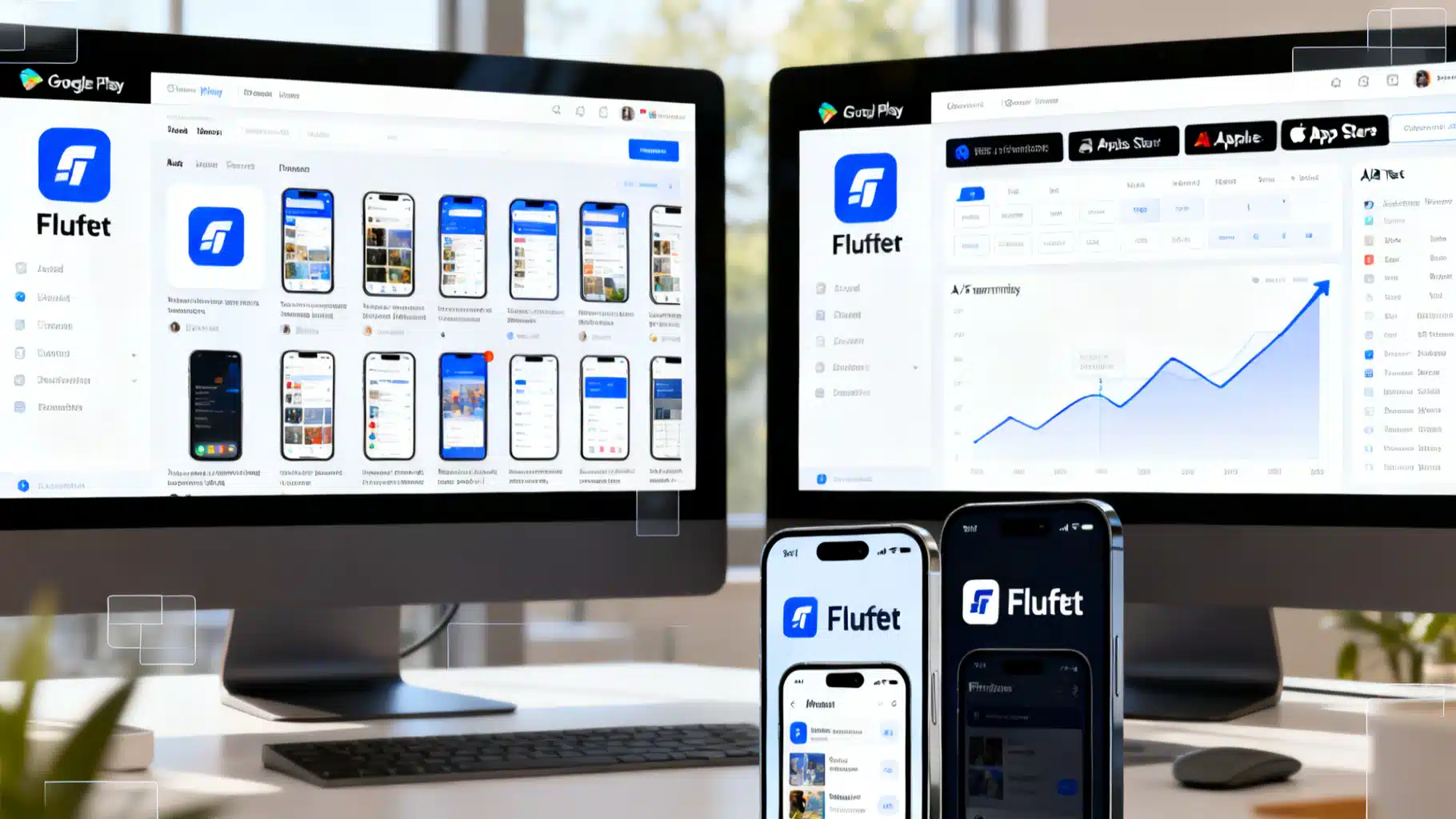
Image used for representation purposes only.
Why ASO Matters For Flutter Apps
App Store Optimization (ASO) is the craft of getting discovered and converting page views into installs on Google Play and the Apple App Store. For Flutter teams, the cross‑platform codebase gives you unique levers: you can iterate on features and visuals quickly, automate asset generation, and keep technical quality high—all of which feed ranking and conversion.
This guide focuses on practical, Flutter‑aware steps to help you rank for the right keywords, improve your store conversion rate (CVR), and sustain growth with lean processes.
How Stores Rank and Convert
- Relevance: Do your title, subtitle/short description, and long description align with user queries?
- Quality: Crash rate, ANR (Android Not Responding), startup time, battery impact, and uninstall rate influence visibility.
- Velocity: Fresh releases, stable retention, and ratings momentum matter.
- Conversion: Strong creatives (icon, screenshots, video) lift CVR, which feeds ranking loops.
ASO is half search (keywords) and half conversion (assets + trust), supported by technical excellence (stability, size, performance).
Keyword Strategy That Actually Works
- Map intents
- Core: the primary job your app solves (e.g., “habit tracker,” “budget planner”).
- Adjacent: alternatives and synonyms (“goal tracker,” “expense manager”).
- Long tail: problem + audience + platform (“budget app for students,” “workout timer HIIT”).
- Prioritize by volume x difficulty x relevance. Favor phrases where you can be among the top 10 results.
- Use exact‑match wisely
- Android: Title and Short Description carry the most weight; repeat key phrases naturally in the long description.
- iOS: Title and Subtitle carry weight; use the 100‑character Keywords field for comma‑separated terms (no spaces needed).
- Don’t stuff. Readability wins; stuffing hurts conversion and may be penalized.
- Localize important markets early. More on that below.
Optimize Listing Fields (Android + iOS)
- App Name/Title
- Include your most valuable head term once, plus brand. Keep it clean and legible.
- Subtitle (iOS) / Short Description (Android)
- Communicate the main benefit with one keyword phrase. Treat like an ad tagline.
- Long Description
- Tell a benefits‑first story with scannable headings and bullets. Include 3–5 high‑value phrases naturally.
- Keywords Field (iOS)
- Use commas, not spaces. Avoid brand names you don’t own. Include misspellings only if strategic and compliant.
- Promo Text (iOS) / Feature Graphic (Android)
- Promo Text lets you talk about time‑sensitive deals without a new binary. The Feature Graphic drives Play Store visual appeal.
- What’s New
- Write human, benefit‑first updates. It trains users to read your notes and can lift update adoption.
- Categories & Age Ratings
- Choose accurate, competitive categories. Incorrect placement can reduce visibility.
Creatives That Convert
- Icon
- Bold shape, strong contrast, recognizable at 48–1024 px. Use adaptive icons on Android.
- Screenshots
- Sequence a narrative: problem → solution → key features → social proof. Show UI on modern devices with light and dark mode variants if relevant.
- Add concise captions (5–7 words) in on‑brand typography.
- Video/Preview
- 15–30 seconds of product truth: fast cuts, real UI, captions, no fluff.
Tip: Create 2–3 creative “themes” (e.g., bold, minimal, lifestyle) and A/B test them.
Technical ASO: Win With Size, Speed, and Stability
Flutter lets you ship quality that stores reward. Bake these into your pipeline:
Reduce App Size
- Use Android App Bundles and split by ABI on APKs:
# Android bundles
flutter build appbundle --release

# Split APK by ABI (if you still distribute APKs)
flutter build apk --release --split-per-abi
- Tree‑shake icons and remove unused assets. Prefer vector (SVG → Flutter’s vector formats) and modern image formats (WebP/AVIF where supported).
- Obfuscate and split debug info to shrink and protect Dart code:
flutter build apk --release \
  --obfuscate \
  --split-debug-info=build/debug-info
- Review dependencies; heavy plugins add native code. Replace multi‑purpose packages with smaller, focused ones when possible.
Improve Startup and Frame Pacing
- Keep the first screen lightweight; defer network calls and heavy layout until after first frame.
- Pre‑warm isolates for expensive work.
- Profile regularly:
flutter run --profile
flutter pub global activate devtools
flutter pub global run devtools
- Fix jank: avoid layout thrash, prefer const widgets, cache images, and minimize rebuilds with ValueListenable/Selector patterns.
Minimize Crashes and ANRs
- Monitor with Crashlytics/Sentry and Play Console Vitals.
- Keep background work off the main thread via isolates or native workers.
- Request only essential permissions; fewer prompts lift install and retention.
Ratings and Reviews: Ask The Right Way
Use the native in‑app review flows and respect platform limits. For Flutter, the in_app_review plugin offers a thin, compliant wrapper.
import 'package:in_app_review/in_app_review.dart';

final inAppReview = InAppReview.instance;

Future<void> maybeAskForReview(BuildContext context) async {
  // Example heuristic: ask after a success milestone and N sessions
  final bool eligible = await _hasHitMilestone() && await _hasRepeatSessions(3);
  if (eligible && await inAppReview.isAvailable()) {
    await inAppReview.requestReview();
  }
}
Best practices
- Trigger after a clear moment of delight (e.g., completed goal), not on first launch.
- Never gate features on reviews; keep requests optional and rare.
- Reply to reviews—especially 1–3 star—within 1–3 days with helpful, human answers.
Localization At Scale With Flutter
Localized listings and in‑app UX lift both search coverage and conversion.
- Enable Flutter localization
# pubspec.yaml
flutter:
  uses-material-design: true
  generate: true

# l10n.yaml (optional)
arb-dir: lib/l10n
template-arb-file: app_en.arb
output-localization-file: app_localizations.dart
- Add ARB files per locale (e.g., app_en.arb, app_es.arb), then use generated strings:
import 'package:flutter_gen/gen_l10n/app_localizations.dart';

Text(AppLocalizations.of(context)!.homeTitle)
- Localize store listings for your top markets. Translate title, subtitle/short description, and first 2–3 screenshot captions before expanding.
Pro tip: Prioritize locales by incremental volume and CVR lift (e.g., en → es → pt → de → fr → id → ja).
A/B Testing and Targeted Product Pages
- Google Play: Run Store Listing Experiments for icons, screenshots, and descriptions. Test one variable per experiment when possible.
- Apple: Use Product Page Optimization (PPO) for variants and Custom Product Pages (CPP) to match acquisition campaigns. Align screenshot narratives to ad creatives.
Measure lift in first‑time installers, not just CTR. Keep experiments running until you reach statistical confidence and seasonality is accounted for (at least 7–14 days for most apps).
Pre‑Launch and Release Hygiene
- Pre‑launch
- Android: Use internal, closed, and open testing tracks. Review the Pre‑Launch Report for crashes and layout issues across devices.
- iOS: Use TestFlight with a diverse pool of real users and devices.
- Release cadence
- Ship small, safe updates every 2–4 weeks. Hotfix quickly when Vitals or crash‑free users drop.
- Changelogs
- Make them scannable, benefit‑led, and consistent.
Tooling To Speed You Up
- flutter_launcher_icons: Generate platform‑perfect icons from one source.
- flutter_native_splash: Branded splash compliant with both stores.
- in_app_review: Native review prompts.
- fastlane
- deliver (iOS) and supply (Android) to automate metadata, screenshots, and submissions.
- Screenshots automation
- fastlane snapshot (iOS) and screengrab (Android) or the community “screenshots” package to script consistent device frames and captions.
Metrics That Matter
Track these weekly:
- Visibility: impressions, product page views, search share of voice for target terms.
- Conversion: CVR per traffic source, by locale and creative theme.
- Quality: crash‑free users, ANR rate, median cold start, uninstall rate D1/D7.
- Retention and monetization: D1/D7/D30 retention, ARPDAU/ARPPU if applicable.
Tie changes to results. When you ship new creatives or copy, annotate the date and evaluate lift over the next 7–14 days.
High‑Impact Quick Wins Checklist
- Tight title with one head term + brand.
- Compelling subtitle/short description with a clear benefit.
- Narrative screenshot set with short captions and modern device frames.
- In‑app review request after a delight moment, using native APIs.
- App bundle build, split per ABI (if distributing APKs), tree‑shaken assets, and trimmed dependencies.
- Monitoring wired: Crashlytics/Sentry + Play Console Vitals + App Store analytics.
- Localized listings for top 3–5 markets.
- Active A/B test running on creatives or copy.
Putting It All Together
ASO is not a one‑off task; it’s an operating system for growth. With Flutter, you can iterate faster on UI, keep a single source of truth for copy and localization, and automate the repetitive parts of release and asset production. Start with crisp messaging, conversion‑smart creatives, and a rock‑solid build. Then localize, test, and repeat. The compounding gains will carry your app up the rankings—and keep it there.
Related Posts

Flutter Localization with ARB Files: A Complete, Modern Tutorial
A step-by-step Flutter localization tutorial using ARB files and gen‑l10n: setup, ARB authoring, plurals, selects, runtime switching, testing, and CI.
Flutter Accessibility: A Screen Reader Guide for Real-World Apps
A practical, code-first guide to making Flutter apps work flawlessly with screen readers: labels, focus order, semantics, announcements, and testing.
Flutter Screen Recording Tutorial: Widget Capture and Native APIs
A practical Flutter screen recording tutorial: record widgets with FFmpeg or use native APIs (MediaProjection, ReplayKit), with code and performance tips.