
React Breadcrumbs: A Practical Guide to Router Integration
Build an accessible, dynamic React Breadcrumbs component and integrate it with React Router using useLocation and useMatches.

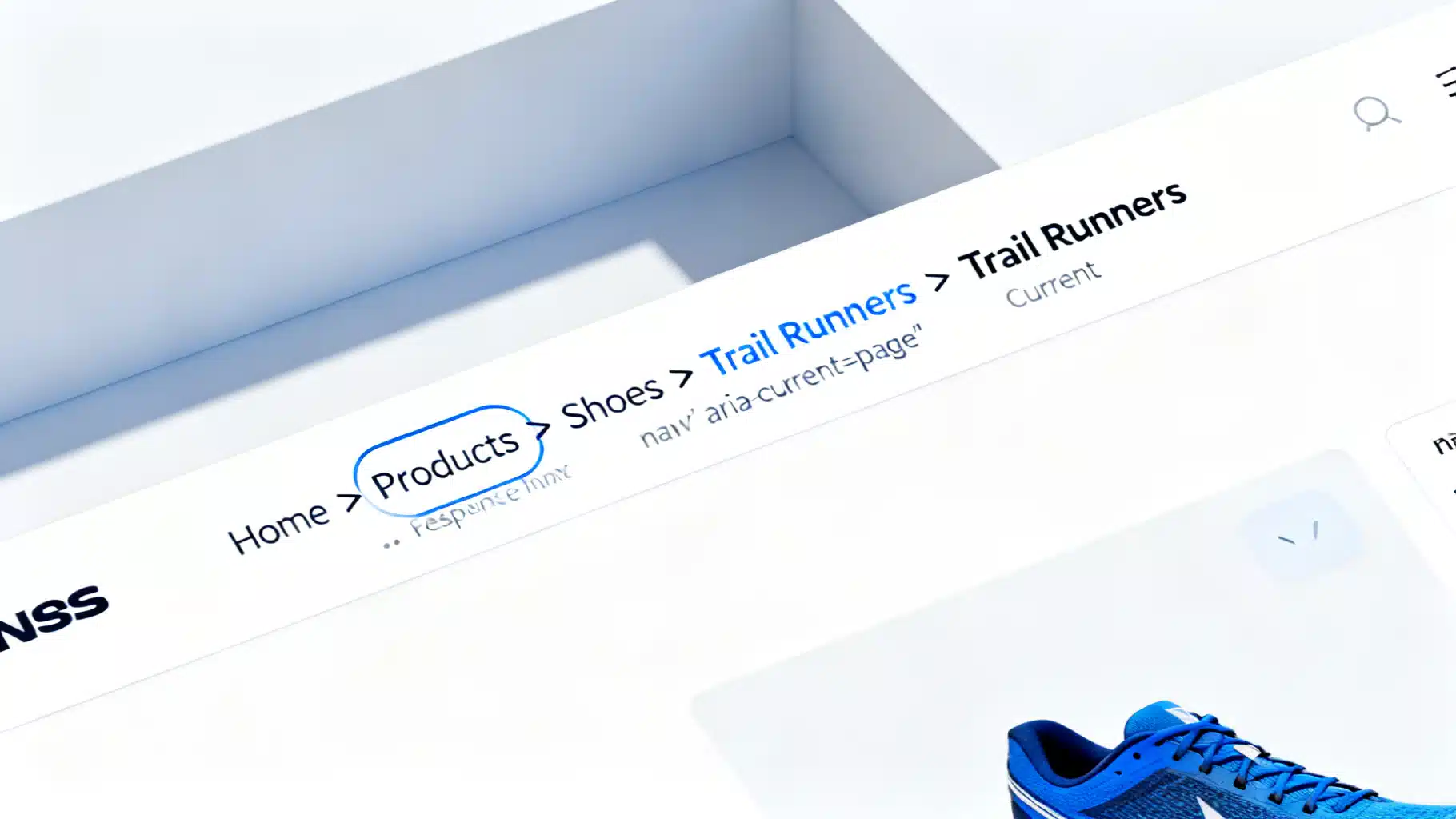
Image used for representation purposes only.
Why breadcrumbs matter in React apps
Breadcrumbs give users a clear sense of place and a fast way to jump up levels in your information hierarchy. In single‑page React apps, they also help reveal dynamic route state (e.g., “Products → Cameras → Mirrorless → Z6 II”). This guide shows how to build a robust, accessible Breadcrumbs component and integrate it with React Router—first with a lightweight URL‑parsing approach, then with the powerful data router API (useMatches + route handles) for dynamic labels.
What we’ll build
- A reusable
component with semantic HTML and ARIA attributes - Two integration strategies:
- URL‑driven (useLocation) for simple apps
- Route‑driven (useMatches + handle.breadcrumb) for complex, data‑backed labels
- Support for dynamic params (e.g., /products/:id → fetched title)
- Styling, accessibility, SEO, internationalization, and testing tips
Prerequisites
- React 18+
- react-router-dom v6+
- Familiarity with route objects (createBrowserRouter) or the element-based API
Install basics:
npm i react-router-dom
Accessibility and structure first
Breadcrumbs are navigation, so use a nav landmark with an ARIA label and an ordered list. Keep separators purely decorative in CSS so screen readers don’t announce them.
import { Link } from "react-router-dom";

type Crumb = { label: string; to?: string };

export function Breadcrumbs({ crumbs }: { crumbs: Crumb[] }) {
  return (
    <nav aria-label="Breadcrumb">
      <ol className="breadcrumbs">
        {crumbs.map((crumb, idx) => {
          const isLast = idx === crumbs.length - 1;
          return (
            <li key={idx} className="breadcrumb-item" aria-current={isLast ? "page" : undefined}>
              {isLast || !crumb.to ? (
                <span>{crumb.label}</span>
              ) : (
                <Link to={crumb.to}>{crumb.label}</Link>
              )}
            </li>
          );
        })}
      </ol>
    </nav>
  );
}
Minimal CSS (feel free to adapt to Tailwind or CSS Modules):
.breadcrumbs { display: flex; gap: .5rem; list-style: none; padding: 0; margin: 0; }
.breadcrumb-item + .breadcrumb-item::before { content: "/"; color: #999; margin-right: .5rem; }
.breadcrumb-item a { color: var(--link, #2563eb); text-decoration: none; }
.breadcrumb-item[aria-current="page"] span { color: #111; font-weight: 600; }
Strategy A: URL-driven breadcrumbs with useLocation
When your app’s labels match path segments (or a simple dictionary), parse the current URL and map each segment to a title.
import { useLocation, Link } from "react-router-dom";
import { Breadcrumbs } from "./Breadcrumbs";

const TITLE_MAP: Record<string, string> = {
  "": "Home",
  products: "Products",
  cameras: "Cameras",
  mirrorless: "Mirrorless",
};

function buildCrumbsFromPath(pathname: string) {
  const segments = pathname.split("/").filter(Boolean); // ["products","cameras","mirrorless"]
  const crumbs = [{ label: TITLE_MAP[""] ?? "Home", to: "/" }];

  segments.forEach((seg, i) => {
    const to = "/" + segments.slice(0, i + 1).join("/");
    crumbs.push({ label: TITLE_MAP[seg] ?? decodeURIComponent(seg), to });
  });

  // mark last as current by dropping its link
  if (crumbs.length > 0) crumbs[crumbs.length - 1].to = undefined;
  return crumbs;
}

export function PathBreadcrumbs() {
  const { pathname } = useLocation();
  const crumbs = buildCrumbsFromPath(pathname);
  return <Breadcrumbs crumbs={crumbs} />;
}
Pros:
- No router refactor; works everywhere
- Great for static hierarchies
Cons:
- Dynamic labels (e.g., product name for :id) require extra fetch logic
- Harder to maintain across large route trees
Strategy B: Route-driven breadcrumbs with useMatches
For complex apps, define breadcrumb metadata in your route objects. With React Router’s data routers, each matched route is available via useMatches(), which exposes params and loader data. This lets you compute labels that depend on the actual screen state.
Define routes with breadcrumb handles
// routes.tsx
import { createBrowserRouter, defer } from "react-router-dom";
import AppLayout from "./AppLayout";
import ProductsLayout from "./ProductsLayout";
import ProductsIndex from "./ProductsIndex";
import ProductDetail from "./ProductDetail";

// Mock API
async function fetchProduct(id: string) {
  // replace with real request
  return { id, name: id === "z6-ii" ? "Nikon Z6 II" : `Product ${id}` };
}

type MatchArg = { data: unknown; params: Record<string, string> };

type BreadcrumbHandle = {
  breadcrumb: string | ((match: MatchArg) => React.ReactNode);
};

export const router = createBrowserRouter([
  {
    path: "/",
    element: <AppLayout />,
    handle: { breadcrumb: "Home" } as BreadcrumbHandle,
    children: [
      {
        path: "products",
        element: <ProductsLayout />,
        handle: { breadcrumb: "Products" } as BreadcrumbHandle,
        children: [
          {
            index: true,
            element: <ProductsIndex />,
            handle: { breadcrumb: "All" } as BreadcrumbHandle,
          },
          {
            path: ":id",
            loader: async ({ params }) => fetchProduct(params.id!),
            element: <ProductDetail />,
            handle: {
              breadcrumb: ({ data }) => {
                const product = data as { name: string };
                return product?.name ?? "…"; // skeleton while loading
              },
            } as BreadcrumbHandle,
          },
        ],
      },
    ],
  },
]);
Consume matches to build crumbs
// RouteBreadcrumbs.tsx
import { Link, useMatches } from "react-router-dom";
import { Breadcrumbs } from "./Breadcrumbs";

type Handle = { breadcrumb?: string | ((m: any) => React.ReactNode) };

export function RouteBreadcrumbs() {
  const matches = useMatches();

  const crumbs = matches
    .filter((m) => (m.handle as Handle)?.breadcrumb)
    .map((m, idx, arr) => {
      const handle = (m.handle as Handle)!;
      const isLast = idx === arr.length - 1;
      const to = isLast ? undefined : m.pathname || m.pathnameBase; // link to the route’s base

      let label: React.ReactNode = "";
      if (typeof handle.breadcrumb === "function") {
        label = handle.breadcrumb({ data: m.data, params: m.params });
      } else {
        label = handle.breadcrumb as string;
      }

      return { label: String(label), to };
    });

  return <Breadcrumbs crumbs={crumbs} />;
}
Pros:
- Source of truth lives with routes
- Dynamic labels from loader data or params
- Works with nested layouts and index routes
Cons:
- Requires route object setup (data routers)
Putting it together in an app layout
Place your breadcrumbs consistently—typically inside a shell layout below the top bar.
// AppLayout.tsx
import { Outlet } from "react-router-dom";
import { RouteBreadcrumbs } from "./RouteBreadcrumbs";

export default function AppLayout() {
  return (
    <div className="app">
      <header>My Store</header>
      <section className="toolbar"><RouteBreadcrumbs /></section>
      <main><Outlet /></main>
    </div>
  );
}
Handling dynamic segments and loading states
- Show a graceful placeholder (e.g., “…” or a skeleton shimmer) for labels driven by loader data while it’s pending.
- If a route can fail to load, fall back to a safe label like “Unknown product”. You can centralize this by wrapping handle.breadcrumb in a try/catch.
handle: {
  breadcrumb: ({ data }) => {
    const product = data as { name?: string } | undefined;
    return product?.name ?? "Unknown product";
  },
}
Internationalization (i18n)
- For static labels in handles, read from your i18n dictionary.
- For dynamic labels, localize server responses or transform them post‑fetch.
import { t } from "./i18n";
handle: { breadcrumb: t("nav.products") }
Guarded routes and permissions
If certain levels are hidden due to auth, derive crumbs from matches after you apply access logic. For example, if a user lacks permission to view ProductsIndex, omit that handle or return null from its breadcrumb to keep it out of the trail.
.filter((m) => {
  const h = (m.handle as any)?.breadcrumb;
  return h !== null && h !== undefined; // handles that set breadcrumb: null are intentionally hidden
})
Programmatic overrides per screen
Pages sometimes need to tweak their breadcrumb label (e.g., rename “Edit” to “Editing”). Instead of props drilling, store the override in route context or a tiny atom.
// useBreadcrumbOverride.ts
import { createContext, useContext, useMemo, useState } from "react";

const Ctx = createContext<{ label?: string; setLabel: (s?: string) => void } | null>(null);

export function BreadcrumbProvider({ children }: { children: React.ReactNode }) {
  const [label, setLabel] = useState<string | undefined>();
  const value = useMemo(() => ({ label, setLabel }), [label]);
  return <Ctx.Provider value={value}>{children}</Ctx.Provider>;
}

export const useBreadcrumbOverride = () => useContext(Ctx)!;
Then apply the override in RouteBreadcrumbs before rendering the last crumb if present.
Styling tips
- Keep separators via CSS pseudo‑elements so screen readers ignore them.
- Truncate long labels with text-overflow and add a title attribute for full hover text.
- Respect reduced motion. If you animate entrance, guard with prefers-reduced-motion.
.breadcrumb-item { max-width: 22ch; white-space: nowrap; overflow: hidden; text-overflow: ellipsis; }
SEO considerations for SPAs
- For client‑only SPAs, search bots may not consistently execute JS for structured data. If SEO matters, prefer SSR or pre‑render.
- You can output JSON‑LD BreadcrumbList to help search engines understand hierarchy. Example:
import { Helmet } from "react-helmet-async";

function BreadcrumbJsonLd({ crumbs }: { crumbs: { label: string; to?: string }[] }) {
  const items = crumbs.map((c, i) => ({
    "@type": "ListItem",
    position: i + 1,
    name: c.label,
    item: c.to ? window.location.origin + c.to : window.location.href,
  }));
  const jsonLd = { "@context": "https://schema.org", "@type": "BreadcrumbList", itemListElement: items };
  return (
    <Helmet>
      <script type="application/ld+json">{JSON.stringify(jsonLd)}</script>
    </Helmet>
  );
}
Use it alongside RouteBreadcrumbs in SSR or pre-rendered contexts for best results.
Testing your breadcrumbs
Use React Testing Library to verify the rendered trail, ARIA attributes, and links.
import { render, screen } from "@testing-library/react";
import { MemoryRouter } from "react-router-dom";
import { PathBreadcrumbs } from "./PathBreadcrumbs";

test("renders home and segments", () => {
  render(
    <MemoryRouter initialEntries={["/products/cameras/mirrorless"]}>
      <PathBreadcrumbs />
    </MemoryRouter>
  );
  expect(screen.getByRole("navigation", { name: /breadcrumb/i })).toBeInTheDocument();
  const items = screen.getAllByRole("listitem");
  expect(items.map((li) => li.textContent)).toEqual(["Home", "Products", "Cameras", "Mirrorless"]);
  expect(items.at(-1)).toHaveAttribute("aria-current", "page");
});
Common pitfalls and fixes
- Trailing slashes: normalize pathname with replace(//+$/, “”).
- Query strings and hashes: ignore for crumbs—use location.pathname only.
- Repeating labels (index routes): add a concise index label like “All”.
- Very deep trees: collapse middle crumbs into a dropdown to save space.
When to choose each strategy
- Choose URL‑driven when:
- Your app has shallow hierarchies
- Labels map 1:1 to segments or a small dictionary
- Choose route‑driven when:
- You need dynamic, data‑aware labels
- You use nested layouts and loaders widely
Final checklist
- nav with aria-label=“Breadcrumb”
- Ordered list with listitem roles and aria-current on the last
- Links on all but the current page
- Handle dynamic segments and loading states
- Tests for structure and labels
- Optional JSON‑LD for SEO in SSR contexts
Conclusion
Well‑implemented breadcrumbs reduce friction and clarify context. Start simple with useLocation if your labels are static, and graduate to useMatches with route handles for scalable, data‑backed trails. With semantic markup, accessible styling, and a touch of JSON‑LD in SSR, your React breadcrumbs will be both user‑friendly and search‑friendly.
Related Posts

Dynamic Breadcrumbs in React with Modern Routing
Build dynamic, accessible, SEO-friendly breadcrumbs in React using React Router v6+, loaders, and route handles—complete patterns, code, and pitfalls.
Build an Accessible, Dynamic React Breadcrumb Component (React Router v6 + Next.js)
Build an accessible, responsive React breadcrumb with dynamic routes, a11y, SEO, and examples for React Router v6 and Next.js.

Building a Fast, Accessible React Image Gallery with a Lightbox
Build a fast, accessible React image gallery with a lightbox—keyboard nav, focus traps, preloading, and responsive images included.