
Flutter Riverpod 2 Migration Guide: Step-by-Step with Examples
A practical, step-by-step Flutter Riverpod 2 migration guide with before/after code, AsyncNotifier patterns, overrides, and testing tips.
Image used for representation purposes only.
Overview
Riverpod 2 brings a cleaner mental model, first‑class Notifier APIs, and optional code generation that reduces boilerplate while improving testability. This guide walks you through upgrading an existing Flutter app from Riverpod 1.x to 2.x, with minimal churn and clear before/after examples.
What changed at a glance:
- New Notifier and AsyncNotifier for synchronous and asynchronous state
- Optional code‑gen via annotations to eliminate provider wiring
- Clearer cache control with invalidate vs refresh semantics
- Simpler, more powerful overrides for testing and DI
- Better patterns for listening to AsyncValue and side effects
Use this migration in any order, but prefer an incremental approach so the app compiles at each step.
Prerequisites
- Flutter stable and Dart null‑safety enabled
- Existing code using flutter_riverpod 1.x (StateProvider, StateNotifierProvider, FutureProvider, etc.)
Step 1: Upgrade your pubspec
Add or update dependencies. Code‑gen is optional but recommended.
# pubspec.yaml

dependencies:
  flutter:
    sdk: flutter
  flutter_riverpod: ^2.0.0
  riverpod_annotation: ^2.0.0   # optional, for code generation

dev_dependencies:
  build_runner: ^2.4.0           # if using code-gen
  riverpod_generator: ^2.0.0     # if using code-gen
Run:
flutter pub get
If you use code‑gen, also run:
flutter pub run build_runner watch --delete-conflicting-outputs
Step 2: Keep your app bootstrapped with ProviderScope
Your root widget continues to wrap the tree with ProviderScope. No changes needed here for most apps.
void main() {
  runApp(const ProviderScope(child: MyApp()));
}
Step 3: Notifier and AsyncNotifier (the big ergonomic win)
You can keep using StateNotifierProvider in Riverpod 2, but migrating to Notifier/AsyncNotifier usually makes code shorter and clearer.
Before: StateNotifierProvider
// counter_notifier.dart
class Counter extends StateNotifier<int> {
  Counter(): super(0);
  void increment() => state++;
}

final counterProvider = StateNotifierProvider<Counter, int>((ref) => Counter());
After: NotifierProvider
// counter_notifier.dart
import 'package:flutter_riverpod/flutter_riverpod.dart';

class Counter extends Notifier<int> {
  @override
  int build() => 0; // initial state

  void increment() => state++;
}

final counterProvider = NotifierProvider<Counter, int>(Counter.new);
Key points:
- build replaces the constructor’s initial state
- state and methods work as before; ref is available for reading other providers
- Prefer ref.read inside methods; use ref.watch only inside build
Async state: AsyncNotifier replaces “AsyncValue + manual wiring”
Before: StateNotifier + AsyncValue or FutureProvider for complex flows
class TodosNotifier extends StateNotifier<AsyncValue<List<Todo>>> {
  TodosNotifier(this._repo): super(const AsyncValue.loading());
  final TodosRepository _repo;

  Future<void> load() async {
    try {
      final data = await _repo.fetch();
      state = AsyncValue.data(data);
    } catch (e, st) {
      state = AsyncValue.error(e, st);
    }
  }
}

final todosProvider = StateNotifierProvider<TodosNotifier, AsyncValue<List<Todo>>>(
  (ref) => TodosNotifier(ref.read(repoProvider))..load(),
);
After: AsyncNotifierProvider
class Todos extends AsyncNotifier<List<Todo>> {
  late final TodosRepository _repo = ref.read(repoProvider);

  @override
  Future<List<Todo>> build() async {
    // Called automatically on first read and when invalidated
    return _repo.fetch();
  }

  Future<void> addTodo(Todo t) async {
    // Immediately reflect optimistic UI
    final current = state.value ?? const <Todo>[];
    state = AsyncValue.data([...current, t]);

    // Persist and update from source of truth
    state = await AsyncValue.guard(() async {
      await _repo.save(t);
      return _repo.fetch();
    });
  }
}

final todosProvider = AsyncNotifierProvider<Todos, List<Todo>>(Todos.new);
Benefits:
- build centralizes the initial fetch
- AsyncValue.guard removes try/catch boilerplate
- One provider models both data and operations
Step 4: Optional code generation (@riverpod)
Code‑gen erases most provider boilerplate. Annotate a class or function and a provider is generated for you.
Notifier with code‑gen
// counter.dart
import 'package:riverpod_annotation/riverpod_annotation.dart';
part 'counter.g.dart';

@riverpod
class Counter extends _$Counter {
  @override
  int build() => 0;
  void increment() => state++;
}
Usage (no manual provider variable needed):
// In widgets
final count = ref.watch(counterProvider);          // int
ref.read(counterProvider.notifier).increment();    // methods
Families with arguments
// user.dart
import 'package:riverpod_annotation/riverpod_annotation.dart';
part 'user.g.dart';

@riverpod
class User extends _$User {
  @override
  Future<UserModel> build(String id) async {
    final api = ref.read(apiProvider);
    return api.fetchUser(id);
  }
}

// Use: ref.watch(userProvider('42'))
Step 5: refresh vs invalidate
Riverpod 2 clarifies cache control:
- ref.invalidate(provider): mark as stale; next read recomputes
- ref.refresh(provider): invalidate now and return the new state immediately
Examples:
// Pull-to-refresh that shows a spinner immediately for AsyncNotifier
Future<void> onRefresh() async {
  await ref.refresh(todosProvider.future); // awaits the new value
}

// Invalidate derived data after a mutation, recompute lazily
void onSignOut() {
  ref.invalidate(sessionProvider);
  ref.invalidate(userProvider(currentUserId));
}
Tips:
- For Future/Async providers, ref.refresh(provider.future) is handy to await completion
- For large graphs, invalidate the smallest subset you can to avoid unnecessary work
Step 6: Overrides (testing and DI)
Riverpod 2 streamlines overrides and makes them more composable.
Value overrides
ProviderScope(
  overrides: [
    apiBaseUrlProvider.overrideWithValue('http://localhost:8080'),
  ],
  child: const MyApp(),
);
Factory overrides (compute the override using ref)
ProviderScope(
  overrides: [
    repositoryProvider.overrideWith((ref) => FakeRepository(ref.read(clientProvider))),
  ],
  child: const MyApp(),
);
Testing with ProviderContainer
void main() {
  test('loads todos', () async {
    final container = ProviderContainer(
      overrides: [
        repoProvider.overrideWithValue(FakeRepo()),
      ],
    );
    addTearDown(container.dispose);

    final value = await container.read(todosProvider.future);
    expect(value, isA<List<Todo>>());
  });
}
Step 7: Listening patterns that scale
Use ref.listen to react to state changes and perform side effects. For AsyncValue, prefer when/whenOrNull to handle only what you need.
@override
void initState() {
  super.initState();
  // inside a ConsumerState
  ref.listen<AsyncValue<List<Todo>>>(
    todosProvider,
    (prev, next) => next.whenOrNull(
      error: (err, st) => _showError(err),
    ),
  );
}
Notes:
- Use ref.listen for one‑off effects; don’t trigger UI rebuilds there
- Keep UI readable by transforming providers, not by branching inside widgets
Step 8: Migrating common provider types
- Provider/StateProvider: no changes required. Continue as is.
- FutureProvider/StreamProvider: continue as is. Consider AsyncNotifier if you also need imperative actions.
- StateNotifierProvider: supported; migrate to Notifier/AsyncNotifier when you touch that code for cleaner APIs.
Step 9: Widget code: ConsumerWidget and WidgetRef
Most widget code migrates unchanged.
class CounterView extends ConsumerWidget {
  const CounterView({super.key});

  @override
  Widget build(BuildContext context, WidgetRef ref) {
    final count = ref.watch(counterProvider);
    return IconButton(
      onPressed: () => ref.read(counterProvider.notifier).increment(),
      icon: Text('$count'),
    );
  }
}
Reminders:
- Use ref.watch for values you display; use ref.read for actions
- With AsyncValue, prefer when/whenData to keep UI lean
Step 10: Debugging and observability
ProviderObserver still lets you trace provider updates. Keep logs focused to avoid noise.
class Logger extends ProviderObserver {
  @override
  void didUpdateProvider(provider, previousValue, newValue, container) {
    debugPrint('[${provider.name}] $previousValue -> $newValue');
  }
}

void main() {
  runApp(ProviderScope(observers: [Logger()], child: const MyApp()));
}
Incremental migration plan (safe defaults)
- Upgrade packages; run and fix compilation errors, if any
- Leave Provider/StateProvider/FutureProvider/StreamProvider as is
- For each StateNotifierProvider you touch, convert it to Notifier or AsyncNotifier
- Replace manual try/catch with AsyncValue.guard
- Adopt ref.invalidate for lazy cache busting; use ref.refresh when you need the new value now
- Adopt overrideWith/overrideWithValue in tests and composition roots
- If desired, introduce code‑gen in leaf features first, then roll up
Common pitfalls and fixes
- Forgetting an initial state: implement build in Notifier/AsyncNotifier and return the initial value
- Using ref.watch in Notifier methods: watch is allowed only during build; in methods use ref.read
- Mixing UI side effects with rebuilds: move effects into ref.listen or Notifier methods
- Refreshing but not awaiting: for async flows, await ref.refresh(provider.future)
- Overriding with a synchronous value when your code expects async: match the provider type in overrides
Complete example: From v1 to v2 with AsyncNotifier
// v1
final weatherProvider = StateNotifierProvider<WeatherCtrl, AsyncValue<Weather>>(
  (ref) => WeatherCtrl(ref.read(apiProvider))..load(),
);

class WeatherCtrl extends StateNotifier<AsyncValue<Weather>> {
  WeatherCtrl(this._api) : super(const AsyncLoading());
  final Api _api;
  Future<void> load() async {
    state = await AsyncValue.guard(_api.fetchWeather);
  }
}

// v2
final weatherProvider = AsyncNotifierProvider<WeatherCtrl, Weather>(WeatherCtrl.new);

class WeatherCtrl extends AsyncNotifier<Weather> {
  late final Api _api = ref.read(apiProvider);

  @override
  Future<Weather> build() async => _api.fetchWeather();

  Future<void> refresh() async {
    state = const AsyncLoading();
    state = await AsyncValue.guard(_api.fetchWeather);
  }
}

// Widget
class WeatherView extends ConsumerWidget {
  const WeatherView({super.key});
  @override
  Widget build(BuildContext context, WidgetRef ref) {
    final weather = ref.watch(weatherProvider);
    return weather.when(
      data: (w) => Text('${w.temp}°'),
      loading: () => const CircularProgressIndicator(),
      error: (e, _) => Text('Error: $e'),
    );
  }
}
Final checklist
- App compiles and runs on Riverpod 2
- Providers that model business logic are migrated to Notifier/AsyncNotifier
- refresh vs invalidate used intentionally
- Tests updated to use overrideWith/overrideWithValue and ProviderContainer
- Optional: code‑gen adopted for new/active features to reduce boilerplate
Riverpod 2 keeps your mental model small: watch values in widgets, do work in notifiers, react with listeners, and test with overrides. Migrate gradually and enjoy the cleaner APIs and stronger ergonomics.
Related Posts
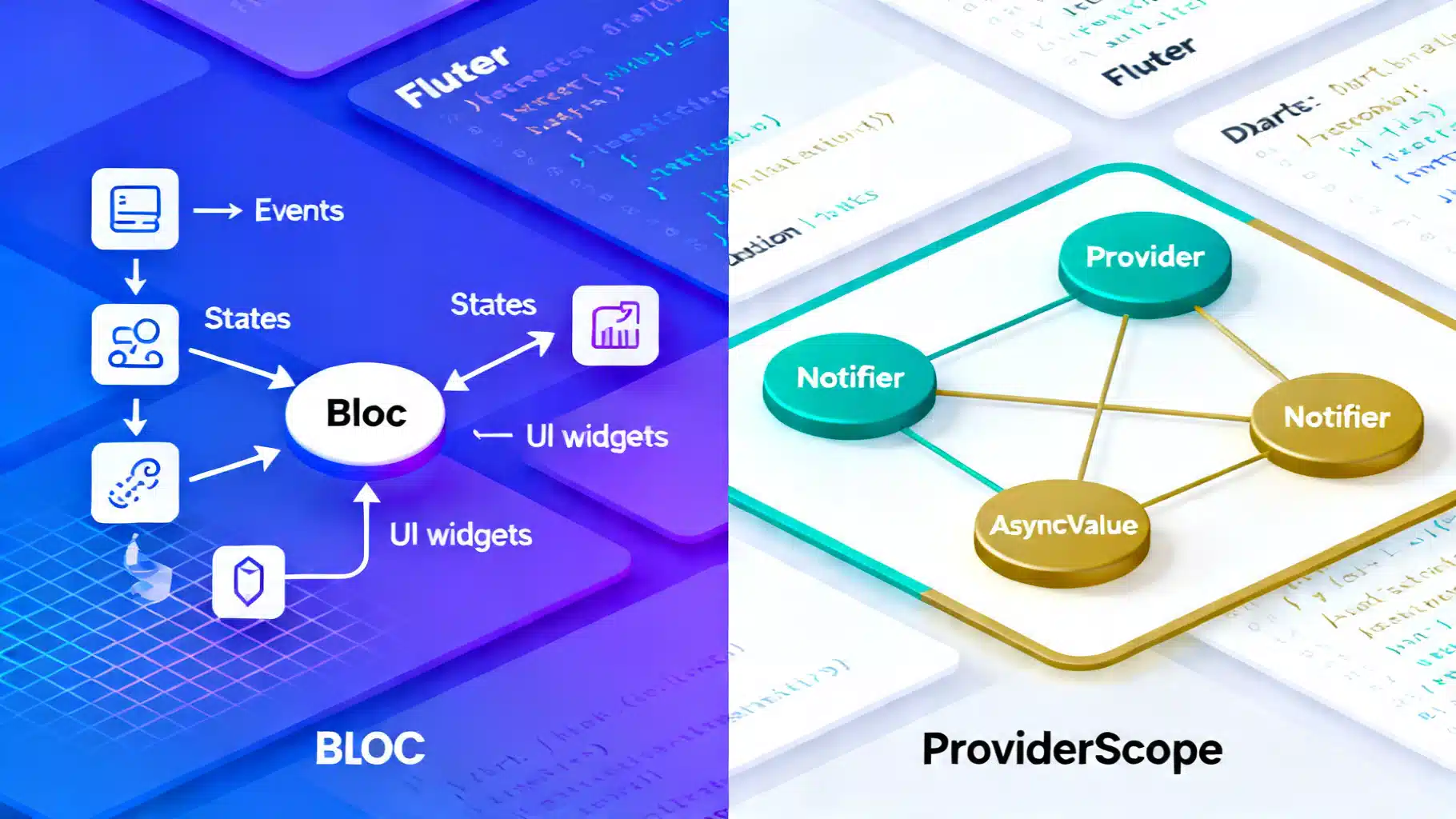
Flutter State Management in 2026: BLoC vs Riverpod (3.x)
Flutter state management in 2026: a concise, practical comparison of BLoC and Riverpod 3.x—APIs, tooling, performance, and when to choose each.
Flutter GetX Tutorial: State, Routing, and Dependency Injection in One Lightweight Package
Step-by-step Flutter GetX tutorial covering state, routing, DI, bindings, workers, theming, and i18n with practical code snippets.
Flutter State Management Guide: Patterns, Packages, and Practical Examples
A practical, end-to-end Flutter state management guide with patterns, packages, examples, and performance tips for building scalable, testable apps.