
Building with AI Virtual Try‑On APIs: A Practical Guide for Fashion E‑Commerce
How AI virtual try-on APIs work, how to integrate them, measure quality, handle privacy, and scale for fashion e-commerce with code.
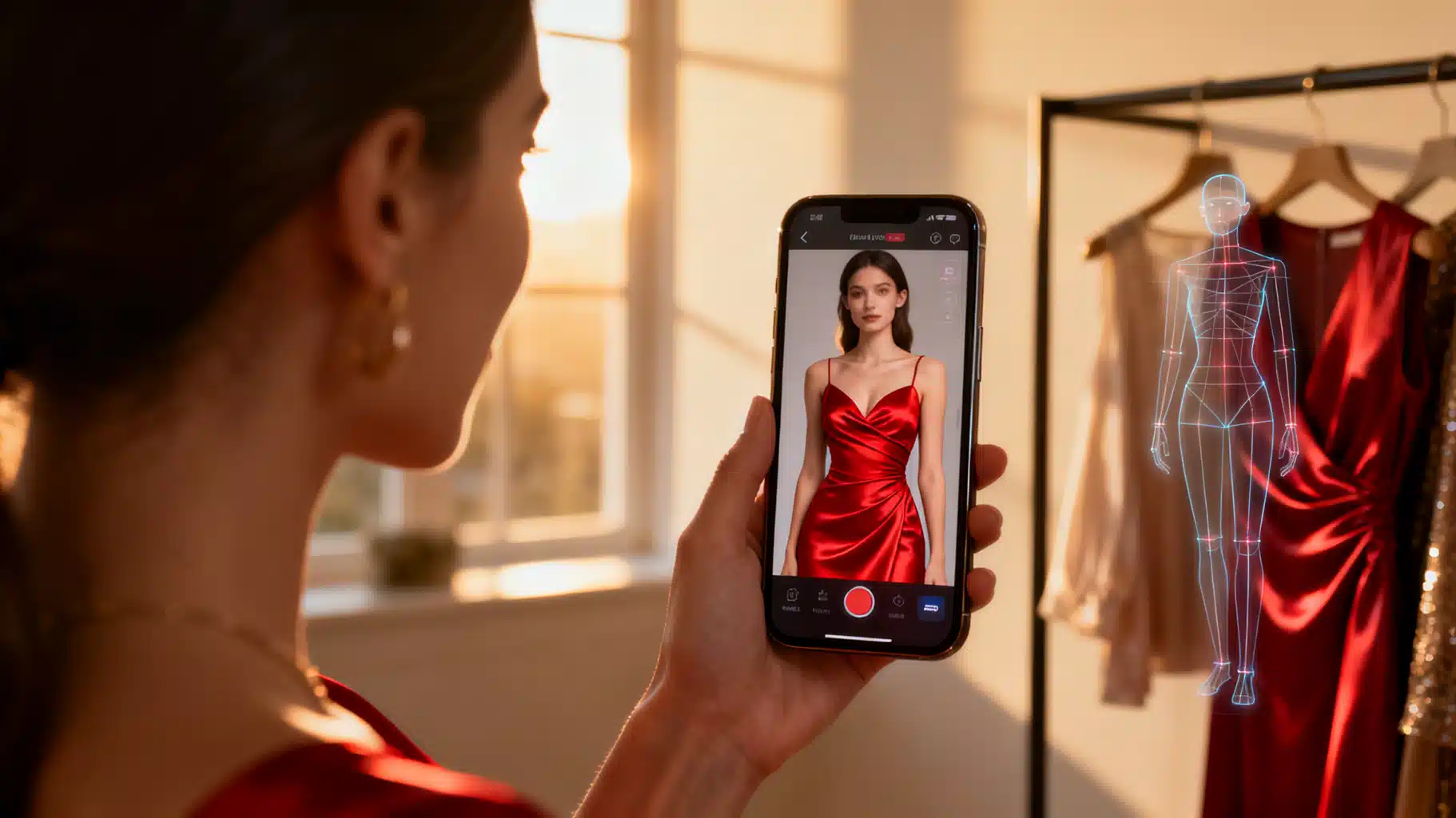
Image used for representation purposes only.
What “virtual try-on” really means
AI virtual try-on lets shoppers see how apparel looks on them without a fitting room. A modern try-on API accepts a shopper photo or avatar and a product image (or 3D asset), then generates a photorealistic composite that respects body shape, pose, fabric behavior, and lighting. When done well, it shrinks return rates, boosts conversion, and increases buyer confidence—especially for fit-sensitive categories like dresses, denim, and outerwear.
The building blocks of a try-on API
A robust pipeline typically includes:
- Input handling
- Shopper input: selfie, full-body photo, or prebuilt avatar (SMPL/SMPL-X). Optional depth from LiDAR or dual-camera phones.
- Product input: flat-lay or ghost-mannequin images with clean backgrounds; optional 3D garment meshes and size charts.
- Human parsing and pose estimation
- Segment skin, hair, hands; detect landmarks and skeleton; estimate body shape for scale.
- Garment parsing
- Segment garment regions (collar, sleeves, waistband) and recover 2D pattern edges or 3D garment topology.
- Fit and drape
- 2D warping (TPS/flow) for speed, or learned deformation + differentiable cloth for realism.
- Image synthesis
- Diffusion/inpainting models refine seams, shadows, and textures; preserve identity and background.
- Quality and safety gates
- Occlusion checks (hands over fabric), pattern alignment, logo legibility, NSFW moderation.
- Delivery
- CDN-backed image/video, optional alpha matte, and metadata for analytics.
Model choices: 2D, diffusion, or 3D?
- 2D warping (optical flow/TPS)
- Pros: Fast (<300 ms on GPU), cheap, easy to cache.
- Cons: Struggles with extreme poses, heavy drape, or complex textures.
- Diffusion + control signals (pose/seg/normal maps)
- Pros: Best photorealism; handles occlusions and lighting; fixes artifacts via inpainting.
- Cons: Slower (0.6–2.0 s per 1024px render), more GPU cost; requires strong identity preservation.
- 3D body + cloth (SMPL + sim, NeRF/3DGS avatars)
- Pros: True view consistency across angles, supports video and AR; better size reasoning.
- Cons: Highest onboarding friction (multi-view assets), more infra (GPU memory, caching), longer time-to-first-pixel.
Most production stacks blend approaches: fast 2D previews first, then an optional diffusion or 3D refinement when the shopper pauses or taps “enhance.”
Reference architecture
- Edge upload: shoppers send images to regional buckets; pre-signed URLs reduce latency and PII exposure.
- Preprocess: face/hand/skin segmentation, body landmarks, garment parsing.
- Fit stage: choose a fast or high-quality route based on SLA and device/network.
- Synthesis: diffusion inpainting guided by control maps; background preserved or replaced.
- QA: automatic artifact scoring (skin bleed, texture stretch, sleeve cuffs alignment); retry with alt seeds if below threshold.
- Deliver: signed CDN URL; optionally WebP/AVIF and 4–8 frame parallax for micro-motion realism.
- Observe: metrics, A/B flags, and privacy-aware logs.
Integration patterns and code
Most APIs are job-based: you POST inputs, receive a job_id, then poll or accept a webhook.
Minimal REST flow (cURL)
curl -X POST "https://api.example.com/v1/tryon" \
  -H "Authorization: Bearer $TOKEN" \
  -F "user_image=@/path/me_fullbody.jpg" \
  -F "garment_id=SKU-12345" \
  -F "size=M" \
  -F "webhook=https://shop.example.com/tryon/webhook" \
  -F "options={\"model\":\"diffusion-v3\",\"background\":\"original\",\"resolution\":\"1024x1536\"}"
Response:
{ "job_id": "job_01HX9ZPMV4Z9A2", "status": "queued" }
Poll:
curl -H "Authorization: Bearer $TOKEN" \
  "https://api.example.com/v1/tryon/job_01HX9ZPMV4Z9A2"
Success payload (via webhook):
{
  "job_id": "job_01HX9ZPMV4Z9A2",
  "status": "succeeded",
  "assets": {
    "image_url": "https://cdn.example.com/renders/job_01HX9ZP.png",
    "alpha_url": "https://cdn.example.com/renders/job_01HX9ZP_a.png"
  },
  "metrics": { "latency_ms": 820, "model": "diffusion-v3", "resolution": "1024x1536" },
  "qa": { "artifact_score": 0.93, "occlusion": "hands-ok" }
}
Node.js example
import fetch from "node-fetch";
import FormData from "form-data";
import fs from "fs";

const form = new FormData();
form.append("user_image", fs.createReadStream("me.jpg"));
form.append("garment_id", "SKU-12345");
form.append("size", "M");
form.append("options", JSON.stringify({ model: "diffusion-v3", background: "original" }));

const res = await fetch("https://api.example.com/v1/tryon", {
  method: "POST",
  headers: { Authorization: `Bearer ${process.env.TOKEN}` },
  body: form
});
console.log(await res.json());
Python example
import requests

url = "https://api.example.com/v1/tryon"
files = {"user_image": open("me.jpg", "rb")}
data = {
  "garment_id": "SKU-12345",
  "size": "M",
  "options": '{"model":"diffusion-v3","background":"original"}'
}
headers = {"Authorization": f"Bearer {TOKEN}"}
print(requests.post(url, headers=headers, files=files, data=data).json())
Real-time camera overlays
For live previews, the API may expose a WebRTC or WebSocket session. Send downsampled frames (e.g., 512px) for <200 ms round-trip previews, then request a high-res still when the shopper stops moving.
Measuring quality and fit
Move beyond pixel metrics to business outcomes:
- Perceptual quality
- Human panels with double-blind comparisons; LPIPS/CLIP-IQ as screening.
- Identity preservation
- Face similarity embeddings; hair/hand boundary IoU.
- Garment fidelity
- Logo/text sharpness, pattern straightness, seam continuity.
- Fit realism
- Sleeve length and waist placement vs. body landmarks; fabric stretch plausibility.
- Business KPIs
- Add-to-cart, conversion lift, return-rate delta, and time-on-page. Run A/B tests with guardrails for latency.
Tip: log “explanations” (e.g., which control maps were used) to correlate features with outcomes.
Onboarding your catalog
- Asset standards
- 2048px PNG, neutral lighting, no wrinkles; front/back and detail shots.
- Metadata
- Size table, stretch factor (0–1), fabric type, sleeve length, rise/inseam for bottoms.
- Masks
- Provide garment segmentation or let the API auto-segment and approve via a dashboard.
- Edge cases
- Highly reflective fabrics, lace, and translucent layers; provide extra references.
Performance and scale
- Latency budgets (typical targets)
- First preview: <400 ms at 512px.
- High-quality still: 0.8–1.5 s at 1024–1536px.
- Caching
- Key on (user_avatar_hash, garment_id, size, model, options). Respect PII by hashing ephemeral avatars.
- Concurrency and autoscaling
- Queue with priority lanes (UI interactions > batch renders). Warm GPU pools by region.
- Idempotency and retries
- Require an Idempotency-Key header; expose Retry-After and backoff hints.
- Delivery
- AVIF/WebP with perceptual quality targeting; signed URLs that expire quickly.
Example response headers:
x-render-latency: 842ms
x-model: diffusion-v3
cache-control: public, max-age=31536000, immutable
Privacy, safety, and compliance fundamentals
- Data minimization
- Process images in-region; default to 0–24h retention; allow “no store” mode.
- Consent and transparency
- Explain that images are used to generate visualizations; no biometric identification. Obtain explicit consent where required.
- User controls
- One-tap delete; export audit logs for enterprise.
- Sensitive-content moderation
- Block unsafe or underage images; offer face-blur options for social sharing.
- Legal note
- Regulations (e.g., privacy and biometric laws) may apply depending on your jurisdiction and use case. Treat this as product guidance, not legal advice; consult counsel.
UX patterns that convert
- Clear affordances: “Preview on me” above the fold; auto-pick size from profile.
- Immediate feedback: low-res preview in <400 ms, then sharpen.
- Guidance: overlay pose silhouettes; prompt for a better photo if alignment is poor.
- Trust: “Visualization may differ from actual fit” and links to size help.
- Shareability: generate a square and a portrait crop with tasteful branding.
Cost drivers and optimization
- Resolution and steps
- Each 2× resolution jump can ~4× compute. Cap to what your PDP needs.
- Control signals
- Pose/seg maps add cost but reduce retries; tune for your catalog.
- Model choice by tier
- Use fast warping for browse, diffusion for dwellers, 3D for VIP profiles.
- Batch windows
- Pre-render top SKUs with typical poses for popular sizes.
Provider selection checklist
- Photorealism on your catalog (not just demos)
- Identity preservation across hair/skin tones and lighting
- SKU onboarding friction, auto-masking quality, and tools
- Latency and regional coverage; edge POPs and GPU warm pools
- Privacy controls, data residency, and auditability
- Moderation and safety features
- Pricing transparency, quotas, and overage handling
- SDKs (Web, iOS, Android, Unity) and documentation
- SLAs, support channels, and roadmap alignment
What’s next for virtual try-on
- Generative 3D from few views: rapid creation of multi-view garments and avatars.
- Differentiable cloth with learned material parameters for realistic drape.
- Unified avatars across categories (apparel, footwear, eyewear, jewelry) with consistent identity.
- On-device guidance models for instant previews with server-side refinement.
Conclusion
Virtual try-on is no longer a novelty—it’s a conversion feature. By choosing the right model mix, designing for latency, and building a privacy-first pipeline, you can ship a try-on experience that feels magical and measurably improves business metrics. Start simple with a job-based API, measure relentlessly, then graduate to real-time overlays and multi-angle renders as your catalog and traffic grow.
Related Posts
Structured Observability for APIs: From JSON Logs to SLOs
A practical guide to structured API logging and observability: schemas, tracing, metrics, correlation IDs, pipelines, and cost-efficient practices.

GraphQL Input Validation and Sanitization: A Practical, Defense‑in‑Depth Guide
A practical guide to GraphQL input validation and sanitization with schema design, scalars, directives, resolver checks, and query cost controls.