
Outlook Lite shuts down May 25: Microsoft sets final date, urges switch to Outlook Mobile
Microsoft will shut down Outlook Lite on Android on May 25, 2026. Here’s what changes, who’s affected, and how to migrate to Outlook Mobile.
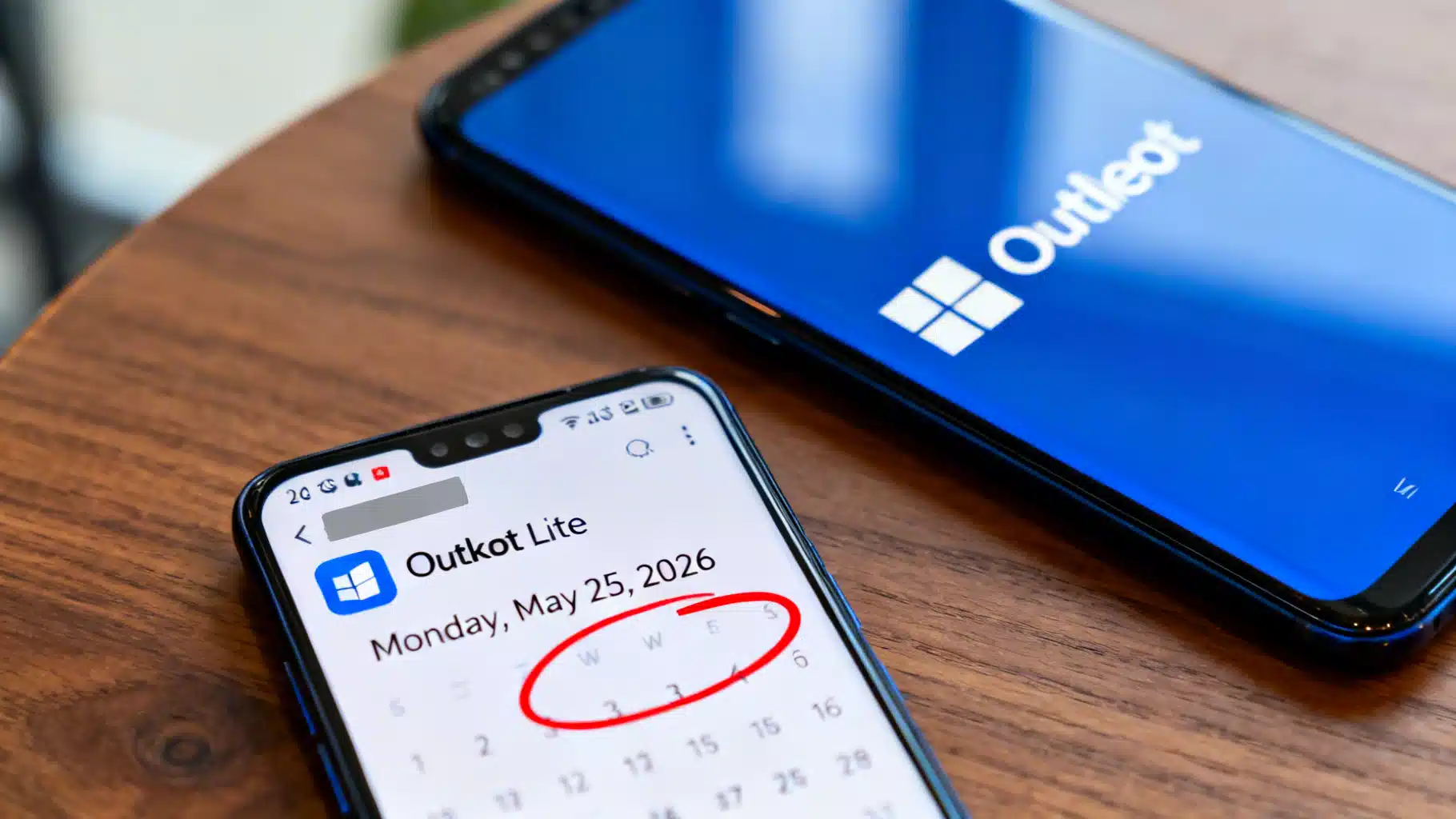
Image used for representation purposes only.
Microsoft sets May 25 cutoff for Outlook Lite on Android
Microsoft will complete the shutdown of Outlook Lite on Monday, May 25, 2026. After that date, the app will still open but mailbox access and in‑app functionality will be disabled, and users will need to move to the full Microsoft Outlook Mobile app to continue sending and receiving email and using calendar features. The date comes via a Microsoft 365 Message Center notice (MC1276508) mirrored by an admin tracker, and has been echoed by multiple tech outlets. Some reports cite May 26 because of time‑zone differences, but Microsoft’s own notice specifies May 25. (m365admin.handsontek.net )
Why this matters
Outlook Lite carved out a niche on low‑end Android phones and in regions with slower or costlier mobile data, delivering the core Outlook experience in a tiny install. Its retirement forces remaining users—often on older devices—to upgrade to Outlook Mobile or choose an alternative, with potential performance and data‑usage trade‑offs. (techcommunity.microsoft.com )
Key dates at a glance
- October 6, 2025: Microsoft began the retirement by blocking new installations of Outlook Lite from the Play Store. Existing users could keep using the app for a limited time. (support.microsoft.com )
- May 25, 2026: Final cut‑off. Outlook Lite will no longer provide mailbox access or functional navigation; the app may launch but won’t work for mail or calendar. (m365admin.handsontek.net )
What happens on May 25
- You can still launch Outlook Lite, but mailbox access is disabled and in‑app navigation will no longer function. (m365admin.handsontek.net )
- Your email, calendar items, and attachments are not deleted. You can access them by signing into Microsoft Outlook Mobile (the standard app). (m365admin.handsontek.net )
- No tenant‑level admin change is required, but organizations should notify affected users. (m365admin.handsontek.net )
What to do now (users and admins)
- Install Microsoft Outlook Mobile from the Google Play Store and sign in with the same account(s) you used in Outlook Lite. (m365admin.handsontek.net )
- If you manage devices, communicate the deadline to users, update internal docs, and, where applicable, push Outlook Mobile via your device‑management solution. (m365admin.handsontek.net )
- Expect a larger app and broader feature set versus Lite; Microsoft retired Lite to consolidate effort on a single flagship Android client. (windowscentral.com )
Why Microsoft is ending Outlook Lite
Microsoft signaled in 2025 that it would focus development and support on one mobile codebase—Outlook Mobile—rather than maintaining the parallel Lite client. The company blocked new Lite installs in October 2025 and set May 25, 2026 as the hard stop for remaining users. This aligns with Microsoft’s broader consolidation of Outlook experiences across platforms. (windowscentral.com )
Background: What was Outlook Lite?
Launched in 2022, Outlook Lite delivered the essentials of Outlook in a roughly 5 MB download, tuned for phones with as little as 1 GB RAM and for 2G/3G networks. Microsoft later expanded features (including region‑specific additions in India), but the app ultimately topped out at around 10 million installs before Microsoft pivoted away from the Lite approach. (techcommunity.microsoft.com )
The bigger Outlook picture
The Lite cutoff lands amid a multi‑year transition toward a single, modern Outlook experience. Separately, Microsoft recently pushed back the enterprise default‑switch timeline to the new Outlook for Windows into 2027, underscoring a phased approach to Outlook changes across ecosystems. (techradar.com )
FAQ
-
Is May 25 or May 26 the real date?
- Microsoft’s Message Center post lists Monday, May 25, 2026. Some coverage references May 26, likely due to reporting from different time zones. Plan for May 25. (m365admin.handsontek.net )
-
Will my emails be deleted when Outlook Lite retires?
- No. Your data remains in your mailbox. You’ll need Outlook Mobile (or another client) to access it after May 25. (m365admin.handsontek.net )
-
Do I need to take action as an admin?
- Microsoft doesn’t require tenant changes, but you should inform users still on Lite and guide them to switch to Outlook Mobile before the cutoff. (m365admin.handsontek.net )
Quick migration checklist
- Identify devices still running Outlook Lite.
- Notify users of the May 25, 2026 deadline and provide the Play Store link for Outlook Mobile.
- Encourage users to sign in with the same accounts used in Lite; confirm mail sync and notifications.
- Update helpdesk/runbooks that reference Outlook Lite. (m365admin.handsontek.net )
Bottom line
Outlook Lite’s end is now on a fixed clock. Mark May 25, 2026 as the day the app stops being a usable mailbox. If you (or your users) still rely on Lite, install Outlook Mobile and verify access and notifications well ahead of the deadline to avoid a hard stop. (m365admin.handsontek.net )
Related Posts

Flutter Video Streaming Player Tutorial: From video_player to Chewie (and Beyond)
Build a Flutter video streaming player with HLS/DASH using video_player and Chewie. Fullscreen, buffering, subtitles, PiP, and production tips.
Google class action lawsuits: Where the big cases stand now and who could get paid
As of April 9, 2026: The latest on Google class actions—Play Store $700M nearing court approval, Android data $135M, Assistant $68M, and a $425.7M verdict.

Building a Production-Ready AI Image Recognition API for Mobile Apps
Design and ship a production-grade AI image recognition API for mobile apps: architecture, models, privacy, performance, and code snippets for iOS/Android.