
Microsoft overhauls Windows 11 shutdown and restart: always available, no forced updates
Windows 11 decouples shutdown/restart from updates, adds longer pauses, and reduces reboots—rolling out to Insiders from April 24, 2026.
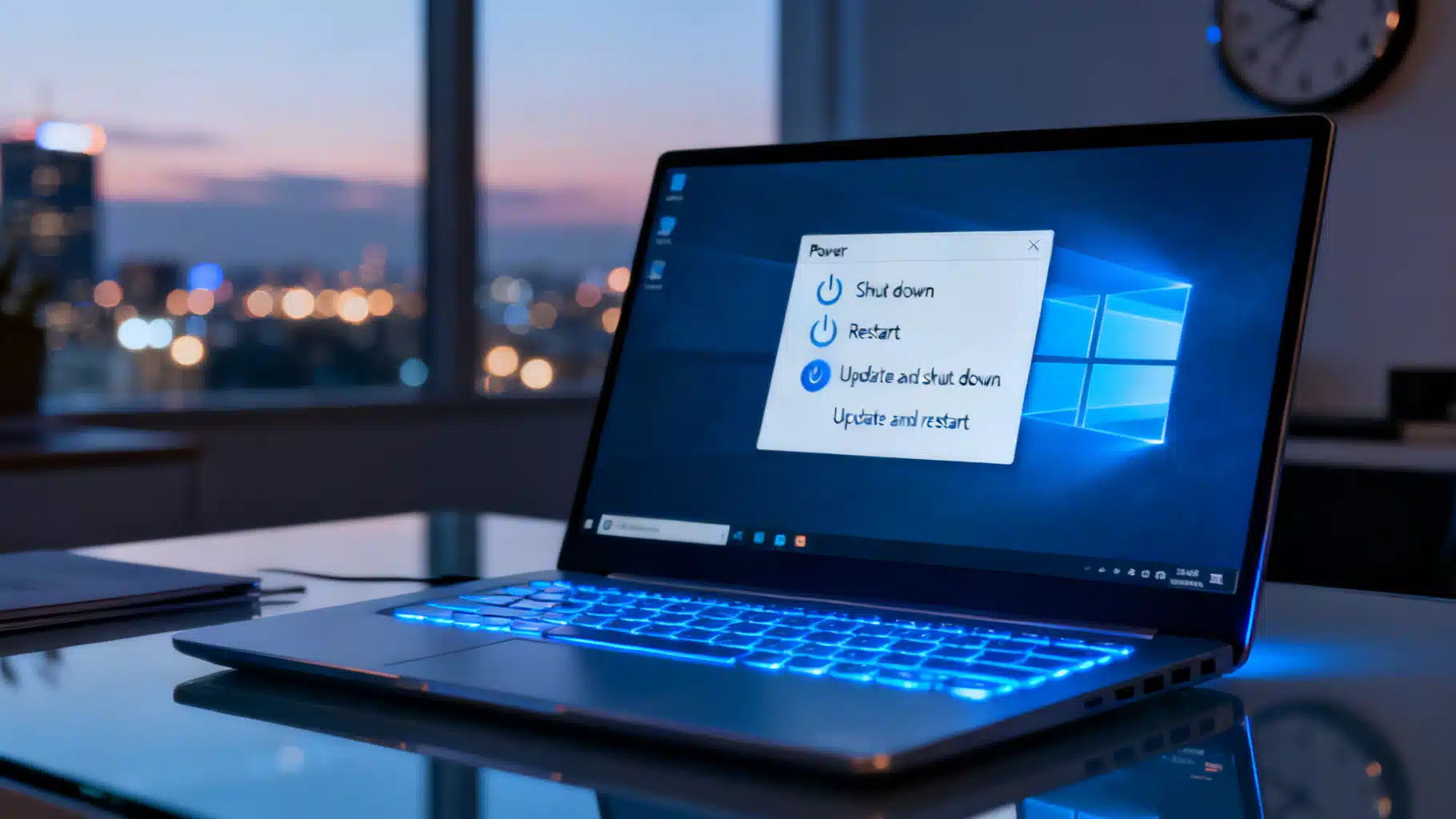
Image used for representation purposes only.
Microsoft separates “power” from “update” in Windows 11
Microsoft is changing how shutdown and restart work in Windows 11. Beginning April 24, 2026, the company started rolling out a redesign that keeps standard Shut down and Restart options always available—even when updates are pending—by clearly separating power actions from update actions in the Start menu’s Power menu. This removes a long‑standing frustration where update prompts effectively hid normal power controls. The change is live for Windows Insiders and will expand over time. (blogs.windows.com )
What’s new in the Power menu
- Always‑available “Shut down” and “Restart” that do exactly what they say, regardless of pending updates.
- Update‑specific choices (“Update and shut down” and “Update and restart”) appear only when applicable, giving users four explicit options.
- Faster return to work: after a restart, Windows will attempt to restore previously open apps more quickly. (blogs.windows.com )
Microsoft frames the change as making shutdown and restart “simple, predictable, and on your terms.” The company published screenshots showing the four choices side‑by‑side in the Power menu. (blogs.windows.com )
More control over when updates happen
The shutdown/restart overhaul lands alongside a broader Windows Update reset aimed at reducing disruption:
- Skip updates during device setup (OOBE) to reach the desktop faster. Note: this does not apply to managed/commercial devices. (blogs.windows.com )
- Pause updates for up to 35 days—and re‑pause repeatedly in 35‑day blocks, effectively allowing long deferrals if you choose. (blogs.windows.com )
- Fewer reboots: Microsoft is coordinating driver, .NET, and firmware releases so most consumers see a single monthly restart tied to the quality update. (blogs.windows.com )
- Clearer update info: driver entries now include device classes (display, audio, battery, etc.) to help you decide what to install. (blogs.windows.com )
Independent coverage confirms the rollout to Insiders and the extended pause model, describing the effort as “full control” over updates and highlighting the consolidated “Available updates” section in Settings. (windowslatest.com )
Why it matters: years of shutdown confusion and recent bugs
For years, many Windows users complained that selecting “Update and shut down” often resulted in an unexpected reboot rather than a true shutdown. Microsoft acknowledged and fixed this unreliable behavior in late 2025 preview builds and subsequent updates. (windowscentral.com )
The urgency to make shutdown behavior predictable grew after January 13, 2026’s security update triggered a separate regression on some Windows 11 23H2 devices (with System Guard Secure Launch enabled), causing systems to restart instead of shutting down or hibernating. Microsoft issued out‑of‑band fixes in mid‑January. (pcworld.com )
When you can get it
- Availability: The new power menu behavior and update controls began rolling out to Windows Insiders on April 24, 2026. Microsoft says features may evolve before reaching general release. (blogs.windows.com )
- Insider builds: Reports indicate the changes are present in Experimental (build 26300.8289) and Beta (build 26220.8282). (windowslatest.com )
- Insider program updates: Microsoft also reorganized Insider channels this month, introducing an Experimental channel where features can appear earlier and may change before shipping. (tomshardware.com )
How to try it now (Insiders)
- Join Windows Insider Program, then select the Experimental or Beta Channel in Settings > Windows Update > Windows Insider Program. (windowscentral.com )
- Ensure you’ve installed the latest Insider build and reboot once to apply the new Power menu behavior. (windowslatest.com )
The bigger picture: fewer forced restarts, clearer choices
Microsoft previewed these steps in March 2026 as part of a renewed commitment to Windows 11 quality—promising fewer automatic restarts and notifications, longer pauses, and the ability to shut down or restart without being forced to update. Today’s rollout delivers on that roadmap. (blogs.windows.com )
What IT admins should know
- Managed OOBE: The “skip updates during setup” control doesn’t apply where OOBE is centrally managed. (blogs.windows.com )
- Consolidation: Driver, .NET, and firmware updates will align to monthly quality releases for a single coordinated reboot in most cases—useful for maintenance windows. (blogs.windows.com )
Bottom line
As of April 24, 2026, Windows 11 is decoupling basic power actions from updates—finally making Shut down and Restart predictable. Paired with longer pause options and fewer coordinated reboots, Microsoft is tackling one of Windows’ most persistent pain points while preserving the ability to update on your own schedule. Expect these changes in Insider builds now and broader availability after validation. (blogs.windows.com )
Related Posts

Windows Update, April 2026: KB5083769 lands with 167 fixes and two zero‑days
April 2026 Patch Tuesday: Microsoft ships Windows 11 KB5083769, fixes 167 flaws (2 zero‑days), adds Secure Boot status in Windows Security, and updates ESU paths.
Microsoft issues emergency Windows 11 update to fix broken sign-ins as two OOB hotpatches land
Microsoft ships an emergency Windows 11 update (KB5085516) to fix broken Microsoft account sign-ins; two hotpatch OOB updates also landed this week.

Xbox resets: price cuts, Project Helix, and a return to “We Are Xbox”
Xbox retires the “Microsoft Gaming” name, cuts Game Pass prices, details Project Helix, and doubles down on multi‑platform in a sweeping 2026 reset.