
iPhone Alarms Are Back in the Spotlight: What iOS 26.4 Changed—and What Could Still Go Wrong
iOS 26.4 changes how iPhone alarms work with Apple Watch—plus new UI, snooze options, and ongoing glitches users should know about.
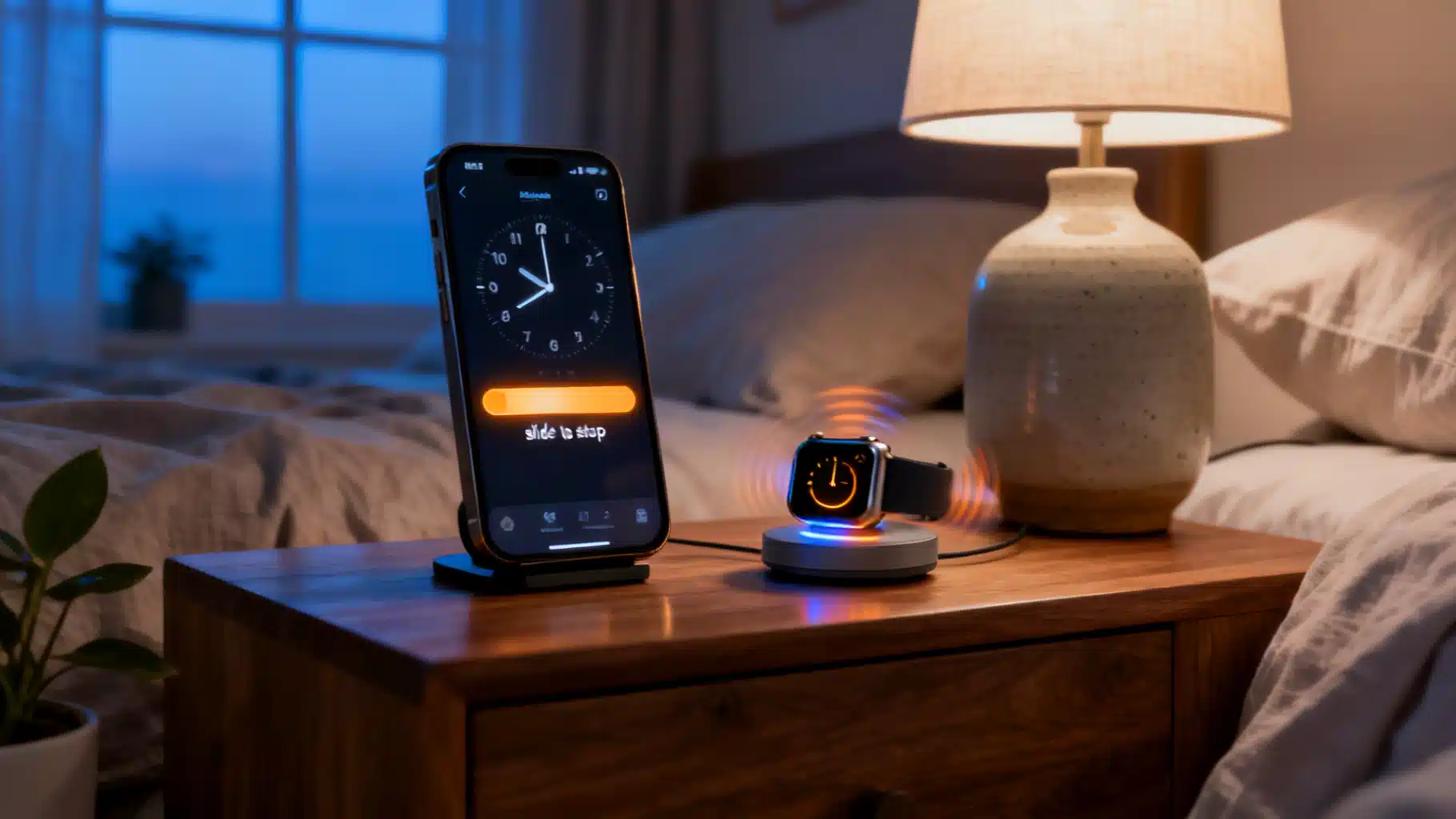
Image used for representation purposes only.
iPhone alarms are trending again — here’s what changed, what’s broken, and how to stay on time
If “iPhone alarm” just popped up on your feed, you’re not alone. In the past few weeks, a wave of updates, UI tweaks, and user complaints have pushed Apple’s wake‑up system back into the headlines. With iOS 26.4 rolling out on April 28, 2026, the iPhone’s alarm behavior—especially for Apple Watch wearers—has shifted yet again. Here’s the state of play, what’s new, and what to do if your alarm is still unreliable.
What’s new in iOS 26.4 this week
- Alarms can now sound on iPhone even when you wear Apple Watch to bed. Historically, wearing a Watch routed Sleep alarms to the wrist by default; iOS 26.4 adds a long‑requested option so the phone can also play sound, reducing the risk you’ll miss gentle haptics. (9to5mac.com )
This change follows months of Watch–iPhone alarm friction reported by users after iOS 26 launched, where alarms would ring only on the Watch or behave inconsistently across devices. The new toggle aims to restore confidence for heavy sleepers or anyone who prefers room‑filling audio alongside wrist taps. (reddit.com )
The recent evolution of iPhone alarms
-
Slide to stop (and how to get the button back). In late 2025, Apple overhauled alarm dismissal in iOS 26.1, replacing the big Stop button with a “slide to stop” gesture to cut down on accidental dismissals when you’re half‑awake. If you dislike the slider, a Settings option lets you restore the classic Stop/Snooze buttons. (9to5mac.com )
-
Harder to accidentally silence alarms. Test builds of iOS 26.1 were designed to make alarms less trivial to turn off—an intentional nudge to prevent oversleeping caused by a stray tap. (macrumors.com )
-
Custom snooze duration. iOS 26 finally broke the historic nine‑minute snooze by letting you set per‑alarm snooze lengths, a small but meaningful quality‑of‑life upgrade for power users. (tomsguide.com )
-
Better third‑party alarm support. Apple opened up system‑level capabilities so non‑Apple alarm and timer apps can trigger full‑screen alerts, break through Silent/Focus modes, and integrate with Dynamic Island and Apple Watch—addressing reliability gaps that plagued third‑party alarms in earlier iOS versions. (macrumors.com )
Why is “iPhone alarm” trending now?
-
The April 28, 2026 iOS 26.4 change affects millions who sleep with Apple Watch, flipping a default that previously pushed alarms to the wrist only. That alone sparked fresh discussion and how‑to threads as people rediscovered where alarm sounds will play. (9to5mac.com )
-
Simultaneously, users on iOS 26.2–26.4 continue sharing edge‑case failures: alarms that stop instead of snooze, notifications without sound, or alarms that never appear. While anecdotal, these reports suggest lingering bugs and configuration pitfalls. (reddit.com )
The lingering pain points
-
Inconsistent Watch mirroring: Some users still see alarms routed only to the Watch or failing to mirror reliably, even after resets and re‑pairing. iOS 26.4’s new option should help, but not all complaints appear resolved. (reddit.com )
-
UI friction: The “slide to stop” design reduced accidental dismissals but also confused long‑time users used to large buttons—hence Apple’s option to bring the button back. (9to5mac.com )
-
Historical context: Back in 2024, Apple acknowledged that some iPhone alarms weren’t sounding for certain users; community sleuthing pointed to Face ID’s Attention‑Aware Features lowering alert volume when the phone detected you were looking at it. That episode shaped today’s advice to review attention and volume settings if alarms seem quiet. (time.com )
What to check right now if you rely on alarms
These steps combine Apple’s latest changes with veteran troubleshooting from the iOS community.
-
After updating to iOS 26.4: Open Clock and confirm where Sleep and standard alarms will sound if you wear Apple Watch; enable the new option to play sound on iPhone as well, not just haptics on Watch. (9to5mac.com )
-
Prefer the old Stop/Snooze buttons? Switch off the “slide to stop” behavior in Settings so you can tap a button to dismiss again. (9to5mac.com )
-
Set your ideal snooze: For each alarm, adjust snooze duration to match your routine. It’s not a global toggle, so review all critical alarms. (tomsguide.com )
-
Watch behavior still odd? Restart both devices, review Clock/Watch alarm mirroring preferences, and re‑pair only if problems persist—steps community moderators and support forums frequently recommend. (appletoolbox.com )
-
If alarms seem too quiet or sporadic: Review Attention‑Aware Features and “Change with Buttons,” which can reduce alert volume or let accidental key presses drop volume. Several recent guides still point to these as common culprits. (time.com )
-
Third‑party alarms for redundancy: Since iOS 26 grants deeper system access, a reputable alarm app can now show full‑screen alerts and break through Focus/Silent—useful as a backup while Apple continues refining Clock. (macrumors.com )
The bottom line
As of April 30, 2026, Apple’s latest update, iOS 26.4, addresses one of the most frequent complaints from Watch wearers by letting iPhone play audible alarms alongside wrist haptics. Meanwhile, iOS 26’s broader alarm overhaul—new dismissal UI, customizable snooze, and stronger third‑party hooks—continues to evolve with user feedback. Still, pockets of unreliable behavior remain, as seen in ongoing reports from iOS 26.2 through 26.4. If your wake‑up depends on your phone, double‑check new settings post‑update, consider restoring the old Stop button, review attention/volume controls, and keep a backup alarm until you’re confident everything fires as expected. (9to5mac.com )
Related Posts
Apple releases iOS 26.4 with eight new emojis: Distorted Face, Orca, Trombone, and more
Apple’s iOS 26.4 is out with eight new emojis and 155 more design additions, based on Unicode 17.0. Here’s the full list, what changed, and how to get them.
iOS 26.4: What’s New, When It’s Arriving, and What’s Still Missing
iOS 26.4 arrives in late March 2026 with new emoji, Apple Music/Podcasts upgrades, Health and Camera tweaks—while the big Siri overhaul waits for a later update.
Apple Weather outage on April 28: What happened, why it matters, and how to prepare next time
Apple’s Weather app went down on April 28, 2026, for about three hours. Here’s the timeline, impact, and what to do when Weather fails.