
Apple Weather outage on April 28: What happened, why it matters, and how to prepare next time
Apple’s Weather app went down on April 28, 2026, for about three hours. Here’s the timeline, impact, and what to do when Weather fails.
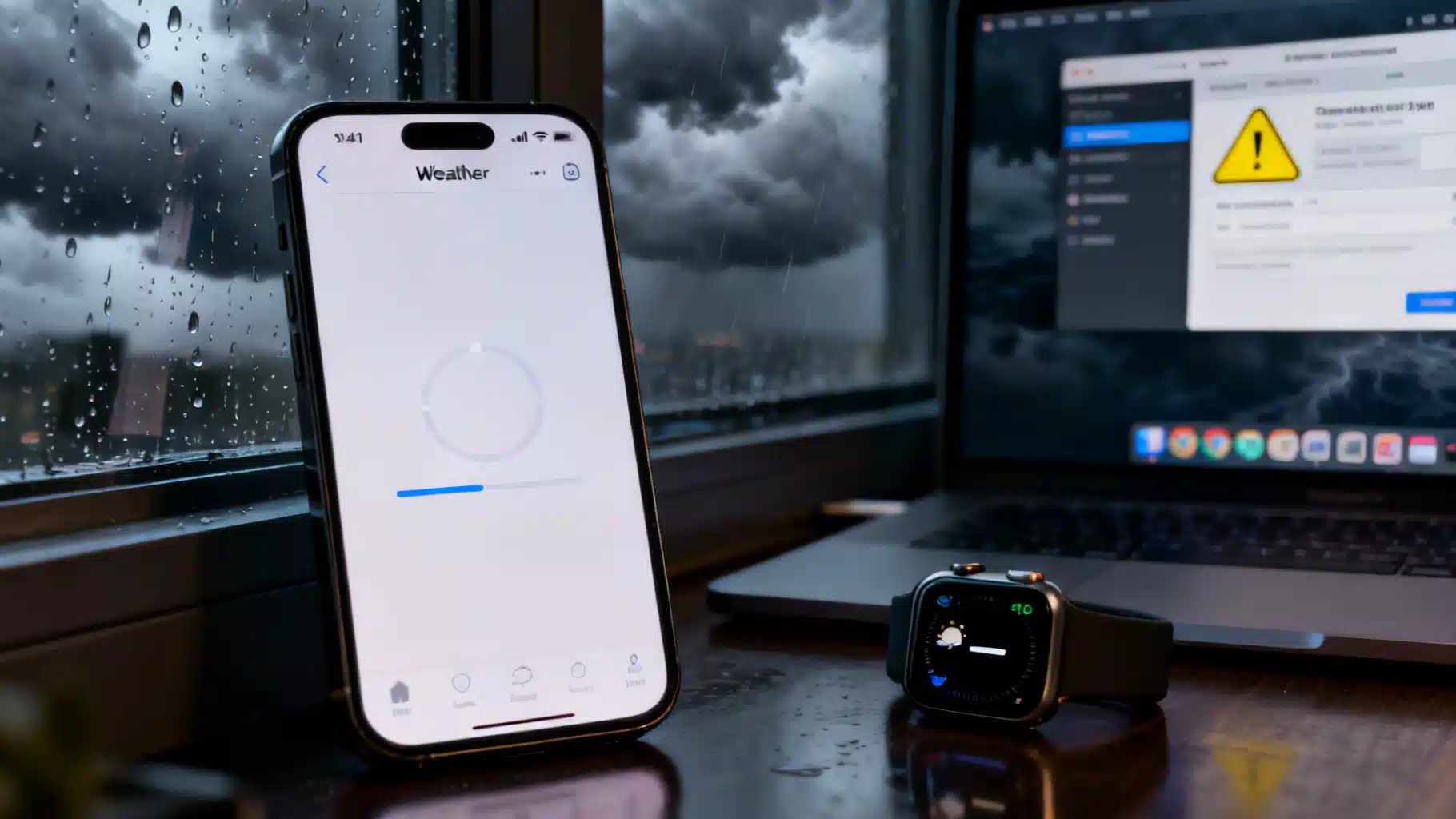
Image used for representation purposes only.
What happened
Apple’s built‑in Weather app suffered a multi‑hour outage on Tuesday, April 28, 2026, leaving many iPhone, Apple Watch, Mac, and widget users staring at blank panels, slow-loading screens, or “no data” errors. Apple later acknowledged a service disruption on its System Status page and marked it resolved the same afternoon. (macrumors.com )
Timeline: a brief disruption with wide reach
- 11:36 a.m. ET (April 28): Apple’s status page indicated Weather “may be slow or unavailable for some users.” (macrumors.com )
- 2:30 p.m. ET: Apple reported the issue fixed. MacRumors’ live update notes the resolution time, matching Apple’s status entry. (macrumors.com )
- During the outage window, tech press and users across social media and forums reported intermittent failures and long load times in the app and widgets. (9to5mac.com )
9to5Mac, which first flagged the problem mid‑morning Pacific Time, later updated its report to reflect Apple’s confirmation that the disruption lasted several hours into the afternoon. (9to5mac.com )
Scope and user impact
Reports pointed to problems fetching current conditions, hourly and daily forecasts, and radar tiles. Developers who rely on Apple’s WeatherKit API also observed their apps returning empty or delayed data during the same window, suggesting the backend Apple Weather service—not just the client app—was affected. (reddit.com )
Although Apple did not publish granular figures, coverage and crowdsourced monitoring indicated a broad impact in the United States with some reports from other regions as well. Yahoo Tech’s roundup noted “hundreds” of outage reports clustered around the incident window and highlighted that Apple marked the issue resolved later that afternoon. (tech.yahoo.com )
What Apple said
Apple’s System Status page characterized the problem as Weather being “slow or unavailable for some users,” listed the start at 11:36 a.m. Eastern, and marked the incident resolved at 2:30 p.m. Eastern. That timeline is reflected in contemporaneous reporting by MacRumors. (macrumors.com )
What might have caused it
Apple hasn’t disclosed a root cause. However, during the outage, 9to5Mac observed spikes on Downdetector for The Weather Channel and Apple Support—signals that often accompany real service trouble. Apple Weather aggregates multiple data sources via its WeatherKit platform; Apple’s developer documentation lists national meteorological agencies (for example, NOAA/NWS in the U.S.) and other providers among its inputs. In short, issues in external feeds or Apple’s aggregation layers can cascade to end users—even when the iOS app itself hasn’t changed. (9to5mac.com )
Important nuance: Apple previously relied heavily on The Weather Channel for the stock app in older OS versions, but today’s WeatherKit draws from a broader mix of sources. So while third‑party data hiccups may correlate with outages, Apple has not confirmed a specific dependency as the trigger for April 28. (support.apple.com )
How this compares to prior incidents
- April 2023: Apple Weather experienced widespread failures that persisted on and off for days for some users. (macrumors.com )
- June 2024: Intermittent issues hit the app and widgets; at times Apple’s status page initially showed everything “green” before reports mounted. (9to5mac.com )
The 2026 outage was shorter—roughly three hours—but broad enough to reignite reliability concerns that have bubbled up after each prior disruption. (macrumors.com )
What users can do next time
If Weather stalls again—especially during severe conditions—consider these steps:
- Check Apple’s System Status page to confirm a live incident. (macrumors.com )
- Keep a backup app installed that uses a different data backbone (for example, local TV station apps or services not reliant on Apple Weather). 9to5Mac’s coverage and developer forum chatter underscore how a single backend issue can affect multiple apps that depend on WeatherKit. (9to5mac.com )
- For U.S. severe weather, consult NOAA/NWS directly via Weather.gov or a trusted alerting app; Apple’s own documentation notes that severe weather alerts often originate with national agencies. (support.apple.com )
- If widgets are blank, try opening the full app, toggling location permissions, or force‑quitting and relaunching; these won’t fix a server outage but can help when the app finally reconnects. (General guidance; Apple did not prescribe fixes for this incident.)
Why it matters
Apple Weather is a system‑level utility that also feeds complications on Apple Watch and tiles on Mac; when the backend stumbles, the ripple effects touch daily routines and, at times, safety decisions. Tuesday’s outage was brief, but it reinforced a core reality of modern weather apps: even with multiple data sources, the aggregation layer is a single point of failure. Until Apple shares a post‑mortem or adds more visible resiliency, users and developers alike may continue to treat backup data sources as a necessity rather than a luxury. (macrumors.com )
The bottom line
- Outage window: 11:36 a.m.–2:30 p.m. ET on Tuesday, April 28, 2026. (macrumors.com )
- Symptoms: slow or no data in the Weather app, widgets, and some third‑party apps using WeatherKit. (reddit.com )
- Status: Resolved the same afternoon; Apple hasn’t disclosed a root cause. (tech.yahoo.com )
Related Posts
Apple Weather outage on April 28 disrupts forecasts; Apple says it’s fixed
Apple’s Weather app suffered a multi-hour outage on April 28, 2026. Apple says service is restored; here’s what happened, why tracking was tricky, and what to do now.
Build a Flutter QR Code Scanner and Generator in Flutter
Build a Flutter app that scans and generates QR codes with mobile_scanner and qr_flutter. Includes setup, code, exporting, UX, and tips.
iOS 26.4.2: Apple’s urgent privacy fix closes a notification data gap
Apple’s iOS 26.4.2 fixes a notification data-retention bug tied to CVE‑2026‑28950. Update now for improved privacy; iOS 18.7.8 brings the same fix.