
Flutter App Size Optimization: A Practical, Step‑by‑Step Guide
A practical, end-to-end guide to shrinking Flutter app size on Android, iOS, and Web with commands, configs, and a CI-friendly workflow.
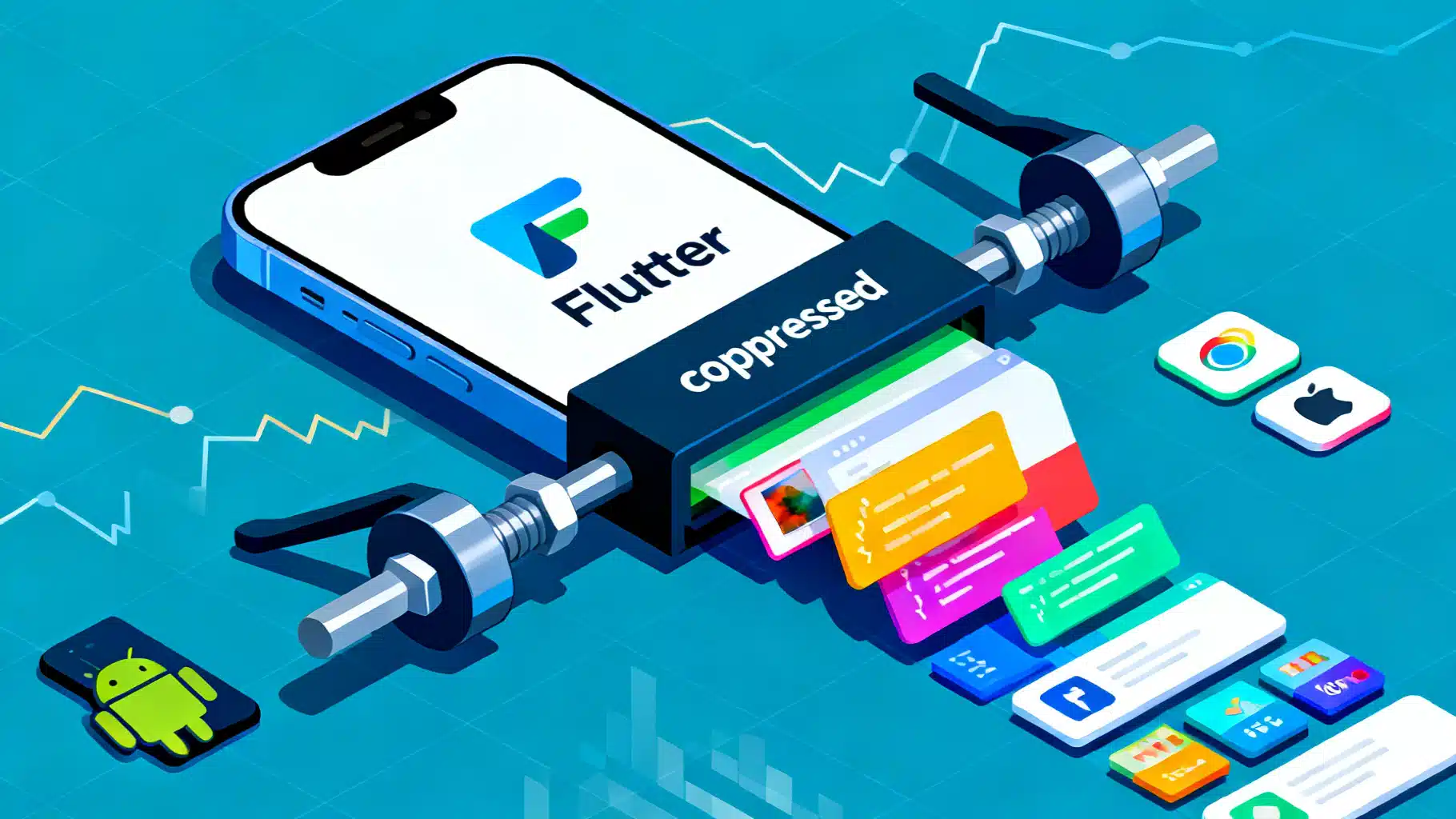
Image used for representation purposes only.
Why app size matters
Shipping a lean Flutter app improves install conversion, startup time, update velocity, and data costs—especially in regions with limited bandwidth or older devices. Google Play and the App Store both penalize bloated binaries with slower downloads and lower completion rates. This guide walks through practical, battle‑tested techniques to measure and reduce Flutter app size across Android, iOS, and Web without sacrificing features.
Measure first: establish a baseline
Before optimizing, quantify where the bytes live. Flutter and platform toolchains provide size reports you can track in CI.
- Build with analysis:
# Android App Bundle
flutter build appbundle --release --analyze-size

# APK (useful for local debugging of splits)
flutter build apk --release --analyze-size

# iOS (archive from Xcode or CLI)
flutter build ipa --release --analyze-size
Flutter outputs a JSON and a link to open App Size in DevTools. Inspect:
- Dart AOT snapshots and packages
- Flutter engine and Skia
- Native libraries (JNI/C/C++)
- Resources (assets, images, fonts, translations)
Track these artifacts over time; alert your team when size crosses thresholds (for example, >1 MB delta in bundle size).
Core Dart/Flutter techniques
1) Split debug symbols and optionally obfuscate
Debug symbols and readable identifiers add weight. Move them out of the shipped binary and shrink symbol names.
# Saves symbols to the given directory and strips them from the app
flutter build appbundle \
  --release \
  --split-debug-info=build/symbols \
  --obfuscate
Notes:
- Keep the symbols directory under version control or artifact storage; you need it to de‑obfuscate stack traces.
- Obfuscation slightly improves size and adds a modest barrier to reverse engineering.
2) Tree‑shake Material icons
By default, including Material icons bundles the full glyph set. Tree‑shaking embeds only the icons you use.
flutter build apk --release --tree-shake-icons
flutter build appbundle --release --tree-shake-icons
Make sure you aren’t referencing icons dynamically by string, as that prevents shaking.
3) Subset and rationalize fonts
Custom fonts are often multi‑megabyte. Reduce them to the code points you actually render.
- Use Flutter’s font subsetting tool during CI:
flutter font-subset \
  --output-file assets/fonts/YourFont-Subset.ttf \
  assets/fonts/YourFont.ttf \
  assets/text/codepoints.txt
- Provide separate subsets per script (Latin, Cyrillic, Arabic, etc.) and load conditionally based on locale.
- Prefer variable fonts over multiple weights when possible.
4) Be selective with packages and features
Every dependency can drag in code, native binaries, and resources.
- Audit periodically:
flutter pub deps -- --style=compact
- Replace heavy packages with lighter alternatives or platform APIs.
- Use platform-conditional imports (mobile vs. web) so web‑only code or desktop stubs don’t slip into mobile builds.
- Avoid large “kitchen sink” SDKs; integrate only the modules you need (e.g., analytics without remote config if unused).
5) Prune assets deliberately
- Avoid folder‑wide wildcards in pubspec.yaml; list only the assets you actually ship.
- Host rarely used or large assets (tutorial videos, sample datasets) on a CDN and download on demand.
- For animations, prefer vector (Rive, Lottie) over GIF/MP4 when feasible.
Example pubspec excerpt:
flutter:
  uses-material-design: true
  assets:
    - assets/images/logo.webp
    - assets/onboarding/slide1.webp
    # Explicit listing helps prevent accidental bloat
Android-specific techniques
6) Use App Bundles (AAB) and ABI splits
AABs let Play distribute device‑specific APKs so users don’t download unnecessary native libraries or densities.
- For local APKs with per-ABI splits:
flutter build apk --release --split-per-abi
This produces multiple APKs like arm64-v8a, armeabi-v7a, and x86_64. Each user gets only what their device needs.
7) Enable R8 code shrinking and resource shrinking
R8 removes unused Java/Kotlin bytecode and aggressively inlines, renames, and removes dead code. Pair it with resource shrinking to drop unreferenced drawables and XML.
In android/app/build.gradle (release buildType):
android {
  buildTypes {
    release {
      minifyEnabled true      // Enables R8
      shrinkResources true    // Remove unused resources
      proguardFiles getDefaultProguardFile('proguard-android-optimize.txt'),
                     'proguard-rules.pro'
    }
  }
}
Add keep rules for any reflection or dynamically loaded classes (e.g., certain SDKs). Test thoroughly; over‑shrinking can break runtime discovery.
8) Limit packaged locales and densities
If your app supports only specific languages or screen densities, tell Gradle to exclude the rest.
android {
  defaultConfig {
    // Include only the locales you ship in your Flutter l10n ARB files
    resConfigs 'en', 'es', 'fr'
  }
  // Optional: restrict density variants if you provide vector assets
  splits {
    density {
      enable true
      compatibleScreens 'small', 'normal', 'large', 'xlarge'
    }
  }
}
9) Prefer vector/WebP assets
- Convert PNGs to WebP (lossless/lossy) for significant savings.
- Use vector drawables or Rive/Lottie where appropriate; pair with resource shrinking for unused states.
10) Android Play Feature Delivery (deferred components)
For rarely used features (AR viewer, advanced editor), deliver them on demand via Play Feature Delivery. Flutter supports “deferred components,” which split parts of your Dart AOT and assets into dynamic features installed later.
High‑level steps:
- Model features in pubspec under deferred components.
- Gate feature code behind an install flow; load when requested.
- Keep core flow in the base module to maintain a tiny first install.
This is advanced but can shave tens of MB from first download on feature‑rich apps.
iOS-specific techniques
11) App thinning and On‑Demand Resources (ODR)
App thinning lets the App Store deliver device‑specific slices (only the assets and architectures a device needs). Additionally, ODR lets you tag assets for on‑demand download.
- Group large, non‑critical assets (levels, filters, optional themes) into ODR tags.
- Request them programmatically the first time they’re needed; purge when space is low.
12) Strip binaries and exclude simulator architectures in Release
Xcode’s Release configuration typically strips symbols. Double‑check these settings for the Runner target:
- Deployment Postprocessing: Yes
- Strip Linked Product: Yes
- Dead Code Stripping: Yes
- Strip Debug Symbols During Copy: Yes
Also ensure Release archives exclude simulator architectures from embedded frameworks to avoid unnecessary fat binaries.
In ios/Runner.xcconfig (Release):
EXCLUDED_ARCHS__EFFECTIVE_PLATFORM_SUFFIX_simulator = arm64
Note: Don’t exclude device architectures accidentally; test on real hardware and via TestFlight.
13) Optimize asset catalogs
- Use single‑scale vectors where possible.
- Convert large PNGs to HEIF/HEIC or WebP (supported on modern iOS).
- Avoid bundling alternative appearances you never reference.
Flutter Web specifics
Flutter Web has its own size levers.
14) Choose the HTML renderer for smallest payloads
CanvasKit offers fidelity but adds a few megabytes. For minimal size, use the HTML renderer:
flutter build web --release --web-renderer html
15) HTTP compression and caching
- Serve gzip or Brotli for .js, .wasm, .css, and .html.
- Long‑cache hashed assets in build/web; short‑cache index.html.
- Use a CDN with automatic compression and HTTP/2.
16) Dart deferred loading (web only)
Dart’s deferred loading splits code into separate bundles loaded on demand—great for admin panels or rarely used editors.
import 'package:editor/editor.dart' deferred as editor;

Future<void> loadEditor() async {
  await editor.loadLibrary();
  editor.open();
}
On mobile, prefer Android deferred components or iOS ODR; standard Dart deferred loading targets web builds.
Asset optimization playbook
- Images: Convert to WebP; consider AVIF for web. Use lossless for UI chrome, lossy for photos.
- Audio: Prefer AAC/Opus over WAV. Downsample when transparency isn’t required.
- Video: Stream rather than bundle. If bundling, use H.264/H.265 with appropriate bitrates.
- Animations: Vector or Lottie over GIFs. Trim unnecessary frames.
- Fonts: Subset and compress; include only used styles.
CLI examples:
# PNG -> WebP (quality 80)
cwebp asset.png -q 80 -o asset.webp

# Lossless WebP for crisp UI icons
cwebp asset.png -lossless -o asset.webp
Keep the build clean and deterministic
- Lock versions in pubspec.yaml to avoid unexpected size regressions.
- Use “flutter clean” sparingly; prefer reproducible builds via pinned SDK and Gradle wrappers.
- In Android, enable “gradle build cache” and ensure R8 is not disabled in plugins.
- In iOS, avoid embedding debug frameworks or test pods into Release.
Continuous monitoring in CI
Automate size checks so regressions never reach production.
- After each merge to main, run a Release build with –analyze-size.
- Parse the size JSON and fail the build on excessive growth.
- Post a comment on pull requests showing before/after for:
- Total download size (per platform)
- Dart AOT size
- Assets total
- Largest packages by contribution
Example script snippet (pseudo):
flutter build appbundle --release --analyze-size \
  | tee build/size-log.txt

python tools/parse_size.py build/size-log.txt \
  --baseline ci/baselines/size.json \
  --threshold-mb 1.0
Practical roadmap: biggest wins first
- Build App Bundles and ABI splits; ship Release with –split-debug-info and –tree-shake-icons.
- Turn on R8 + resource shrinking; add keep rules where needed.
- Convert heavy PNGs to WebP; subset fonts.
- Limit locales and densities; prune assets and dependencies.
- Adopt deferred delivery (Android) or ODR (iOS) for optional features.
- For web, switch to HTML renderer, enable compression, and add deferred loading.
Troubleshooting and trade‑offs
- Obfuscation complicates crash triage. Always archive symbol maps.
- Over‑aggressive shrinking can break reflection‑heavy SDKs. Add precise keep rules and run end‑to‑end tests.
- Deferred delivery adds build complexity and UX latency during first‑use of a feature. Pre‑fetch when on Wi‑Fi.
- Web HTML renderer may reduce graphics fidelity compared to CanvasKit. Validate on target browsers/devices.
Example configurations
Android proguard-rules.pro excerpt:
# Keep models accessed by reflection (e.g., JSON libs)
-keep class com.yourapp.models.** { *; }

# Keep Firebase initialization classes
-keep class com.google.firebase.** { *; }
-dontwarn com.google.firebase.**
iOS ODR tagging (conceptual):
// Request assets for a tag
let request = NSBundleResourceRequest(tags: ["filters-pack"])
request.beginAccessingResources { error in
  if let error = error { /* handle */ } else { /* present UI */ }
}
Conclusion
App size is a product quality feature. With a disciplined baseline, a few high‑impact flags (–split-debug-info, –tree-shake-icons), platform shrinkers (R8, resource stripping), smarter assets (WebP, subsets), and—when warranted—deferred delivery, most Flutter teams can cut tens of percent from install size in a week. Bake size checks into CI, document the rules of thumb above, and you’ll keep your app efficient as it grows in functionality.
Related Posts
Flutter In‑App Purchases with RevenueCat: A Complete Guide
Implement Flutter in‑app purchases with RevenueCat: setup, paywalls, purchases, entitlements, trials, testing, and production tips.

Build a Flutter QR Code Scanner and Generator in Flutter
Build a Flutter app that scans and generates QR codes with mobile_scanner and qr_flutter. Includes setup, code, exporting, UX, and tips.

Flutter + Google Maps: A Complete Integration Guide
Integrate Google Maps in Flutter: setup keys, Android/iOS config, markers, directions, clustering, styling, and best practices.