
QLoRA Quantized Fine-Tuning: A Practical Guide to Training LLMs on a Single GPU
Step-by-step QLoRA guide with concepts, setup, memory tips, and code to fine-tune LLMs using 4-bit quantization on a single GPU.

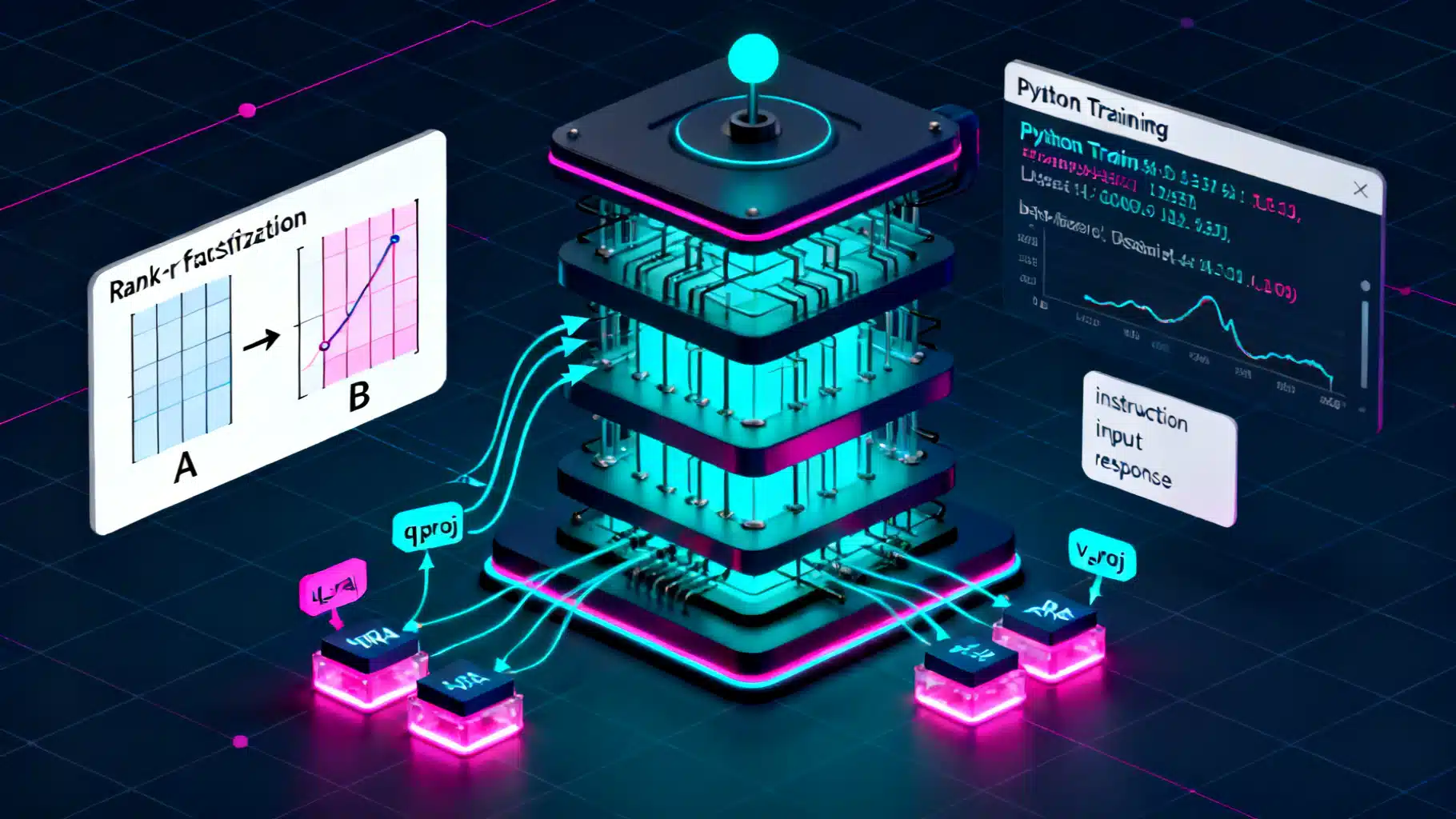
Image used for representation purposes only.
Overview
QLoRA (Quantized Low‑Rank Adaptation) lets you fine‑tune large language models on modest hardware by freezing the base model in 4‑bit precision and training a small set of low‑rank adapter weights. You keep the model’s capacity while slashing VRAM needs and training cost. This guide explains the core ideas, walks through a production‑ready setup, and gives you pragmatic defaults, memory planning tips, and troubleshooting advice.
How QLoRA Works
- LoRA recap: Instead of updating the full weight matrix W, LoRA learns two small matrices A and B with rank r (often 8–128). During training, the effective weight is W + BA, where W stays frozen. You only optimize A and B, dramatically reducing trainable parameters.
- 4‑bit quantization: QLoRA loads the frozen base model in 4‑bit (commonly NF4), reducing memory to roughly one‑eighth of fp32 (plus some overhead for scales). Computation happens in a higher precision dtype (bf16/fp16) to maintain stability.
- Double quantization: Quantization constants (scales) are themselves quantized, trimming memory further with minimal impact on quality.
- Paged optimizers: Optimizers like paged AdamW (bitsandbytes) manage memory spikes by paging optimizer states, enabling larger batches or bigger models.
Result: You train only a few million adapter parameters on top of a quantized, frozen backbone—ideal for single‑GPU fine‑tuning.
When to Use QLoRA
- You want domain/task adaptation of a strong base LLM without full‑precision, full‑model fine‑tuning costs.
- You have 8–24 GB of VRAM and need to fit 7B–13B models comfortably (and even larger models with careful planning/offload).
- You need reproducible, modular adapters you can swap, merge, or share.
Trade‑offs:
- Slight quality gap vs. full fine‑tuning at high ranks/long training may remain, though often negligible for instruction tuning and domain adaptation.
- Quantization limits some numeric fidelity; model choice and prompt format still matter a lot.
Environment Setup
Use recent versions of PyTorch, Transformers, PEFT, TRL, and bitsandbytes. A typical install:
pip install --upgrade transformers peft accelerate bitsandbytes trl datasets sentencepiece
Notes:
- Use CUDA‑enabled PyTorch matching your GPU drivers.
- On Ampere or newer GPUs, prefer bf16 where available.
Minimal QLoRA Training Pipeline (Python)
The script below shows a compact, production‑oriented flow using Transformers + PEFT + TRL’s SFTTrainer.
import torch
from transformers import (
    AutoTokenizer, AutoModelForCausalLM, BitsAndBytesConfig,
    TrainingArguments
)
from peft import LoraConfig, prepare_model_for_kbit_training, get_peft_model
from trl import SFTTrainer
from datasets import load_dataset

# 1) Choose a base model (ensure license compliance and proper use)
model_name = 'meta-llama/Llama-2-7b-hf'  # example placeholder; pick a model you have access to

# 2) 4-bit quantization config (QLoRA defaults)
bnb_config = BitsAndBytesConfig(
    load_in_4bit=True,
    bnb_4bit_quant_type='nf4',
    bnb_4bit_use_double_quant=True,
    bnb_4bit_compute_dtype=torch.bfloat16
)

# 3) Load tokenizer and model in 4-bit
 tokenizer = AutoTokenizer.from_pretrained(model_name, use_fast=True)
if tokenizer.pad_token is None:
    tokenizer.pad_token = tokenizer.eos_token

model = AutoModelForCausalLM.from_pretrained(
    model_name,
    quantization_config=bnb_config,
    device_map='auto'
)

# 4) Prepare model for k-bit training and attach LoRA adapters
model = prepare_model_for_kbit_training(model)

lora_config = LoraConfig(
    r=64,                     # rank; try 8–128 depending on budget/quality
    lora_alpha=16,
    lora_dropout=0.05,
    bias='none',
    task_type='CAUSAL_LM',
    target_modules=[          # common for LLaMA/Mistral-style blocks
        'q_proj', 'k_proj', 'v_proj', 'o_proj',
        'gate_proj', 'up_proj', 'down_proj'
    ]
)

model = get_peft_model(model, lora_config)
model.gradient_checkpointing_enable()

# 5) Load your dataset (replace with your own)
# Expect a column like 'text' containing full prompts+responses or instruction-format examples
dataset = load_dataset('tatsu-lab/alpaca', split='train[:2%]')  # small subset for demo

def formatting(example):
    # Build a plain completion target; adapt to your prompt style
    instruction = example.get('instruction', '')
    input_ = example.get('input', '')
    output = example.get('output', '')
    if input_:
        prompt = f"Instruction: {instruction}\nInput: {input_}\nResponse:"
    else:
        prompt = f"Instruction: {instruction}\nResponse:"
    return prompt + ' ' + output

dataset = dataset.map(lambda e: {'text': formatting(e)})

# 6) Training arguments
args = TrainingArguments(
    output_dir='qlora-llama2-7b-alpaca',
    per_device_train_batch_size=1,
    gradient_accumulation_steps=8,
    learning_rate=2e-4,                # typical for LoRA adapters
    logging_steps=10,
    num_train_epochs=3,
    optim='paged_adamw_8bit',
    lr_scheduler_type='cosine',
    warmup_ratio=0.03,
    bf16=True,
    fp16=False,
    report_to='none',
    save_strategy='steps',
    save_steps=200,
)

# 7) Trainer (SFT for supervised fine-tuning)
trainer = SFTTrainer(
    model=model,
    tokenizer=tokenizer,
    train_dataset=dataset,
    dataset_text_field='text',
    max_seq_length=2048,
    packing=True,  # pack multiple short samples per sequence to improve throughput
    args=args,
)

trainer.train()

# 8) Save only the adapter (small, easy to share)
trainer.model.save_pretrained('qlora_adapter')
This pipeline trains LoRA adapters on a 4‑bit‑quantized backbone. For prompt‑formatting tasks, switch to a chat template (tokenizer.apply_chat_template) and a completion‑only data collator if needed.
Inference with Adapters
Load the same quantized base model and attach the saved adapter:
from peft import PeftModel
from transformers import AutoModelForCausalLM, AutoTokenizer, BitsAndBytesConfig
import torch

base = 'meta-llama/Llama-2-7b-hf'
adapter_path = 'qlora_adapter'

bnb = BitsAndBytesConfig(
    load_in_4bit=True,
    bnb_4bit_quant_type='nf4',
    bnb_4bit_use_double_quant=True,
    bnb_4bit_compute_dtype=torch.bfloat16
)

tokenizer = AutoTokenizer.from_pretrained(base)
if tokenizer.pad_token is None:
    tokenizer.pad_token = tokenizer.eos_token

model = AutoModelForCausalLM.from_pretrained(base, quantization_config=bnb, device_map='auto')
model = PeftModel.from_pretrained(model, adapter_path)
model.eval()

prompt = 'Explain diffusion models in simple terms.'
inputs = tokenizer(prompt, return_tensors='pt').to(model.device)
with torch.no_grad():
    out = model.generate(**inputs, max_new_tokens=256, do_sample=True, temperature=0.7)
print(tokenizer.decode(out[0], skip_special_tokens=True))
Optional: Merge Adapters for Deployment
Merging writes effective weights into a new fp16/bf16 checkpoint (larger but simpler to serve):
from peft import PeftModel
from transformers import AutoModelForCausalLM
import torch

base = AutoModelForCausalLM.from_pretrained('meta-llama/Llama-2-7b-hf', torch_dtype=torch.bfloat16, device_map='auto')
merged = PeftModel.from_pretrained(base, 'qlora_adapter')
merged = merged.merge_and_unload()
merged.save_pretrained('merged-fp16-model', safe_serialization=True)
Serve the merged model with your preferred inference stack, or keep the adapter route to minimize disk size and allow quick swapping.
Memory Planning (Rules of Thumb)
- 4‑bit weights: ~0.5 bytes/parameter plus overhead for quantization scales. Expect roughly:
- 7B params: ~4–5 GB VRAM for the base in 4‑bit
- 13B params: ~7–9 GB
- 33–34B params: ~18–22 GB
- 65–70B params: typically >35 GB (multi‑GPU/offload recommended)
- Adapters: LoRA adds a small fraction of parameters. Example: for a 7B model, r=64 on common targets often yields tens of millions of trainable params (<200 MB in bf16), dominated by optimizer states rather than weights.
- Sequence length scales activation memory. Use gradient checkpointing and packing to control usage.
- Prefer bf16 compute where supported; otherwise fp16.
Tips:
- If you hit OOM, first reduce batch size, increase gradient_accumulation_steps, and enable gradient checkpointing.
- Use paged optimizers (paged_adamw_8bit) and, if needed, CPU/ NVMe offloading via Accelerate configs.
Hyperparameter Playbook
- LoRA rank (r):
- 8–16 for lightweight domain adaptation
- 32–64 for instruction tuning or multi‑task
- 96–128 for harder tasks or when chasing the last few points of quality
- Target modules:
- LLaMA/Mistral‑style: q_proj, k_proj, v_proj, o_proj, gate_proj, up_proj, down_proj
- Some models benefit from limiting to attention projections only (qkv + o) for speed
- Learning rate: 1e‑4 to 3e‑4 for adapters is common; use cosine or linear schedule with 3–5% warmup
- Dropout: 0.05 is a solid default; increase if overfitting
- Max sequence length: match your task; longer contexts require more memory and time
- Epochs/steps: monitor validation loss; early stop if it plateaus or validation perplexity worsens
Data Preparation and Packing
- Instruction tuning: Store prompt + response in a single text field, or use chat templates via tokenizer.apply_chat_template.
- Packing: Combine multiple short examples into one sequence to improve GPU utilization. Ensure labels mask prompt tokens for completion‑only setups.
- Quality over quantity: Clean, on‑distribution data often beats large, noisy corpora.
Example of a completion‑only data collator (optional pattern):
from transformers import DataCollatorForLanguageModeling
collator = DataCollatorForLanguageModeling(tokenizer=tokenizer, mlm=False)
For chat formatting, consider a custom collator that masks prompt tokens and only computes loss on the assistant spans.
Evaluation
- Perplexity for language modeling sanity checks
- Task‑specific metrics (e.g., Rouge, BLEU, exact match, accuracy)
- Spot‑check generations: Look for hallucinations, formatting drift, or prompt‑following issues
- Track eval every N steps; keep the best adapter by validation loss/metric
Practical Checklist
- Hardware: At least one modern NVIDIA GPU (e.g., 3090/4090/20–24GB) for 7B–13B models. Larger models or longer contexts may require A100/H100 or multi‑GPU.
- Dtype: bf16 compute if supported; otherwise fp16
- Quantization: NF4 + double quantization; 4‑bit compute dtype bf16
- Optimizer: paged_adamw_8bit; weight decay small (0.0–0.1)
- Regularization: LoRA dropout 0.05; gradient clipping ~1.0 if unstable
- Stability: Gradient checkpointing; eval frequently; early stop on divergence
- Repro: Set seeds; log runs (e.g., W&B) for comparability
Troubleshooting
- OOM during forward/backward:
- Reduce per‑device batch size; increase gradient_accumulation_steps
- Shorten max_seq_length or enable packing
- Ensure paged_adamw_8bit is used; verify bitsandbytes is installed correctly
- Training is unstable or loss doesn’t drop:
- Lower learning rate (try 1e‑4 → 7e‑5)
- Increase warmup (5–10%); enable gradient clipping
- Reduce LoRA rank or limit target modules to attention projections
- Poor generalization or overfitting:
- Increase dropout; add/augment data; apply early stopping
- Inference slower than expected:
- Use torch.compile where supported; enable FlashAttention if the model/build allows it
- For deployment, consider merging adapters to fp16 and using a high‑throughput server
Security, Licensing, and Governance
- Respect base model licenses and data use restrictions.
- Filter or redact sensitive content in training data.
- Add safety evaluations (e.g., refusal behavior on disallowed prompts) before deployment.
What to Ship
- Adapter‑only repo: ~tens of MB, easy to distribute; users must load the same base model
- Merged checkpoint: larger but self‑contained; simpler for serving and A/B testing
- Clear README: base model reference, training recipe, evaluation metrics, and prompt format
Closing Thoughts
QLoRA brings practical LLM fine‑tuning to everyday GPUs. With 4‑bit quantization, double quantization, and paged optimizers, you can adapt capable base models to your domain or style without the cost of full‑precision training. Start small (7B, r=32–64), validate early, and iterate on data and prompt format—the biggest levers for quality. Once you hit your target metrics, choose between adapter‑only deployment for modularity or a merged fp16 checkpoint for simplicity and speed.
Related Posts

Fine‑Tuning LLMs with LoRA: A Practical, End‑to‑End Tutorial
Step-by-step guide to fine-tuning LLMs with LoRA/QLoRA using Transformers, PEFT, and TRL—from data prep to deployment.
LoRA Fine-Tuning: A Step-by-Step Guide
A step-by-step LoRA fine-tuning guide with theory, setup, classic LoRA and QLoRA code, evaluation, merging, and practical tips.

Flutter + TensorFlow Lite: Local AI Integration Guide
A practical guide to integrating TensorFlow Lite models into Flutter for fast, private, offline on-device AI with performance tuning and code examples.