
Flutter OTA Updates in 2026: Practical Alternatives to CodePush
How to ship safe, fast Flutter OTA updates in 2026: Shorebird for Dart-only patches, plus server‑driven UI, Android In‑App Updates, and iOS best practices.
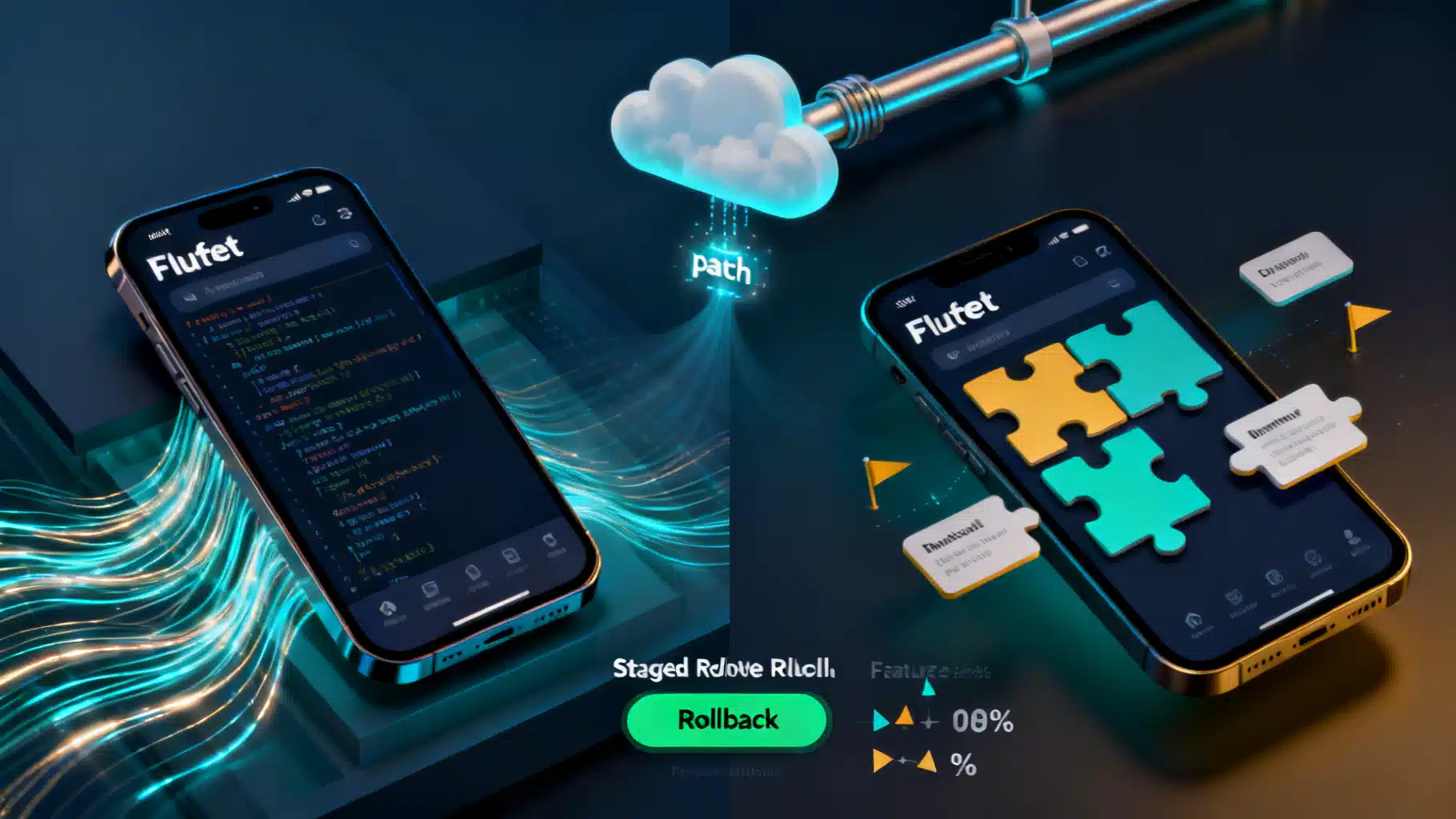
Image used for representation purposes only.
TL;DR
- There’s no official “CodePush for Flutter.” CodePush targets React Native/Cordova, not Flutter. For Flutter, the closest production-ready OTA solution today is Shorebird, which patches Dart code at runtime. (microsoft.github.io )
- If you can’t (or shouldn’t) ship code over the air, combine server‑driven UX (for copy/layout/behavior) with Firebase Remote Config, and use fast store‑mediated updates: Android In‑App Updates and App Store expedited review for critical fixes. (firebase.google.com )
Why “CodePush for Flutter” is different
Microsoft’s CodePush works by updating JavaScript/HTML/CSS bundles—assets interpreted at runtime—so it can bypass store releases in React Native/Cordova apps. Flutter, however, compiles Dart to native machine code in release/profile modes, changing the technical and policy landscape for OTA. (microsoft.github.io )
On iOS specifically, App Store Review Guideline 2.5.2 restricts apps from downloading, installing, or executing code that changes features or functionality, except for certain interpreted code scenarios. Any OTA mechanism you choose must account for this. Consult counsel and test in review. (developer.apple.com )
Option 1 — Shorebird: the purpose‑built OTA for Flutter
Shorebird provides “code push” for Flutter by bundling a modified Flutter engine that checks for and applies patches to your app’s Dart code. Typical flow: ship a normal store build, then patch Dart‑only changes over the air. No native code changes are allowed in a patch. (docs.shorebird.dev )
How it works at a glance
- Android/desktop: Shorebird patches replace compiled Dart code inside the Dart VM.
- iOS: Shorebird uses a novel Dart interpreter and linker approach to stay within Apple’s technical/policy constraints; most of your app still runs at full speed from the store‑signed binary, with the interpreter covering the minimal delta.
- Limits: Patches can change Dart (including many dependency changes) but not native code or Flutter engine versions; asset patching may have separate constraints.
- Safety: Patch signing, rollbacks, and staged/percentage rollouts are supported. (docs.shorebird.dev )
A minimal Shorebird workflow
- Initialize once:
shorebird init
- Create a store build that’s patch‑capable:
shorebird release android
shorebird release ios
- Patch a Dart‑only fix without a store resubmission:
shorebird patch android
shorebird patch ios
Then stage/roll out/rollback from the Shorebird console or CLI. For CI examples, see Codemagic’s guide. (docs.shorebird.dev )
When to choose Shorebird
- You need hours‑not‑days bug‑fix velocity for Dart‑only changes.
- You can operate under a strict “no native code change” rule between store builds.
- You want staged rollouts/instant rollback at the patch level.
Caveats
- iOS review risk is non‑zero for any OTA system; ship small, transparent fixes and document behavior in App Store Connect notes.
- Architectural discipline is required: keep OS integrations in plugins; keep business/UI logic in Dart to maximize what you can patch.
Option 2 — Server‑driven UI + Remote Config (no code push required)
Many teams avoid OTA code entirely by making UI and behavior data‑driven. With Firebase Remote Config you can toggle features, tune copy, change layouts mediated by JSON, and run A/B tests—no binary change required. Remote Config updates can be delivered in real‑time to clients. (firebase.google.com )
Example: feature flag with Remote Config
final remoteConfig = FirebaseRemoteConfig.instance;
await remoteConfig.fetchAndActivate();
final isNewPaywallEnabled = remoteConfig.getBool('paywall_v2');

return isNewPaywallEnabled ? const PaywallV2() : const PaywallV1();
Tip: Pair this with analytics and safe‑rollout thresholds. This approach is policy‑friendly on both stores and works alongside any OTA solution.
Option 3 — Android‑only dynamic delivery (deferred components)
Flutter supports Android Dynamic Feature Delivery via “deferred components.” You ship features in on‑demand modules that Google Play installs when needed. This isn’t “code push” (Google Play still mediates the delivery), but it reduces initial APK size and lets you activate features post‑install without a full reinstall. (docs.flutter.dev )
High‑level steps
- Split large/optional features into deferred modules.
- Use deferred imports in Flutter and load when required.
- Test cold/warm paths, caching, and offline behavior thoroughly. For design and pitfalls, see the Flutter docs and community guides. (docs.flutter.dev )
Option 4 — Fast store‑mediated updates you should still adopt
Even if you use Shorebird or server‑driven UI, set up a disciplined “fast lane” via the stores:
- Android In‑App Updates: Prompt users to install your latest Play Store build from inside the app (immediate or flexible flow).
- Staged rollouts on Google Play: Ship to X% first to reduce blast radius.
- iOS expedited review: If a critical issue slips, you can request an expedited review in App Store Connect. These keep you compliant while improving MTTR for fixes that require a new binary (e.g., native plugin changes). (developer.android.com )
Decision guide
- Need to fix a Dart‑only production bug today? Use Shorebird patch, stage to 5–10%, monitor, then ramp. (docs.shorebird.dev )
- Need to ship new native capabilities, entitlements, or plugin updates? You must publish a new store build; use Android In‑App Updates and consider expedited review on iOS for urgent cases. (developer.android.com )
- Want to tune UX, copy, pricing, or run experiments continuously? Go server‑driven with Remote Config and JSON‑described layouts. (firebase.google.com )
- Optimizing Android install size or enabling on‑demand features? Use deferred components. (docs.flutter.dev )
Compliance and risk checklist
- Understand iOS 2.5.2: if your approach downloads/executes new code, ensure it fits the interpreted‑code exception and disclose behaviors during review. (developer.apple.com )
- Scope patches to Dart code and avoid surprise feature drops in patches; prefer small, auditable changes with clear release notes. (docs.shorebird.dev )
- Add kill‑switches and guardrails via Remote Config so you can instantly disable problematic features without any update. (firebase.google.com )
- Roll out gradually and monitor crash/ANR/error rates before 100% exposure.
Implementation blueprint (copy/paste friendly)
- Wire up Remote Config (always‑on safety net)
- Initialize Firebase and fetch/activate at launch.
- Store booleans/strings/numbers for: kill‑switch, minimum‑supported build, feature flags.
- Add Android In‑App Updates (Play Core)
// Pseudocode – use your preferred plugin
final updateInfo = await InAppUpdate.checkForUpdate();
if (updateInfo.updateAvailable) {
  await InAppUpdate.performImmediateUpdate();
}
Use immediate for critical fixes; flexible for non‑blocking updates. Test across tracks (internal, closed, production). (developer.android.com )
- Evaluate Shorebird for Dart‑only hotfixes
- Install the CLI; run
shorebird initonce. - Replace
flutter buildwithshorebird releasein CI so every store build is patch‑capable. - When needed, run
shorebird patchand stage a rollout. - Document OTA behavior in your App Store Connect notes. (docs.shorebird.dev )
- Consider deferred components for Android
- Identify large/optional features to offload.
- Convert to deferred imports; configure dynamic feature modules; test load times and offline fallbacks. (docs.flutter.dev )
Common pitfalls to avoid
- Relying on OTA for native/plugin changes: not possible—ship a new binary.
- Shipping “surprise” features via OTA: higher review risk on iOS; keep patches focused and well‑documented. (developer.apple.com )
- No staged rollout or rollback plan: whether via Shorebird or Play Console, always stage first. (docs.shorebird.dev )
The bottom line
- If you’re searching for a “Flutter CodePush alternative,” Shorebird is the practical answer for Dart‑only hotfixes with staging and rollback.
- For everything else, build a resilient release pipeline: server‑driven UX + Remote Config, Android In‑App Updates, and (when necessary) expedited iOS review. This combination delivers near‑instant fixes where allowed, and well‑governed store releases where required—without surprises for users or reviewers. (docs.shorebird.dev )
Related Posts
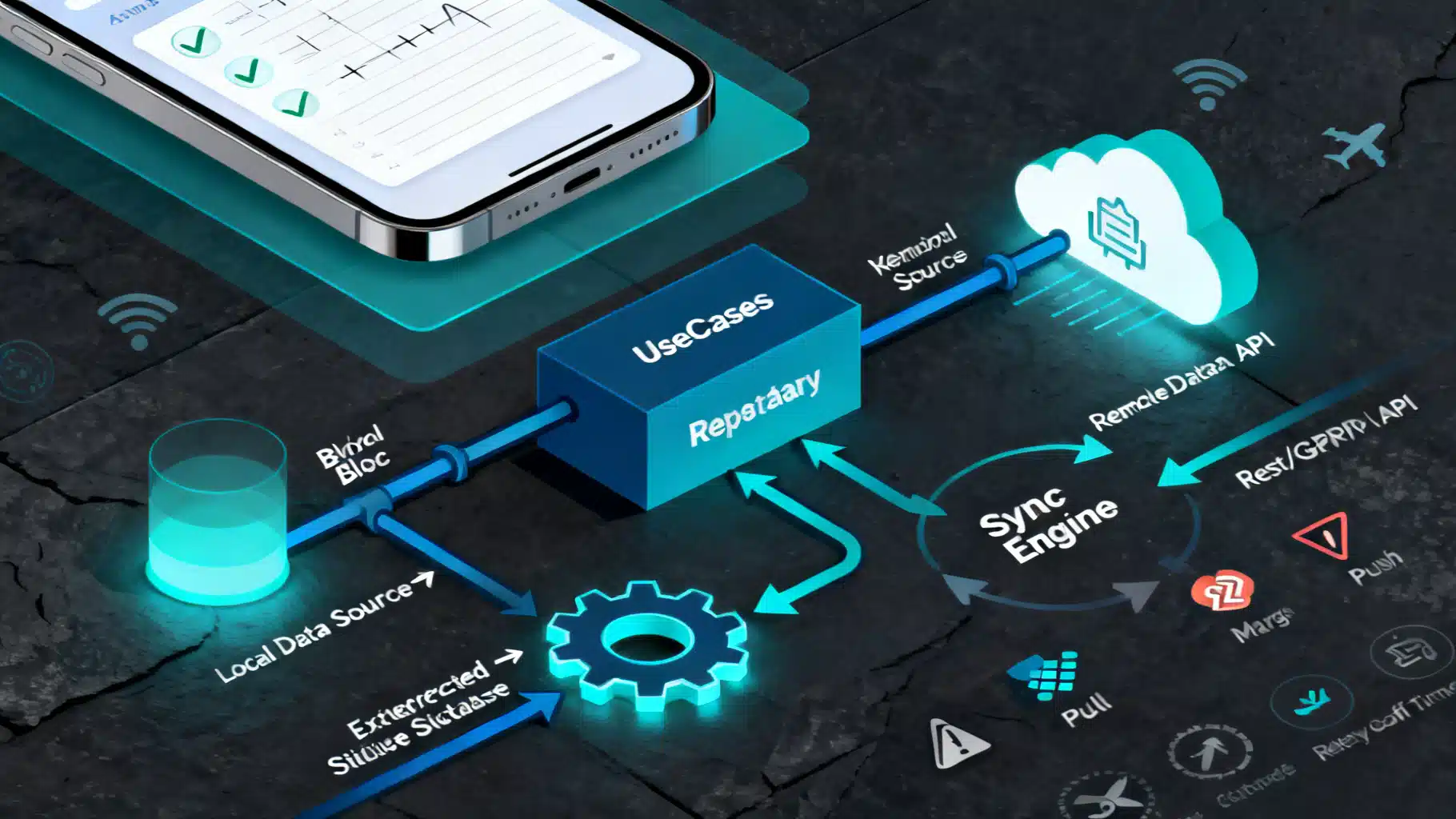
Flutter Offline‑First Architecture: A Practical Guide to Reliable, Fast Apps
A practical Flutter offline‑first guide: architecture, caching, sync, conflict resolution, background tasks, security, and production tips with code.
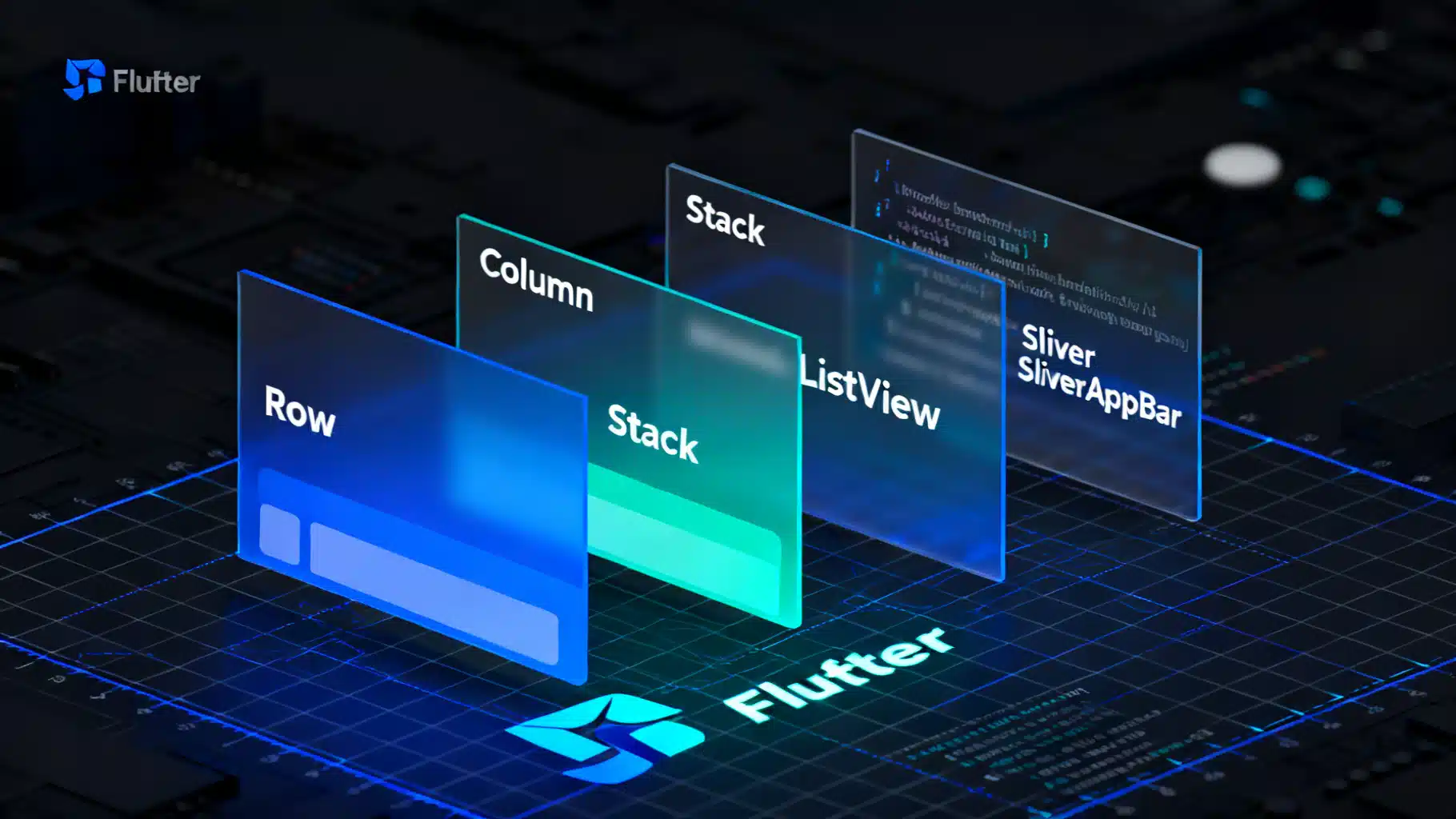
The Practical Guide to Flutter’s Widget Catalog: Patterns, Picks, and Proven Recipes
A practical, in-depth guide to Flutter’s widget catalog—organization, selection tips, patterns, recipes, and performance/testing guidance.
Flutter custom page route transitions: clean patterns and reusable code
Build polished, brand-aligned navigation with Flutter custom page route transitions. Examples, reusable code, theming, performance, and testing tips.