
Build a Modern, Accessible React Audio Player from Scratch
Build an accessible React audio player with hooks, playlists, Media Session API, HLS streaming, tests, and waveform visualization—step-by-step.
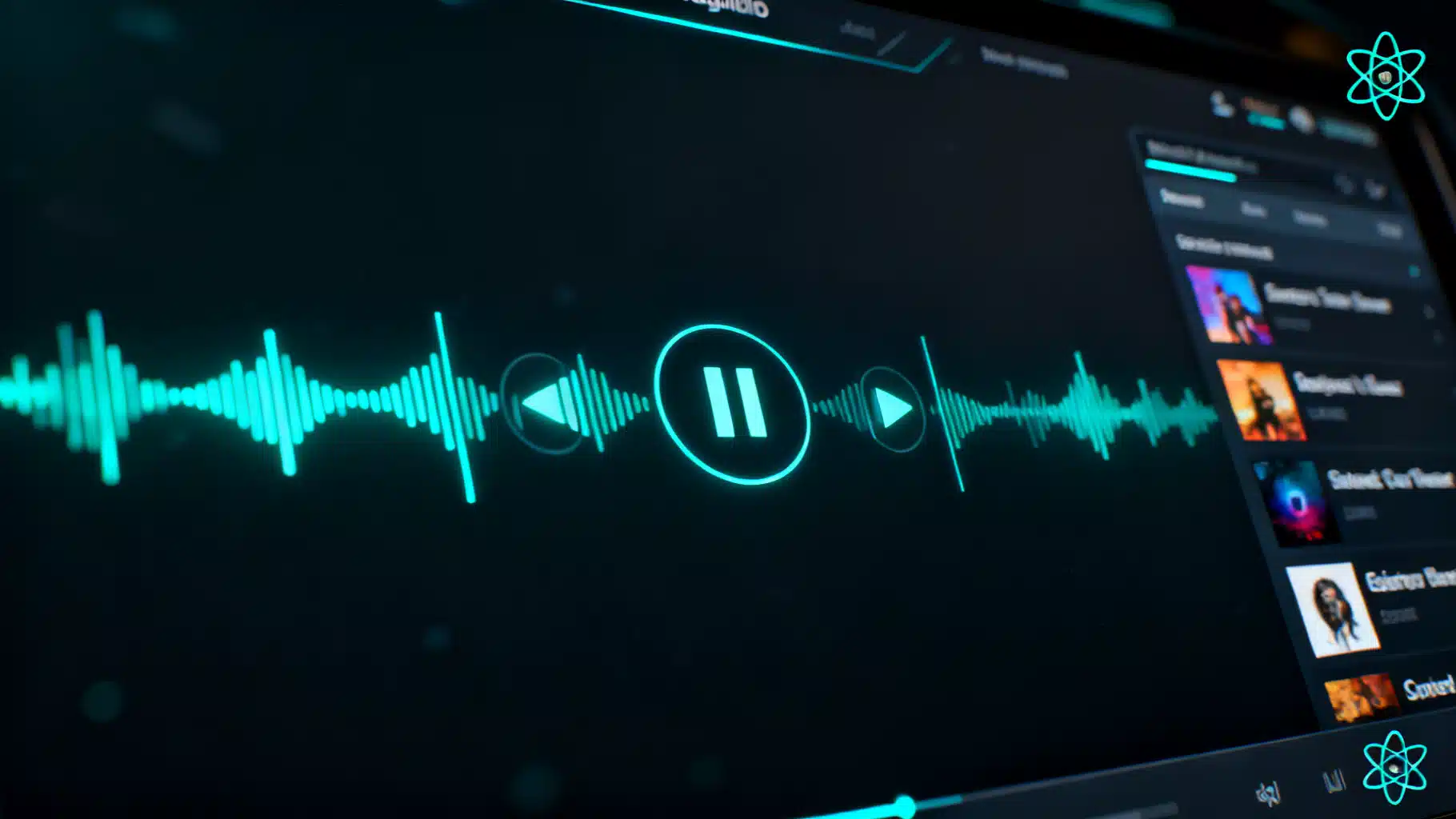
Image used for representation purposes only.
Overview
In this tutorial, you’ll build a modern, accessible React audio player from scratch. We’ll keep the core simple—HTMLAudioElement + React hooks—then layer on real-world features: keyboard navigation, playlists, Media Session API, HLS streaming, waveform visualization, and tests. The result is a production-ready player you fully control and can theme to match your app.
What we’ll build
- Play/pause, seek, volume, mute, and playback rate
- Keyboard and screen reader accessibility
- Playlist with next/previous and metadata
- Media controls integration via the Media Session API
- Optional HLS support (.m3u8) and waveform visualization
- Tests for key interactions and behavior
Prerequisites
- Comfortable with React 18+ and TypeScript (examples use TS but are easy to adapt)
- Node 18+
Project setup
# Vite + React + TypeScript
npm create vite@latest react-audio-player -- --template react-ts
cd react-audio-player
npm i
npm i hls.js
npm i -D @testing-library/react @testing-library/jest-dom vitest jsdom
Add a basic reset and CSS variables for theming in src/index.css.
:root {
  --c-bg: #0f1220;
  --c-surface: #151a2f;
  --c-text: #e7e9f1;
  --c-accent: #5ac8fa;
  --radius: 12px;
}

body { background: var(--c-bg); color: var(--c-text); font-family: ui-sans-serif, system-ui; }
button { cursor: pointer; }
input[type="range"] { width: 100%; }
Core: a reusable audio hook
We’ll centralize audio logic in a hook that wraps an HTMLAudioElement and exposes convenient state and actions.
// src/hooks/useAudio.ts
import { useCallback, useEffect, useRef, useState } from 'react';

export interface UseAudioOptions {
  src?: string;
  preload?: 'none' | 'metadata' | 'auto';
  initialVolume?: number; // 0..1
  initialRate?: number;   // e.g. 1, 1.25
}

export function useAudio(options: UseAudioOptions = {}) {
  const { src, preload = 'metadata', initialVolume = 1, initialRate = 1 } = options;
  const audioRef = useRef<HTMLAudioElement | null>(null);
  const [isPlaying, setIsPlaying] = useState(false);
  const [currentTime, setCurrentTime] = useState(0);
  const [duration, setDuration] = useState(0);
  const [volume, setVolume] = useState(initialVolume);
  const [muted, setMuted] = useState(false);
  const [rate, setRate] = useState(initialRate);
  const [canPlay, setCanPlay] = useState(false);
  const [bufferedEnd, setBufferedEnd] = useState(0);
  const [error, setError] = useState<string | null>(null);

  useEffect(() => {
    const a = new Audio();
    a.preload = preload;
    a.volume = initialVolume;
    a.playbackRate = initialRate;
    if (src) a.src = src;
    audioRef.current = a;

    const onLoaded = () => setDuration(a.duration || 0);
    const onTime = () => setCurrentTime(a.currentTime || 0);
    const onPlay = () => setIsPlaying(true);
    const onPause = () => setIsPlaying(false);
    const onCanPlay = () => setCanPlay(true);
    const onProgress = () => {
      try {
        if (a.buffered.length) setBufferedEnd(a.buffered.end(a.buffered.length - 1));
      } catch {}
    };
    const onVolume = () => { setVolume(a.volume); setMuted(a.muted); };
    const onRate = () => setRate(a.playbackRate);
    const onError = () => setError(a.error ? a.error.message : 'Playback error');

    a.addEventListener('loadedmetadata', onLoaded);
    a.addEventListener('timeupdate', onTime);
    a.addEventListener('progress', onProgress);
    a.addEventListener('play', onPlay);
    a.addEventListener('pause', onPause);
    a.addEventListener('canplay', onCanPlay);
    a.addEventListener('volumechange', onVolume);
    a.addEventListener('ratechange', onRate);
    a.addEventListener('error', onError);

    return () => {
      a.pause();
      a.src = '';
      a.load();
      a.removeEventListener('loadedmetadata', onLoaded);
      a.removeEventListener('timeupdate', onTime);
      a.removeEventListener('progress', onProgress);
      a.removeEventListener('play', onPlay);
      a.removeEventListener('pause', onPause);
      a.removeEventListener('canplay', onCanPlay);
      a.removeEventListener('volumechange', onVolume);
      a.removeEventListener('ratechange', onRate);
      a.removeEventListener('error', onError);
      audioRef.current = null;
    };
  }, [src, preload, initialVolume, initialRate]);

  const play = useCallback(async () => {
    try { await audioRef.current?.play(); } catch (e) { /* iOS requires user gesture */ }
  }, []);
  const pause = useCallback(() => audioRef.current?.pause(), []);
  const seek = useCallback((time: number) => { if (audioRef.current) audioRef.current.currentTime = time; }, []);
  const setVol = useCallback((v: number) => { if (audioRef.current) audioRef.current.volume = v; }, []);
  const toggleMute = useCallback(() => { if (audioRef.current) audioRef.current.muted = !audioRef.current.muted; }, []);
  const setPlaybackRate = useCallback((r: number) => { if (audioRef.current) audioRef.current.playbackRate = r; }, []);

  return { audioRef, isPlaying, currentTime, duration, volume, muted, rate, canPlay, bufferedEnd, error,
           play, pause, seek, setVol, toggleMute, setPlaybackRate } as const;
}
This hook creates its own audio element (not in the DOM). That makes it easy to control and test. If you prefer an inline
Build the player UI
// src/components/Player.tsx
import { useMemo, useState } from 'react';
import { useAudio } from '../hooks/useAudio';

export type Track = {
  id: string;
  title: string;
  artist?: string;
  src: string;
  artwork?: string; // URL
};

interface PlayerProps { playlist: Track[]; }

export function Player({ playlist }: PlayerProps) {
  const [index, setIndex] = useState(0);
  const track = playlist[index];

  const { isPlaying, currentTime, duration, volume, muted, rate, bufferedEnd,
          play, pause, seek, setVol, toggleMute, setPlaybackRate } = useAudio({ src: track.src, preload: 'metadata' });

  const progress = duration ? (currentTime / duration) * 100 : 0;
  const buffered = duration ? (bufferedEnd / duration) * 100 : 0;

  const next = () => setIndex((i) => (i + 1) % playlist.length);
  const prev = () => setIndex((i) => (i - 1 + playlist.length) % playlist.length);
  const toggle = () => (isPlaying ? pause() : play());

  const timeFmt = useMemo(() => new Intl.NumberFormat(undefined, { minimumIntegerDigits: 2 }), []);
  const toMMSS = (t: number) => {
    const m = Math.floor(t / 60), s = Math.floor(t % 60);
    return `${m}:${timeFmt.format(s)}`;
  };

  return (
    <div role="group" aria-label="Audio player" style={{ background: 'var(--c-surface)', padding: 16, borderRadius: 'var(--radius)', maxWidth: 640 }}>
      <div style={{ display: 'flex', gap: 12, alignItems: 'center' }}>
        {track.artwork && <img src={track.artwork} alt="" width={64} height={64} style={{ borderRadius: 8, objectFit: 'cover' }} />}
        <div style={{ flex: 1 }}>
          <div style={{ fontWeight: 600 }}>{track.title}</div>
          <div style={{ opacity: 0.8 }}>{track.artist ?? 'Unknown artist'}</div>
        </div>
        <button aria-label={isPlaying ? 'Pause' : 'Play'} onClick={toggle} style={{ padding: '8px 12px' }}>
          {isPlaying ? '⏸' : '▶️'}
        </button>
        <button aria-label="Previous" onClick={prev}>⏮</button>
        <button aria-label="Next" onClick={next}>⏭</button>
      </div>

      {/* Progress */}
      <div style={{ marginTop: 12 }}>
        <div aria-hidden="true" style={{ display: 'flex', justifyContent: 'space-between', fontSize: 12, opacity: 0.8 }}>
          <span>{toMMSS(currentTime)}</span>
          <span>{toMMSS(duration || 0)}</span>
        </div>
        <div style={{ position: 'relative' }}>
          <div style={{ position: 'absolute', left: 0, right: `${100 - buffered}%`, height: 4, background: '#2a2f55', borderRadius: 999 }} />
          <input
            type="range"
            min={0}
            max={duration || 0}
            step={0.1}
            value={currentTime}
            onChange={(e) => seek(parseFloat(e.target.value))}
            aria-label="Seek"
          />
        </div>
      </div>

      {/* Volume + rate */}
      <div style={{ display: 'flex', gap: 12, alignItems: 'center', marginTop: 12 }}>
        <button aria-pressed={muted} aria-label={muted ? 'Unmute' : 'Mute'} onClick={toggleMute}>{muted ? '🔇' : '🔊'}</button>
        <input type="range" min={0} max={1} step={0.01} value={volume} onChange={(e) => setVol(parseFloat(e.target.value))} aria-label="Volume" style={{ maxWidth: 160 }} />
        <label style={{ display: 'flex', alignItems: 'center', gap: 8 }}>
          <span>Rate</span>
          <select value={rate} onChange={(e) => setPlaybackRate(parseFloat(e.target.value))} aria-label="Playback rate">
            {[0.75, 1, 1.25, 1.5, 2].map((r) => (<option key={r} value={r}>{r}×</option>))}
          </select>
        </label>
      </div>

      {/* Simple playlist UI */}
      <ul aria-label="Playlist" style={{ listStyle: 'none', padding: 0, marginTop: 12, display: 'grid', gap: 6 }}>
        {playlist.map((t, i) => (
          <li key={t.id}>
            <button onClick={() => setIndex(i)} aria-current={i === index} style={{ width: '100%', textAlign: 'left', padding: 8, borderRadius: 8, background: i === index ? '#1d2340' : 'transparent', color: 'inherit' }}>
              {t.title} {t.artist ? `– ${t.artist}` : ''}
            </button>
          </li>
        ))}
      </ul>
    </div>
  );
}
Usage:
// src/App.tsx
import { Player, Track } from './components/Player';

const playlist: Track[] = [
  { id: '1', title: 'Nebula Drift', artist: 'Lumi', src: '/audio/nebula.mp3', artwork: '/art/nebula.jpg' },
  { id: '2', title: 'Night Walk', artist: 'Arcade Coast', src: '/audio/nightwalk.ogg', artwork: '/art/night.jpg' },
];

export default function App() {
  return (
    <main style={{ padding: 24 }}>
      <h1>React Audio Player</h1>
      <Player playlist={playlist} />
    </main>
  );
}
Accessibility and keyboard support
- Ensure focus styles are visible and contrast meets WCAG AA.
- Use aria-labels for buttons and ranges; use aria-pressed for toggle.
- Add keyboard shortcuts (Space: play/pause, ←/→: seek, ↑/↓: volume):
// inside Player component root element
<div
  role="group"
  tabIndex={0}
  onKeyDown={(e) => {
    if (e.code === 'Space') { e.preventDefault(); (isPlaying ? pause() : play()); }
    if (e.code === 'ArrowRight') seek(Math.min(duration, currentTime + 5));
    if (e.code === 'ArrowLeft') seek(Math.max(0, currentTime - 5));
    if (e.code === 'ArrowUp') setVol(Math.min(1, volume + 0.05));
    if (e.code === 'ArrowDown') setVol(Math.max(0, volume - 0.05));
  }}
  aria-label="Audio player"
>
  {/* ... */}
</div>
Media Session API: lock screen and hardware keys
Hook into the OS media controls so hardware play/pause, next/prev, and lock screen metadata work.
// src/utils/mediaSession.ts
export function useMediaSession(track: { title: string; artist?: string; artwork?: string }, controls: any) {
  const { play, pause, seek, next, prev, duration, currentTime } = controls;
  if ('mediaSession' in navigator) {
    navigator.mediaSession.metadata = new MediaMetadata({
      title: track.title,
      artist: track.artist ?? '',
      artwork: track.artwork ? [{ src: track.artwork, sizes: '512x512', type: 'image/jpeg' }] : [],
    });
    navigator.mediaSession.setActionHandler('play', play);
    navigator.mediaSession.setActionHandler('pause', pause);
    navigator.mediaSession.setActionHandler('previoustrack', prev);
    navigator.mediaSession.setActionHandler('nexttrack', next);
    navigator.mediaSession.setActionHandler('seekto', (d: any) => d.seekTime != null && seek(d.seekTime));
    navigator.mediaSession.setPositionState?.({ duration, playbackRate: 1, position: currentTime });
  }
}
Call useMediaSession from Player whenever the track changes or time updates. Wrap in typeof navigator !== ‘undefined’ to avoid SSR issues.
Optional: HLS streaming (.m3u8)
Many browsers can’t play HLS natively for
// src/hooks/useHlsAudio.ts
import Hls from 'hls.js';
import { useEffect } from 'react';

export function useHlsAudio(audio: HTMLAudioElement | null, src?: string) {
  useEffect(() => {
    if (!audio || !src) return;
    const canNative = audio.canPlayType('application/vnd.apple.mpegurl');
    if (canNative) { audio.src = src; return; }
    if (Hls.isSupported()) {
      const hls = new Hls();
      hls.loadSource(src);
      hls.attachMedia(audio);
      return () => hls.destroy();
    } else {
      audio.src = src; // try anyway
    }
  }, [audio, src]);
}
If your sources mix MP3/OGG and HLS, detect by file extension or a content-type hint, and call useHlsAudio accordingly.
Optional: waveform visualization
A mini-visualizer helps users “see” the audio. Use the Web Audio API’s AnalyserNode.
// src/components/Waveform.tsx
import { useEffect, useRef } from 'react';

export function Waveform({ audio }: { audio: HTMLAudioElement | null }) {
  const canvasRef = useRef<HTMLCanvasElement | null>(null);
  useEffect(() => {
    if (!audio) return;
    const ctx = new (window.AudioContext || (window as any).webkitAudioContext)();
    const src = ctx.createMediaElementSource(audio);
    const analyser = ctx.createAnalyser();
    analyser.fftSize = 256;
    src.connect(analyser); src.connect(ctx.destination);
    const data = new Uint8Array(analyser.frequencyBinCount);
    let raf = 0;
    const draw = () => {
      raf = requestAnimationFrame(draw);
      analyser.getByteFrequencyData(data);
      const c = canvasRef.current; if (!c) return; const g = c.getContext('2d')!;
      g.clearRect(0, 0, c.width, c.height);
      const barW = (c.width / data.length) * 1.5;
      data.forEach((v, i) => {
        const h = (v / 255) * c.height;
        g.fillStyle = '#5ac8fa';
        g.fillRect(i * barW, c.height - h, barW * 0.9, h);
      });
    };
    draw();
    return () => cancelAnimationFrame(raf);
  }, [audio]);
  return <canvas ref={canvasRef} width={640} height={80} style={{ width: '100%', height: 80, display: 'block', marginTop: 8 }} />
}
Pass audioRef.current from useAudio into Waveform to render the bars.
Testing: core interactions
Use JSDOM + Testing Library + Vitest to ensure the UI calls the right media methods.
// src/components/Player.test.tsx
import { render, screen, fireEvent } from '@testing-library/react';
import { describe, it, expect, vi, beforeEach } from 'vitest';
import App from '../App';

// Mock play/pause since JSDOM can’t actually play audio
beforeEach(() => {
  vi.spyOn(window.HTMLMediaElement.prototype, 'play').mockImplementation(() => Promise.resolve());
  vi.spyOn(window.HTMLMediaElement.prototype, 'pause').mockImplementation(() => {});
});

describe('Player', () => {
  it('toggles play/pause', async () => {
    render(<App />);
    const btn = screen.getByRole('button', { name: /play/i });
    await fireEvent.click(btn);
    expect(window.HTMLMediaElement.prototype.play).toHaveBeenCalled();
    await fireEvent.click(screen.getByRole('button', { name: /pause/i }));
    expect(window.HTMLMediaElement.prototype.pause).toHaveBeenCalled();
  });
});
Run tests with:
npx vitest
Performance tips
- Throttle timeupdate rendering. If your UI stutters, mirror currentTime into a ref and only setState with requestAnimationFrame or at ~15–30 FPS.
- Avoid re-creating the Audio element on every render. Our hook creates it once per src.
- Lazy-load heavy extras like hls.js only when needed (dynamic import).
- Memoize large playlists and handlers.
Common pitfalls and cross-browser notes
- Autoplay policies: Browsers block autoplay with sound. Call play() in a user-initiated event (e.g., button click). Offer muted autoplay only if it’s meaningful.
- iOS Safari: Requires user gesture before AudioContext resume() or audio playback. Initialize visualization after the first play.
- Preload trade-offs: metadata is a good default; auto can consume bandwidth for long tracks; none keeps pages lean.
- File formats: Provide multiple sources (e.g., MP3 + OGG) for broader support if serving your own media.
- CORS: If you need to analyze or visualize cross-origin audio, ensure the server sets appropriate CORS headers and set audio.crossOrigin = ‘anonymous’ before loading.
- SSR: Guard window/navigator checks; dynamically import player for Next.js if necessary.
Polishing the UI
- Replace emoji with SVG icons.
- Add a scrubber tooltip that shows the time at the hovered position.
- Provide a compact variant (mini player) and an expanded view with queue, lyrics, or chapters.
- Add a sleep timer and a loop/shuffle toggle for playlists.
Putting it together (minimal example)
// src/main.tsx
import React from 'react';
import ReactDOM from 'react-dom/client';
import App from './App.tsx';
import './index.css';

ReactDOM.createRoot(document.getElementById('root')!).render(
  <React.StrictMode>
    <App />
  </React.StrictMode>
);
Serve media files from public/audio and artwork from public/art. For remote URLs, ensure HTTPS and CORS are configured.
Next steps
- Add chapter markers with a second range or clickable list.
- Persist volume, rate, and last playback position to localStorage.
- Integrate with a global store (Zustand/Redux) for a site-wide player.
- Support podcasts: parse RSS, show show notes, and remember played status.
- Turn the player into an npm package with Storybook docs and CI tests.
Summary
You now have a fully custom React audio player: accessible controls, a resilient playback core, playlist support, and ergonomic integrations like Media Session, HLS, and visualization. Because the logic sits in small, focused hooks, you can evolve this player in any direction—skinning it to match your brand, embedding it in a Next.js site, or shipping it as a library for others to use.
Related Posts

Build a Polished React Animated Counter in React (Hook + Component, A11y-First)
Build an accessible React animated counter with a reusable hook and component—easing, formatting, reduced motion, viewport start, and full control.
Build a Robust React Clipboard Copy/Paste Component (Hooks, A11y, Fallbacks)
Build a production-ready React clipboard copy/paste component with hooks, fallbacks, accessibility, sanitization, and tests.
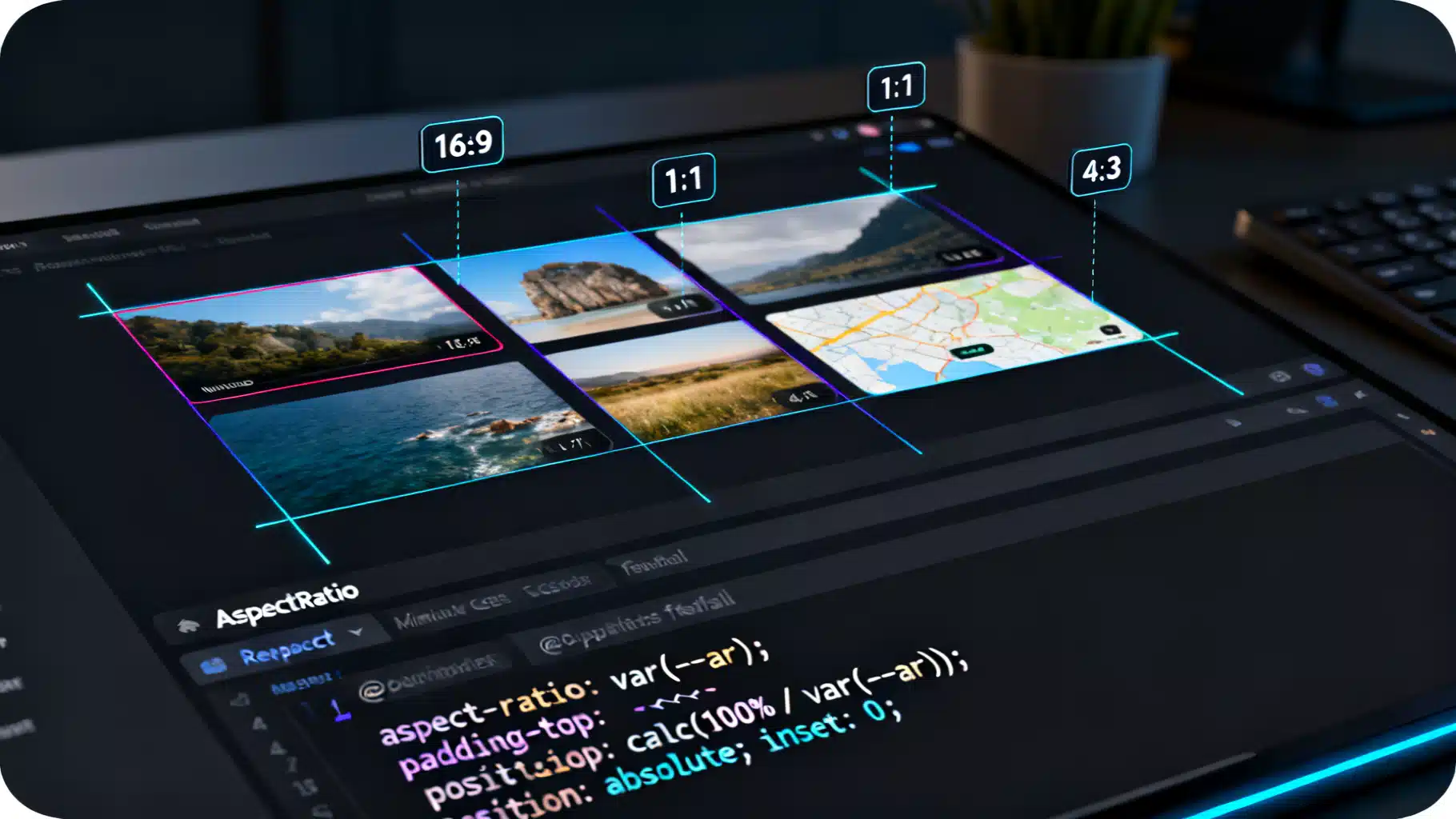
Building a Robust React Aspect Ratio Container in React (with Fallbacks)
Build a robust React aspect-ratio container with CSS and fallbacks. Includes TypeScript code, usage patterns, accessibility, testing, and performance tips.