
Building a Production‑Ready Flutter E‑Commerce App from a Template: A Practical Guide
Choose and harden a Flutter e‑commerce template with solid architecture, payments, analytics, testing, and CI/CD to ship faster and safer.
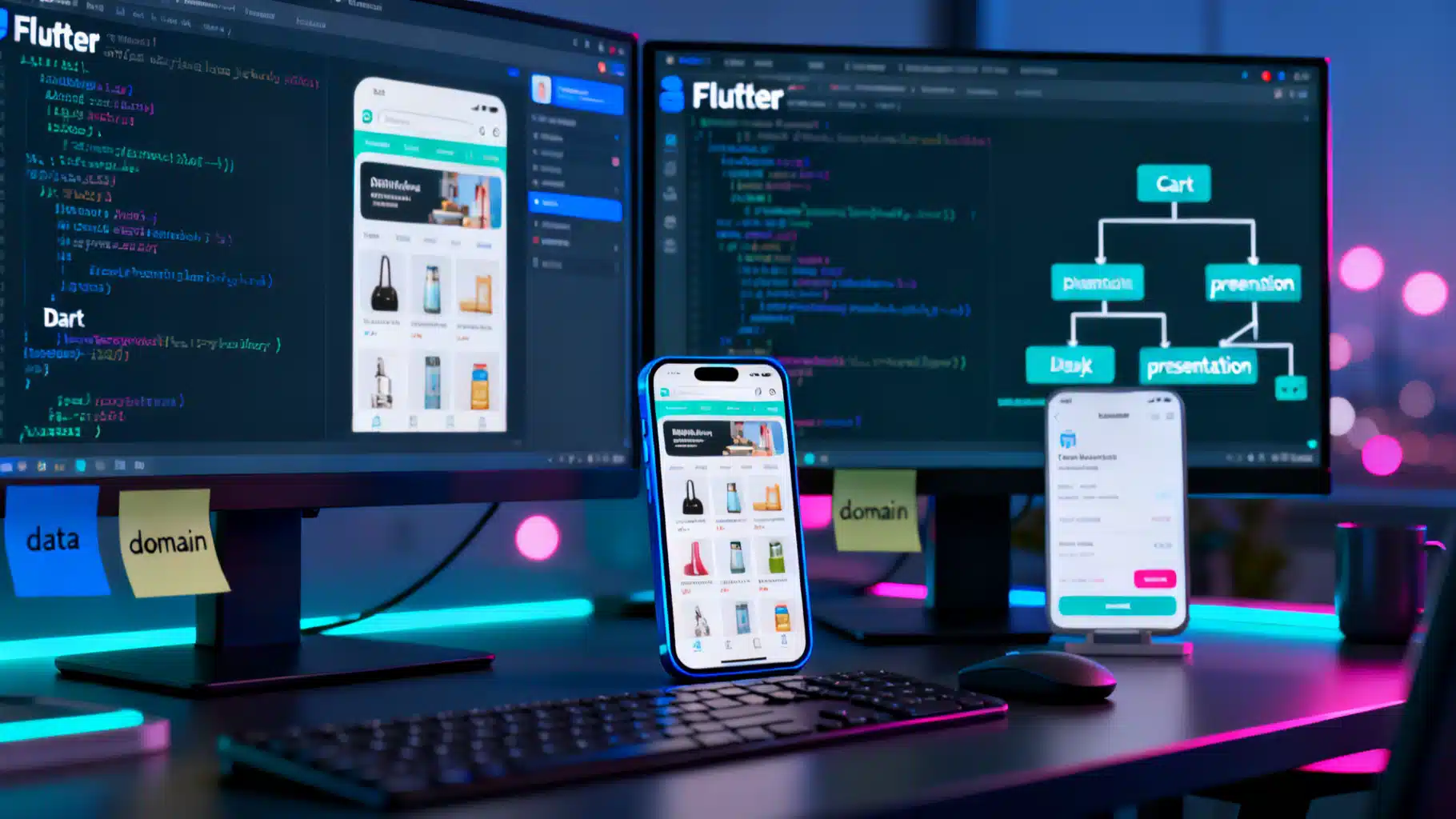
Image used for representation purposes only.
Overview
Starting from a polished Flutter e‑commerce template can cut weeks off your timeline—but only if you know how to evaluate it, extend it safely, and harden it for production. This guide walks through selecting a template, shaping a clean architecture, wiring payments and analytics, and shipping with confidence.
What a Production‑Ready Template Should Include
At minimum, look for:
- Modular architecture (distinct presentation, domain, and data layers)
- State management (Bloc, Riverpod, or Provider) with unit‑testable logic
- Declarative navigation (Navigator 2.0 or GoRouter) with deep links
- A typed data model for products, variants, cart, orders, and users
- Responsive layouts for phone/tablet and adaptive theming (light/dark)
- Internationalization (i18n) and right‑to‑left support hooks
- Accessibility (semantic labels, large text support, focus order)
- Payment abstraction (gateway‑agnostic interface)
- Offline caching and graceful error handling
- Basic analytics events (view_item, add_to_cart, begin_checkout, purchase)
- CI/CD pipeline examples and testing scaffolding
Choosing a Template: A Quick Checklist
- Architecture: Are layers clearly separated, or do widgets fetch data directly?
- Dependencies: Are packages current and actively maintained?
- Extensibility: Is it easy to swap a backend (e.g., REST to GraphQL)?
- Code quality: Lints enabled, null‑safety, SOLID principles?
- Testing: Are there unit/widget/integration tests and mocks?
- Performance: Uses const constructors, image caching, pagination, and memoization?
- Documentation: Setup steps, environment config, and customization guides?
- Licensing: Commercial usage allowed; assets and fonts cleared?
Project Setup and Folder Structure
A maintainable structure keeps changes predictable and testable.
lib/
  app/
    app.dart
    router.dart
    di.dart
  core/
    errors/
    utils/
    widgets/
  features/
    catalog/
      data/
        models/
        sources/   # api, local cache
        repos/
      domain/
        entities/
        usecases/
      presentation/
        pages/
        controllers/  # blocs/providers
        widgets/
    cart/
    checkout/
    auth/
  theme/
  l10n/
- features/* encapsulates vertical slices (catalog, cart, checkout, auth)
- data contains DTOs and repositories; domain holds pure Dart logic and use cases; presentation is UI + state controllers
Routing and State Management
GoRouter simplifies deep links and guarded routes.
final _router = GoRouter(
  routes: [
    GoRoute(path: '/', builder: (_, __) => const HomePage()),
    GoRoute(path: '/p/:id', builder: (c, s) => ProductPage(id: s.pathParameters['id']!)),
    GoRoute(path: '/cart', builder: (_, __) => const CartPage()),
    GoRoute(path: '/checkout', builder: (_, __) => const CheckoutPage(),
      redirect: (c, s) => c.read(authProvider).isLoggedIn ? null : '/login',
    ),
  ],
);
Riverpod example for a cart controller:
class CartItem {
  final String sku;
  final int qty;
  final double price;
  const CartItem({required this.sku, required this.qty, required this.price});
}

class CartState {
  final List<CartItem> items;
  const CartState(this.items);
  double get subtotal => items.fold(0, (s, i) => s + i.price * i.qty);
}

class CartNotifier extends StateNotifier<CartState> {
  CartNotifier(): super(const CartState([]));
  void add(CartItem item) {
    final i = [...state.items];
    final idx = i.indexWhere((e) => e.sku == item.sku);
    if (idx == -1) i.add(item); else i[idx] = CartItem(sku: item.sku, qty: i[idx].qty + item.qty, price: item.price);
    state = CartState(i);
  }
  void remove(String sku) => state = CartState(state.items.where((e) => e.sku != sku).toList());
  void setQty(String sku, int qty) {
    final i = state.items.map((e) => e.sku == sku ? CartItem(sku: e.sku, qty: qty, price: e.price) : e).toList();
    state = CartState(i);
  }
}

final cartProvider = StateNotifierProvider<CartNotifier, CartState>((_) => CartNotifier());
Bloc is equally viable; prefer what your team knows and can test.
Data Layer: Products, Cart, Orders
- DTOs map JSON to typed models; keep parsing out of widgets
- Repositories expose interfaces that do not leak HTTP or database specifics
- Use cases orchestrate multi‑step flows (e.g., placeOrder)
abstract class CatalogRepo {
  Future<List<Product>> list({int page = 1});
  Future<Product> getById(String id);
}

class CatalogRepoImpl implements CatalogRepo {
  final CatalogApi api; final CatalogCache cache;
  CatalogRepoImpl(this.api, this.cache);
  @override
  Future<List<Product>> list({int page = 1}) async {
    final cached = await cache.list(page);
    if (cached != null) return cached;
    final remote = await api.list(page);
    await cache.putList(page, remote);
    return remote;
  }
}
Tips:
- Paginate product queries and prefetch the next page while the user scrolls
- Cache catalog thumbnails separately from full‑res images
- Normalize variants and prices (SKU‑level) to avoid mismatched totals
UI/UX Foundations
- Use SliverAppBar + CustomScrollView for performant product grids
- Respect platform conventions (pull‑to‑refresh, back gesture)
- Provide skeleton loaders and optimistic UI on cart updates
- Make prices, shipping, taxes, and savings visible and consistent
Payments and Checkout
Abstract the payment gateway so you can replace it without touching UI.
abstract class PaymentGateway {
  Future<PaymentIntent> createIntent({required Money amount, required String currency});
  Future<PaymentResult> confirm(PaymentIntent intent, {required String paymentMethodId});
}

class CheckoutUseCase {
  final CartRepo cart; final PaymentGateway pay; final OrderRepo orders;
  CheckoutUseCase(this.cart, this.pay, this.orders);
  Future<OrderConfirmation> placeOrder(User u, Address a) async {
    final total = await cart.total();
    final intent = await pay.createIntent(amount: total.amount, currency: total.currency);
    final confirm = await pay.confirm(intent, paymentMethodId: u.defaultPaymentMethodId);
    if (!confirm.success) throw PaymentException(confirm.message);
    return orders.createFromCart(u, a, confirm.transactionId);
  }
}
- Validate totals on the server to prevent tampering
- Support guest checkout, but encourage account creation post‑purchase
- Store only tokens, never raw card data; follow PCI guidance from your gateway
Authentication and User Accounts
- Offer email/password, OAuth providers, and passwordless options
- Persist sessions securely using flutter_secure_storage for tokens
- Protect PII: encrypt at rest on the backend, minimize data in logs
final authProvider = StateNotifierProvider<AuthController, AuthState>((ref) => AuthController(ref.read(authRepoProvider)));
Search, Filtering, and Recommendations
- Implement instant search with debouncing (300–500 ms)
- Server‑side filtering for facets (brand, size, price range)
- Recent searches and trending queries improve engagement
- Recommendations: start with “related items” by category/brand; evolve to personalized lists when analytics mature
Notifications and Engagement
- Push notifications for order status and price drops; respect opt‑in
- In‑app messaging for low‑stock warnings or onboarding tips
- Deep links that route directly to product, cart, or order details
Analytics and Experimentation
Track at least:
- view_item_list, view_item, add_to_cart, remove_from_cart
- begin_checkout, add_payment_info, purchase
- search, select_promotion, view_promotion
Model a purchase event with: transaction_id, value, currency, items[sku, name, category, price, quantity], coupon, shipping, tax.
Use analytics to power A/B tests on:
- Product grid density (2 vs 3 columns)
- CTA copy and placement
- Checkout steps (single page vs multi‑step)
Performance and Offline Readiness
- Use const where possible; avoid rebuilding large trees with Selector/Consumer patterns
- Cache images with precacheImage and a dedicated cache manager
- Prefer ListView.builder/SliverList over Column + SingleChildScrollView
- Enable HTTP caching headers on the backend; add ETags to catalog responses
- Graceful offline mode: allow browsing cached catalog and queue cart actions
Security and Compliance
- Validate all prices and discounts on the server; treat client totals as hints
- Sign sensitive API calls (e.g., order creation) with short‑lived tokens
- Pin TLS certificates or at least verify hosts; disable HTTP in release builds
- Obfuscate/minify with dart2js defaults (web) and split‑per‑abi (Android) to reduce surface
- Provide an account deletion flow and clear privacy policy
Testing Strategy
- Unit tests: use cases, repositories, and pricing math
- Widget tests: product card, cart badge, price formatting, add/remove flows
- Golden tests for visual regressions (light/dark, small/large text)
- Integration tests: checkout happy path and failure cases
Example unit test outline:
void main() {
  test('subtotal sums line items', () {
    final cart = CartState([
      CartItem(sku: 'A', qty: 2, price: 10),
      CartItem(sku: 'B', qty: 1, price: 5),
    ]);
    expect(cart.subtotal, 25);
  });
}
CI/CD and Release
- Static analysis: flutter analyze, dart fix, and strict lints
- Automated tests on every PR; block merges on failures
- Fastlane or codemagic‑style pipelines for build signing and store uploads
- Separate environment configs (dev/stage/prod) with flavor‑based entries
- App versioning: semantic versioning mirrored across Android and iOS
Theming, Localization, and Accessibility
- Theme extensions for brand colors, elevation, and spacing tokens
- Use Material 3 with seeded color schemes; support dark mode out of the box
- Localize strings with ARB files; verify pluralization and currencies
- Accessibility:
- Minimum 44×44 tap targets
- Meaningful semantics: Semantics widgets and label images
- Support Dynamic Type and high‑contrast mode
- Keyboard navigation for desktop/web builds
Common Pitfalls and How to Avoid Them
- Cart Math Drift: Always re‑price server‑side; maintain SKU‑level prices and taxes
- Over‑fetching: Add pagination and delta updates for inventory changes
- State Spaghetti: Keep business logic out of widgets; prefer controllers/use cases
- Unclear Errors: Map exceptions to human‑readable, localized messages
- Asset Bloat: Compress images, use WebP/AVIF where supported
Scaling the Template
- Marketplace: Introduce a Seller entity, per‑seller shipping and payouts
- B2B: Customer‑specific price lists, purchase order terms, and quote flows
- Subscriptions: Recurring billing and proration logic in the order domain
Final Hardening Checklist
- Architecture
- Clear separation of presentation, domain, and data
- Replaceable payment and backend adapters
- UX
- Skeletons, empty states, and retry actions
- Accessible, localized, and responsive layouts
- Data
- Pagination, caching, and offline queueing
- Server‑validated pricing and inventory
- Quality
- 80%+ unit coverage on domain logic; critical widget tests
- CI with static analysis and release pipelines
- Compliance
- Privacy policy, account deletion, and secure token storage
- No sensitive data in logs; crash reports scrubbed
Putting It All Together
A good Flutter e‑commerce template is more than nice screens—it’s a foundation for maintainable features, testable business logic, and safe payments. Start by choosing a template with clean boundaries and strong documentation. Add a typed data layer, hardened checkout, analytics you trust, and a CI/CD path that catches regressions before your users do. With those pieces in place, you can iterate quickly on the only thing that truly differentiates your store: a frictionless, brand‑true shopping experience.
Related Posts
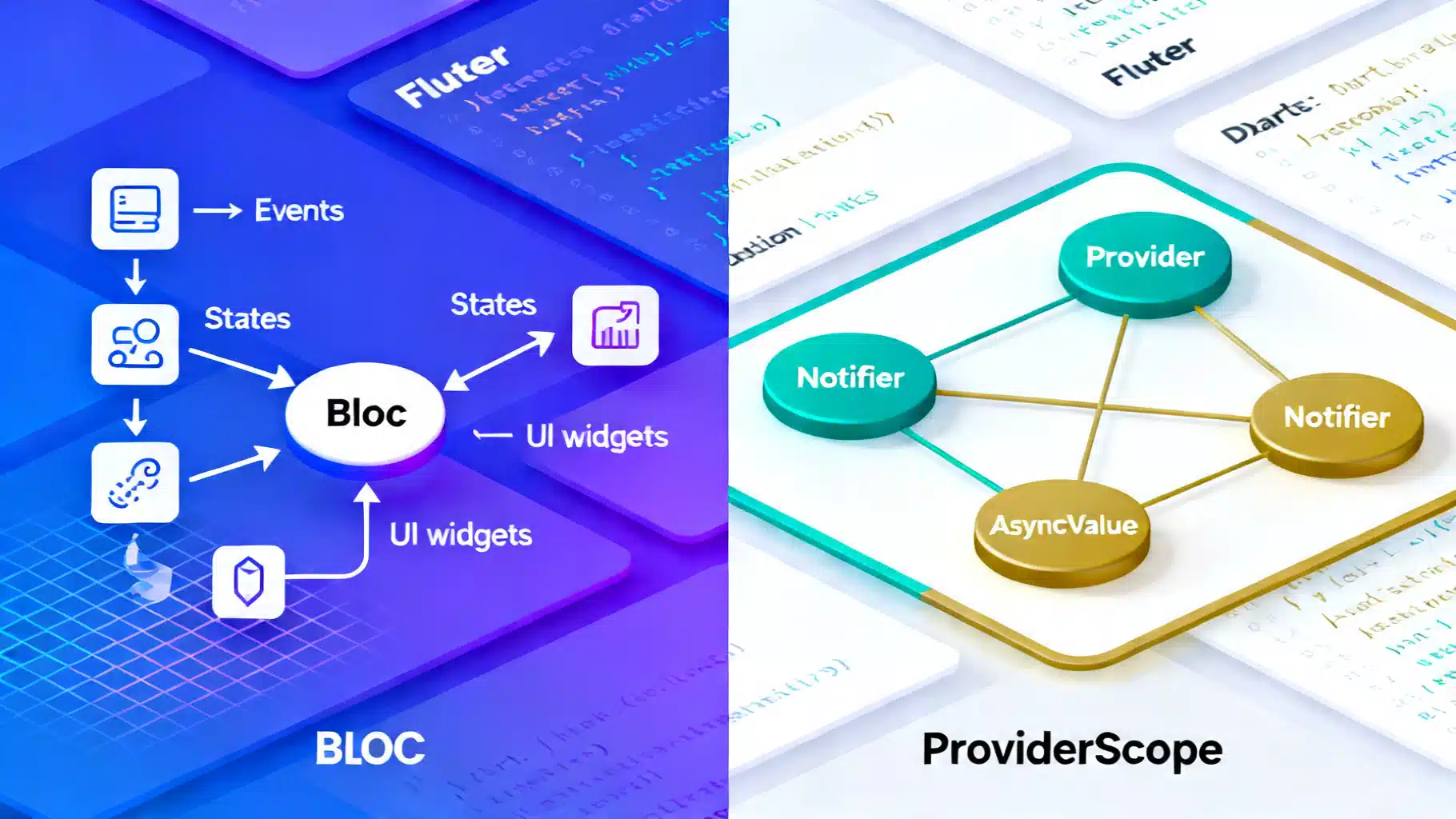
Flutter State Management in 2026: BLoC vs Riverpod (3.x)
Flutter state management in 2026: a concise, practical comparison of BLoC and Riverpod 3.x—APIs, tooling, performance, and when to choose each.
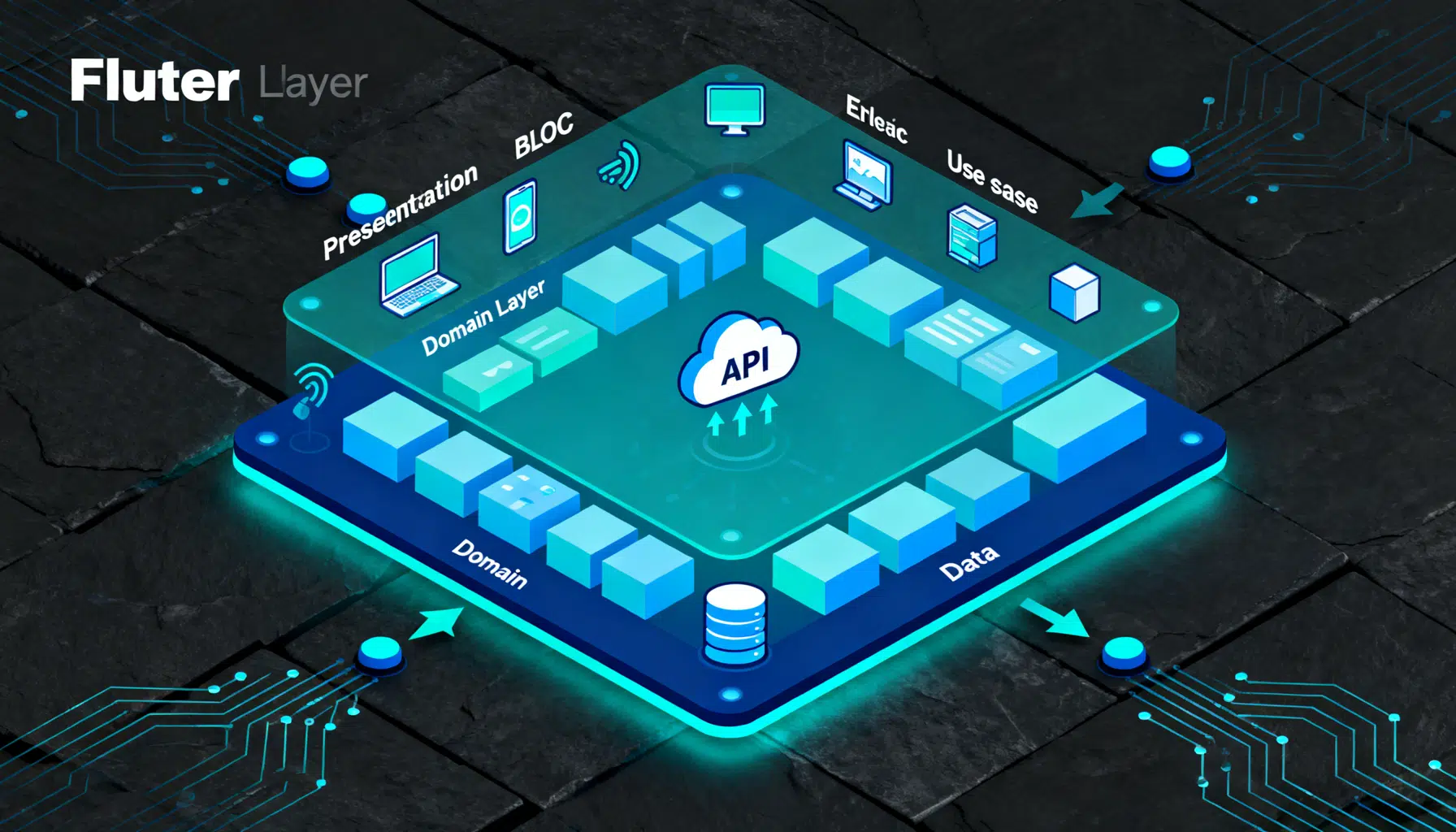
Flutter BLoC + Clean Architecture: A Practical Guide with Patterns and Code
A practical, end-to-end guide to combining Flutter’s BLoC pattern with Clean Architecture using code, structure, DI, and testing tips.
The Practical Guide to Flutter’s Widget Catalog: Patterns, Picks, and Proven Recipes
A practical, in-depth guide to Flutter’s widget catalog—organization, selection tips, patterns, recipes, and performance/testing guidance.