
Flutter Background Audio Playback: A Practical, Modern Guide
A practical guide to Flutter background audio using just_audio, audio_service, and audio_session—with setup, code, and production tips.
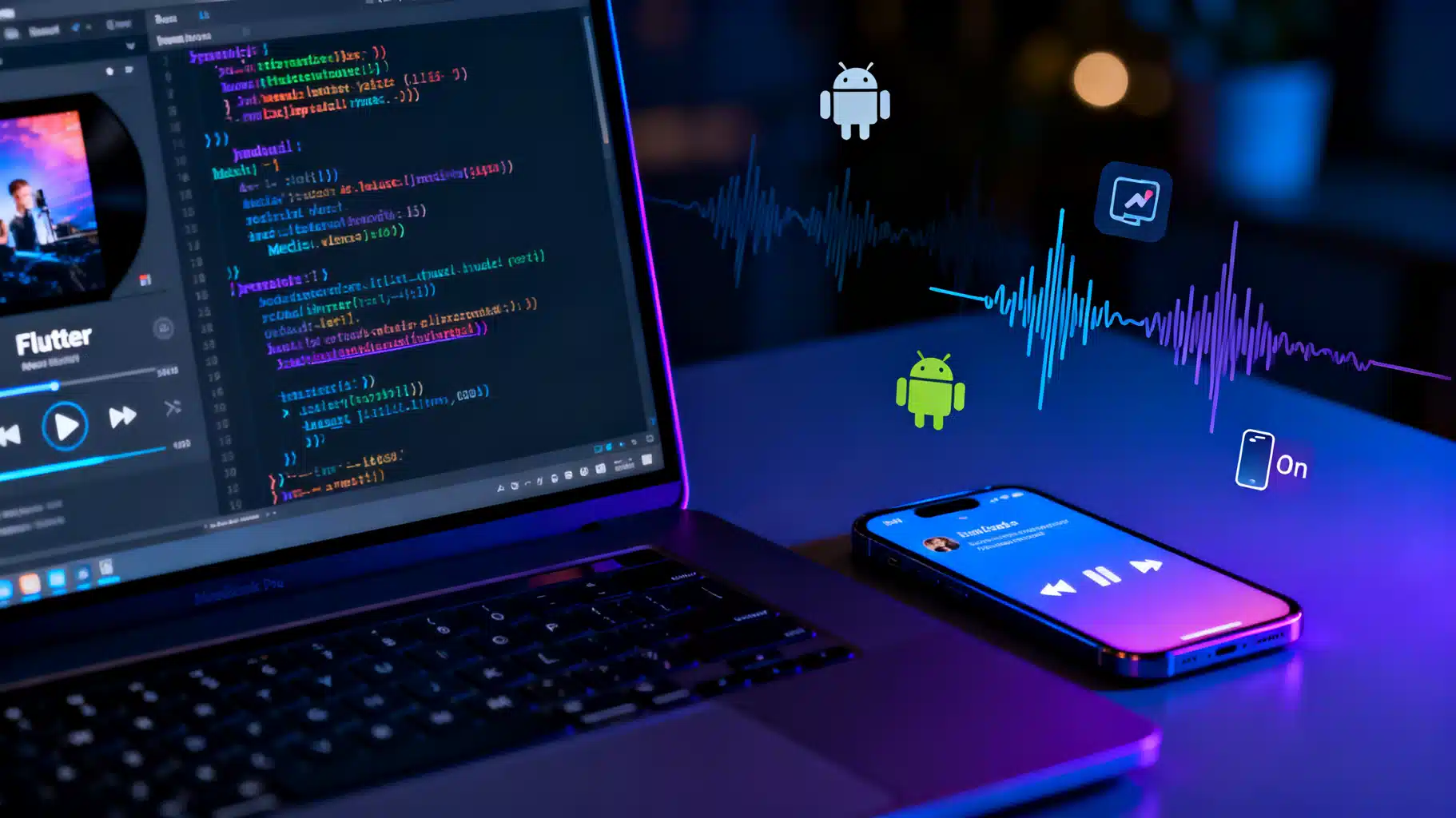
Image used for representation purposes only.
Why background audio matters
Audio feels effortless when it keeps playing while users lock the screen, switch apps, plug in headphones, or receive a phone call. Getting that right in Flutter means integrating with each platform’s media system, handling audio focus and interruptions, and surfacing controls on the lock screen and notification shade. This guide walks you through a pragmatic setup that works on Android, iOS, and beyond.
The package stack (and when to use what)
- just_audio: A fast, reliable audio player built on native engines (ExoPlayer on Android, AVFoundation on iOS). It supports playlists, HLS/DASH, clipping, looping, and more.
- audio_service: Bridges your player to the OS media APIs. It provides notifications/lock‑screen controls, headset buttons, car integrations, and a structured AudioHandler API.
- audio_session: Manages the platform audio session/focus so your app cooperates with navigation apps, phone calls, alarms, and other media.
- Optional: just_audio_background: A convenience add‑on that auto‑wires artwork/metadata for simple use cases.
Choose a path:
- Simple streaming app: just_audio + just_audio_background is the quickest route.
- Full media app (queues, deep control, car integrations): audio_service + just_audio (+ audio_session) gives you maximum control.
This article demonstrates the “full” path using audio_service + just_audio + audio_session, with notes on simplifying where helpful.
Platform realities you must respect
- Android
- Runs a foreground service for media playback, with a persistent notification and MediaSession integration.
- Requires a notification channel and, on Android 13+, runtime notification permission if you post user‑visible notifications.
- Handles audio focus and “becoming noisy” events (e.g., headphones unplugged).
- iOS
- Requires Background Modes → “Audio, AirPlay, and Picture in Picture.”
- Uses AVAudioSession for category/ducking and MPNowPlayingInfoCenter for lock‑screen metadata.
- Desktop/Web
- macOS shares much of iOS’s audio stack.
- Web integrates best with the Media Session API (exposed through packages). Background playback is subject to browser policies and user gestures.
Project setup
1) Add dependencies
# pubspec.yaml
dependencies:
  flutter: any
  just_audio: ^x.y.z
  audio_service: ^x.y.z
  audio_session: ^x.y.z
  # Optional for simpler metadata/notifications on basic apps
  # just_audio_background: ^x.y.z
Avoid hard‑pinning to exact versions unless you must; keep them compatible and test on real devices.
2) iOS/macOS: enable background audio
- In Xcode → Runner target → Signing & Capabilities → +Capability → Background Modes → check “Audio, AirPlay, and Picture in Picture.”
- If you use microphone or Bluetooth routes, also enable the relevant modes.
3) Android: foreground service + notifications
Add (or verify) these in android/app/src/main/AndroidManifest.xml:
<!-- Foreground service for media playback -->
<uses-permission android:name="android.permission.FOREGROUND_SERVICE" />
<uses-permission android:name="android.permission.FOREGROUND_SERVICE_MEDIA_PLAYBACK" />

<!-- Optional but recommended on Android 13+ for posting notifications -->
<uses-permission android:name="android.permission.POST_NOTIFICATIONS" />
Notes:
- You’ll create a notification channel at runtime (audio_service config helps). On Android 13+, request POST_NOTIFICATIONS at runtime before starting playback notifications.
- Ensure your app targets a modern SDK and that any components with intent filters set android:exported appropriately.
A minimal, production‑ready architecture
We’ll build a small but robust AudioHandler that:
- wraps a just_audio AudioPlayer,
- publishes queue and playback state to the OS,
- handles plays/pauses/seeks from the notification, lock screen, and headset buttons,
- cooperates with other audio via audio_session.
4) The AudioHandler implementation
// lib/audio_handler.dart
import 'package:audio_service/audio_service.dart';
import 'package:audio_session/audio_session.dart';
import 'package:just_audio/just_audio.dart';

class MyAudioHandler extends BaseAudioHandler with QueueHandler, SeekHandler {
  final _player = AudioPlayer();

  MyAudioHandler() {
    // Forward player state to audio_service so the OS sees updates.
    _player.playbackEventStream.map(_transformEvent).pipe(playbackState);

    // Keep mediaItem in sync with the current queue index.
    _player.currentIndexStream.listen((index) {
      final q = queue.value;
      if (index != null && index >= 0 && index < q.length) {
        mediaItem.add(q[index]);
      }
    });

    // Optional: handle interruptions and becoming noisy.
    _initAudioSession();
  }

  Future<void> _initAudioSession() async {
    final session = await AudioSession.instance;
    await session.configure(const AudioSessionConfiguration.music());

    // Pause when headphones unplug or audio should duck/interrupt.
    session.becomingNoisyEventStream.listen((_) => pause());
    session.interruptionEventStream.listen((event) {
      if (event.begin) {
        switch (event.type) {
          case AudioInterruptionType.pause:
          case AudioInterruptionType.duck: // choose policy; here we pause
            pause();
            break;
          case AudioInterruptionType.unknown:
            break;
        }
      } else {
        // Interruption ended; decide whether to resume.
        if (event.type == AudioInterruptionType.pause &&
            playbackState.value.playing) {
          // leave paused by default; resume only if you tracked prior state
        }
      }
    });
  }

  // Queue management
  @override
  Future<void> addQueueItem(MediaItem item) async {
    final newQueue = [...queue.value, item];
    queue.add(newQueue);

    // Rebuild the audio source when the queue changes.
    final sources = newQueue
        .map((m) => AudioSource.uri(Uri.parse(m.id)))
        .toList(growable: false);
    await _player.setAudioSource(ConcatenatingAudioSource(children: sources),
        preload: true);
  }

  @override
  Future<void> updateQueue(List<MediaItem> newItems) async {
    queue.add(newItems);
    final sources = newItems
        .map((m) => AudioSource.uri(Uri.parse(m.id)))
        .toList(growable: false);
    await _player.setAudioSource(ConcatenatingAudioSource(children: sources));
  }

  // Transport controls
  @override
  Future<void> play() => _player.play();

  @override
  Future<void> pause() => _player.pause();

  @override
  Future<void> stop() async {
    await _player.stop();
    return super.stop();
  }

  @override
  Future<void> seek(Duration position) => _player.seek(position);

  @override
  Future<void> skipToNext() => _player.seekToNext();

  @override
  Future<void> skipToPrevious() => _player.seekToPrevious();

  PlaybackState _transformEvent(PlaybackEvent event) {
    return PlaybackState(
      controls: [
        MediaControl.skipToPrevious,
        _player.playing ? MediaControl.pause : MediaControl.play,
        MediaControl.stop,
        MediaControl.skipToNext,
      ],
      systemActions: const {
        MediaAction.seek,
        MediaAction.seekForward,
        MediaAction.seekBackward,
      },
      androidCompactActionIndices: const [0, 1, 3],
      processingState: const {
        ProcessingState.idle: AudioProcessingState.idle,
        ProcessingState.loading: AudioProcessingState.loading,
        ProcessingState.buffering: AudioProcessingState.buffering,
        ProcessingState.ready: AudioProcessingState.ready,
        ProcessingState.completed: AudioProcessingState.completed,
      }[event.processingState]!,
      playing: _player.playing,
      updatePosition: _player.position,
      bufferedPosition: _player.bufferedPosition,
      speed: _player.speed,
      queueIndex: _player.currentIndex,
    );
  }
}
Key ideas:
- Queue and playbackState are BehaviorSubjects exposed by BaseAudioHandler. Piping the player’s stream keeps OS notifications/lock‑screen in sync.
- MediaItem.id typically holds the stream URL. Set title/artist/album/artUri for rich notifications and lock‑screen artwork.
5) Wire up the handler in main()
// lib/main.dart
import 'package:flutter/material.dart';
import 'package:audio_service/audio_service.dart';
import 'audio_handler.dart';

Future<void> main() async {
  WidgetsFlutterBinding.ensureInitialized();

  final audioHandler = await AudioService.init(
    builder: () => MyAudioHandler(),
    config: const AudioServiceConfig(
      androidNotificationChannelId: 'com.example.app.audio',
      androidNotificationChannelName: 'Audio playback',
      androidNotificationOngoing: true,
      androidStopForegroundOnPause: true,
    ),
  );

  runApp(MyApp(audioHandler: audioHandler));
}

class MyApp extends StatelessWidget {
  const MyApp({super.key, required this.audioHandler});
  final AudioHandler audioHandler;

  @override
  Widget build(BuildContext context) {
    return MaterialApp(
      title: 'Background Audio',
      home: PlayerScreen(audioHandler: audioHandler),
    );
  }
}

class PlayerScreen extends StatelessWidget {
  const PlayerScreen({super.key, required this.audioHandler});
  final AudioHandler audioHandler;

  @override
  Widget build(BuildContext context) {
    return Scaffold(
      appBar: AppBar(title: const Text('Background Audio')),
      body: StreamBuilder<PlaybackState>(
        stream: audioHandler.playbackState,
        builder: (context, snapshot) {
          final playing = snapshot.data?.playing ?? false;
          return Center(
            child: Column(
              mainAxisAlignment: MainAxisAlignment.center,
              children: [
                ElevatedButton(
                  onPressed: () async {
                    // Add a demo item and play
                    await audioHandler.updateQueue([
                      const MediaItem(
                        id: 'https://example.com/audio/stream.mp3',
                        title: 'Sample Stream',
                        artist: 'Example FM',
                        artUri: Uri.parse('https://example.com/cover.jpg'),
                      ),
                    ]);
                    await audioHandler.play();
                  },
                  child: const Text('Play sample'),
                ),
                const SizedBox(height: 12),
                Row(
                  mainAxisAlignment: MainAxisAlignment.center,
                  children: [
                    IconButton(
                      icon: const Icon(Icons.skip_previous),
                      onPressed: audioHandler.skipToPrevious,
                    ),
                    IconButton(
                      icon: Icon(playing ? Icons.pause : Icons.play_arrow),
                      onPressed: playing ? audioHandler.pause : audioHandler.play,
                    ),
                    IconButton(
                      icon: const Icon(Icons.stop),
                      onPressed: audioHandler.stop,
                    ),
                    IconButton(
                      icon: const Icon(Icons.skip_next),
                      onPressed: audioHandler.skipToNext,
                    ),
                  ],
                ),
              ],
            ),
          );
        },
      ),
    );
  }
}
This minimal UI confirms that background controls, notifications, and headset buttons work as expected.
6) Prefer the simple path for basic apps
If you’re streaming a single item and don’t need custom queue logic, initialize just_audio_background in main() and pass MediaItem metadata to just_audio. It reduces boilerplate and handles notification artwork for you. You can still add audio_session for focus/interruptions.
Rich metadata and artwork
Populate MediaItem thoroughly:
- id: the URL or unique ID of the track.
- title, artist, album: user‑visible fields on notifications/lock screen.
- artUri: a network or local URI to show cover art.
- extras: any app‑specific data (e.g., stream type, content rating).
As you change tracks, update queue and mediaItem so the OS reflects the right metadata instantly.
Handling audio focus, ducking, and interruptions
- Configure the session for music or speech as appropriate.
- On Android, expect the system to request ducking when another app plays transient audio (e.g., navigation prompts). You can implement ducking by temporarily lowering player volume.
- Pause or reduce volume on phone calls and resume intelligently afterward, based on prior state and user expectations.
- Listen to becomingNoisy (headphones unplugged) and pause to avoid blasting audio on speakers.
Example ducking policy:
session.interruptionEventStream.listen((event) {
  if (event.begin && event.type == AudioInterruptionType.duck) {
    _player.setVolume(0.4);
  } else if (!event.begin && event.type == AudioInterruptionType.duck) {
    _player.setVolume(1.0);
  }
});
Playlists, seeking, and buffering UX
- Use ConcatenatingAudioSource for playlists and dynamically insert/remove children to reflect user actions.
- Expose duration, position, bufferedPosition, and processing state to render scrubbing sliders and buffering indicators.
- For live streams without a fixed duration, hide scrubbing and show “Live” affordances.
Downloading and offline playback
- Keep streaming and downloads on separate layers. Download files with a background‑capable downloader, store them securely, then play via FileSource/URI.
- Respect licenses and DRM. For HLS/DASH with encryption/DRM, prefer the native capabilities of just_audio’s backends and test on both platforms.
Car integrations, widgets, and wearables
- Android Auto and iOS CarPlay pick up transport controls and metadata through your media session. A well‑behaved AudioHandler usually suffices.
- Test with real hardware or emulators that support media sessions to verify next/previous, queue browsing, and artwork.
Testing checklist
- Lock screen behavior: title/artist/artwork and play/pause work consistently.
- Headset and Bluetooth buttons: play/pause/skip map correctly.
- Phone calls and alarms: playback pauses/ducks and state recovers gracefully.
- App termination: on Android, the foreground service keeps playing; on iOS, playback continues with Background Mode enabled.
- Network transitions: simulate Wi‑Fi → cellular → offline; confirm buffering and reconnection policies.
- Battery optimizations: verify the app isn’t killed prematurely on OEM Android devices; guide users to disable aggressive optimizers if needed.
Common pitfalls and fixes
- Nothing shows in the notification shade on Android
- Ensure you initialized AudioService with a notification channel ID/name and started playback (the OS often shows the notification upon active playback).
- On Android 13+, request POST_NOTIFICATIONS permission before starting playback notifications.
- Playback stops when the app is swiped away
- Confirm you’re using a proper media foreground service via audio_service and that androidStopForegroundOnPause is set according to your UX.
- No audio after a phone call
- Track whether you were playing before the interruption and resume appropriately.
- Artwork doesn’t appear
- Provide a valid, reachable artUri and ensure your network stack allows HTTPs (or configure cleartext for dev only).
Production hardening
- Robust error handling
- Surface human‑readable errors (network, decoding) and retry logic for transient failures.
- Telemetry
- Track start/stop, buffering ratio, and failures to improve quality.
- Accessibility
- Label controls for screen readers; ensure focus order is logical.
- Privacy and compliance
- Explain background audio in onboarding and request notification permission with context.
Summary
With just_audio for playback, audio_service for system integration, and audio_session for focus/interruptions, you can deliver reliable background audio across platforms. Start with a minimal AudioHandler, feed it rich MediaItem metadata, and iterate with playlists, downloads, and car integrations. Test with real devices and edge cases—your listeners will notice the difference.
Related Posts
Flutter Apple Pay and Google Pay Integration: An End-to-End Guide
A practical, end-to-end guide to adding Apple Pay and Google Pay to your Flutter app, from setup and UI to server token exchange and testing.
Flutter Text-to-Speech (TTS) Integration: A Complete Guide with Code
Integrate Flutter text-to-speech with flutter_tts: setup, voices, events, mixing audio, long text chunking, and production-ready patterns with code.
Flutter Custom Notification Sounds: The Complete Cross‑Platform Guide
Add custom notification sounds to Flutter apps on Android and iOS with channels, file placement, FCM payloads, and testing tips.