
Flutter BLE Beacon Proximity: A Complete, Up‑to‑Date Tutorial
Build a production-grade Flutter BLE beacon proximity app with Android 12–14 permissions, iOS authorization, ranging code, and distance smoothing.
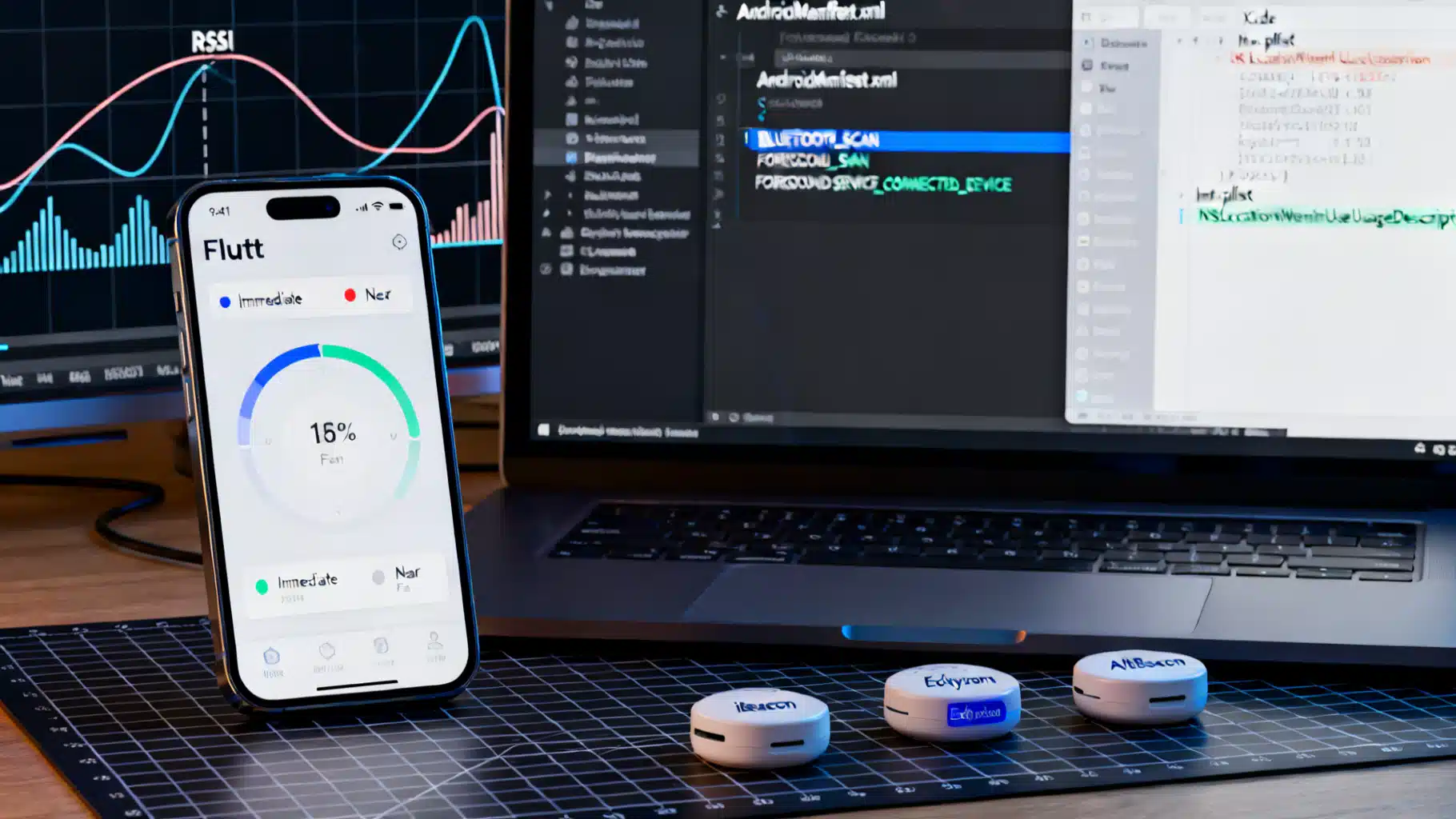
Image used for representation purposes only.
Overview
Bluetooth Low Energy (BLE) beacons let your Flutter app detect proximity to physical places and objects with low power and low friction. In this tutorial you’ll build a cross‑platform proximity scanner that ranges iBeacon/Eddystone beacons, turns RSSI into distance buckets (Immediate, Near, Far), and handles modern Android 12–14 permissions plus iOS authorization nuances. We’ll use flutter_beacon for simple, reactive ranging and note where beacons_plugin helps with background scanning. (pub.dev )
What you’ll build
- A Flutter app that scans for nearby beacons and shows live distance/proximity.
- Clean permission flows for Android 12+ (Nearby Devices) and iOS (When In Use vs Always).
- Optional background ranging on Android with a Foreground Service.
Beacon basics in 60 seconds
- Protocols: iBeacon (UUID, major, minor), AltBeacon (open), and Eddystone (UID/URL/TLM).
- A beacon only advertises; your phone scans passively and estimates proximity from received signal strength (RSSI) and a calibration constant (Tx Power). That estimate is noisy and environment‑dependent; treat it as a hint, not ground truth. The Android Beacon Library documents device‑specific distance models and cautions against raw, uncalibrated formulas. (altbeacon.github.io )
On iOS, you typically scan by specifying known UUIDs/regions (wildcard scanning is limited). Many Flutter plugins reflect this: you add one or more regions to monitor or range. (pub.dev )
Choosing your Flutter packages
- flutter_beacon: streamlined iBeacon ranging/monitoring on Android and iOS using Android‑Beacon‑Library/Core Location under the hood. Great for foreground ranging and region monitoring. (pub.dev )
- beacons_plugin: iBeacon scanning with background service helpers on Android and convenience distance/proximity values; supports custom beacon layouts (e.g., AltBeacon/Eddystone) via Android‑Beacon‑Library. Useful when you need more control over scan periods or background behavior. (pub.dev )
Use flutter_beacon for the core tutorial and reference beacons_plugin for background/advanced Android tweaks.
Project setup
Add the package:
# pubspec.yaml
dependencies:
  flutter:
    sdk: flutter
  flutter_beacon: ^0.5.1   # or latest
Initialize in main():
// lib/main.dart
import 'dart:async';
import 'dart:io';
import 'package:flutter/material.dart';
import 'package:flutter/services.dart';
import 'package:flutter_beacon/flutter_beacon.dart';

void main() => runApp(const MyApp());

class MyApp extends StatefulWidget {
  const MyApp({super.key});
  @override
  State<MyApp> createState() => _MyAppState();
}

class _MyAppState extends State<MyApp> {
  StreamSubscription<RangingResult>? _sub;
  final List<Beacon> _beacons = [];

  @override
  void initState() {
    super.initState();
    _initBeacon();
  }

  Future<void> _initBeacon() async {
    try {
      // Checks bluetooth/location state and requests as needed
      await flutterBeacon.initializeAndCheckScanning();

      final regions = <Region>[];
      if (Platform.isIOS) {
        // iOS: specify at least a known proximityUUID to scan
        regions.add(Region(
          identifier: 'demo',
          proximityUUID: 'E2C56DB5-DFFB-48D2-B060-D0F5A71096E0',
        ));
      } else {
        // Android: you may scan all iBeacons without UUID filter
        regions.add(const Region(identifier: 'all-beacons'));
      }

      _sub = flutterBeacon.ranging(regions).listen((RangingResult result) {
        setState(() {
          // Sort by estimated accuracy if available
          _beacons
            ..clear()
            ..addAll(result.beacons..sort((a, b) => (a.accuracy).compareTo(b.accuracy)));
        });
      });
    } on PlatformException catch (e) {
      debugPrint('Beacon init failed: $e');
    }
  }

  @override
  void dispose() {
    _sub?.cancel();
    super.dispose();
  }

  String proximityBucket(Beacon b) {
    final d = (b.accuracy.isNaN || b.accuracy < 0) ? 999.0 : b.accuracy; // meters
    if (d < 0.5) return 'Immediate';
    if (d < 3.0) return 'Near';
    return 'Far';
  }

  @override
  Widget build(BuildContext context) {
    return MaterialApp(
      home: Scaffold(
        appBar: AppBar(title: const Text('Beacon Proximity')),
        body: ListView.builder(
          itemCount: _beacons.length,
          itemBuilder: (c, i) {
            final b = _beacons[i];
            return ListTile(
              title: Text('${b.proximityUUID}\nmajor:${b.major} minor:${b.minor}'),
              subtitle: Text('RSSI ${b.rssi} dBm  |  est: ${b.accuracy.toStringAsFixed(2)} m  |  ${proximityBucket(b)}'),
            );
          },
        ),
      ),
    );
  }
}
The flutter_beacon APIs provide reactive ranging/monitoring streams across platforms. (pub.dev )
Android configuration (Android 12–14+)
- Nearby Devices permissions (Android 12+): declare and request the new runtime permissions instead of coarse/fine location when your app isn’t deriving the user’s location. Add BLUETOOTH_SCAN (with usesPermissionFlags=“neverForLocation” if you don’t infer location), BLUETOOTH_CONNECT, and BLUETOOTH_ADVERTISE (only if you advertise). Keep legacy ACCESS_FINE_LOCATION for Android 10–11 or if your use case infers location. (developer.android.com )
<!-- AndroidManifest.xml -->
<uses-permission android:name="android.permission.BLUETOOTH_SCAN"
  android:usesPermissionFlags="neverForLocation" />
<uses-permission android:name="android.permission.BLUETOOTH_CONNECT" />
<!-- If you advertise as a beacon -->
<uses-permission android:name="android.permission.BLUETOOTH_ADVERTISE" />

<!-- For API 29–30 (Android 10–11) if you infer location from scans -->
<uses-permission android:name="android.permission.ACCESS_FINE_LOCATION" />
<!-- Optional for true background location needs on 10+ -->
<uses-permission android:name="android.permission.ACCESS_BACKGROUND_LOCATION" />
- Foreground services on Android 14+: if you run continuous background scans, start a Foreground Service and declare the appropriate foregroundServiceType (connectedDevice) and permission; otherwise you’ll get MissingForegroundServiceTypeException. (developer.android.com )
<!-- AndroidManifest.xml: service declaration -->
<service
  android:name=".scan.BeaconScanService"
  android:exported="false"
  android:foregroundServiceType="connectedDevice" />

<!-- Android 14+: required permission when using the connectedDevice FGS type -->
<uses-permission android:name="android.permission.FOREGROUND_SERVICE_CONNECTED_DEVICE" />
If you prefer not to write your own Foreground Service, beacons_plugin exposes helpers to start/stop a background scanner that wraps the Android‑Beacon‑Library, along with configurable scan periods. (pub.dev )
iOS configuration and permissions
- Add Info.plist keys: NSLocationWhenInUseUsageDescription (always required for ranging while the app is in use). If you need region monitoring and wake‑ups in the background, request Always (NSLocationAlwaysAndWhenInUseUsageDescription) and follow Apple’s guidance on explaining why. Ranging is not meant for continuous background use; prefer region monitoring for entry/exit triggers. (developer.apple.com )
<!-- ios/Runner/Info.plist -->
<key>NSLocationWhenInUseUsageDescription</key>
<string>We use your location to detect nearby beacons while you use the app.</string>
<key>NSLocationAlwaysAndWhenInUseUsageDescription</key>
<string>We use your location to monitor beacon regions and notify you on entry/exit.</string>
<key>NSBluetoothAlwaysUsageDescription</key>
<string>We use Bluetooth to discover nearby beacons.</string>
- On iOS you typically define the beacon UUID(s) you care about; wildcard scanning is intentionally limited for privacy. Set one or more regions when ranging/monitoring. (pub.dev )
Estimating distance and proximity
Most plugins expose an estimated distance (meters) based on RSSI and Tx Power. If you need your own calculation, start with a path‑loss model and then smooth the signal. Keep in mind: walls, pockets, bodies, and antennas skew RSSI dramatically. The Android Beacon Library recommends device‑specific curve fitting for best results. (altbeacon.github.io )
// Simple estimate: use when txPower is known (dBm at 1 m), else fall back to buckets.
double estimateMeters({required int rssi, int txPower = -59, double n = 2.0}) {
  if (rssi == 0) return double.nan; // no signal
  // d = 10 ^ ((txPower - rssi) / (10 * n))
  final ratio = (txPower - rssi) / (10 * n);
  return double.parse((pow(10, ratio) as num).toStringAsFixed(2));
}
To improve stability:
- Average over a sliding window (e.g., last 5–10 samples).
- Clamp outliers with median filters.
- Use protocol‑provided “accuracy”/“distance” if available from the plugin.
- Calibrate txPower at 1 meter for your specific beacons and test devices.
The Radius Networks primer explains why raw formulas underperform and why calibration matters; the Android‑Beacon‑Library documents its curve‑fitting approach. (developer.radiusnetworks.com )
Optional: Android background scanning with beacons_plugin
If you need continuous scanning, be cautious with battery and OS limits. The snippet below starts beacons_plugin in background on Android (the plugin manages the Foreground Service for you):
import 'dart:async';
import 'dart:io' show Platform;
import 'package:beacons_plugin/beacons_plugin.dart';

Future<void> startBackgroundScan() async {
  // Define a region (iBeacon UUID). Add layouts for AltBeacon/Eddystone if needed.
  await BeaconsPlugin.addRegion('demo', 'E2C56DB5-DFFB-48D2-B060-D0F5A71096E0');
  await BeaconsPlugin.runInBackground(true);

  if (Platform.isAndroid) {
    BeaconsPlugin.channel.setMethodCallHandler((call) async {
      if (call.method == 'scannerReady') {
        await BeaconsPlugin.startMonitoring();
      }
    });
  } else {
    await BeaconsPlugin.startMonitoring();
  }

  final controller = StreamController<String>.broadcast();
  BeaconsPlugin.listenToBeacons(controller);
  controller.stream.listen((json) {
    // Parse beacon JSON → update UI / send to server
  });
}
You can also tune scan periods and add custom beacon layouts (e.g., AltBeacon/Eddystone) on Android. (pub.dev )
UX and privacy best practices
- Be transparent: explain why you need Bluetooth/Location before the prompt.
- Request the minimum permission first (When In Use on iOS; avoid ACCESS_BACKGROUND_LOCATION unless necessary).
- Provide an in‑app “Permissions & Privacy” screen to revisit choices and guide the user to Settings.
- Rate‑limit background scans and pause when the app is idle or the user disables Bluetooth.
Troubleshooting checklist
- iOS Simulator won’t show Bluetooth; test on a device. (pub.dev )
- On Android 12+, verify you request Nearby Devices permissions at runtime; don’t rely on legacy location alone. (developer.android.com )
- On Android 14+, starting a Foreground Service without a service type/permission will crash; add foregroundServiceType and the matching FOREGROUND_SERVICE_CONNECTED_DEVICE permission. (developer.android.com )
- No results on iOS? Ensure you’re ranging a known UUID region and the app has the right authorization level (When In Use for foreground, Always for background region monitoring/wake‑ups). (developer.apple.com )
Where to go next
- Advertising as a beacon: add BLUETOOTH_ADVERTISE on Android and consider platform limits on iOS background advertising.
- Geofencing + beacons: combine GPS geofences with beacon entry/exit for robust triggers.
- Fingerprinting: replace distance math with room‑level classification (e.g., k‑NN on smoothed RSSI features) when accuracy matters more than meters.
Summary
You built a portable proximity scanner with Flutter, covered the modern Android 12–14 permission model and iOS authorization, and learned why calibration and filtering matter more than any single formula. Start with clear regions, small permission asks, and stable scan windows—then iterate with calibration for your devices and spaces. For APIs and behavior details, consult the official Android Nearby Devices permissions guidance, Apple’s Core Location authorization docs, and your chosen plugin’s documentation. (developer.android.com )
Related Posts
Flutter BLE Integration: A Production-Ready Guide
A practical, production-ready guide to integrating Bluetooth Low Energy (BLE) in Flutter apps on Android and iOS, with code, setup, and best practices.
Flutter Sign in with Apple: A Complete Step-by-Step Tutorial
Step-by-step Flutter Sign in with Apple: iOS/macOS setup, Android web flow, secure nonce, Firebase integration, testing, and troubleshooting.
Flutter Background Geofencing: A Practical, Production‑Ready Tutorial
Build reliable background geofencing in Flutter for Android and iOS: permissions, setup, code, testing, and production tips.